 小影邮箱
小影邮箱邮件边框怎么加?Borders That Help
Key Takeaways
- 邮件边框 is a line drawn around a block.
- One thin border frames a section well.
- Two borders usually fight for attention.
- Colour should stay quiet and close to the text.
- Drop the border when the layout is already clear.
What 邮件边框 means
邮件边框 is a line around a block of content.
It can wrap a whole card or a single quote.
The line may be solid, dashed or dotted.
It can also sit on one side only.
A top border works like a quiet divider.
A full box works like a frame.
Both send the same message to the reader.
They say this part belongs together.
The thickness is measured in pixels.
One pixel is usually enough on screen.
Two pixels start to look like a box.
Colour matters as much as thickness.
A grey line reads softer than a black one.
A bright line can look like a button.
So keep the tone of the line calm.
Padding is the space inside the border.
Margin is the space outside it.
Both keep the frame from feeling tight.
A simple line costs almost nothing.
It renders in nearly every mail client.
Even plain text can fake one with dashes.
That makes it a safe design tool.
A careful 邮件边框 marks one clear edge.
Why 邮件边框 matters
A border tells the eye where a section starts.
It also tells the eye where it ends.
That saves reading effort in a long note.
A well-placed 邮件边框 groups related items.
It separates the main offer from the fine print.
It can also lift a call to action.
But the line must stay quieter than the content.
If the border shouts, the words lose.
So think of it as a shelf, not a sign.
A shelf holds things without calling out.
That is exactly what a good frame does.
It organises the page in silence.
Thin versus heavy
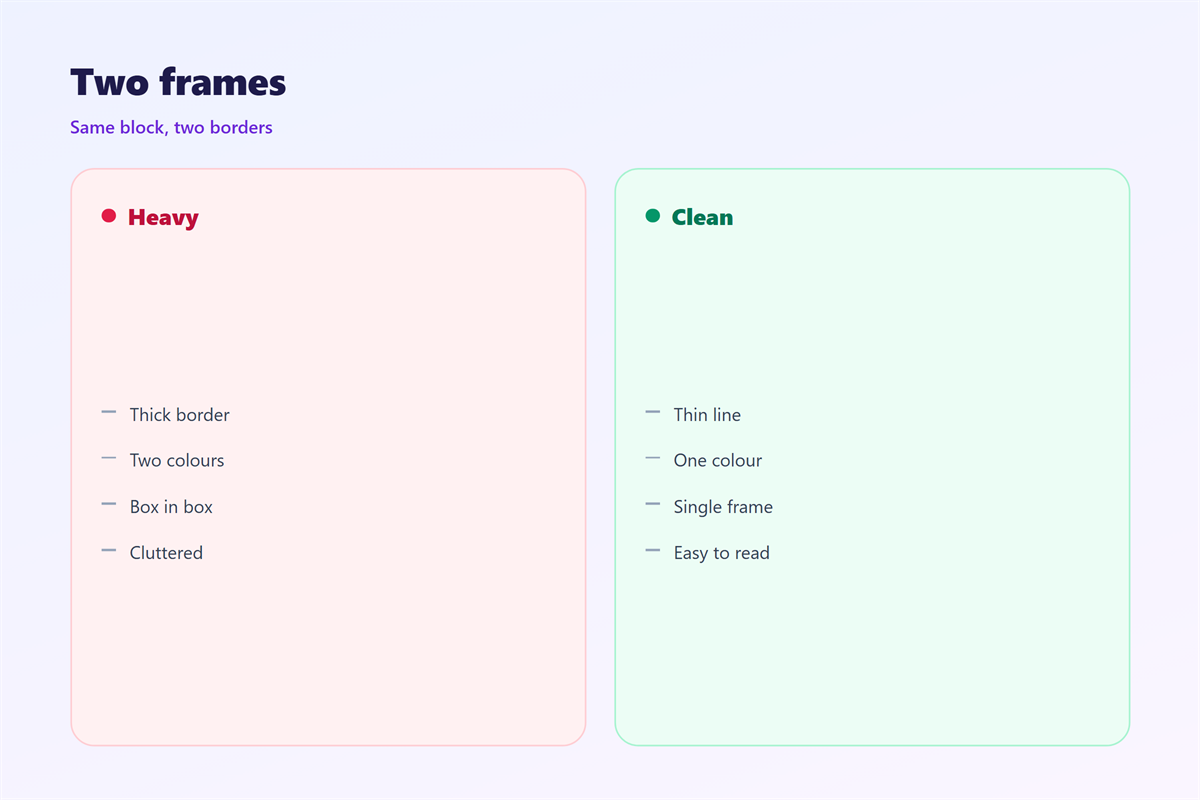
A thin line guides without noise.
A heavy line draws the eye to itself.
Choose heavy only for a real warning.
For everything else, stay thin.
When 邮件边框 helps
邮件边框 helps in a few clear cases.
Use it to group a short set of details.
Use it to mark a quoted reply.
Use it to separate a footer from the body.
Each case shares one goal.
The line keeps the parts from blending.
If the layout is already clear, skip it.
The one-line rule
Count the lines you have added.
Two boxes on one screen is plenty.
A third box starts to feel crowded.
Then the mail reads like a table.
When 邮件边框 hurts
Too many borders make a page feel boxed in.
Every frame adds a new edge.
Too many edges tire the eye.
A dark 邮件边框 can also break the mood.
A friendly note turns formal under hard lines.
Count the frames before you send.
If a line marks nothing, remove it.
White space often does the same job better.
A blank gap can group items without a stroke.
So try spacing first, then add the line.
One frame per screen is often the safe limit.
Beyond that, the design starts to box itself in.
A single strong box beats three weak ones.
So choose the block that matters most.
邮件边框 and spacing
Spacing works with the line, not against it.
Padding gives the text room to breathe.
Without padding, the words touch the frame.
That looks cramped and hard to read.
A little room on each side fixes it.
Then the border reads as a calm edge.
The gap outside matters just as much.
It keeps two frames from touching.
So set the inside and the outside apart.
Most templates already do this well.
If the template is fixed, you may not control it.
Then a border is your only tool.
Use one that fits the existing gap.
A line matching the padding looks intentional.
How to use 邮件边框 well
Start with a plain block of text.
Ask if the content needs a frame.
If two items must stay together, add one.
Keep the line to a single colour.
Then match it with the text weight.
A thin line suits light text.
A heavier line suits a bold heading.
Test before sending
Check the corners on a small phone.
Rounded corners can clip on narrow screens.
Square corners are safer and simpler.
Then read the block without the border.
If it still makes sense, the line is a bonus.
If it falls apart, the structure needs work.
Good 邮件边框 is easy to miss.
邮件边框 on dark screens
Dark themes change how a border looks.
A black line disappears on a dark page.
A white line can glare instead.
So test the mail in both themes.
Many clients also ignore the border style.
They may draw a plain grey line.
Check that fallback before a campaign.
If the box vanishes, the grouping is lost.
Add a little space as a backup.
That keeps the parts apart either way.
Some readers also invert the whole page.
In that case a light border turns dark.
So do not rely on a single colour.
A neutral grey survives most themes.
Keeping 邮件边框 consistent
Consistency makes borders feel like a system.
Pick one colour and one thickness.
Then use them across every message.
The table that holds rows is covered in 邮件表格.
The quiet break between blocks sits in 邮件分隔线.
The wider layout that holds it all is in 邮件排版.
The columns that share a frame appear in 邮件分栏.
Agree on how many frames a note may hold.
Then keep the same 邮件边框 for every message.
A team that agrees on 邮件边框 writes cleaner mail.
FAQ
Is 邮件边框 the same as a separator line?
No. A separator divides two parts. A border wraps one part.
How thick should a border be?
One pixel is usually enough. Two is the safe maximum.
Should I use a dashed border?
Rarely. Dashed lines look busy and render unevenly.
Can I remove all borders?
Yes. Spacing alone can group items in many layouts.
References
- W3C WAI: Tables and their borders
- Litmus: Email rendering guides
- Nielsen Norman Group: Visual design
评论
还没有评论,来说两句吧。
评论功能已关闭。