 小影邮箱
小影邮箱邮件UTM怎么加?Tags That Trace a Click
Key Takeaways
- 邮件UTM tags tell analytics where a click began.
- Use three fields: source, medium and campaign.
- Keep every value in lowercase.
- Never edit a tag on a live link.
- Keep one naming sheet for the team.
What 邮件UTM means
邮件UTM is a short set of tags added to a link.
The tags travel with the click into analytics.
They name the source, the medium and the campaign.
A tag does not change the page. It is metadata, not content.
It only describes how the visitor arrived.
The values are plain text.
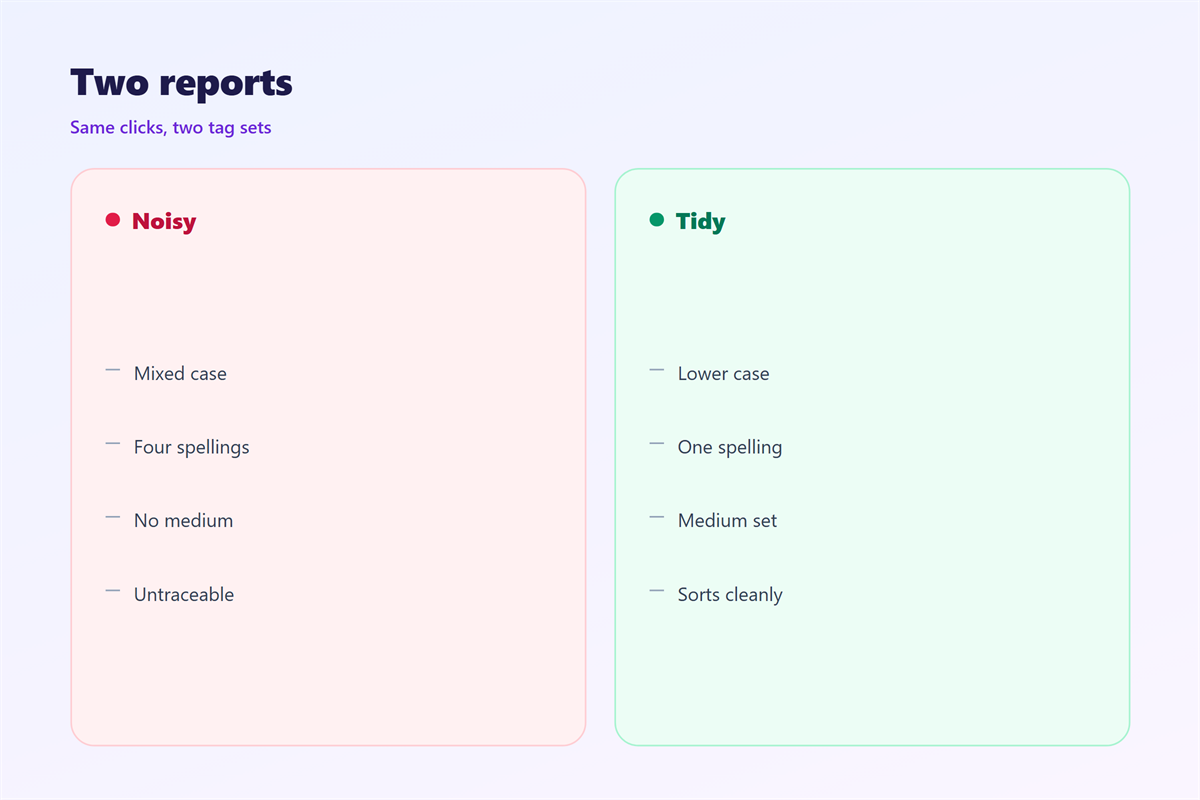
Case matters to most analytics tools.
“Newsletter” and “newsletter” become two rows.
邮件UTM stays invisible to the reader.
The link looks the same in the mail.
Only the address bar shows the tags.
That is why a naming rule matters.
Why 邮件UTM matters
Without tags, traffic arrives as direct.
Direct traffic tells you almost nothing. Every send collapses into one bucket.
邮件UTM separates one send from the rest.
It also separates mail from social and search.
Our team ran three sends in one week.
Two used the same tag by mistake.
The report merged them into one line.
We lost the comparison for good.
A tag is cheap to write and hard to rebuild.
It also makes testing possible.
Two variants need two campaign values. Then the winner is visible.
One sheet, one spelling
Keep a shared sheet of campaign names.
Everyone copies a value from that sheet.
No one types a campaign name from memory.
Typos here cost a whole report. A single wrong letter splits a month of data.
When 邮件UTM helps
It helps whenever two links point to one page.
A header link and a footer link look alike. Both may point to the same offer.
邮件UTM keeps them apart in the report.
It helps a newsletter with many sections.
Each section can carry its own campaign value.
It helps when a partner shares your link.
Their copy keeps your tags intact.
Use it when you compare two subject lines.
A different campaign value marks each one.
Then the report answers the question directly.
Three fields are enough
Source answers where the mail came from.
Medium answers what kind of link it is.
Keep the third field for the campaign name.
Extra fields add noise, not insight.
When 邮件UTM hurts
It hurts when the tags are pasted twice.
The link then carries two campaign values.
It hurts when a tag breaks the address.
A missing ampersand kills the last field. The link still opens the page.
邮件UTM hurts when the case changes mid-campaign.
Reports split into near-identical rows.
It hurts when someone edits a live link.
Old clicks keep the old tag.
It hurts when the tags expose a private name.
Never put a person’s name in a URL.
邮件UTM and attribution
Attribution is a claim about what caused a click.
Tags are the evidence behind that claim.
邮件UTM gives every send a fair share.
The claim is only as good as the tags.
A missing tag pushes credit somewhere else.
Usually it lands on direct traffic.
Then the mail looks weaker than it was.
A clean scheme protects the channel’s budget.
That is a practical reason to care.
Last click is not the truth
Most tools credit the last click.
The last click is rarely the first nudge.
A reader may see three mails before buying.
Tags show the path, not the cause.
Read the path with care.
How to build 邮件UTM
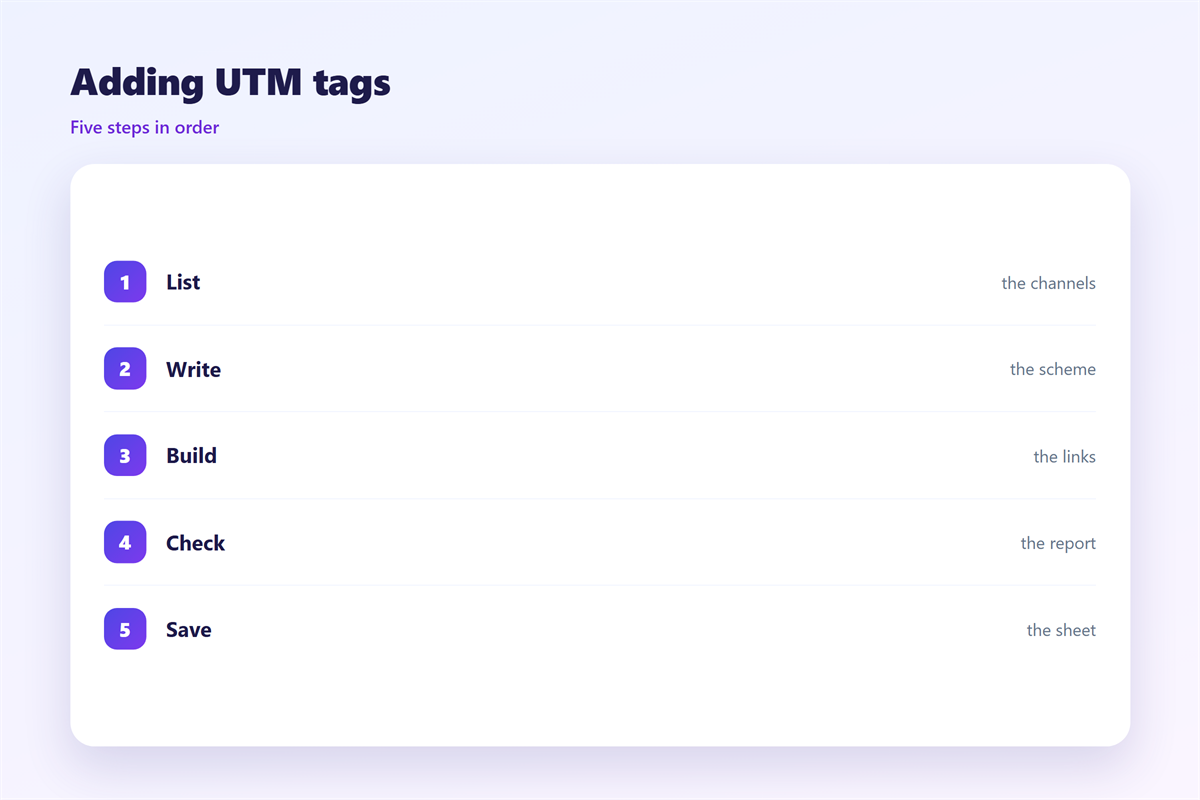
Write the destination first. Copy it from the live page, not from memory.
Strip every existing tag from it.
Then add a question mark.
Add three pairs, joined by ampersands.
Keep every value in lowercase.
Replace spaces with hyphens.
Save the finished link in the sheet.
Then test it in a browser.
Check the report
Send the mail to one internal address.
Click the link once.
Open analytics an hour later.
Confirm the campaign name appears.
If the row is missing, the link is wrong.
Fix it before the real send.
邮件UTM on a phone
Long links look broken on a phone. Most clients truncate them with an ellipsis.
Some clients cut them at the first line.
The reader never sees the tags.
That is fine, since tags are for tools.
邮件UTM must survive the click, not the preview.
Avoid spaces and accents in values.
Encode anything unusual.
Test the tap on a real handset.
Our own test failed on one Android client.
The ampersand had been typed as a full-width mark.
The report showed a single broken row.
A phone test would have caught it.
Short links hide tags
A shortener hides the tags from the reader.
The redirect still passes them on.
Check that the redirect keeps the query string.
Some shorteners drop it.
Keeping 邮件UTM honest
Never tag a link you do not own.
Tags belong to your own pages. Do not tag a partner’s domain.
The wider tracking picture sits in 邮件追踪.
The click numbers are explained in 邮件点击率.
The page after the click is covered in 邮件落地页.
The link itself is judged in 邮件链接.
Then review the naming sheet every quarter.
Delete values no one has used in a year.
FAQ
Is 邮件UTM the same as tracking?
No. Tags label a click. Tracking covers opens, clicks and bounces.
Can tags hurt deliverability?
Rarely. A long messy address can look odd, so keep it tidy.
Do I need tags on every link?
Tag the main links. Tagging every social icon adds noise.
What if the analytics row is missing?
Test again with one click. Then check the ampersands and the case.
评论
还没有评论,来说两句吧。
评论功能已关闭。