 小影邮箱
小影邮箱邮件小标题怎么写?Subheads That Guide
Key Takeaways
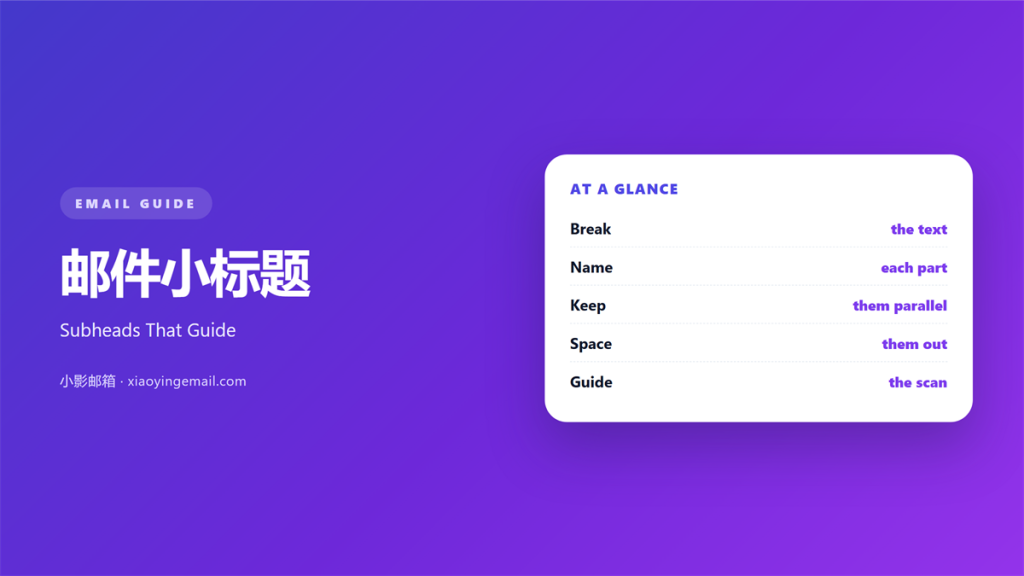
- 邮件小标题 breaks a long note into clear parts.
- Name each part in plain words.
- Keep the wording parallel across sections.
- Two to four subheads suit a short mail.
- Place each one before its block of text.
What 邮件小标题 means
邮件小标题 is a short heading inside the body.
It names the part that follows it.
It is smaller than the main title.
It still stands out from the paragraph text.
A subhead can be a word or a short phrase.
It rarely forms a full sentence.
Its job is to label, not to explain.
So it stays short and direct.
The reader sees it before the block.
That tells them what is coming next.
Mail uses subheads more than the web does.
A long email benefits from a few clear labels.
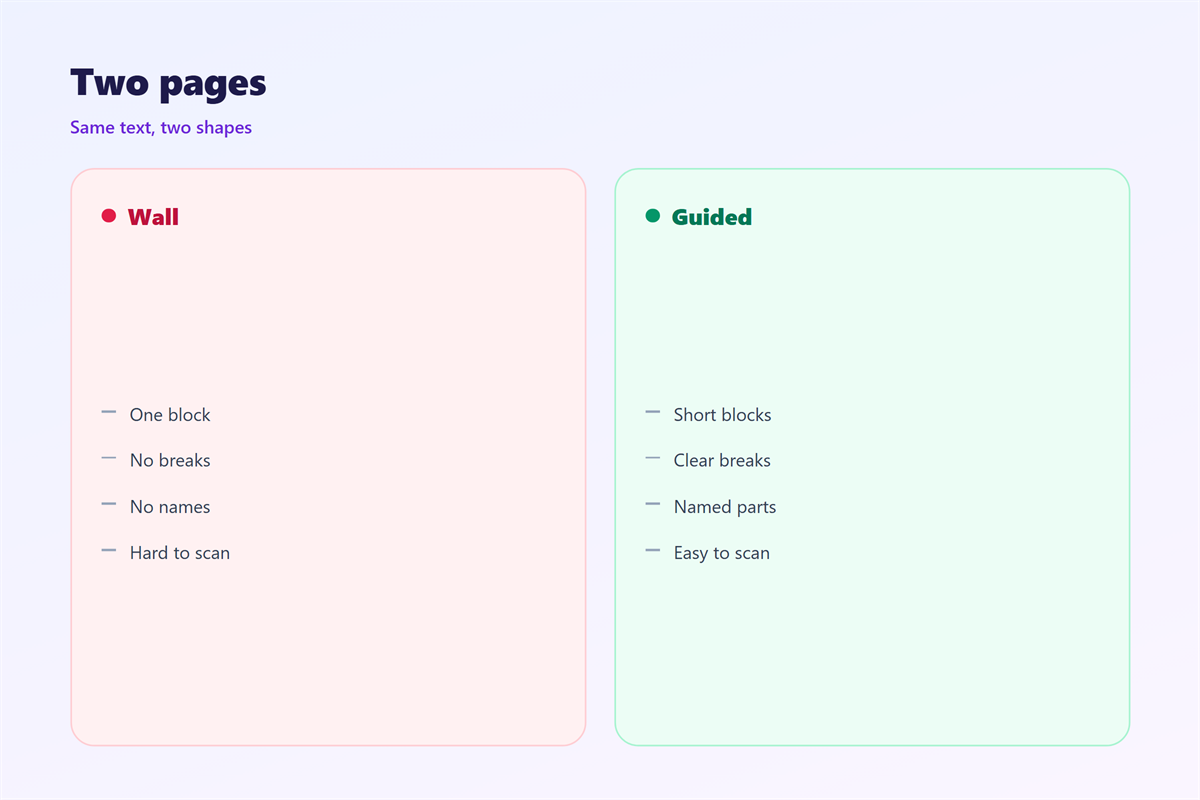
Without them, the text reads as one wall.
With them, each part gets a name.
The list of names becomes a small outline.
A subhead also breaks up the white space.
White space is what makes text scannable.
So a subhead is really a pause.
It gives the eye a place to rest.
Then the next block feels shorter.
Why 邮件小标题 matters
Most people scan a mail before they read it.
A scan looks at the shape of the text.
Subheads give that shape a clear structure.
邮件小标题 also helps a reader skip ahead.
They can jump straight to the part they need.
That is useful in a long or complex note.
A good set of subheads acts like a menu.
The reader picks the section that matters.
It also shows the writer planned the note.
That planning builds trust with the reader.
A clear structure looks professional.
A shapeless wall looks rushed.
Scan first, read later
Readers skim the headings in order.
If the headings tell the story, the mail works.
When 邮件小标题 helps
邮件小标题 helps in a few clear cases.
Use it when the mail covers three topics.
Use it when the body runs past one screen.
Use it when the reader must find one item.
Each case shares one goal.
The reader needs a map, not a wall.
If the note is short and single, skip it.
It helps when the reader must act fast.
A label points to the right section.
Then they find the task in seconds.
Two to four is plenty
Count the subheads before you send.
Two or three suit most messages.
More than four turns the mail into a report.
When 邮件小标题 hurts
Too many 邮件小标题 break the flow.
The reader stops every few lines.
That makes a short note feel choppy.
A vague subhead is just as bad.
A label like update tells the reader nothing.
Then the heading wastes a whole line.
Mixed styles also hurt the look.
One subhead in bold, another in colour, looks messy.
So keep the same style for each.
And give every one a real name.
A heading that repeats the text is noise.
The reader learns nothing new.
So make each one earn its line.
If it cannot, fold it into the text.
邮件小标题 and structure
Subheads and paragraphs work as a team.
The subhead names the block.
The paragraph explains it.
Keep one idea under each heading.
If a block grows two ideas, split it.
Then the structure stays clean.
The order of the subheads matters too.
Put the most important part first.
A reader who stops early still gets the point.
So plan the headings before you write the text.
A short outline keeps the mail on track.
It also shows any gaps in the logic.
Two headings may cover the same ground.
Merge them and the note gets shorter.
A tight outline is easier to write from.
How to use 邮件小标题 well
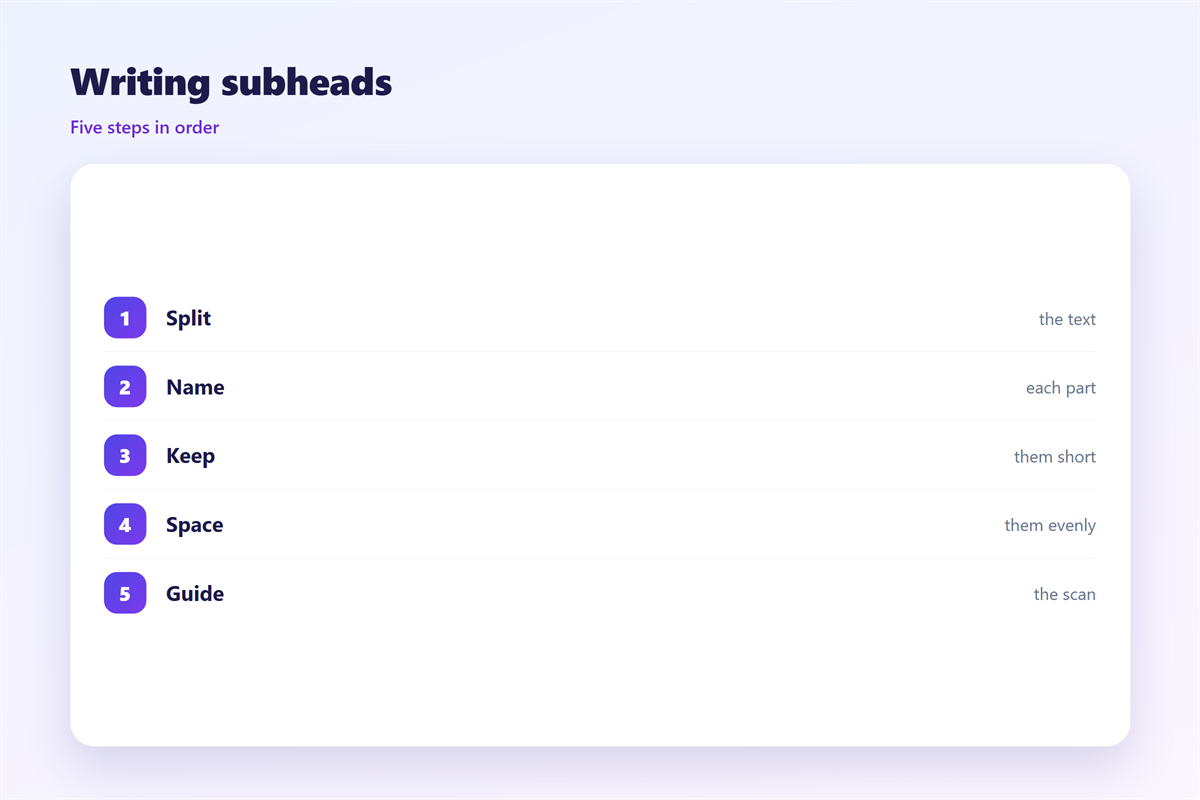
List the points you want to make.
Give each point a short name.
Then check the names side by side.
Keep the wording parallel
Start every name the same way.
All verbs or all nouns, not a mix.
Parallel names scan faster.
Then write the text under each one.
Keep each block to a few lines.
Next, read only the subheads in order.
If the story holds, the mail is clear.
If it does not, rename the weak ones.
Then scan the mail in five seconds.
The headings alone should tell the story.
If they do not, tighten the names.
Repeat until the outline reads well.
Finally, check the mail on a phone.
Good 邮件小标题 still stands out there.
邮件小标题 on small screens
Phone screens show a narrow column.
A long subhead wraps into two lines.
That makes it look like a paragraph.
So keep each name short.
Test the headings at the smallest width.
Also check the space above each one.
A little space sets it apart.
Without space, it blends into the text.
So give each subhead room to breathe.
Then the structure stays clear on a phone.
A single long word can break the line.
Keep each name to two or three words.
Shorter names wrap less on mobile.
Then the structure holds at any width.
Keeping 邮件小标题 consistent
Consistency turns the headings into a system.
Pick one size, one colour and one weight.
The layout that holds them all is in 邮件排版.
The text that runs under them sits in 邮件正文.
The block that each heading opens is in 邮件段落.
The set of items they group appears in 邮件清单.
Agree on how many subheads a mail may hold.
Then keep the same 邮件小标题 for every note.
A team that agrees on 邮件小标题 writes cleaner mail.
FAQ
What is a 邮件小标题?
It is a short heading inside the body of the mail.
How many should I use?
Two to four for most mail. Fewer if the note is short.
Do subheads need punctuation?
Usually no. Keep them short and leave the period out.
Should every part have one?
No. Group small points under one clear heading.
评论
还没有评论,来说两句吧。
评论功能已关闭。