 小影邮箱
小影邮箱邮件周知怎么写?A Notice Everyone Reads
Key Takeaways
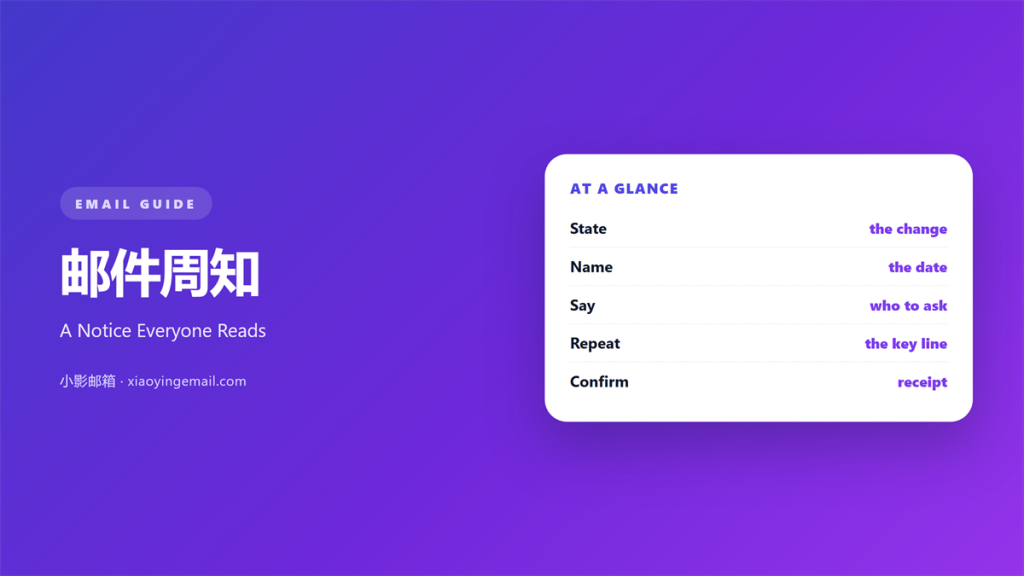
- 邮件周知 is a notice sent to a whole group at once.
- It states the change, the date, and the person to ask.
- Write for the reader who missed the meeting.
- One notice should carry one subject and one ask.
- Send a reminder only when the date is close.
What 邮件周知 means
邮件周知 is a notice sent to a whole group at once.
It states a change, a date, and the person to ask.
It is written for readers who did not attend the meeting.
That is the whole test.
If a person who missed the talk still acts, the notice worked.
A notice is not a discussion.
It has no question mark and no open thread.
It closes a decision that was already made elsewhere.
So the sender needs authority and a clear date.
A good 邮件周知 reads in under a minute.
It leaves the reader knowing what to do next.
Why 邮件周知 matters
Most delays come from people who never saw the change.
A notice removes that excuse in one send.
It also protects the sender.
A written record shows what was said and when.
That record settles arguments weeks later.
邮件周知 also saves meetings.
One clear page can replace a thirty-minute call.
The saving grows when the team works across shifts.
People on a night shift cannot join a morning talk.
A notice reaches them at the hour they read.
A notice is not a chat
Chat moves fast and then disappears.
A notice stays in the inbox and can be found again.
So do not move the decision into a chat thread.
Keep the decision in the mail, then point to it.
When 邮件周知 helps
邮件周知 helps when a rule changes for everyone.
Office hours, access rules, and travel policies all qualify.
It helps when the change has a fixed start date.
The date gives readers a point to plan around.
It helps again when many people must act at once.
A single send reaches the whole group in the same minute.
It helps when the sender expects questions.
The notice can answer the first three before they arrive.
The date rule
Every notice should carry two dates.
One is when the change starts.
The other is when readers must respond.
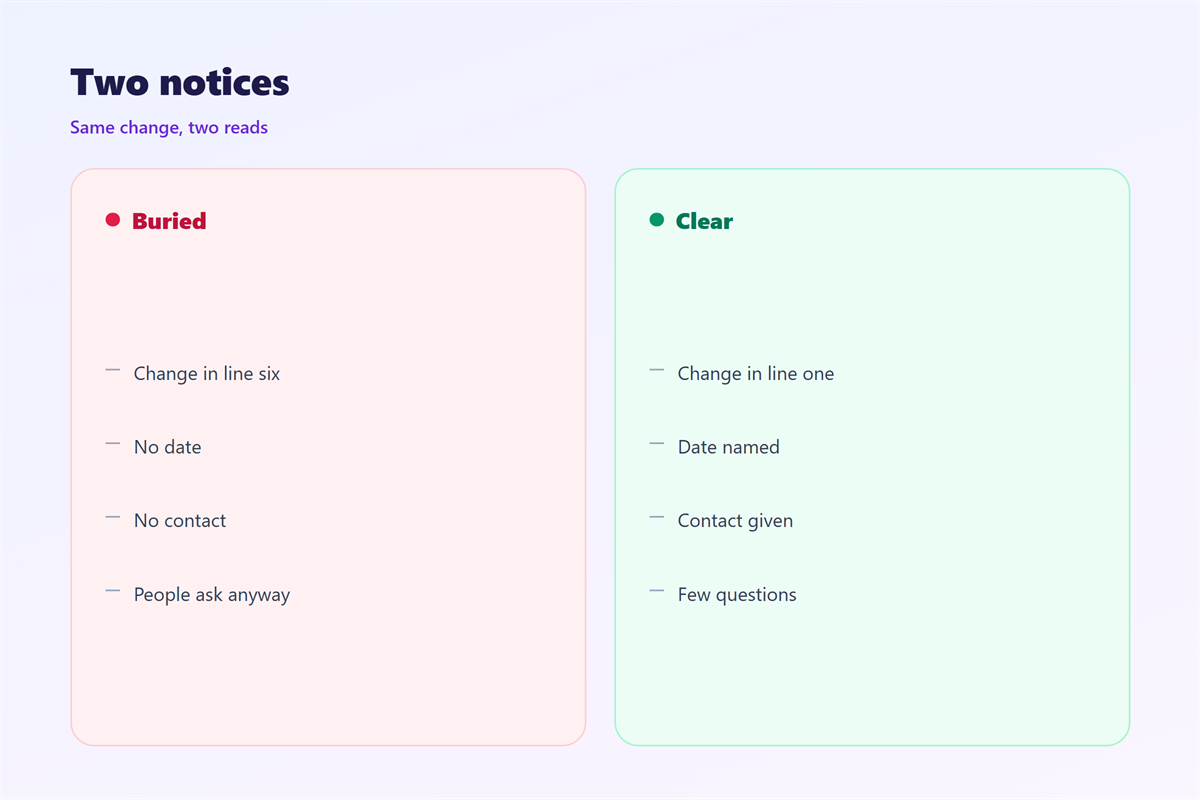
If a notice has no date, readers file it as background.
Then they act late and blame the message.
When 邮件周知 hurts
邮件周知 hurts when the group is too wide.
A notice sent to everyone becomes relevant to no one.
It hurts when the subject line hides the change.
Readers open a vague mail and postpone it.
It also hurts when the notice carries three topics.
Readers answer the easiest one and skip the rest.
A notice hurts when it is sent before the decision is final.
People act on the first version and miss the second.
That costs more than waiting one day.
And it hurts when nobody owns the follow-up.
A notice without an owner becomes a rumour.
邮件周知 and the reading order
Readers scan a notice in a fixed order.
They read the headline, the first line, and the date.
Then they look for their own name or team.
Build the page in that order and the notice works.
Put the affected group early, not at the bottom.
One ask per notice
Each notice should ask for one thing.
If you need two actions, send two notices.
The second mail can point back to the first.
That keeps each message short and single.
It also makes tracking simple.
How to use 邮件周知 well
Write the headline as a fact, not a topic.
Strong: access cards stop working on Monday.
Weak: important update about access.
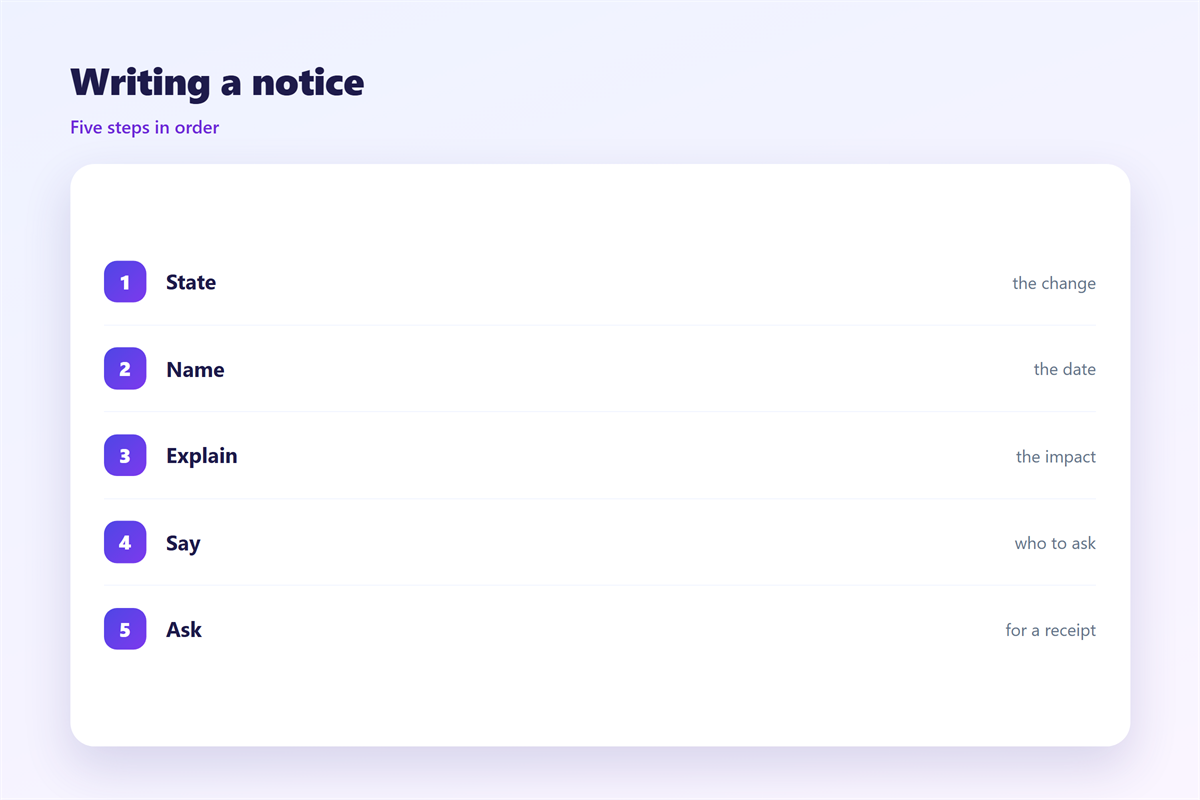
Then state the change in one sentence.
Add the start date and the end date.
Name the person who answers questions.
Give one link to the full document.
Close with the action you expect.
Keep the whole notice under two hundred words.
Then read it as someone who missed the meeting.
Write the headline last
The headline should contain the change and the date.
Draft it after the body is finished.
Then cut every word that does not change the meaning.
A reader should understand the notice from the headline alone.
If they cannot, rewrite the headline, not the body.
邮件周知 on a phone
Most notices are read on a phone, often while walking.
So the first screen must carry the whole message.
Keep the headline to two lines.
Put the date directly under it.
Use short paragraphs with one idea each.
Make any link wide enough to tap.
Avoid tables, which shrink and wrap on small screens.
A short list reads better than a table.
Then test the notice with a large font setting.
If the date still shows, the layout holds.
Keeping 邮件周知 consistent
A team sends better notices when the shape is fixed.
Set one subject prefix, one structure, and one tone.
The wider announcement format appears in 邮件公告.
The team habits behind it sit in 邮件内部沟通.
The settings that carry the alert live in 邮件通知.
The writing stage itself starts in 邮件草稿.
Write the pattern into a shared document.
Review that document once a year and remove what has gone stale.
Then a new manager can send the same quality of notice.
Readers learn the shape and stop missing the date.
FAQ
Who should send a 邮件周知?
One named owner per topic. Shared ownership means nobody sends it.
How long should a notice be?
Under two hundred words. If it runs longer, move detail to a document.
Can a 邮件周知 replace a meeting?
For a simple change, yes. For a debate, no. Talk first, then notify.
What about readers who missed it?
Send one reminder after three days. Then stop and check the list.
评论
还没有评论,来说两句吧。
评论功能已关闭。