 小影邮箱
小影邮箱邮件倒计时怎么用?A Clock Worth Showing
Key Takeaways
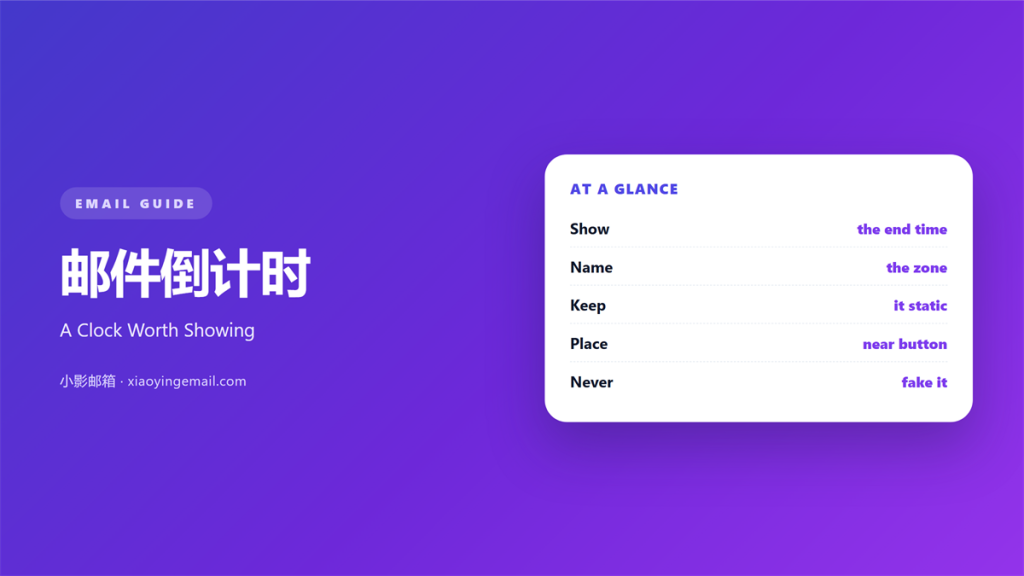
- 邮件倒计时 shows the time left before a stated moment.
- The clock needs an exact end date and hour.
- A static image is safer than a live script.
- Print the time zone right beside the clock.
- Fake urgency costs more trust than it earns.
What 邮件倒计时 means
邮件倒计时 is a small clock inside the message body.
It shows how much time remains before a stated moment.
That moment might be a sale, a deadline, or a launch.
The clock appears as a picture or a styled line.
Most mail clients block the scripts that keep time.
So the number freezes at the moment of sending.
That single fact shapes every design decision.
The block usually sits near the offer or the button.
It answers one question: how long do I have?
It is not a calendar and it is not a reminder.
A reader glances at it and decides quickly.
A good 邮件倒计时 feels like a fact, not a trick.
Why 邮件倒计时 matters
邮件倒计时 matters because delay is the normal case.
Most readers open a mail hours after it arrives.
A fixed date still tells them what remains.
A relative phrase like today does not.
That difference changes whether they act.
The clock also shrinks a long decision.
A week feels long, but three days feels sharp.
It gives the eye one more reason to stop.
On a busy inbox, that pause is valuable.
The number also frames the price beside it.
Absolute time beats relative words
Write the closing date in full.
Add the hour and the time zone.
Then a reader never has to guess.
This habit prevents most support tickets.
When 邮件倒计时 helps
邮件倒计时 helps when a real deadline exists.
A conference price rise is a good example.
It helps when stock is genuinely limited.
A registration window closing on Friday also fits.
Use it when the offer ends within a week.
A longer window makes the clock feel strange.
It helps when the action takes one click.
The clock and the button should sit together.
Short windows only
Three days is a comfortable window.
Thirty days makes the number boring.
If the offer runs long, drop the clock.
Instead, state the end date in plain text.
When 邮件倒计时 hurts
邮件倒计时 hurts when the deadline resets weekly.
Readers notice a clock that never runs out.
It hurts when the timer restarts on every visit.
That pattern trains people to ignore your mails.
It also hurts when the number is wrong.
A frozen clock from a scheduled send can mislead.
A mail sent Monday may arrive after the close.
Fake scarcity damages trust for months.
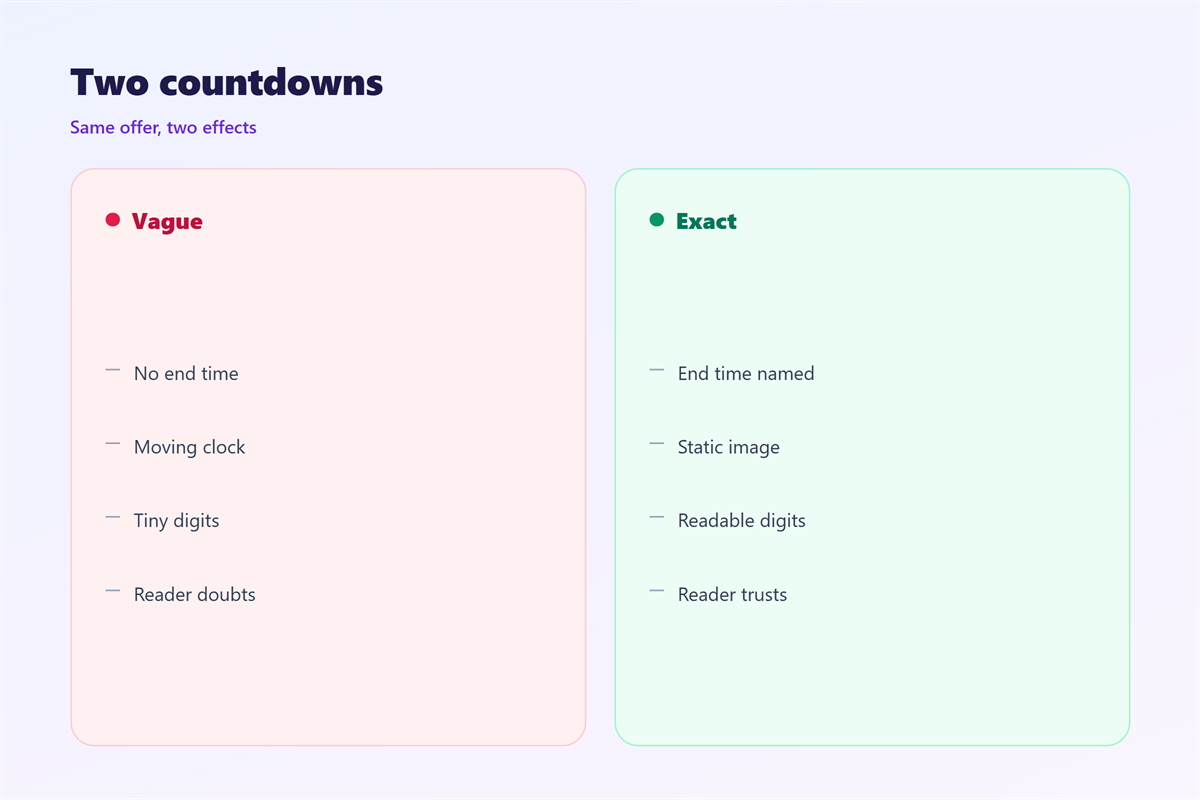
It hurts when the clock hides the real end time.
Always print the date under the digits.
Finally, it hurts when the design shouts.
Red flashing numbers read as a warning, not an offer.
邮件倒计时 and scheduling
The clock depends on the send time.
Schedule a mail on Friday and read it Monday.
The image still says Friday when Monday comes.
That gap makes the countdown look careless.
So plan the timer around the delivery window.
Send close to the start of the final stretch.
Keep the image generic if the schedule may slip.
A date in text can be changed by a merge field.
The image cannot change once it leaves.
Three checks before sending
Check the end date in the reader’s zone.
Check the image against the text beneath it.
Check a test copy in two different clients.
Then check the reply address is correct.
How to build 邮件倒计时
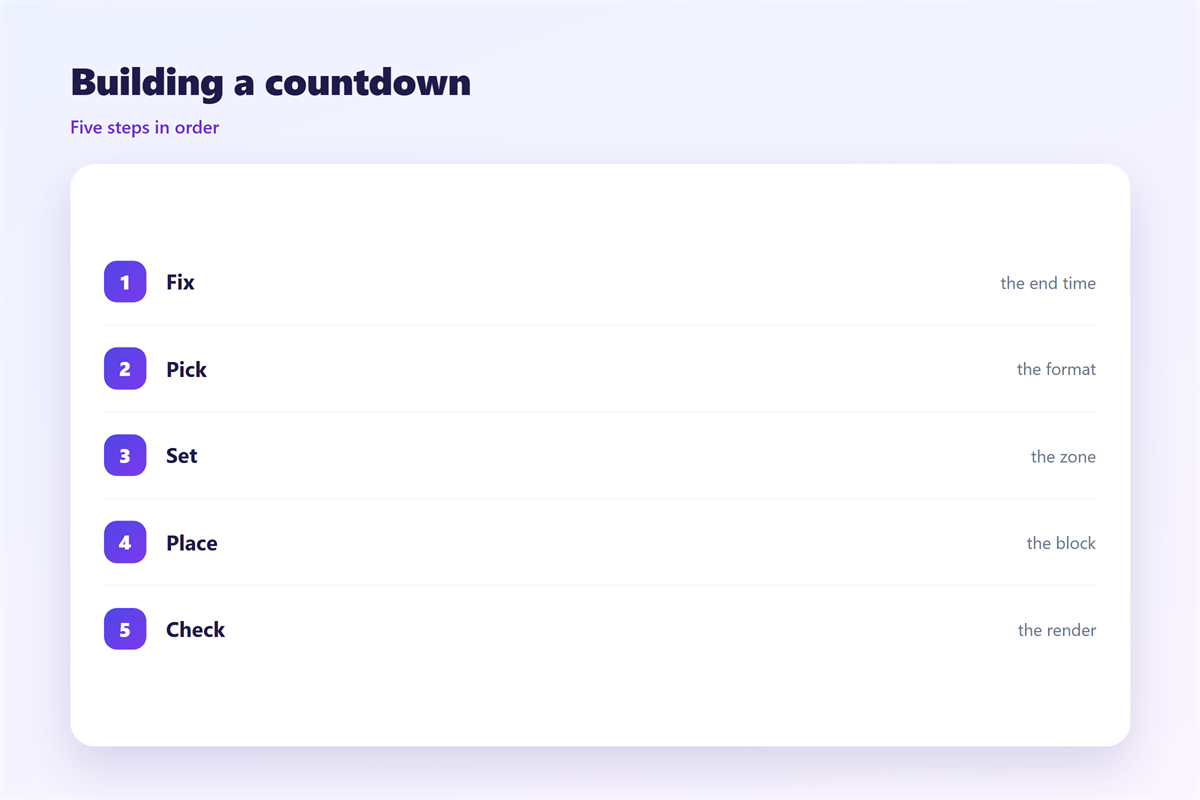
Build 邮件倒计时 from the end time first.
Write the closing moment in full, with the zone.
Then decide how to show the remaining days.
A static image is the safest route today.
An animated GIF can show a moving dial.
Keep the animation under 200 kilobytes.
Place the block above the main button.
Add one text line with the exact deadline.
Design the digits for reading
Make the numbers larger than the label.
Keep the label short: days, hours, minutes.
Avoid thin fonts at small sizes.
Test the image on a dark client theme.
Save a plain text version for blocked images.
邮件倒计时 on a phone
邮件倒计时 on a phone needs a generous width.
The block should hold the full column.
Use one row of digits, not four boxes.
Small boxes shrink into unreadable squares.
Keep the digits above thirty pixels.
Place the label under each number, not beside it.
The clock should appear before the button.
Most readers see it without scrolling.
Test the image at 320 pixels wide.
If the label wraps, cut words from the label.
Alt text repeats the deadline
Images often fail to load in mail.
Then the alt text becomes the message.
Write the end date inside the alt text.
Keep the phrase short and exact.
The clock then survives a blocked image.
Keeping 邮件倒计时 honest
Keeping 邮件倒计时 honest protects your sender name.
State the real end time in words, once.
Never extend a deadline after it passes.
A single extension teaches readers to wait.
The timing rules sit in 邮件定时发送.
Good date habits are covered in 邮件截止日期.
The offer itself is shaped by 邮件促销.
The click lands on the 邮件按钮.
Review every clock before the send.
Ask whether the urgency is real.
If not, remove the clock and keep the offer.
A calm mail often performs better.
FAQ
How long should a 邮件倒计时 run?
Three to seven days works for most offers. Shorter feels sharp.
Can a countdown show seconds?
No. Mail clients refresh nothing, so seconds would be false.
Should the clock be an image?
Yes. Images render in every client and need no script.
What if the send is delayed?
Recheck the end date. Send a new mail rather than a stale one.
评论
还没有评论,来说两句吧。
评论功能已关闭。