 小影邮箱
小影邮箱邮件图表怎么画?Charts That Explain
Key Takeaways
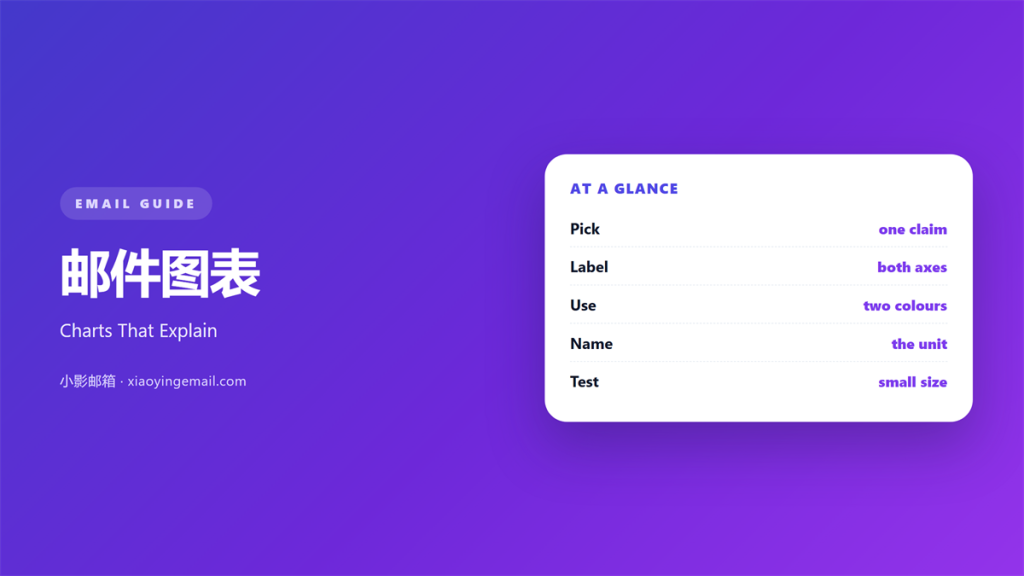
- 邮件图表 turns numbers into one visible claim.
- One chart should prove one point only.
- Label both axes and name the unit.
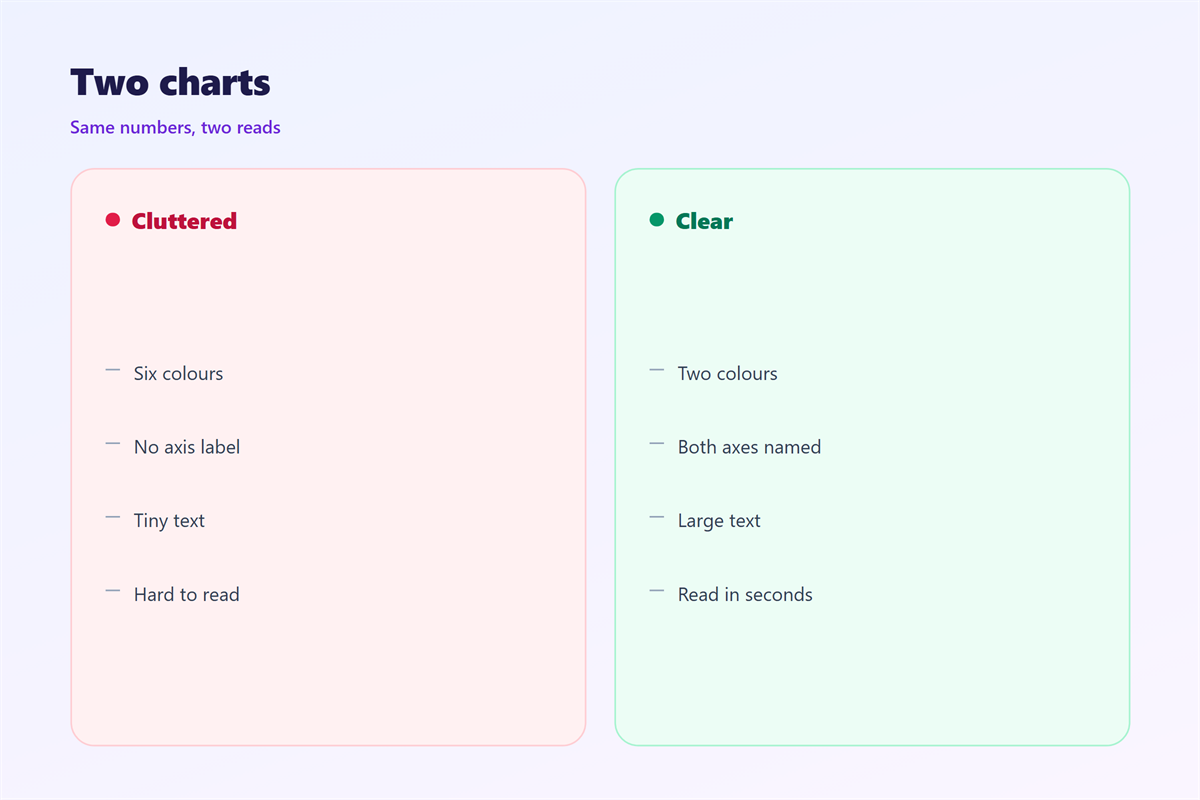
- Two colours are usually enough.
- A chart that needs a caption to explain itself is broken.
What 邮件图表 means
邮件图表 is a small picture built from your own numbers.
It appears inside the body of a mail.
Its job is to make a trend visible at a glance.
It is not decoration and it is not a dashboard.
A reader should understand it in three seconds.
If they need to study it, the chart has failed.
Most business mails carry too many figures.
A single chart can replace a long list of them.
The shape does the explaining.
That is why the chart belongs near the claim it supports.
Put it after the sentence, not before it.
A good 邮件图表 feels like evidence, not ornament.
Why 邮件图表 matters
Numbers in a paragraph are hard to compare.
The eye cannot rank five figures held in a sentence.
A chart places them on one plane.
Height, length, or position then carries the meaning.
That shortens the reading time considerably.
It also lowers the chance of a misreading.
Readers remember shapes longer than they remember digits.
So the chart does two jobs at once.
It informs and it helps the reader recall.
Both matter when a mail is one of thirty.
One chart, one point
Each chart should answer a single question.
Two questions produce a confusing picture.
Write the question down before you draw anything.
Then delete every mark that does not serve it.
When 邮件图表 helps
A chart helps when a change matters more than a value.
Growth, decline, and delay all read better as shapes.
It helps when you compare two periods.
It helps when a share of a total is the point.
It also helps when a reader must choose between options.
Ranked bars settle that argument quickly.
Use it when the number is surprising.
A flat line needs no chart at all.
The three-chart limit
Three charts is the practical ceiling for one mail.
Beyond that, attention splits and nothing lands.
If you have six findings, send six mails.
Each one carries its own evidence.
When 邮件图表 hurts
邮件图表 hurts when the scale is cut.
A truncated axis exaggerates a small difference.
Readers notice later, and trust drops.
It also hurts when a pie holds nine slices.
Nobody can compare arcs that thin.
Use bars instead, sorted by size.
Charts hurt when the labels are missing.
An unlabelled axis turns evidence into a riddle.
Finally, they hurt when colour carries the meaning alone.
Roughly one reader in twelve cannot separate red from green.
Add a label or a pattern as a second signal.
邮件图表 and data hygiene
Every chart rests on a definition.
Name the period, the source, and the filter.
Say whether the count includes repeats.
State the time zone if timing matters.
Two teams often disagree because they count differently.
Write the definition under the chart in one line.
Then the numbers cannot be argued with.
A good 邮件图表 names its source in the caption.
Keep the raw table in an appendix or a link.
Some readers will want to check your work.
Make that easy and the chart gains weight.
Labelled axes only
Label both axes, or label the values directly.
Give the unit every time. Percent, days, or count.
Drop the grid lines that add nothing.
Keep the ones that help estimate a value.
A light baseline is enough for most charts.
How to build 邮件图表
Build the 邮件图表 last, once the claim is fixed.
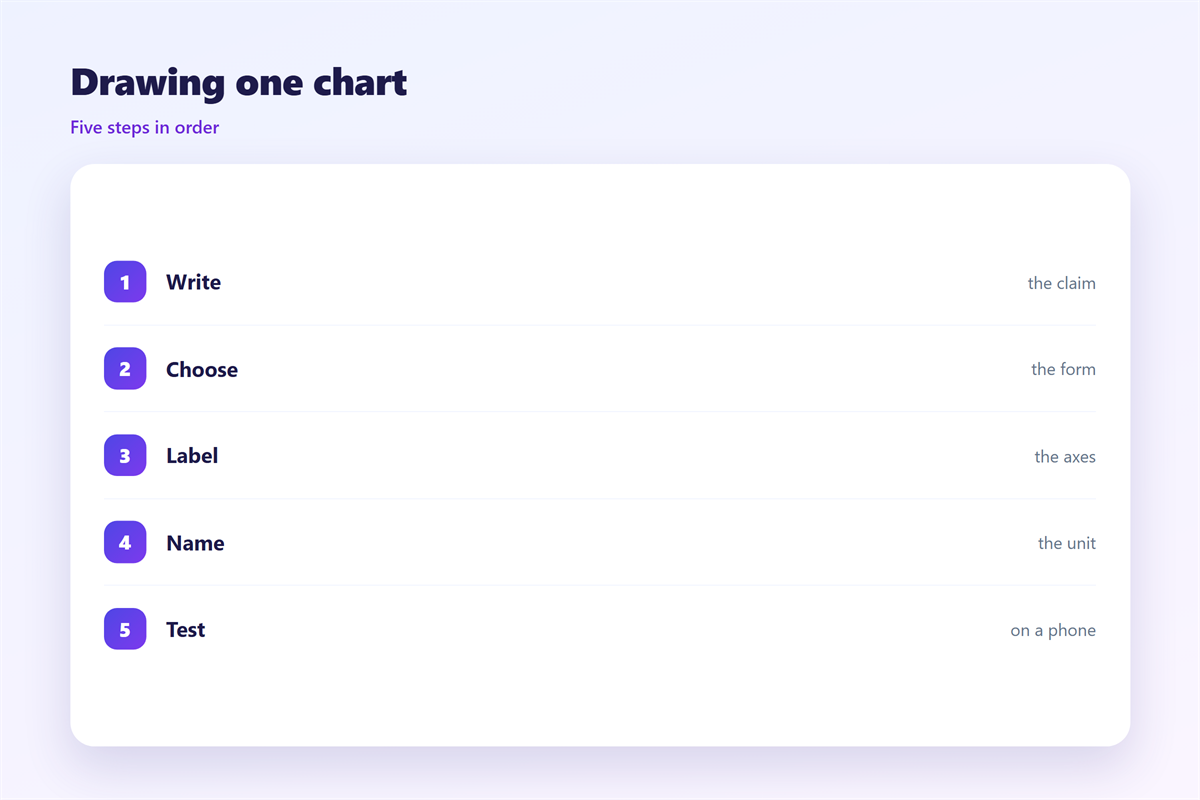
Start with the sentence the chart must support.
Then pick the simplest form that shows it.
Bars for comparison. Lines for change over time.
One number never needs a chart.
Write the title as a claim, not a topic.
“Support tickets fell by half” beats “Ticket volume”.
Sort bars by value unless time is the axis.
Then cut the legend if you have one series.
Name the series in the title instead.
Draw it at 1200 pixels
Most clients show the body at about 600 pixels.
Export at roughly twice that width.
Text inside the image then stays sharp.
Keep the smallest label above fourteen pixels.
Compress the file until it looks the same.
A chart over 200 kilobytes is usually too heavy.
邮件图表 on a phone
Most readers open the mail on a narrow screen.
A wide chart shrinks and its labels vanish.
Design for the small size first.
Use fewer categories, not smaller text.
Four bars beat twelve on a phone.
Turn a long legend into direct labels.
Place the numbers at the end of each bar.
Then check it on your own device.
If a label wraps, shorten the label.
The image sits above the fold on most phones.
That gives the chart an early advantage.
Alt text carries the number
Some readers never load images.
Others use a screen reader.
So the alt text must state the finding.
Write it as a sentence with the figure inside.
Then the chart works twice.
Keeping 邮件图表 honest
A fair 邮件图表 shows the whole period, not a flattering slice.
Honesty protects the reader and the sender.
Never draw a trend from two points.
Never round a number until it changes direction.
If the sample is small, say so in the caption.
The reporting habits sit in 邮件报表.
The tabular version lives in 邮件表格.
The order of attention is covered in 邮件视觉层级.
The palette rules appear in 邮件配色.
Then keep one house style for every chart you send.
Same fonts, same colours, same axis treatment.
A reader who learns one chart reads the next faster.
That consistency is worth more than any single design.
FAQ
How many charts fit in one 邮件图表?
Three at most. One works best for a short note.
Should charts be static images?
Yes for mail. Animation and scripts are blocked in most clients.
Can I use brand colours in a chart?
Yes, but keep contrast strong. Test the pairing in greyscale.
What if the data changes next week?
Send an update rather than editing the old mail. Readers keep both.
评论
还没有评论,来说两句吧。
评论功能已关闭。