 小影邮箱
小影邮箱邮件改期怎么写?Moving a Meeting
Key Takeaways
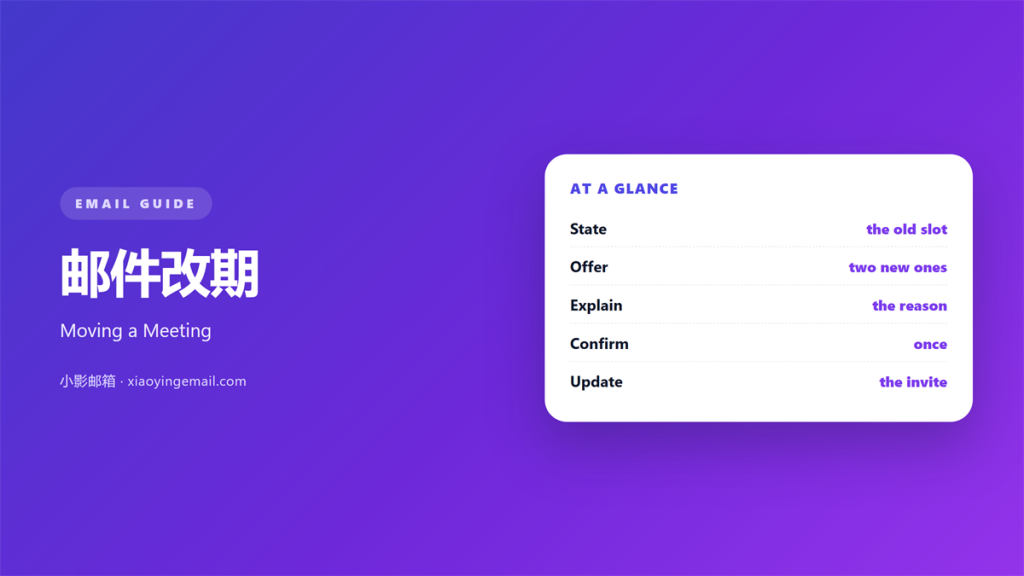
- 邮件改期 moves a meeting without losing goodwill.
- Give the new time before the old one is asked about.
- Keep the note short and the reason simple.
- Offer two new slots, not an open question.
- Update the calendar as soon as you send.
What 邮件改期 means
邮件改期 is the note that moves a meeting.
It cancels the old slot and names a new one.
It reaches everyone who was invited.
It also updates the shared calendar.
A good note does both in one message.
A poor note leaves the old time in place.
Then two times exist and people pick the wrong one.
So the note must be clear about the change.
It should read well in ten seconds.
It should leave no space for a guess.
A calm tone helps here too.
Write the new time in bold if you can.
A bold time is hard to miss in a busy inbox.
The goal is a smooth move, not an excuse.
Short and clear beats long and vague.
Why 邮件改期 matters
A meeting change can waste a whole morning.
People plan their day around a set time.
Clear 邮件改期 gives that time back.
It also protects the relationship.
A rushed note can read as careless.
A calm note reads as respect.
So the wording matters as much as the date.
A late change can break a whole schedule.
An early one lets people adjust in time.
So send the note as soon as you know.
A small courtesy saves a larger problem.
The other person’s time is a real cost.
Writing a clear 邮件改期
Open with the change, then the reason.
Keep the reason to one short line.
邮件改期 should always name a new time.
Never leave the new time as a question.
Name the new time
Give a day, a date and a time zone.
Offer two options when you can.
A choice makes the reply easier and faster.
Confirm the old one
Say the old time is now cancelled.
Leave no doubt about which time stands.
Repeat the date to remove all doubt.
Close with a simple ask
Ask for one quick reply.
Make the next step easy to take.
Give a clear deadline for the reply.
Then thank the reader in one line.
A polite close keeps the tone warm.
The reader can then answer with one click.
When to call instead
Some changes are too big for a line of text.
If the meeting is important, pick up the phone.
Then confirm the result by email.
A short call prevents a long thread.
The written note keeps the record straight.
A call also carries a warm tone.
Use one when the news is hard.
Follow the call with a short summary.
Name the new time and the next step.
Put the same words in the calendar too.
Then nothing gets lost between the two.
邮件改期 with a client
A client’s time is more precious than yours.
Choosing the new slot
Apologise once, briefly, and move on.
Offer the new slot that suits them best.
Never blame a colleague in the note.
Keep the tone warm and the words plain.
A kind 邮件改期 note can even build trust.
It shows that you value their schedule.
Never move a client meeting twice in a week.
That reads as a lack of respect.
Ask what time works best for them.
Then confirm the choice in one line.
A small courtesy keeps the account strong.
Fixing 邮件改期 before you send
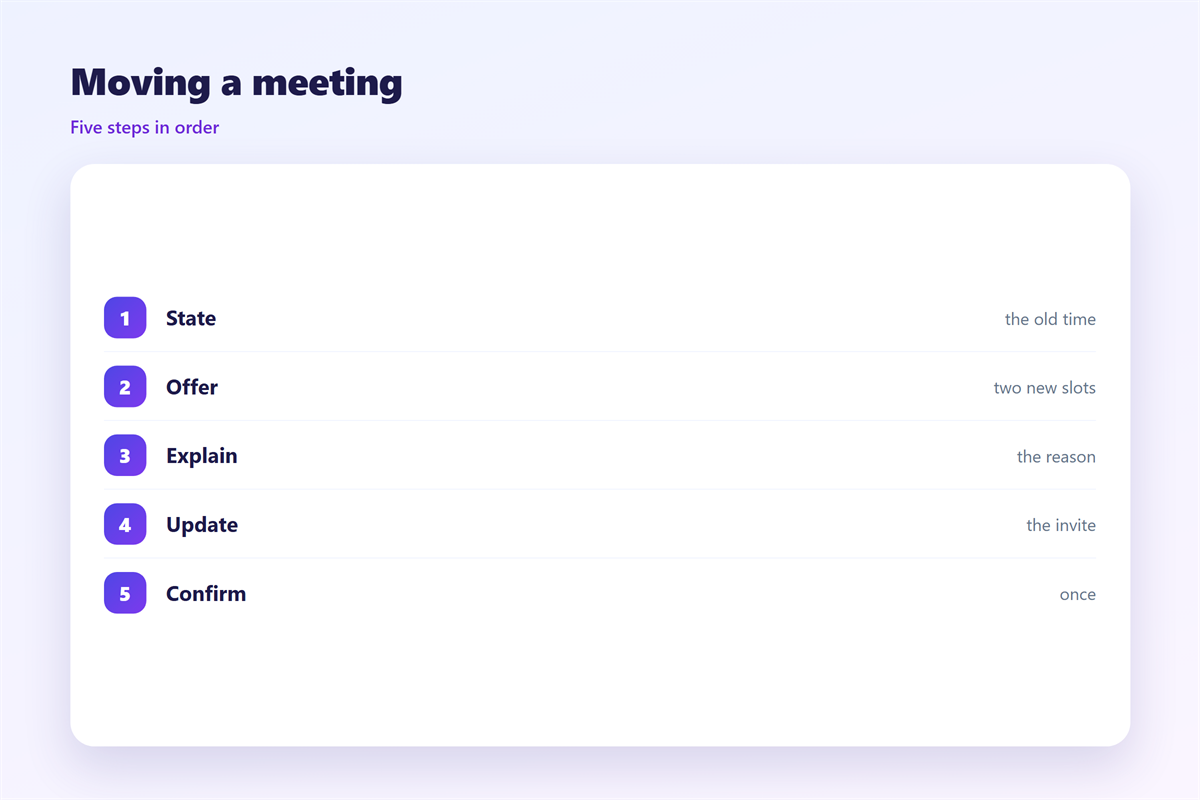
Read the note as a busy person would.
Check the day, the date and the zone.
Confirm the old time is cancelled.
Check the new time against their calendar.
Make sure the calendar is updated too.
Remove any line that sounds like an excuse.
Keep the note short and direct.
A quick check
New time clear. Old time gone.
Calendar updated. Reply path open.
Then send the 邮件改期 note at once.
A quick send keeps everyone in the loop.
Delaying the note only makes it harder.
邮件改期 across time zones
A new time can be a different day abroad.
Always write the time zone in full.
Use a clear format like 14:00 UTC.
Check the number of hours of the shift.
When in doubt, offer the time in their zone.
A date can also shift across the world.
So write the weekday as well as the date.
Never rely on a bare hour alone.
Spelled-out months remove any doubt.
A world clock saves a quick check.
Then both sides read the same time.
Keeping 邮件改期 consistent
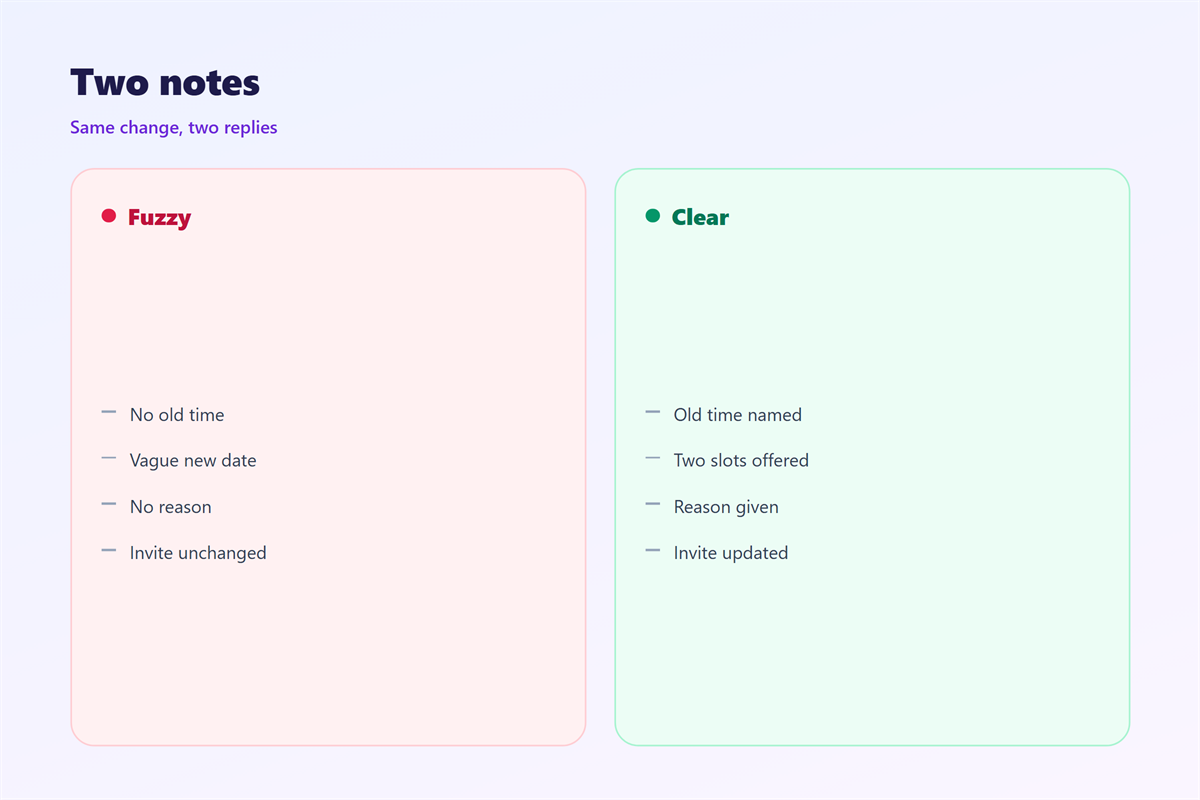
Consistency makes a change feel calm.
Use one template for every reschedule.
The first invite is described in 邮件日历邀请.
Settling on a time is covered in 邮件预约.
Planning the day appears in 邮件日程.
A nudge before the meeting is set out in 邮件提醒.
One style means fewer mistakes.
Keep the same order in every note.
Change and reason first, then the new time.
Review the template when the team grows.
A shared style keeps every client calm.
Teams that agree on 邮件改期 write faster and read better.
FAQ
How soon should I send a 邮件改期?
As soon as you know, ideally a day ahead.
Should I give a reason for the change?
One short line is enough, unless trust is thin.
What if nobody can make the new time?
Offer a second slot and ask for a quick reply.
Do I need to cancel the old invite?
Yes. Always cancel the old one in the calendar.
References
- Zapier Blog: scheduling and meetings
- Calendly: scheduling a meeting
- Atlassian: running effective meetings
评论
还没有评论,来说两句吧。
评论功能已关闭。