 小影邮箱
小影邮箱邮件沙箱是什么?Open Files Without Risk
Key Takeaways
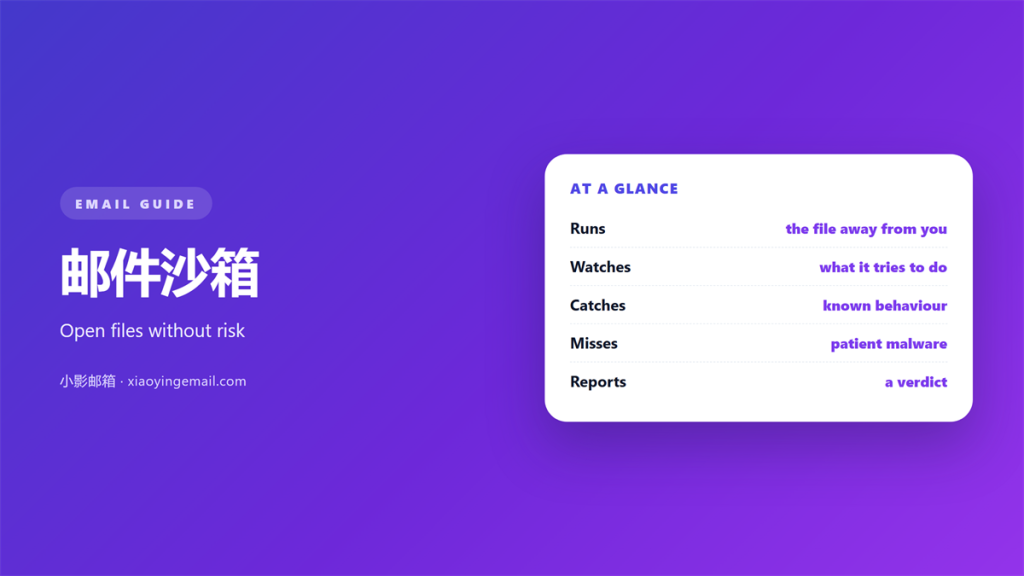
- 邮件沙箱 opens a suspicious file away from your device.
- It watches what the file tries to do.
- Safe files are released to the inbox.
- Some threats detect the sandbox and hide.
- It is one layer, not a full defence.
What 邮件沙箱 actually means
邮件沙箱 is an isolated space where a file can run safely.
A gateway sends an unknown attachment there first. The file runs in a copy of a computer.
The copy has no real data and no network. Nothing it does can reach you.
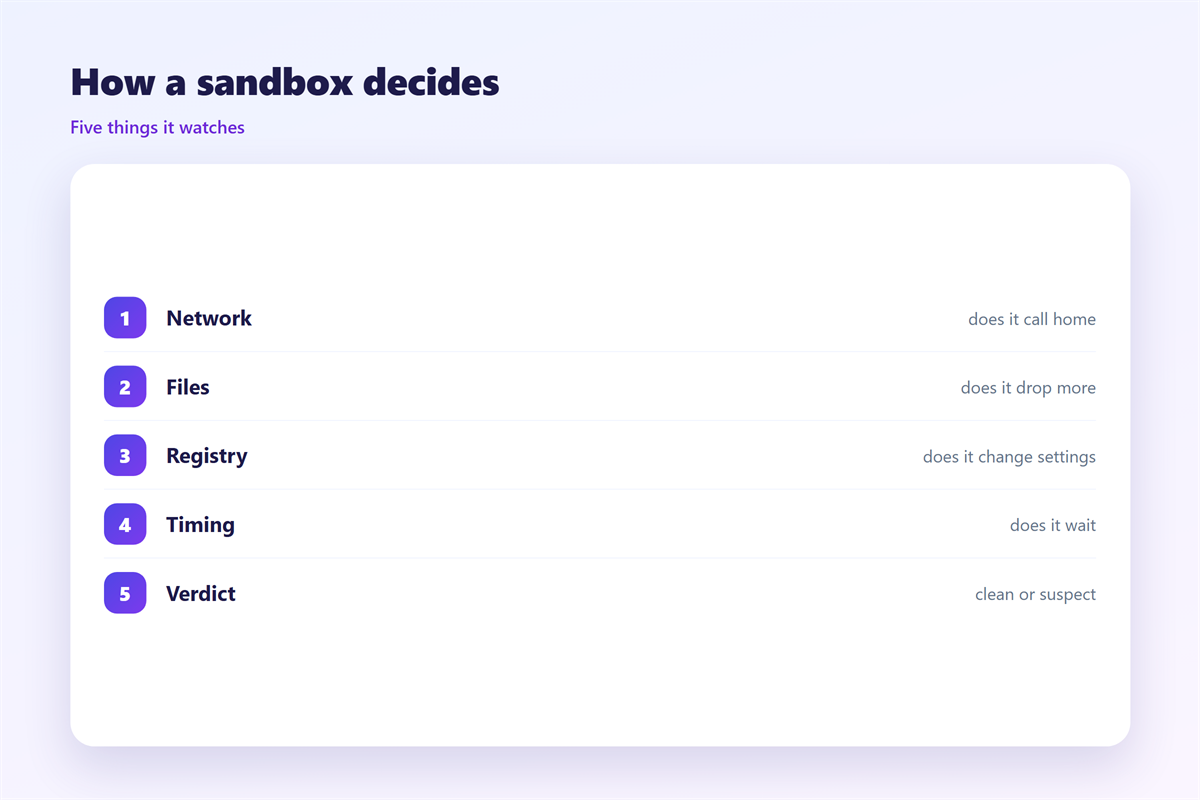
While the file runs, the system watches it. It records every action the file takes.
Some actions are harmless. Others are clear warnings.
A file that tries to encrypt everything is dangerous. A file that calls home is suspicious.
邮件沙箱 turns a blind guess into an observed test.
The result is a verdict. Safe files move on. Dangerous files are held or deleted.
Most people never see this step. It runs quietly between the sender and the inbox.
A real machine can be infected in seconds.
The isolated copy throws that risk away.
A 邮件沙箱 costs time but saves data.
It runs without any user clicking a thing.
Where 邮件沙箱 runs
The test usually happens at the gateway, not on your laptop.
That is the right place for it. One test protects every user at once.
Some security software also runs a local sandbox on the device.
Both have a place, but the gateway sees more traffic.
- Files: documents, archives and scripts are common subjects.
- Links: a page can be opened in the same isolated space.
- Unknown senders: first-time senders get more scrutiny.
- Odd types: rare formats are tested more often.
Understanding 邮件沙箱 starts with this placement.
A test at the edge protects the whole network. A test on one device protects only that device.
Cloud services offer the same test at scale.
They keep many copies ready to run.
A local tool is smaller but faster.
The choice depends on your traffic.
What 邮件沙箱 catches
The tool is good at a few things.
It catches code that hides inside a document. Macros and scripts rarely survive a run.
It catches files that fetch a second stage. That download is a strong signal.
It catches quiet changes to the system. New services and startup entries are logged.
These behaviours are hard to fake. A file must act before it can do harm.
It also notes network calls and new files.
Those details build a picture of intent.
A clear pattern is easy to score.
When 邮件沙箱 misses something
Sandboxes fail in two directions. They miss threats and they flag innocent files.
The first failure is the serious one. A careful attacker can avoid detection.
Some files wait before they act. A short run shows nothing at all.
Others check for a real user. They stay quiet inside a machine with no mouse.
Delays and checks are common tricks. They defeat a simple timed test.
The second failure wastes time. A harmless file gets held for review.
A long hold delays real work. People then ask for the checks to be relaxed.
Good tuning keeps both failures small. The goal is balance, not perfection.
Attackers study the test and adapt.
Some wait for a mouse that never moves.
Others sleep for hours before acting.
A patient file can pass a quick check.
Modern 邮件沙箱 runs the file longer.
Testing files with a 邮件沙箱
A sandbox you never test is a hope.
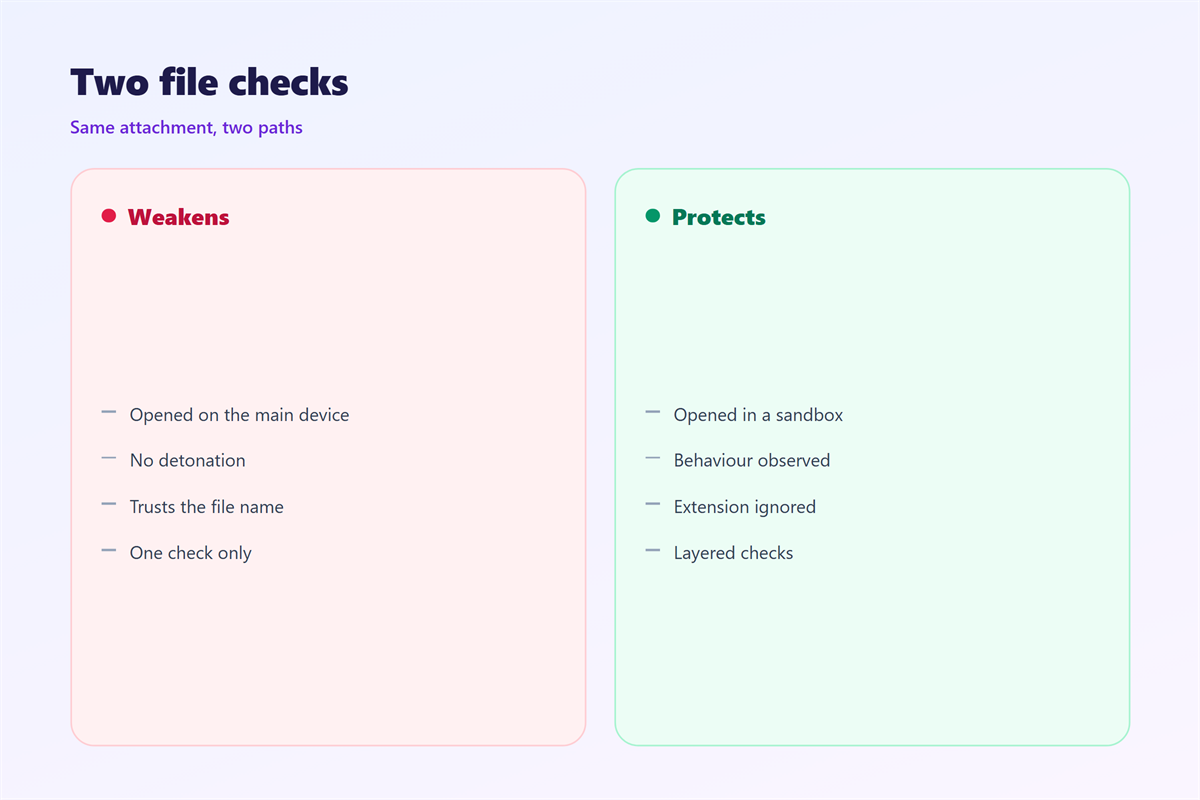
Send yourself a harmless test file first. A simple script is a good subject.
Confirm that the system holds it. Then confirm it is released after review.
Next, send a benign document. It should pass without fuss.
Note how long each step takes. A slow check delays every message.
Repeat after any change to the gateway.
Checking 邮件沙箱 yourself removes the guesswork.
Two tests a year keep the settings honest.
A good test uses a file that behaves.
Check the report as well as the verdict.
The report explains why a file was held.
Read it before you argue with the result.
Limits of a 邮件沙箱
The tool is one layer among several. It does not replace antivirus or training.
It cannot judge intent. A clean file may still be part of a trick.
It cannot stop a clever attacker forever. Detection always moves forward.
It should never be the only barrier. Keep the other layers switched on.
Our notes on 邮件病毒 explain the warning signs. Safe handling of files is described under 邮件附件. The checks before a sandbox runs are covered in 邮件网关, and the messages that trick people sit under 钓鱼邮件.
Use the sandbox with care for the user. A held file needs a clear owner.
Tell people why a file was held. A short note prevents angry tickets.
Training teaches people to pause before clicking.
Patches close the holes a file might use.
Backups let you recover if everything fails.
A lone 邮件沙箱 cannot cover all of that.
Treat it as one guard among many.
A careful 邮件沙箱 still needs good rules.
FAQ
Does 邮件沙箱 replace antivirus?
No. It watches behaviour while antivirus matches known patterns. Use both.
How long does a sandbox take?
Usually seconds, sometimes minutes. Large files and busy systems take longer.
Can a virus escape a sandbox?
Rarely. The space is isolated. Problems come from files that hide, not escape.
Are all attachments sandboxed?
No. Most systems test unknown or risky files first. Trusted types often skip the step.
评论
还没有评论,来说两句吧。
评论功能已关闭。