 小影邮箱
小影邮箱邮件缩略图怎么选?Small Copies That Work
Key Takeaways
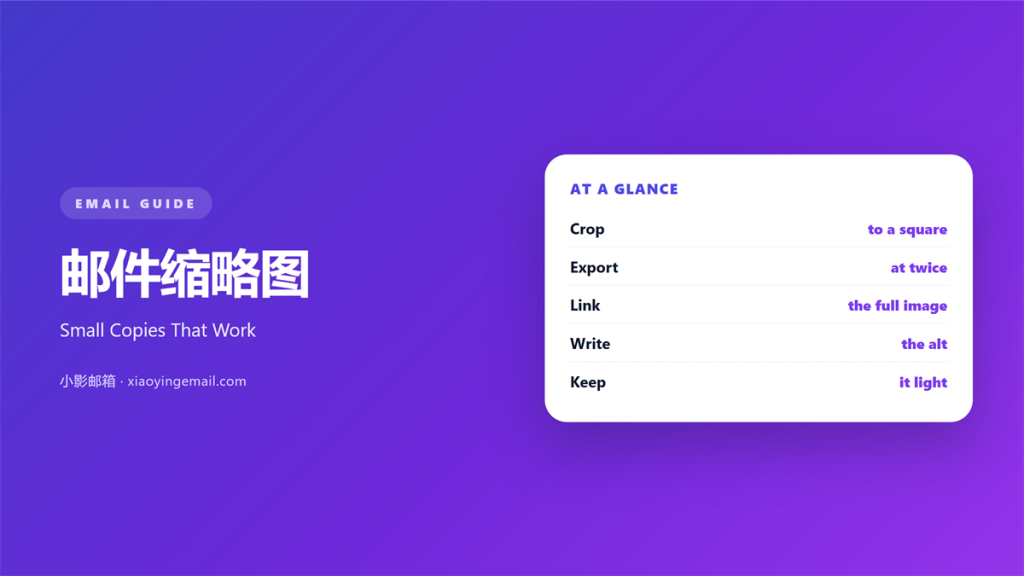
- 邮件缩略图 is a small copy of a larger picture.
- Crop every thumbnail to the same square shape.
- Export at twice the width it will display.
- Link each thumbnail to the full image.
- Write alt text that names the subject.
What 邮件缩略图 means
邮件缩略图 is a small copy of a larger picture.
It sits in a list, a grid, or a row of cards.
Its job is to help a reader choose.
The full image loads only after a tap.
So the small copy must stand on its own.
It shows enough to identify the subject.
It never tries to show every detail.
A square crop is the easiest shape to scan.
Same size, same corner, same gap.
Then the row reads as one set.
The picture is a label, not the content.
A good 邮件缩略图 survives at 80 pixels.
Why 邮件缩略图 matters
Most inboxes show images slowly.
A row of large pictures makes the mail heavy.
Thumbnails keep the first screen light.
They also make a long list scannable.
The eye compares shapes faster than text.
Readers pick the picture that looks right.
The tap then opens the full view.
That two-step path keeps the mail small.
A small file also arrives sooner on a slow connection.
That short wait decides whether the list gets read.
It also keeps the reader in control.
A clear 邮件缩略图 earns the tap.
One shape for the set
Pick one ratio for every thumbnail.
Square is the safest choice.
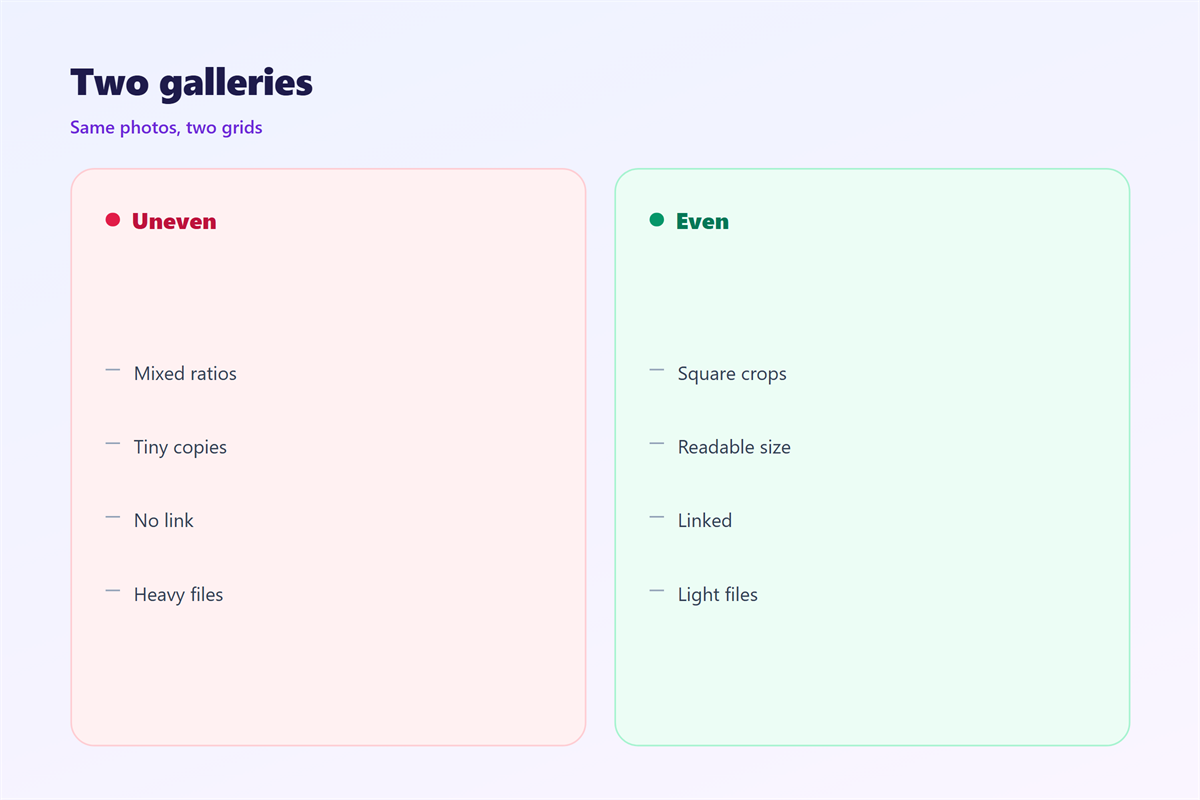
Mixed ratios make the grid look broken.
Then crop, never stretch.
When 邮件缩略图 helps
A 邮件缩略图 helps when a mail lists several items.
Products, articles, and photos all suit it.
It helps when the reader knows the subject already.
A logo or a face is enough to identify them.
It helps when the full image is large.
The small copy carries the link.
It helps in a digest that repeats every week.
Readers learn the grid after two issues.
It also helps when a reader returns to the same list later.
When a thumbnail fails
Fine text never survives the crop.
A wide chart loses its labels.
If the detail matters, use the full image instead.
Or show nothing and use the title.
When 邮件缩略图 hurts
邮件缩略图 hurts when the crop cuts a face.
A half face looks like a mistake.
It hurts when the file is as heavy as the original.
Then the small copy saves nothing.
It hurts when the grid mixes square and portrait.
The row jumps and looks careless.
It hurts when every thumbnail uses a different frame.
The grid then looks like a pile, not a set.
It hurts when the alt text says only image.
A screen reader then reads nothing useful.
It hurts when the thumbnail has no link.
The reader sees a picture and cannot open it.
邮件缩略图 and 邮件图片尺寸
Size decisions start at the display width.
邮件图片尺寸 sets the width in the layout.
The thumbnail might show at 80 pixels.
The file behind it should be 160 pixels wide.
That is the two times rule for sharp screens.
Doubling the pixels does not double the weight.
A square JPEG at 160 pixels stays small.
Keep it under 15 kilobytes each.
Nine of them still fit in a light mail.
Link to the large file
Point the thumbnail at a hosted full image.
Do not attach the large file to the mail.
Let the reader open it in a browser.
Then the inbox stays fast.
The link needs a plain label as well.
How to build 邮件缩略图
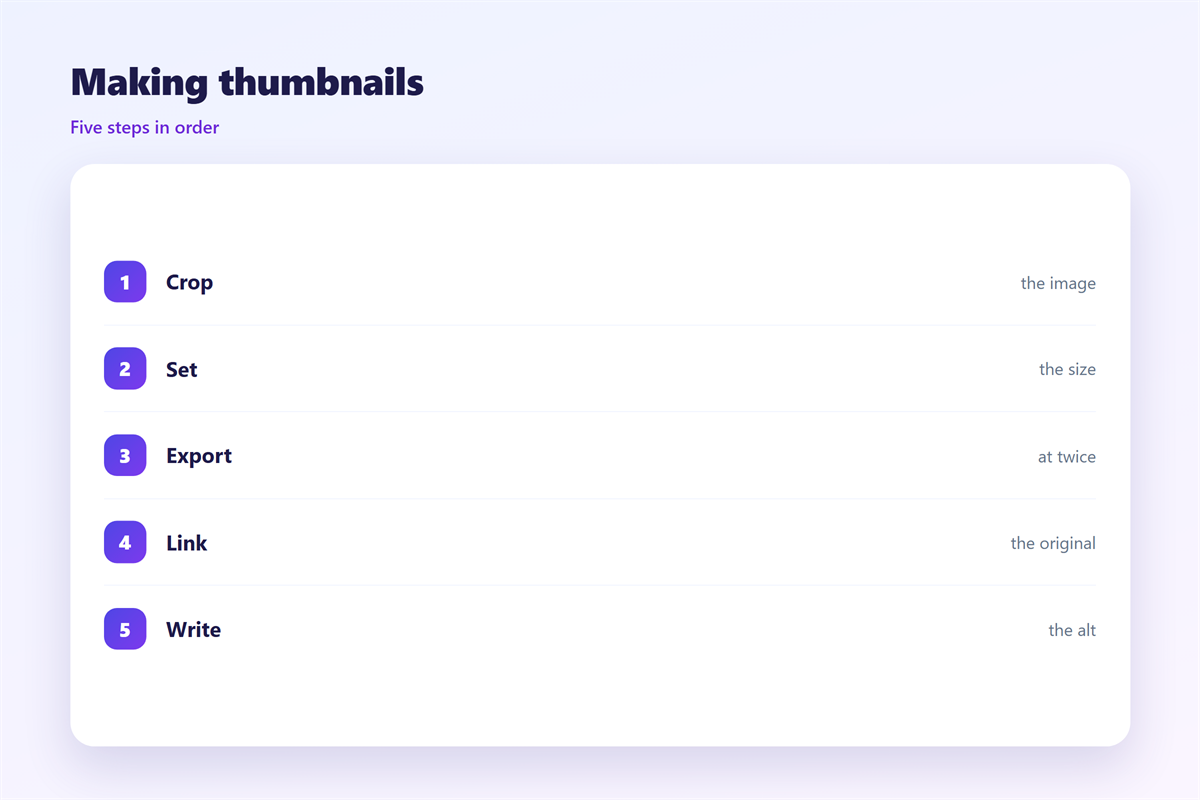
Start with the full image you want to show.
Decide the crop square before you export.
Put the subject in the centre of the square.
Export at twice the display width.
Compress until the file is under 15 kilobytes.
Name the file with lower case words.
Write the alt text before you place the image.
Then copy the same block for each item.
Keep one folder for the small files and one for the large.
The alt text rule
Say what the picture shows, in six to ten words.
Name the subject, not the file.
Skip the words image and photo.
Then check the alt with images turned off.
The list should still make sense.
If not, rewrite the alt lines.
邮件缩略图 on a phone
A three-column grid breaks on a narrow screen.
Two columns fit a phone better.
Some clients show one column at 320 pixels.
Set a minimum width so the grid folds.
Then each 邮件缩略图 keeps its square shape.
The tap target should be at least 44 pixels.
Thumbs are wide, so a miss is rare.
Check that the row does not scroll sideways.
A sideways row hides items from a thumb.
Wide images may crop again inside the mail app.
A square source survives that second crop.
Test the grid in a small preview.
Keeping 邮件缩略图 honest
A 邮件缩略图 must not misrepresent the full image.
Never crop out a fault in a product shot.
The full view is the promise the small one makes.
How big each file should be sits in 邮件图片尺寸.
How images stay light sits in 邮件图片.
How the first image works sits in 邮件封面.
How to shrink a file sits in 邮件压缩.
Check the crop on a light and a dark background.
Then check every crop at the final size.
If the subject is unclear, choose another picture.
FAQ
What size should a 邮件缩略图 be?
Export at twice the display width. At 80 pixels shown, use 160.
Should thumbnails always be square?
In a grid, yes. A single thumbnail may keep its own ratio.
Do I need a separate small file?
Yes. Serving the large file as a thumbnail wastes data.
Can I skip alt text on a decorative thumb?
Then use an empty alt. Never omit the attribute.
评论
还没有评论,来说两句吧。
评论功能已关闭。