 小影邮箱
小影邮箱邮件图片尺寸怎么定?Sizing Images Right
Key Takeaways
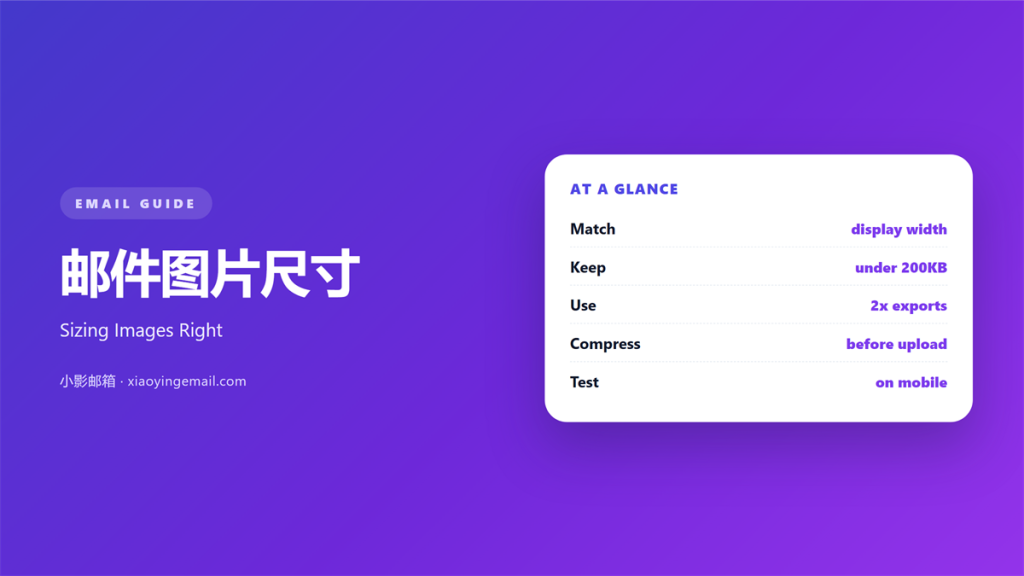
- 邮件图片尺寸 should match the width it is displayed at.
- Most email bodies are about 600 pixels wide.
- Retina screens need a file twice that width.
- Compress every image before you upload it.
- Heavy files slow the open and hurt the click.
What 邮件图片尺寸 means
邮件图片尺寸 is the pixel width and the file weight of an image.
Both numbers matter, and they pull in different directions.
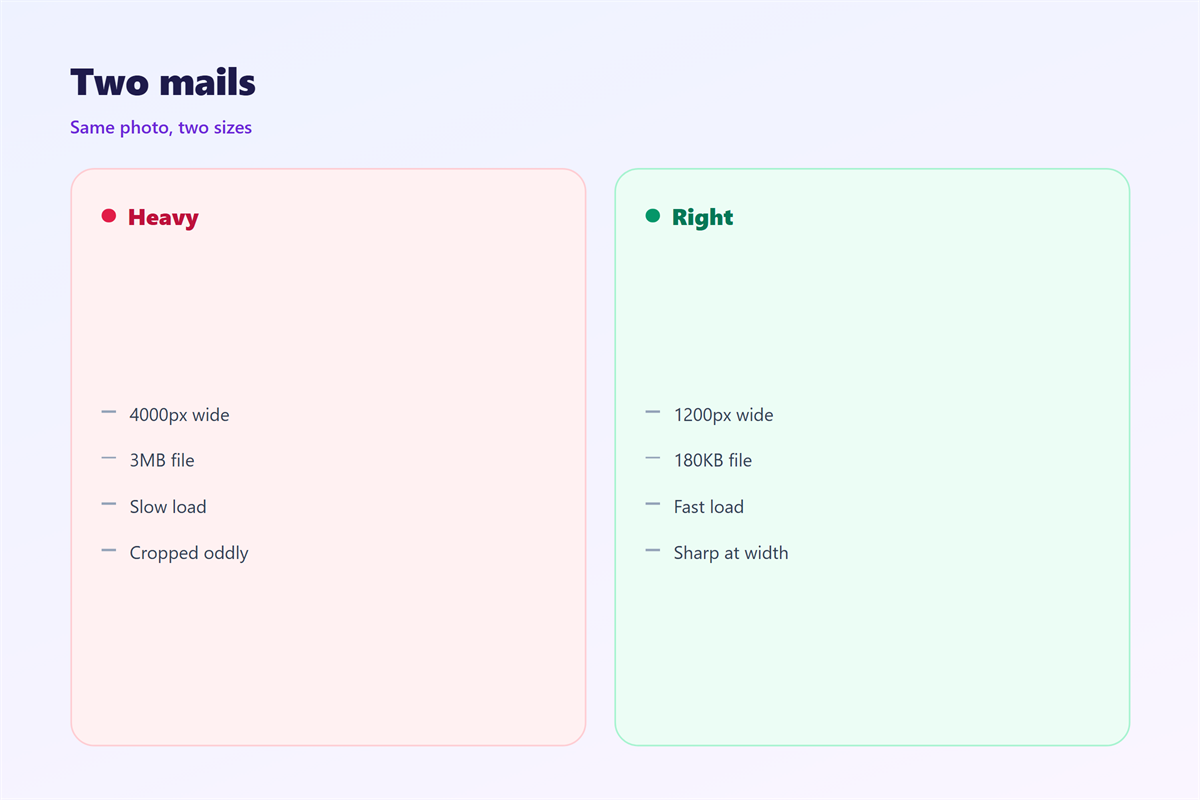
A wide image looks sharp but weighs more.
A light file loads fast but may look soft.
The goal is the smallest file that still looks clean.
Most templates set the content width near 600 pixels.
So a 600-pixel image fills the space exactly.
A 1,200-pixel file covers high-density screens.
Anything wider is usually wasted data.
The same logic applies to logos and product shots.
It also applies to background images.
Width and weight are set at different steps.
Width is chosen in the editor.
Weight is chosen in the export settings.
Both are easy to check before sending.
Why 邮件图片尺寸 matters
Image weight decides how fast the mail opens.
Slow opens lose readers before the first line.
Good 邮件图片尺寸 keeps the file lean and the edges sharp.
Heavy mail also risks clipping in some clients.
Gmail cuts very large messages into a link.
That link hides your design from the reader.
Size control is the cheapest fix available.
Readers on mobile data feel that weight directly.
A few heavy images can use a large share of a plan.
The two numbers to watch
Watch the pixel width and the file size.
Width controls sharpness on the screen.
File size controls the waiting time.
Set both before the design is approved.
When 邮件图片尺寸 helps
邮件图片尺寸 matters in every designed campaign.
It helps most in product mail with many photos.
Each extra photo adds weight to the total.
It helps in newsletters with a hero image.
The hero sets the tone and the load time.
It helps when the same image runs on mobile.
A wide file shrinks badly on a narrow screen.
It helps when a client blocks images by default.
A small file still loads when the reader allows it.
It helps in a monthly digest with many links.
Each thumbnail should stay small and square.
When 邮件图片尺寸 hurts
邮件图片尺寸 hurts when one rule fits all cases.
A logo does not need the same width as a hero.
It hurts when images carry the whole message.
Blocked images leave an empty frame.
It hurts when text sits inside a picture.
That text cannot be resized or searched.
It hurts when files are compressed too hard.
Sharpness has a floor
Compression removes detail that cannot return.
Check the result at full size before sending.
If edges look muddy, raise the quality.
A small file is not worth a blurry face.
邮件图片尺寸 and load time
Every image adds a request to the open.
Many small images can cost more than one large one.
Fewer files usually load faster overall.
Combine decorative shapes into one image where possible.
Then compress the combined file once.
Keep the total message under one megabyte.
Check the total with a size report.
Most platforms show it before you send.
Remove one image if the total looks high.
Formats in plain terms
JPEG suits photos and soft gradients.
PNG suits logos, flat colour, and text.
WebP is smaller but not always supported.
Choose the format before you resize.
How to use 邮件图片尺寸 well
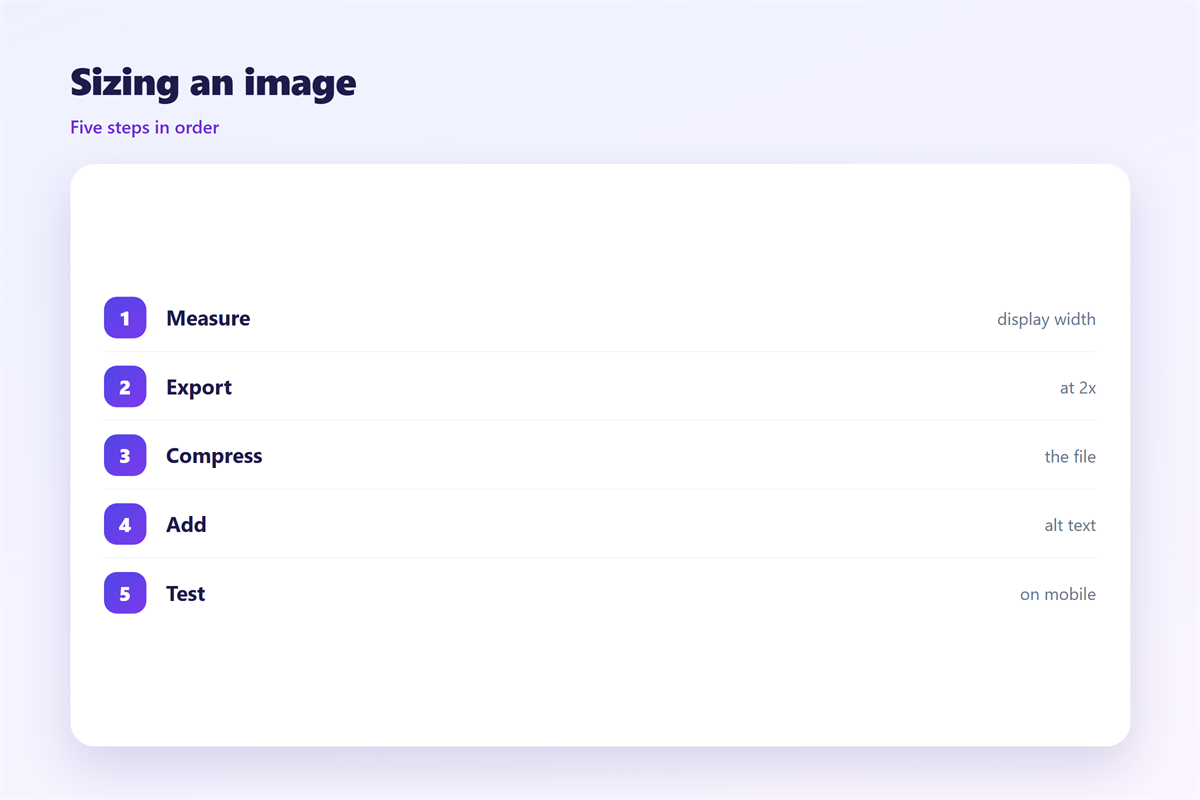
Start from the display width in the template.
Export at that width, then double it for retina.
Compress with a tool that shows the file size.
Aim under 200 kilobytes for a hero image.
Aim under 50 kilobytes for small icons.
Set width and height in the HTML.
That stops the layout from jumping as images load.
Always write useful alt text.
Name each file by its width and purpose.
A clear name prevents the wrong crop later.
Alt text serves readers when images fail.
Good 邮件图片尺寸 is a routine, not a talent.
A short pre-send check
List every image and its file size.
Add the numbers to see the total.
If the total is high, cut one image.
Then check the smallest screen you own.
邮件图片尺寸 on a phone
Most opens happen on a small screen.
A 600-pixel image fills that width neatly.
Text beside an image will stack below it.
Keep the important part of the photo centred.
Crops at the edges often disappear.
Zoom in on the image after it loads.
Soft edges show up quickly at that size.
Then check the file on a slow connection.
A light file still arrives on a weak signal.
A clear 邮件图片尺寸 keeps that waiting short.
Keeping 邮件图片尺寸 consistent
Write the allowed sizes into the template notes.
Name the maximum width and the maximum weight.
Give the team one compression tool.
Check new assets against the notes before upload.
The wider habit appears in 邮件图片. Attachment limits are explained in 邮件大附件. Small screens are covered in 邮件移动端. File reduction is detailed in 邮件压缩.
Store approved images in one shared folder.
Run the check once a quarter on old templates.
Old files often carry extra weight.
A fixed standard makes 邮件图片尺寸 easy to repeat.
FAQ
What width should an email image be?
Match the display width, usually 600 pixels. Export a 1,200-pixel copy for retina screens. Anything wider is rarely visible.
How large should an image file be?
Keep a hero near 100 to 200 kilobytes. Small icons can sit under 50. Add every file to check the total.
Does image size affect deliverability?
A very heavy message can be clipped or filtered. Keep the total under one megabyte. Many small files can add up.
Should I use JPEG or PNG?
Use JPEG for photos and PNG for logos or text. Test WebP only where support is known. Then compress the exported file.
References
- Litmus: Email design and rendering tests
- Campaign Monitor: Email design resources
- MDN: Guide to image file types
评论
还没有评论,来说两句吧。
评论功能已关闭。