 小影邮箱
小影邮箱邮件行宽多少合适?Comfortable Line Width
Key Takeaways
- 邮件行宽 sets how many characters fit on a line.
- Aim for sixty to seventy characters in most messages.
- A wide line makes the eye lose its place.
- A narrow line makes the text feel choppy.
- Plain text clients rewrap your line on a small screen.
What 邮件行宽 means
邮件行宽 is the number of characters that fit across one line.
It measures the left edge to the right edge of text.
That count shapes how the eye travels down a page.
A comfortable width sits near sixty to seventy characters.
This range comes from many years of reading research.
The eye reads a line and then swings back to the left.
A short swing is quick and almost free.
A long swing often lands on the wrong row.
So the width quietly decides how fast we read.
Most mail apps choose a default width for you.
You can still shape it in the words you write.
Keeping the line near that range protects the reader.
邮件行宽 is a small setting with a large effect.
Why 邮件行宽 matters
A reader’s eye needs a short trip back to the left.
If that trip is long, the eye may skip a line.
Good 邮件行宽 keeps the trip short and calm.
The reader then moves down without real effort.
The right width also sets a steady rhythm.
Every line takes about the same time to read.
That rhythm makes a long message feel shorter.
It also lowers the chance of rereading a row.
Rereading is the silent tax of a wide line.
So a good width saves the reader real time.
It costs you nothing but a moment of care.
Break or margin
A line break ends one row of text.
A margin is the empty space beside the text.
Both help decide the width the eye must cross.
Keep the break and the margin working together.
When 邮件行宽 helps
A steady width helps in almost every message.
Use it for a short update or a long report.
Use it when the reader may be on a phone.
Use it when the reader may be in a hurry.
Each case rewards a line that is easy to track.
The reader finishes a row and moves down.
Nothing is lost and nothing is skipped.
A set width also keeps your tone even.
邮件行宽 on small screens
A phone screen is much narrower than a desk.
A long line there wraps in an ugly way.
Writing shorter lines avoids that sudden wrap.
Test one message on a phone before you send.
When 邮件行宽 hurts
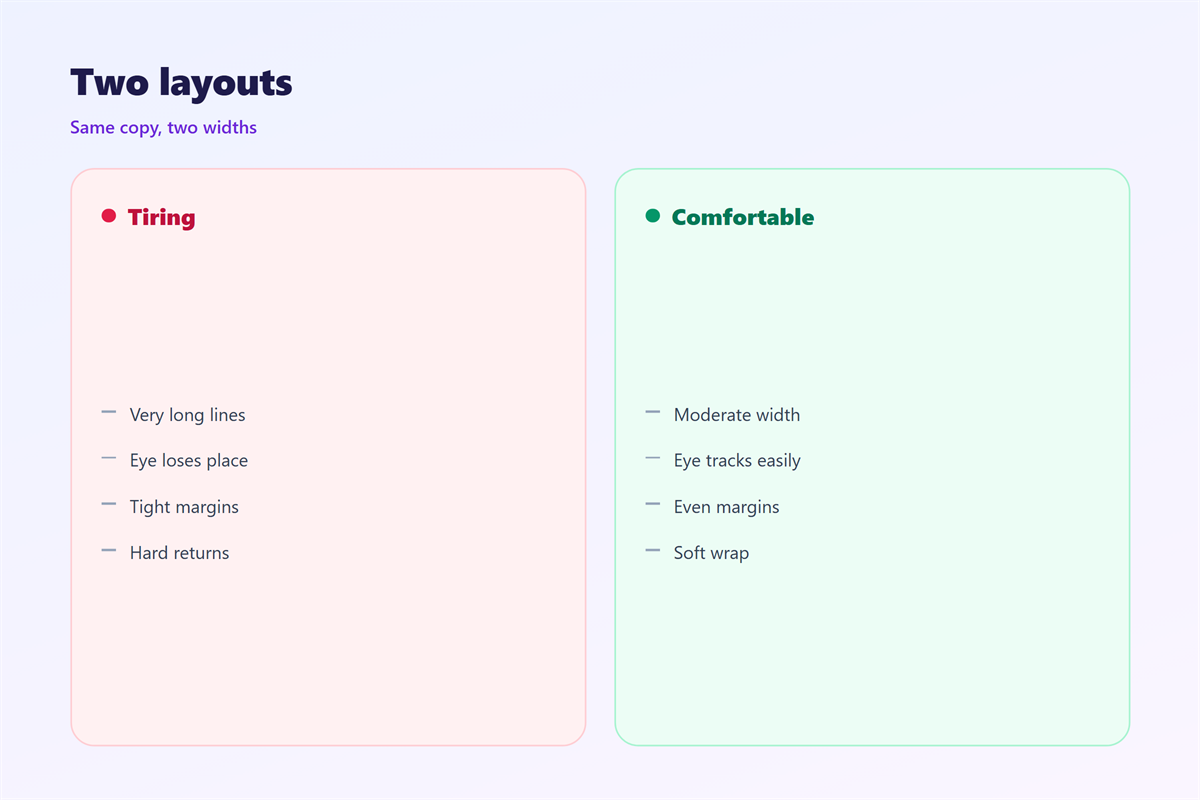
A line that is too wide hurts the reader.
The eye travels far and often slips.
The reader then rereads the same long row.
The reader may skip a whole line instead.
A line that is too narrow hurts as well.
The eye jumps back after only a few words.
That constant motion feels restless and tiring.
So both extremes slow the reader down.
Aim for the middle and stay there.
The sixty-character guide
Sixty characters is a safe starting point.
Seventy is fine for short messages.
Past ninety characters, the line begins to strain.
Below forty, the line begins to feel choppy.
邮件行宽 in plain text
Not every app shows the width you typed.
Plain text clients strip most formatting away.
They then rewrap each line to fit the window.
So your width can change on arrival.
A short line usually survives that rewrap.
A line already narrow stays readable.
A long line may break in odd places.
So write for the narrowest screen you expect.
If it reads well there, it reads well anywhere.
The plain version is your safe version.
Build the message around that plain width.
How to use 邮件行宽 well
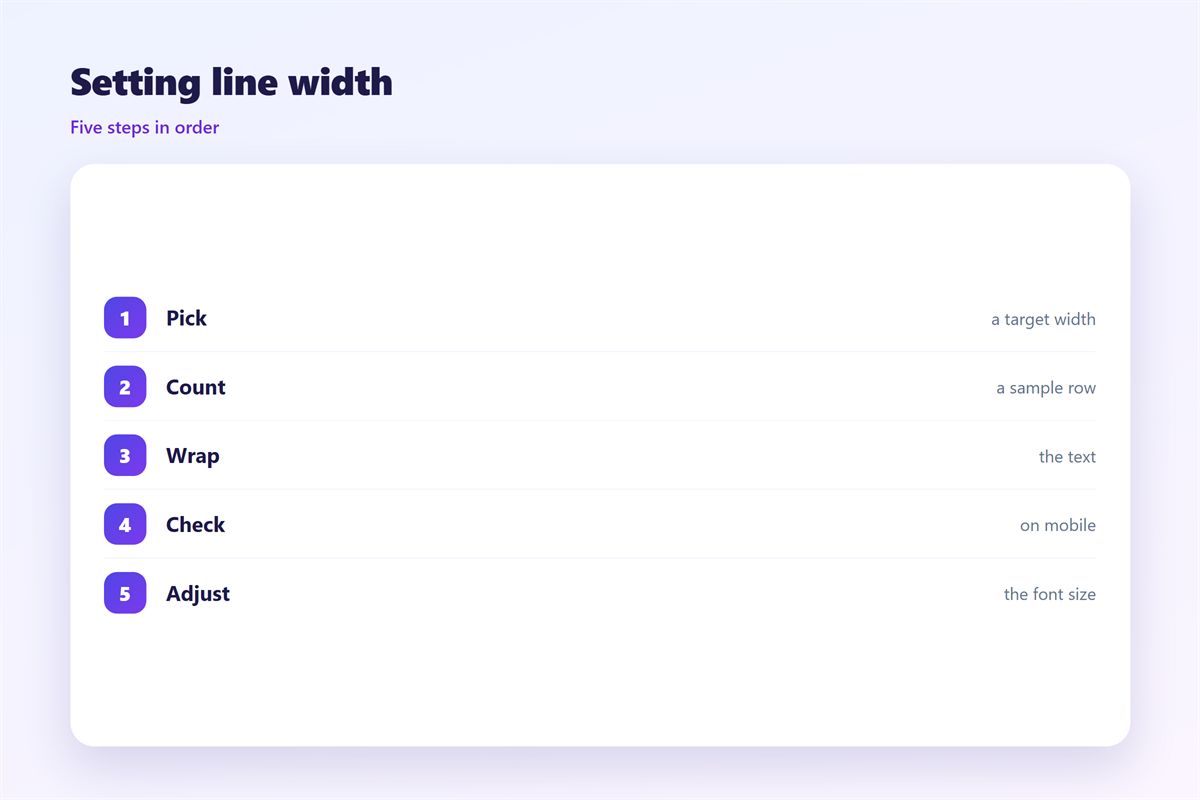
Write your message as one long draft.
Then read it back in a narrow window.
Watch where your eye has to work hardest.
Count the characters in a few long lines.
If a line passes eighty, trim it down.
Break the line where a thought pauses.
Keep related words on the same row.
Keep a short list on separate rows.
Then read the whole message once more.
A good 邮件行宽 is invisible when it works.
The reader never notices the join between rows.
Next, look at the page from a distance.
If the text looks like a solid block, widen it.
If it looks like a thin ribbon, narrow it.
Aim for a page that feels balanced and calm.
邮件行宽 and readability
A steady width lifts the reading score.
A wild width pushes the score down.
A wide line also raises the effort.
So one habit helps two goals at once.
Formatting and readability pull the same way.
Use width to group ideas, not to decorate.
The result is a page that feels calm.
A calm page is easier to answer.
Test it on a phone screen if you can.
A narrow screen shows width problems fast.
Keeping 邮件行宽 consistent
Consistency turns a small rule into a habit.
Pick a house width and hold it across the team.
The wider layout behind every message appears in 邮件排版.
The empty space around the text sits in 邮件留白.
The room between two rows is covered in 邮件行距.
The structure of the message itself lives in 邮件正文.
Agree on how wide a line may run.
Then keep the same rule for every message.
A team that agrees on 邮件行宽 writes cleaner mail.
FAQ
What is a good 邮件行宽?
Aim for about sixty to seventy characters on most screens.
Does 邮件行宽 change on a phone?
Yes. A phone rewraps long lines, so keep them short first.
Can I set the width in every client?
Mostly no. Plain text clients rewrap the text for you.
Is a wider line always worse?
Not always. A wide line is fine for a quick scan.
References
- W3C WAI: Content structure and readability
- Grammarly: Email format basics
- Litmus: Email rendering guides
评论
还没有评论,来说两句吧。
评论功能已关闭。