 小影邮箱
小影邮箱邮件换行怎么留?Line Breaks in Plain Text
Key Takeaways
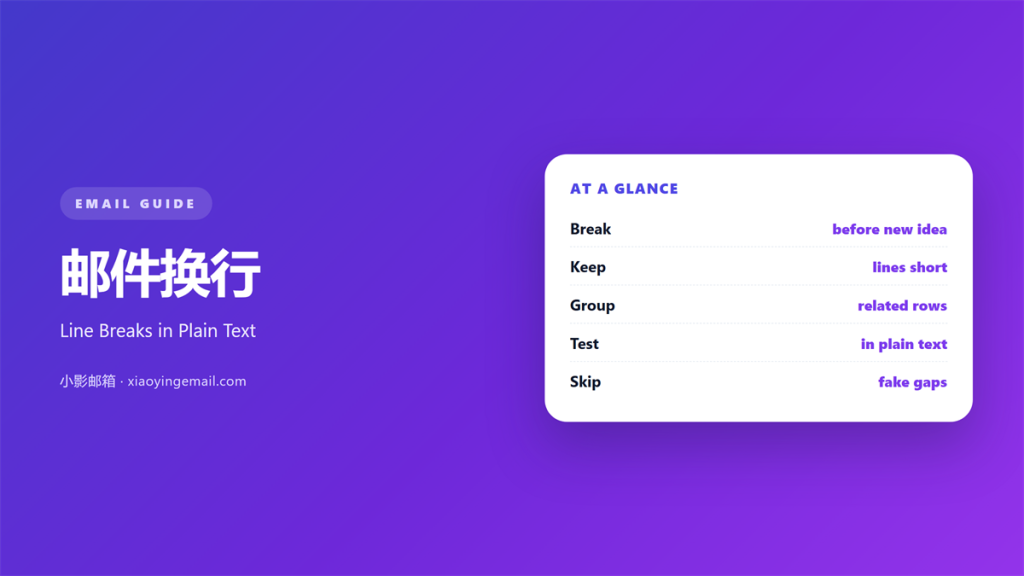
- 邮件换行 tells the eye where one thought ends.
- Keep each line short enough to scan in one pass.
- Break before a new idea, not inside an old one.
- A single break and a blank line do different jobs.
- Plain text clients ignore every break you cannot type.
What 邮件换行 means
邮件换行 is the spot where one line stops and the next begins.
You press Enter once and the text drops a single row.
That is the whole tool. It looks almost too small to matter.
Yet the pause it creates shapes how a reader moves.
Press Enter twice and you get something else.
That second press creates a blank line, not a break.
The two look similar on a bright screen.
They do very different jobs on a page.
A reader feels a small pause at a single break.
A reader feels a full stop at a blank line.
So name the one you actually want before you type.
Most email problems start with mixing the two.
Why 邮件换行 matters
A reader’s eye needs rest points.
Without them, a long note becomes a grey wall.
Good 邮件换行 gives that wall a few doorways.
The eye slips through and keeps going.
It also groups ideas into clear units.
Lines that sit together read as one thought.
A gap says the topic has changed.
No gap says the thought continues.
That signal costs nothing to send.
It works in every client that shows plain text.
Break or blank line
A line break keeps two lines close together.
A blank line pushes them apart.
Use the first for items in a list.
Use the second for a brand new topic.
Mixed up, the page feels random and rushed.
When 邮件换行 helps
Short breaks earn their place in many spots.
Use them at the end of a greeting line.
Use them between items in a short list.
Use them to set off a single ask.
Each break should mark a real change.
If nothing changed, drop the break.
A break that marks nothing is just noise.
Noise slows the reader down for no reason.
Breaks in a short list
A short list reads best with one item per line.
Keep each item on a single row.
Then the reader counts the items at a glance.
When 邮件换行 hurts
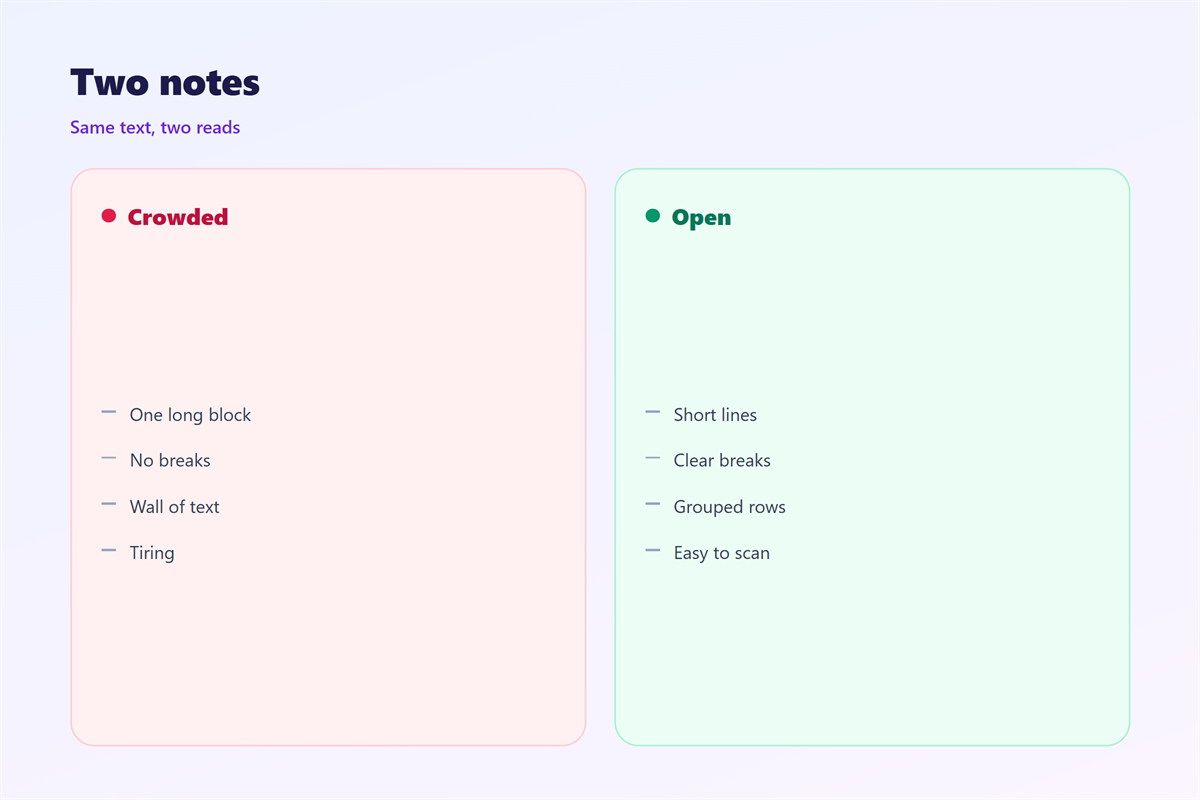
A page crowded with breaks reads as choppy.
Each line becomes its own little fragment.
The reader loses the thread between them.
Breaks can also hide a missing idea.
People break a line when they cannot fix a sentence.
That is a patch, not a repair.
So count your 邮件换行 before you send.
A quick count takes about ten seconds.
The two-line rule
Two short lines are a healthy pair.
Six lines in a row need a blank line.
If a group runs long, split it into two.
邮件换行 in plain text
Not every app shows what you typed.
Plain text clients drop most formatting.
A line break is usually safe there.
A styled heading is not.
A coloured box is not either.
So build the message for the plain version first.
If it reads well with only breaks, it reads well anywhere.
Then add richer styling on top of that.
The plain version is your safety net.
How to use 邮件换行 well
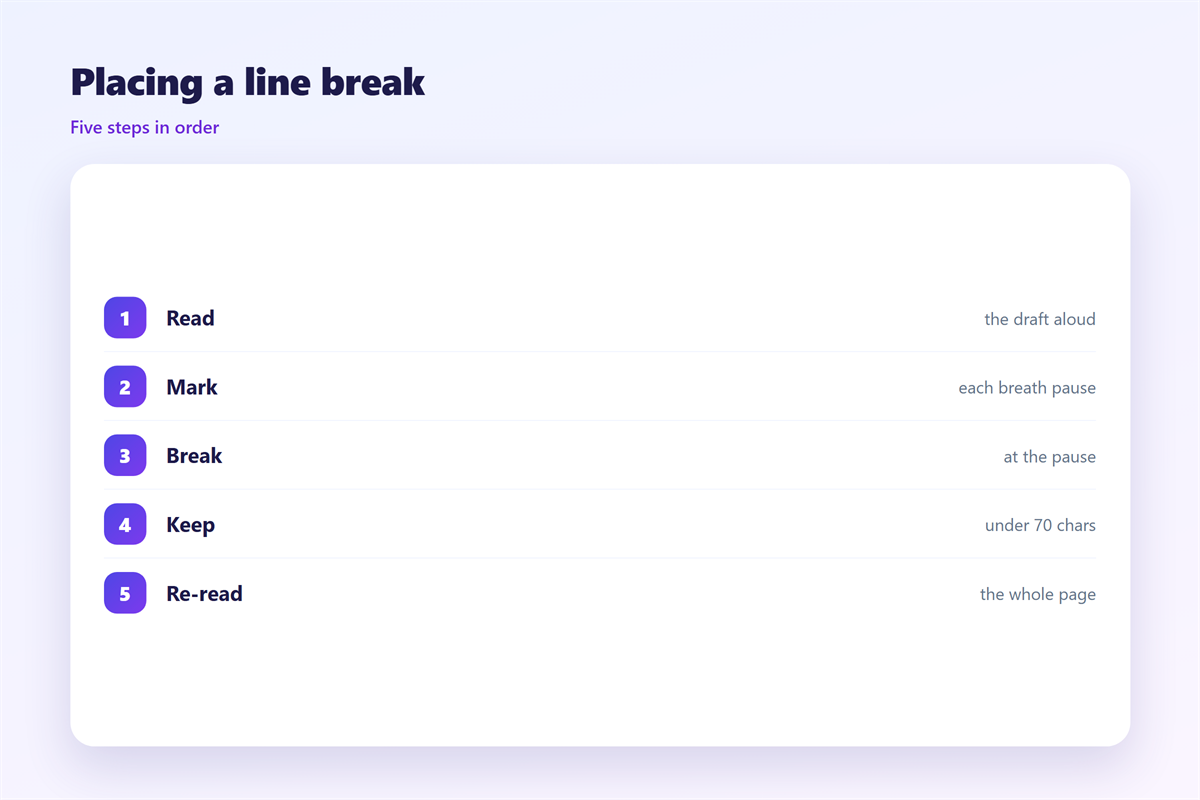
Write the message as one long draft.
Then read it aloud.
Every place you pause for a breath is a candidate break.
Add the break right there.
Keep each line under about seventy characters.
That width is easy for the eye to track.
A very long line makes the eye jump.
A very short line makes the text choppy.
So aim for the middle.
Then read the message once more.
Good 邮件换行 is invisible when it works.
The reader never notices the join.
Next, check the whole page at a glance.
Mark each break with a finger on the screen.
If your finger is busy, the page is too busy.
邮件换行 and readability
Short lines lift the reading score.
Long lines push it down.
A wall of text also raises the effort.
So the same habit helps two goals at once.
Formatting and readability pull in the same direction.
Use breaks to group ideas, not to decorate.
The result is a page that feels calm.
A calm page is easier to answer.
Test it on a phone screen if you can.
A narrow screen shows line problems fast.
Keeping 邮件换行 consistent
Consistency turns a small rule into a habit.
Pick a house style and hold it across the team.
The space above and below a line is covered in 邮件空行.
The choice of where a block ends appears in 邮件段落.
The wider layout behind good breaks is explained in 邮件排版.
The structure of the body itself sits in 邮件正文.
Agree on how many lines a group may hold.
Then keep the same rule for every message you send.
A team that agrees on 邮件换行 writes cleaner mail.
FAQ
How long should a line be before a 邮件换行?
Aim for about sixty to seventy characters, then break.
Does it survive in every email client?
Most clients keep it. A few rewrap the text on narrow screens.
Can I use 邮件换行 to fake a paragraph?
No. A single break keeps lines close, so use a blank line for a new topic.
How many 邮件换行 is too many?
If every line stands alone, the page feels choppy. Group related lines instead.
评论
还没有评论,来说两句吧。
评论功能已关闭。