 小影邮箱
小影邮箱邮件项目符号怎么用?Bullets That Scan

Key Takeaways
- 邮件项目符号 turns a dense block into a fast scan.
- Keep each bullet short and on one idea.
- Start every bullet with the same kind of word.
- Order bullets by time, weight, or group.
- Too many bullets blur the point they should sharpen.
What 邮件项目符号 means
邮件项目符号 is a small mark that starts a line.
The mark groups that line with the ones below it.
It turns a paragraph into a short list.
The reader sees the shape before the words.
Common marks include a dot, a dash, or a number.
A dot says the items are equal in weight.
A number says the order itself matters.
So the mark is not decoration.
It carries a quiet meaning of its own.
The mark also sets a rhythm the eye can follow.
A numbered list also lets you point to one item.
A short list of dots reads faster than a paragraph.
Pick the mark that matches the job.
Why 邮件项目符号 matters
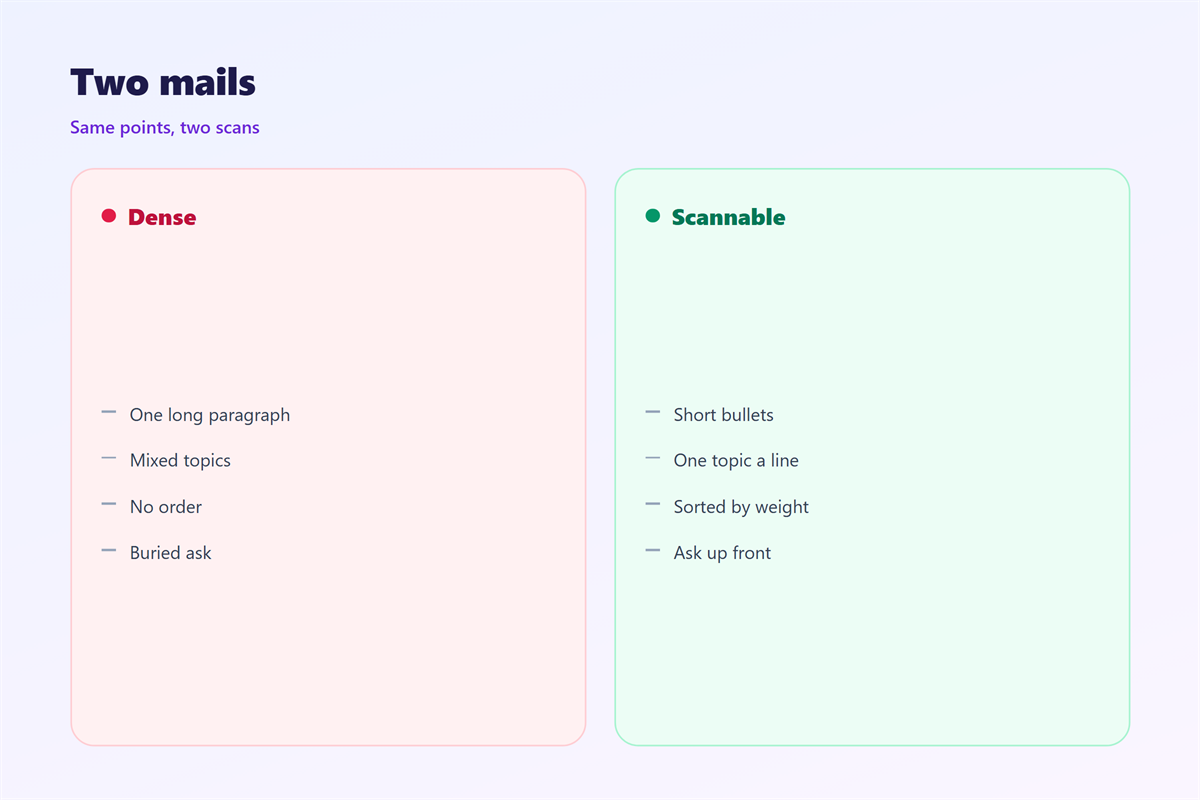
A thick paragraph hides its own main points.
邮件项目符号 pulls those points into the open.
Even one 邮件项目符号 can lift a key point.
Each line becomes one idea the reader can hold.
A list is also easy to answer point by point.
That helps the reader reply with less effort.
A busy reader often skips a thick wall of text.
A list gives that reader a clear way in.
It also makes your main point hard to miss.
One clear list can replace three short paragraphs.
Scan first, then read
Most people scan a message before they read it.
A clean list rewards that first glance.
It lets the reader decide what to study closely.
So a list saves time on both sides.
When to use 邮件项目符号
Use a list when a sentence carries many items.
Use it for steps that must happen in order.
Use it for options the reader must compare.
Use it for a short set of clear requests.
A request with several parts is easier to grant as a list.
Keep the list as short as the task allows.
A list signals that the reader must act.
When a plain sentence is better
Not every idea needs a bullet.
A single item reads better as a sentence.
A warm note can lose its tone in a list.
Very short notes rarely need a list at all.
Keep prose for feelings and lists for facts.
Writing 邮件项目符号 that are parallel
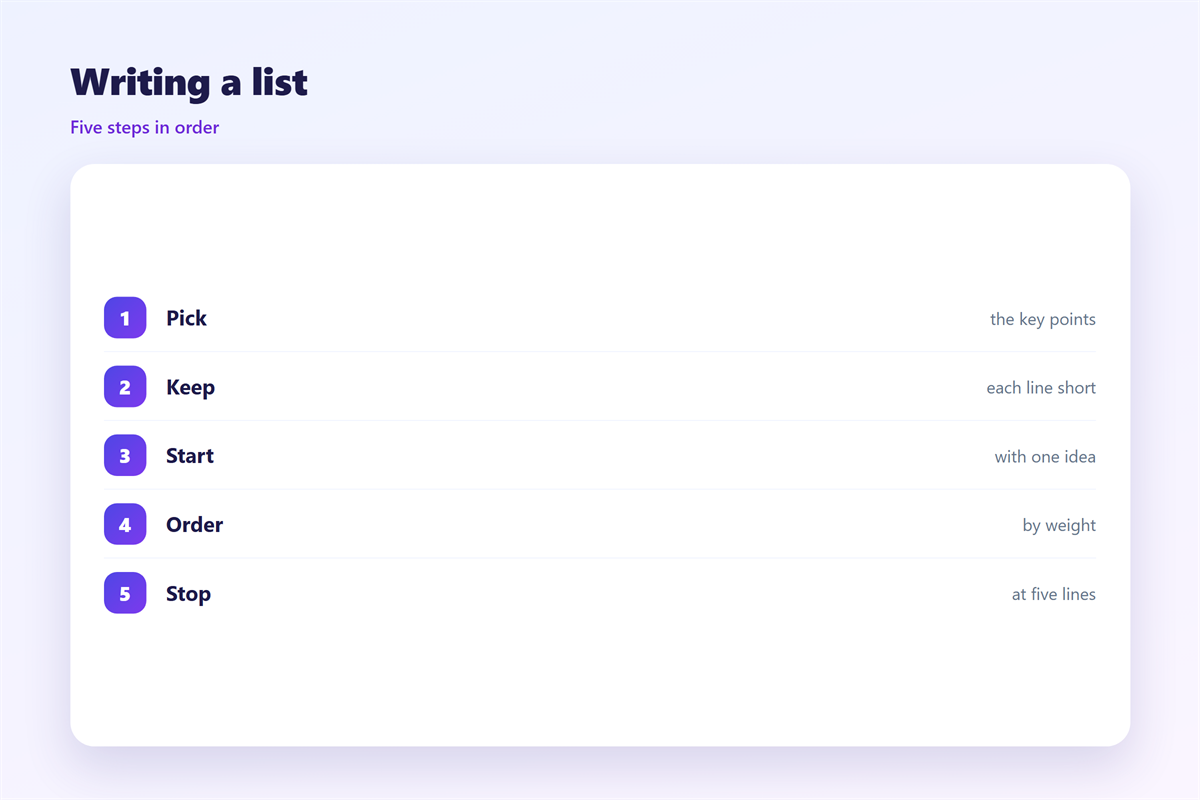
Parallel bullets share the same shape.
Start each one with the same kind of word.
If one starts with a verb, start them all that way.
Keep the length of the bullets roughly even.
Test the list by reading only the first words.
If those words match, the list is likely parallel.
Keep each bullet to one idea
One bullet should hold one single thought.
Two ideas in one line split the reader’s attention.
A verb list and a noun list do not mix well.
If a line needs a comma, it may need two bullets.
Short lines are easier to compare.
Ordering and grouping 邮件项目符号
The order of a list tells its own story.
Put the most urgent item at the top.
Group related items under a small heading.
A nested list can hold sub-points neatly.
Do not nest more than two levels deep.
Deep nesting hides the points you wanted to show.
The first item often sets the reader’s focus.
Put what you want most at the top of the list.
Save the optional items for the very end.
Group by topic before you group by time.
A clear order saves the reader a second pass.
Common 邮件项目符号 mistakes
One common mistake is a bullet that runs too long.
A long bullet turns back into a paragraph.
Another mistake is a list with only one item.
A single bullet looks odd and adds little.
A third mistake is mixing dots and numbers.
That mix hides whether order matters.
A bullet that repeats the heading adds nothing.
A list that never ends simply loses the reader.
A list of full sentences can feel too heavy.
A single idea spread over five bullets tires the eye.
So treat each 邮件项目符号 as a small claim.
Trim the list to the items that matter.
邮件项目符号 across devices
A bullet can change shape on another screen.
Some clients replace a dot with a small square.
Some strip custom images that were used as marks.
So keep the mark simple and built in.
A wide bullet with a long line may wrap twice.
That wrap can break the clean shape you wanted.
Short lines also wrap better on a phone.
Test the list in plain text mode as well.
Test a long list on a phone before you send.
Keeping 邮件项目符号 consistent
A steady style makes every list feel familiar.
The short summary at the top is covered in 邮件要点.
A working checklist is described in 邮件清单.
The wider page is planned in 邮件排版.
The rest of the message is built in 邮件正文.
Apply the same rules to each list you write.
Share a short example with the whole team.
Then everyone writes their lists the same way.
A quick review keeps the style from drifting.
A team that agrees on 邮件项目符号 reads faster.
FAQ
How many 邮件项目符号 should a list hold?
Keep it short, usually between three and seven items.
Should bullets end with a period?
Yes, if each bullet is a full sentence.
Can I use numbers instead of dots?
Yes, when the order of the items matters.
Do 邮件项目符号 work in plain text?
Yes, a dash or a star still marks each line.
References
- IETF RFC 5322: Internet Message Format
- HubSpot: Email formatting tips
- Microsoft: Business communication ideas
评论
还没有评论,来说两句吧。
评论功能已关闭。