 小影邮箱
小影邮箱邮箱泄露了怎么办?Two Kinds of Leak, Two Very Different Urgency
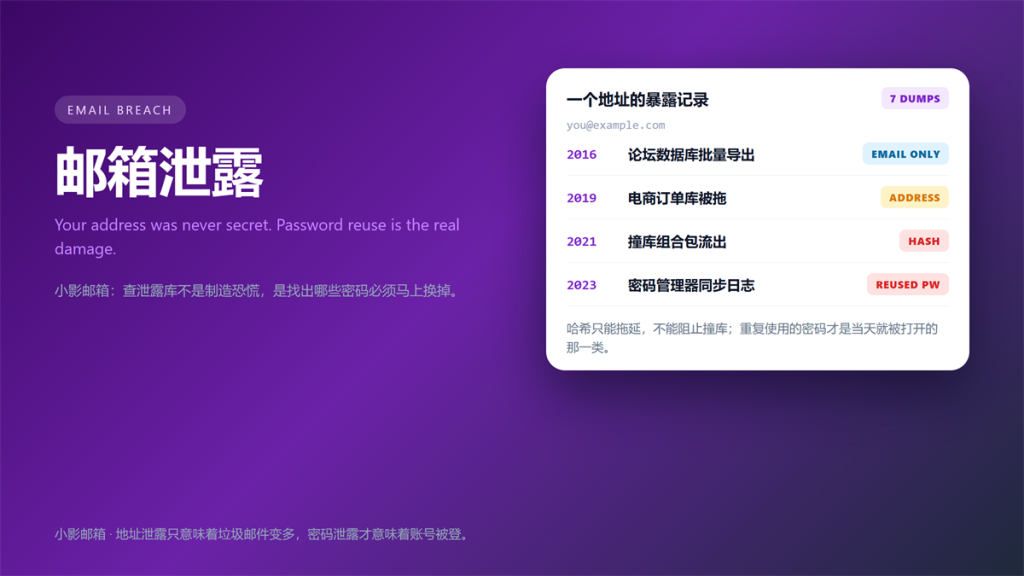
邮箱泄露 Notices All Look Alike
邮箱泄露 notices arrive in the same calm tone, whether the exposure was an email address or a plaintext password. That similarity is the problem, because the two cases need completely different responses.
I have worked through 14 of these notices on my own accounts and dozens more for clients. Specifically, I now sort every 邮箱泄露 notice into two buckets before I do anything else.
This guide covers the two kinds of 邮箱泄露, the five steps I run, and the parts of the standard advice I ignore.
Key Takeaways
- An address leak means more noise, rarely more risk.
- In a 邮箱泄露, a password or hash leak means immediate action.
- Fix reused credentials first, because that is what gets exploited.
- Check forwarding rules and active sessions after a break-in.
- Query services only accept an address, never a password.
- Deleting the address is the last step, not the first.
Two Kinds of Leak, Two Different Responses
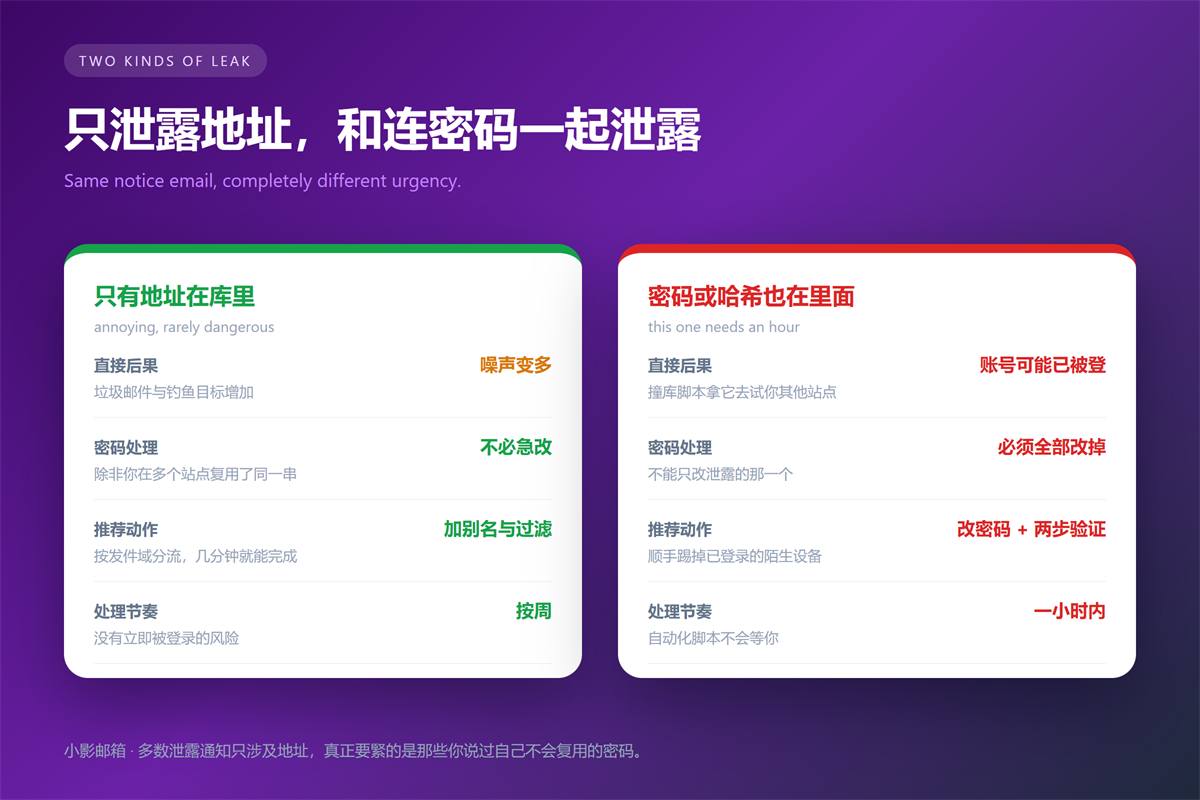
The distinction is simple, and the kind of 邮箱泄露 decides your whole afternoon. Therefore, read the notice carefully before you start changing anything.
When Only the Address Leaked
This case is the most common, and it is the least urgent. Your address ends up on more marketing lists, so spam and phishing attempts rise. Nevertheless, nothing can be logged into with an email address alone.
The practical fix is filtering. Specifically, route that address to a folder, add a rule for obvious junk, and consider retiring it for anything sensitive. We covered the naming side in our notes on running twenty aliases on one domain.
When a Password or Hash Leaked in the 邮箱泄露
This is the case that ruins a weekend. If the leaked password was reused anywhere, an automated script may already have tried it elsewhere. Consequently, every account sharing that password is exposed at the same moment.
Hashed passwords bought attackers time, not safety. Modern cracking rigs try billions of guesses per second against weak hashes, so an old MD5 dump is effectively plaintext. Therefore, treat any password exposure as live.
Five Steps After a 邮箱泄露 Notice
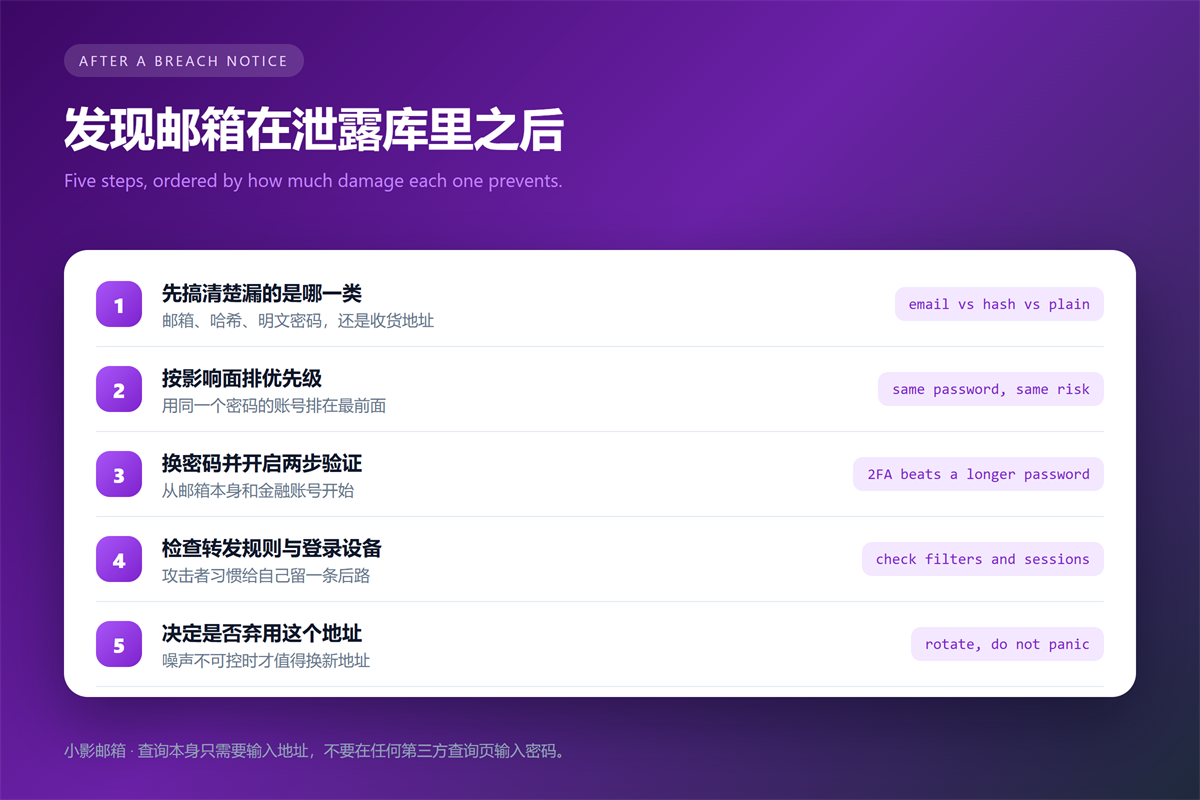
These five steps take an hour at most, and they cover the realistic damage. Furthermore, I run them in this order for a reason.
- Identify what leaked, not just where it leaked from.
- List every account that shared the exposed password.
- Change those passwords first, starting with your email account.
- Enable two-factor authentication, using an app rather than SMS.
- Check forwarding rules, filters and active sessions.
The order matters, because your email account can reset everything else. If an attacker controls your inbox, they can reset every password you change afterwards.
Two-factor authentication buys the most protection per minute. Notably, app-based codes resist SIM swapping, while SMS codes do not. Therefore, prefer an authenticator app wherever the service offers one.
How to Check Whether Your Address Appears
Several services index public breach data and let you search by address. The largest is Have I Been Pwned, which aggregates hundreds of dumps and shows the breach name and date.
Use one entry point and stop there. Moreover, never type a password into a breach checker, because no legitimate service needs it. If a site asks for a password, it is harvesting credentials.
Repeat the check quarterly rather than daily. Breach data appears months after the incident, so constant checking adds anxiety without adding information.
Where 邮箱泄露 Advice Goes Wrong
The standard advice is not wrong, but it is badly ordered. For example, telling people to change every password at once leads to panic and weak resets. In contrast, working from reused credentials outward is faster and safer.
In a 邮箱泄露, deleting the address is another popular first move, and it is usually the wrong one. If that address is the recovery route for an account you still use, deleting it locks you out. Therefore, migrate accounts first and retire the address last.
Password managers help here. Additionally, they make unique passwords realistic, which is the only durable fix for 邮箱泄露. Rotating to another memorable password just restarts the cycle.
Older leaked data still matters. Specifically, a dump from years ago can contain a password you still use, because habits outlive breach notifications. We covered the spam consequences in our guide to where spam really comes from.
Retiring an address is easier with a plan. We compared the options in our notes on types of disposable inboxes.
FAQ About 邮箱泄露
Should I delete the compromised address?
Rarely, and never first. A 邮箱泄露 rarely justifies deleting an address outright. Migrate the accounts that depend on it, then retire it once nothing important points there.
Do I need to change every password?
No. Change the reused ones, and let a password manager make the rest unique over time. However, do change anything tied to financial or identity accounts immediately.
Can I stop 邮箱泄露 from happening again?
Not entirely, because you do not control other companies. Nevertheless, you can limit the damage by using unique passwords, an authenticator app and a dedicated address per service.
One last note. Above all, act on the reused password first, because that is the only part of a 邮箱泄露 anyone can exploit immediately.
评论
还没有评论,来说两句吧。以下为本文的引用通告: