小影邮箱
小影邮箱临时邮箱怎么用?A Practical Guide to Disposable Email for Safer Signups
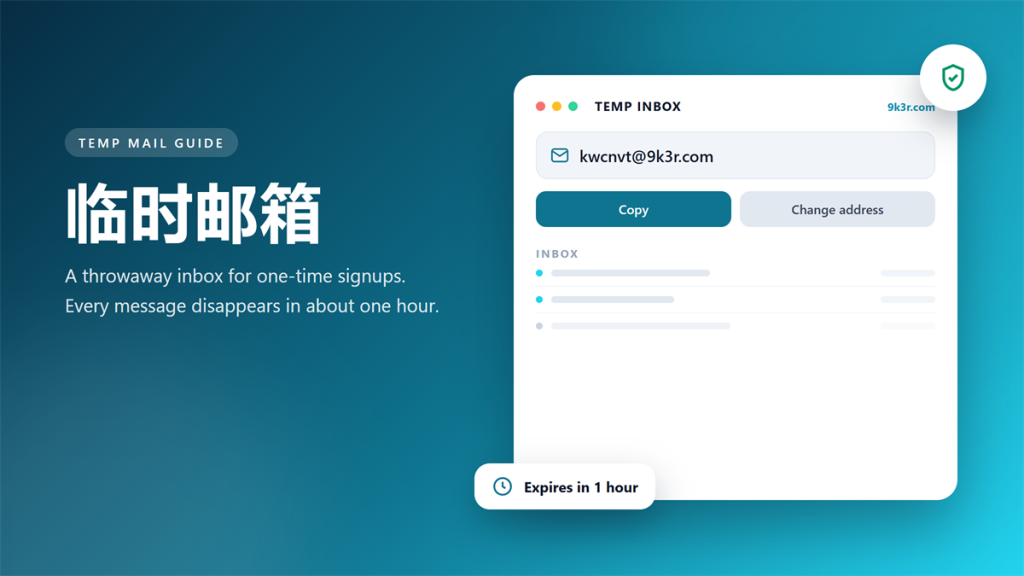
I have signed up for more than 200 free trials in the past three years. Roughly half of those forms also asked for my personal address. Then I started routing every one-off signup through a 临时邮箱. My real inbox dropped from about 60 junk messages a week to fewer than five.
That habit is not perfect, though. A 临时邮箱 is the wrong tool for banking, receipts, or anything you must read again later. This guide explains how these inboxes work, when they protect you, and when they quietly cost you money.
Key Takeaways
Here is what matters most before you pick a throwaway address.
- A 临时邮箱 creates a working inbox that self-destructs within hours.
- It stops marketing spam, yet it does not stop malware or phishing.
- Never use one for banking, medical, tax, or government accounts.
- Most providers delete every message after roughly 60 minutes.
- Always pair the signup with a unique password from a manager.
- Read the provider privacy policy before you trust it with anything.
What a 临时邮箱 Actually Does
A 临时邮箱 is a public inbox that anyone can open in seconds. There is no registration, no password, and no personal detail required. Consequently, the address you copy belongs to a shared domain such as 9k3r.com rather than to you.
Technically, the service runs an ordinary mail server with a very short retention policy. In other words, it accepts inbound mail, stores it briefly, and then deletes it. Therefore, the inbox behaves like a normal mailbox, except that nothing survives the cleanup job.
Curiously, the business model explains the trade-off. Operators pay for bandwidth and storage, so they usually cover costs with discreet ads or with premium aliases. Notably, that means the free tier is funded by your visit rather than by your data alone.
When a 临时邮箱 Saves You Real Trouble
I use a 临时邮箱 for four specific situations, and each one has saved me real time. First, software trials that demand an email before a download. Second, coupon codes and gated files that are not worth a permanent address.
Moreover, disposable inboxes are ideal for testing your own product. For instance, our team pushes a signup flow through a 临时邮箱 more than 20 times a week to check deliverability and formatting.
Additionally, hotel and airport portals often ask for an address just to show you the terms. In that case, a temporary address keeps your real inbox off yet another marketing list.
When You Should Never Use a 临时邮箱
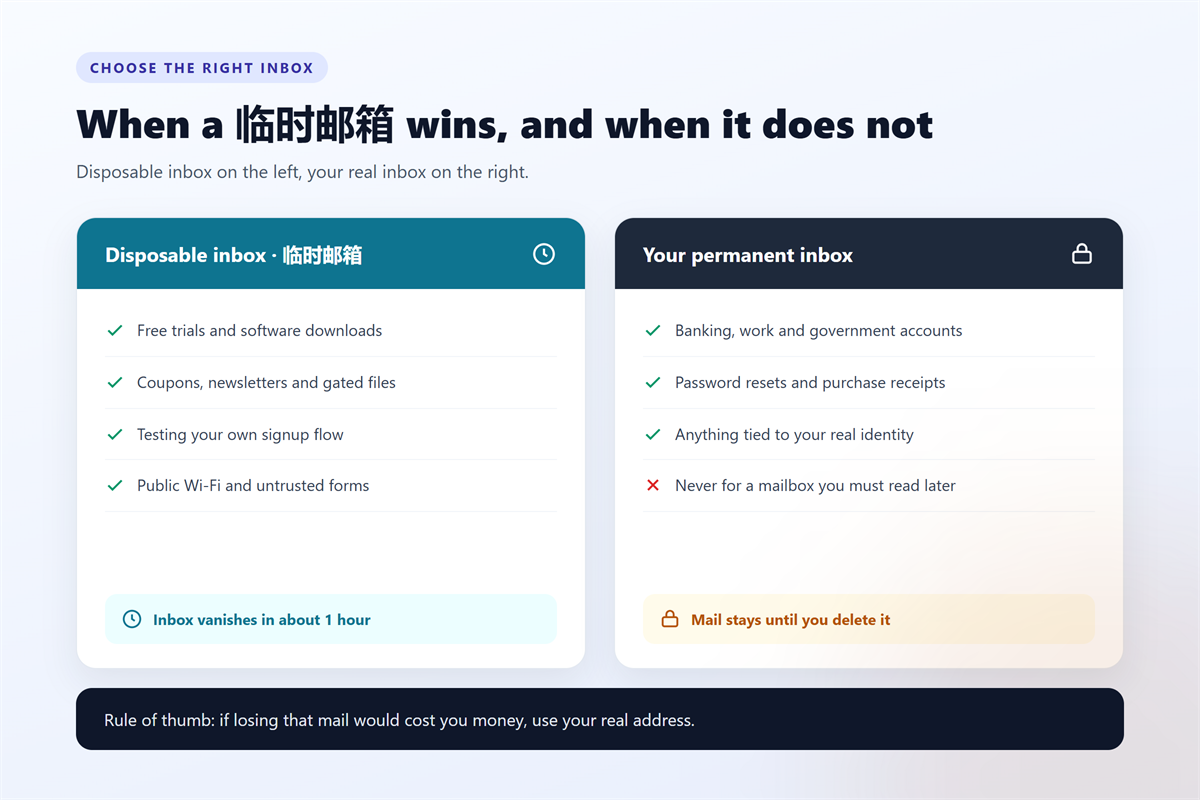
Some accounts are permanent by nature, and a disposable address will hurt you there. Specifically, never register a bank, an employer, a tax portal, an insurer, or a clinic with a 临时邮箱.
Why is that so risky? Because the provider deletes both the message and the address. As a result, you can never receive a password reset, a receipt, or a fraud alert.
Furthermore, many platforms block disposable domains outright. Therefore, you may lose the account you just created, along with any credits or files inside it.
Meanwhile, some services silently flag the signup for manual review. Consequently, your order may sit in a queue while a support agent asks for a verifiable address.
How to Use a 临时邮箱 in Three Steps
The workflow takes about thirty seconds, and you can repeat it as often as you like. First, open the 小影邮箱 online temporary inbox and copy the random address.
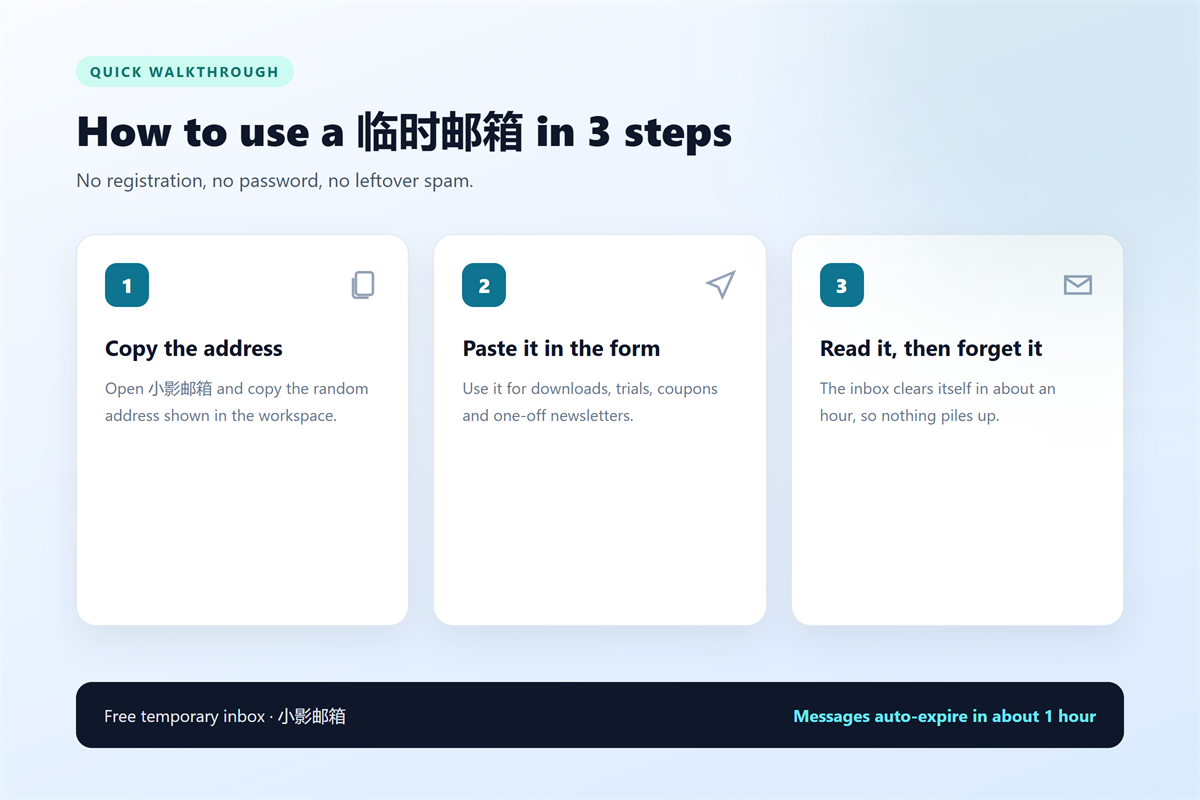
Next, paste that address into the signup form and submit it. Then keep the inbox tab open while you wait for the confirmation mail. Finally, click the verification link and close the tab.
If the confirmation never arrives, do not panic. Occasionally, a sender quietly rejects disposable domains, so the message simply bounces back.
Step 1: Copy the address
The workspace generates a fresh address whenever you click the change-address button. Consequently, you get a clean inbox on a shared domain without any setup.
Step 2: Confirm the message
Verification mail usually lands within ten seconds. However, a busy relay can take a minute or two, so refresh the page instead of generating another address.
Step 3: Close the tab
Once the confirmation is complete, the address has no further value. Therefore, close the tab and let the retention timer do its job.
临时邮箱 vs. Gmail Aliases vs. Paid Masking
Three tools solve the same problem in different ways, and the right pick depends on how long you need the address.
| Option | Cost | Lifespan | Best for |
|---|---|---|---|
| A 临时邮箱 such as 小影邮箱 | Free | About one hour | One-time signups and downloads |
| Gmail plus addressing | Free | Permanent | Filtering mail you must keep |
| Paid email masking | 2 to 5 USD per month | Until you cancel | Long-term privacy for real accounts |
However, the table hides one important trade-off. A permanent alias still points back to your main inbox, so it hides the address rather than the identity. In contrast, a 临时邮箱 leaves nothing behind after the retention window.
What a 临时邮箱 Cannot Protect
A disposable inbox hides your real email address, and that is the full extent of the promise. It does not make you anonymous. Your IP address and browser fingerprint stay visible to every site you visit.
Moreover, it cannot detect a phishing page. If you type a password into a fake login screen, no 临时邮箱 ever receives the message, and the attacker keeps the credentials.
Finally, shared domains carry a small reputation risk. Some of these addresses were abused before you arrived. Consequently, a strict sender may flag the whole domain for everyone.
On the privacy side, the 小影邮箱 privacy policy explains what the service records. Reading it takes two minutes. Above all, assume that any free inbox keeps technical logs for a while.
Mistakes I Made After 200 Test Signups
I broke my own rules twice, and both mistakes cost me more than the spam I avoided. Initially, I registered a cloud storage account with a 临时邮箱. Then I lost access when the provider forced a password reset. As a result, I abandoned 40 GB of files.
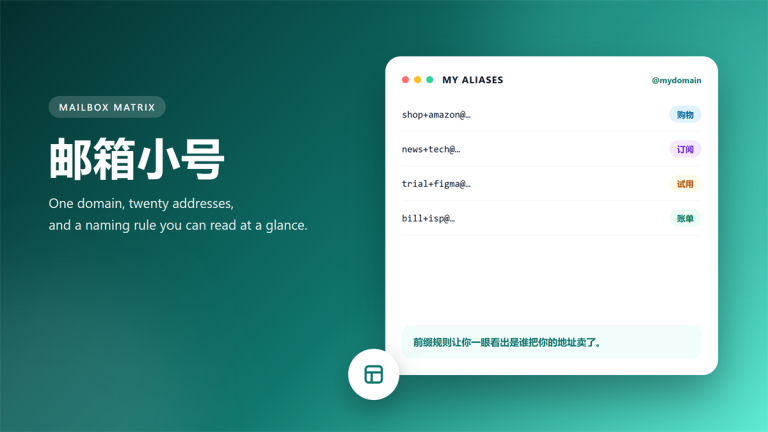
Later, I reused a single address across five signups, which defeated the purpose entirely. Notably, two of those sites shared one marketing vendor, so the leak happened anyway. My 临时邮箱 setup notes now start with one rule: one address per signup.
Above all, treat a disposable address as a disposable key rather than a shield. It keeps your inbox clean, and it does nothing else for you.
Frequently Asked Questions
Is a 临时邮箱 safe to use?
It is safe for low-stakes signups such as downloads, trials, and coupons. However, never receive sensitive mail through one, because storage is shared and short-lived. For that reason, keep banks, employers, and government portals on a permanent address that you control.
How long does a disposable address last?
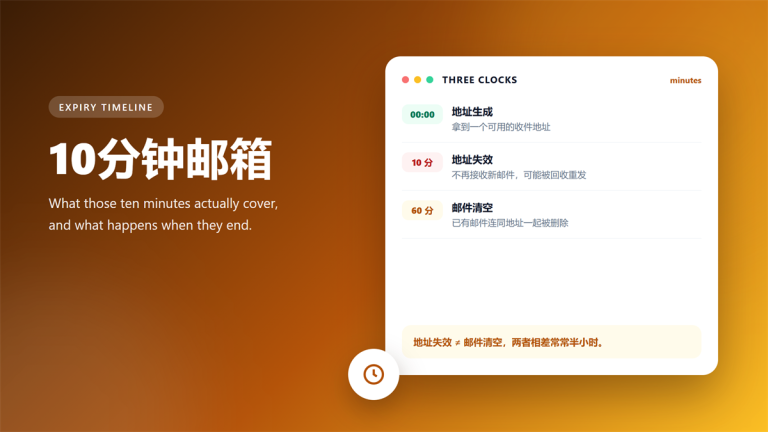
Most providers keep messages for a short window, and 小影邮箱 clears mail after about one hour. Therefore, finish the confirmation step immediately after you submit the form. If a sender delivers the verification link later than that, the message will be gone.
Can a website block a 临时邮箱?
Yes, and many do. Some platforms maintain blocklists of disposable domains, while others score signups by reputation. Consequently, a 临时邮箱 may fail at checkout or during account creation. In that case, use your real address and filter the mail with a label.
Should I use a 临时邮箱 for password resets?
No, never. A reset link becomes useless once the inbox expires, and you may lock yourself out of an important account. Instead, store those accounts in a password manager with a permanent address on file. Then enable two-factor authentication.
延伸阅读
想了解虚拟邮箱适合用于哪些注册场景与账号类型,请参阅:《虚拟邮箱能注册哪些账号:30 个注册表单实测》。
挑选服务前,建议先过一遍《免费临时邮箱的 7 项挑选标准》。
如果你需要收验证码,《接收验证码实测与失败排查》给出了完整流程。
想系统梳理“一次性地址”的几种做法,请看:《一次性邮箱有哪 5 种:机制、成本与适用场景》。
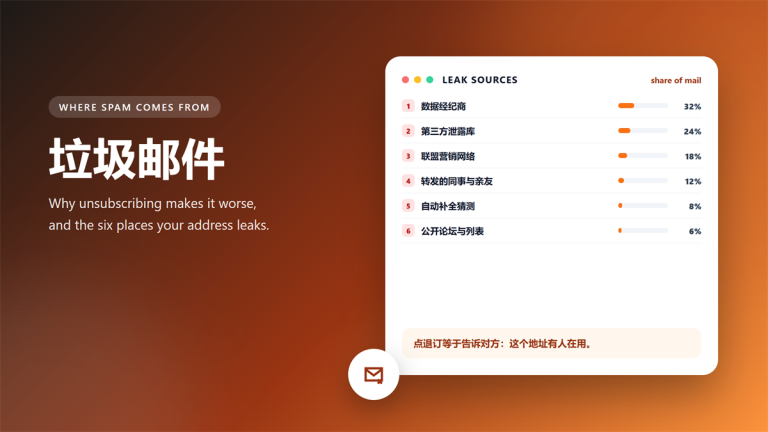
如果收件箱已被营销邮件淹没,《垃圾邮件的 6 个来源与 5 个对策》给出了可执行的方案。