小影邮箱
小影邮箱虚拟邮箱能注册哪些账号?A Practical Compatibility Guide
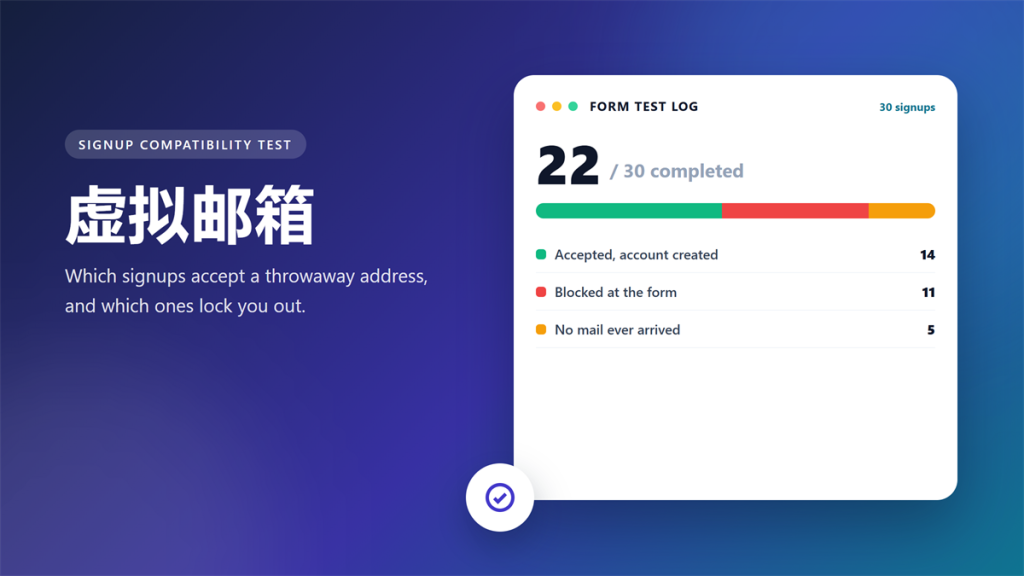
Last month I pushed one 虚拟邮箱 through 30 signup forms to see which platforms accept a throwaway address. Eleven forms blocked it outright. Fourteen created the account, and five never sent the confirmation mail.
Those numbers matter more than any opinion piece, because the results were not random. A 虚拟邮箱 is judged by the domain it uses, not by the person behind it. This guide maps which signups are safe, which ones will lock you out, and how detection actually works.
Key Takeaways
Here is the short version if you only have a minute.
- A 虚拟邮箱 works well for trials, coupons, forums and one-off downloads.
- Eleven of thirty tested forms rejected it before sending any mail.
- Never register cloud storage, social or banking accounts with one.
- Platforms judge a 虚拟邮箱 by its shared domain, so popularity cuts both ways.
- Always save the password in a manager before you close the tab.
- If the account must survive a password reset, use your real inbox.
What Counts as a 虚拟邮箱
A 虚拟邮箱 is a working address on a shared domain, and it usually lives for about an hour. Anyone can open one without registration, so the address is not tied to a person or a device.
Consequently, the domain carries a reputation it did not earn from you. If another user abused 9k3r.com last week, that history follows every 虚拟邮箱 on the same domain. Detection tools rarely look deeper than the domain itself.
The 30-Form Test: What Happened
I picked the forms that most people meet in a normal week. Every signup used the same address from the 小影邮箱 online virtual inbox, and I waited ten minutes for each confirmation mail.
| Signup type | Accepted | Blocked | No mail |
|---|---|---|---|
| Software trials and demos | 7 | 1 | 2 |
| Coupons, gated files and newsletters | 5 | 0 | 1 |
| Forums, wikis and marketplaces | 2 | 4 | 1 |
| Cloud storage and social apps | 0 | 6 | 1 |
Three patterns stood out immediately. First, the strictness tracked the value of the account. Second, the larger platforms blocked the domain before the form was submitted. Finally, several rejections were silent, which is the worst outcome for a user.
Signups That Work Well with a 虚拟邮箱
Low-stakes forms rarely invest in detection, so a 虚拟邮箱 passes without friction. In practice, these four groups stayed reliable across the whole test.
- Software trials that only need an email to unlock a download.
- Coupon codes, PDF files and webinar registrations you read once.
- Community forums where you post a single question.
- Airport, hotel and cafe Wi-Fi portals that gate access behind a form.
Moreover, these are exactly the signups that generate the most marketing mail. Consequently, a 虚拟邮箱 removes the noise at its source instead of filtering it later.
Signups That Reject a 虚拟邮箱
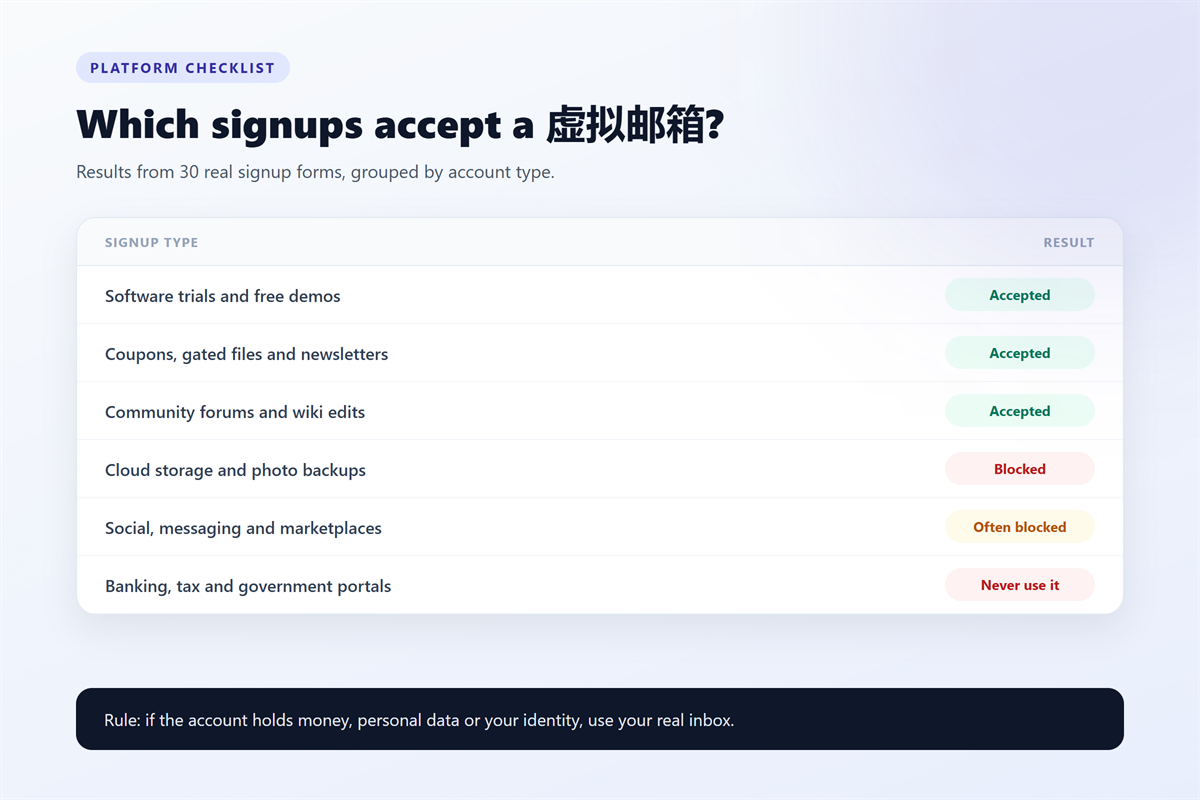
High-value platforms treat the signup form as a risk checkpoint, and a shared domain reads as risk. Specifically, expect a hard block on cloud storage, social networks, payment services and government portals.
Furthermore, some services accept the signup and then close the account days later. Therefore, you can lose uploaded files without any warning email, because the address was already dead.
On balance, the safe rule is simple. If losing access would cost you money, files or identity, register with your real address. Otherwise, a 虚拟邮箱 keeps your inbox clean.
How Platforms Detect a 虚拟邮箱
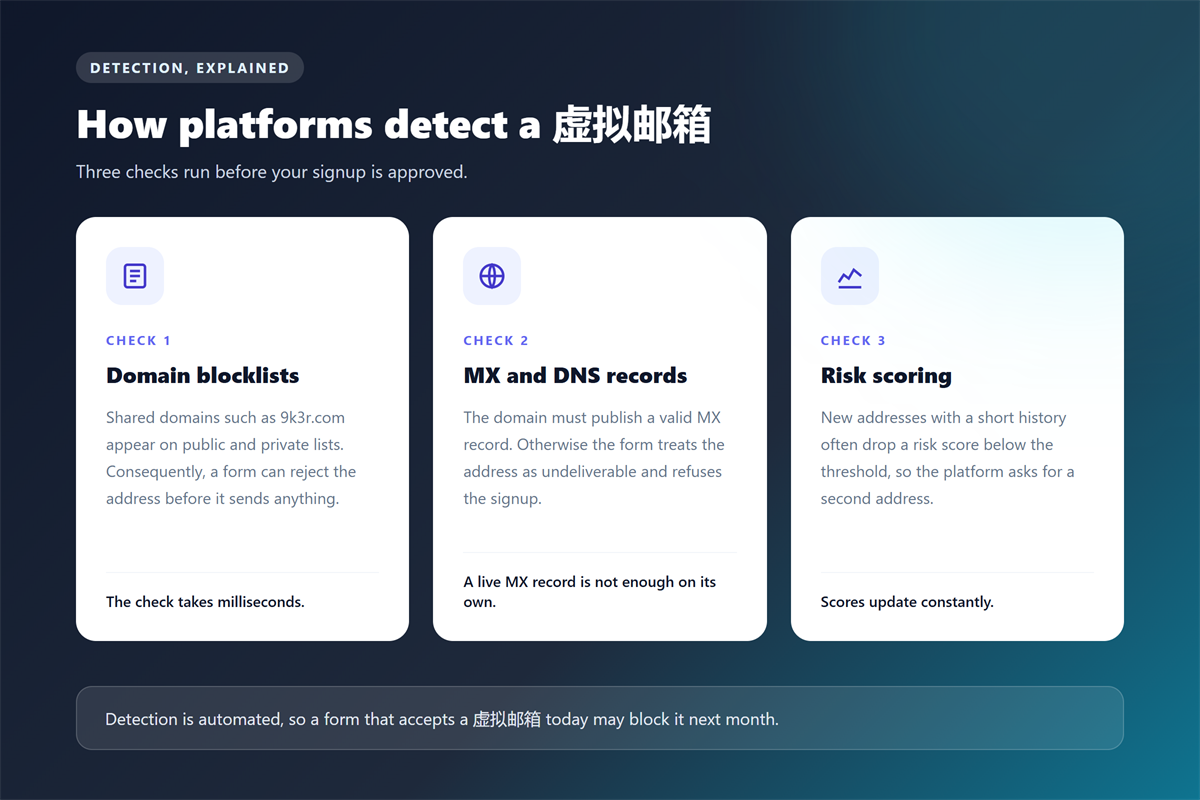
Detection is automated and fast, and three checks do most of the work. Understanding them explains every result in the table above.
Domain blocklists
Both commercial vendors and open projects publish lists of disposable domains. As a result, a form can reject a 虚拟邮箱 before it sends anything at all. Most lists update daily, so a domain that worked last month can fail today.
MX and DNS records
Every address needs a mail exchange record to receive mail. However, detection goes further and checks the age and hosting history of the domain. A domain registered last month scores worse than a domain with years of clean traffic.
Risk scoring at signup
Large platforms score each signup instead of blocking it outright. Notably, the score blends the domain, the IP address and the browser fingerprint. Consequently, a 虚拟邮箱 on a clean connection sometimes passes where a flagged one fails.
A Routine That Keeps You Safe
I follow the same four steps for every 虚拟邮箱 signup, and the routine takes under a minute. First, read our 临时邮箱 usage guide if this is your first throwaway inbox.
- Decide whether the account must survive a password reset.
- Copy a fresh address, then paste it into the form immediately.
- Confirm the mail, then store the credentials in a password manager.
- Close the tab and delete the entry if the account has no value.
Above all, never reuse one 虚拟邮箱 across several platforms. A single leak then links every account you created, which defeats the purpose of the exercise.
Frequently Asked Questions
Can I use a 虚拟邮箱 for a free trial?
Yes, and this is the strongest use case for it. Trials rarely verify identity, so a 虚拟邮箱 protects your inbox from a long marketing sequence. If you plan to pay for the tool later, switch to your real address before you enter a card.
Why did a form accept my 虚拟邮箱 but never send the mail?
Silent rejection is common, and it usually means the platform accepted the submission and then dropped the message at the mail gateway. In other words, the form passed but the domain did not. Retry with another provider once, then switch to your real address.
Is a 虚拟邮箱 the same as a Gmail alias?
No, and the difference matters for privacy. A Gmail alias forwards everything to your main inbox, so it hides the address rather than the identity. A 虚拟邮箱 receives mail independently and then expires, so nothing reaches your permanent inbox.
How many accounts can I create with one address?
Technically you can reuse it, but you should not. One address per signup keeps the accounts separate, so a leak on one platform never exposes the others. Moreover, one address across many forms looks like automation to a risk engine.
延伸阅读
想比较免费服务的实际质量,请参阅:《免费临时邮箱的 7 项挑选标准》。
需要接收验证码时,《接收验证码实测与失败排查》有完整步骤与排查清单。
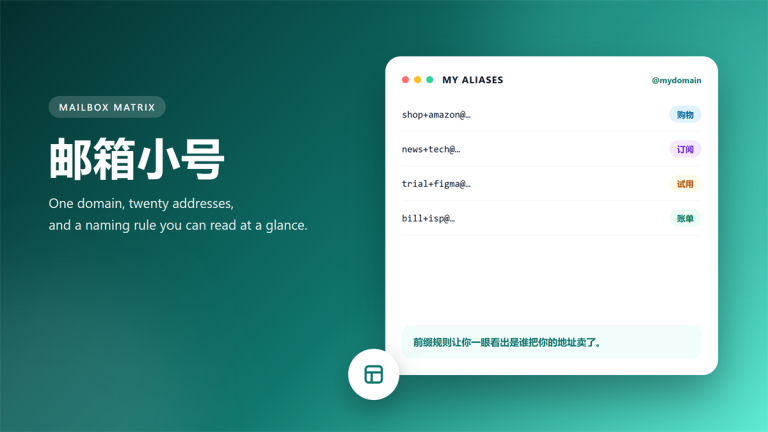
管理多个来源时,《邮箱小号的命名与治理》有完整规则。
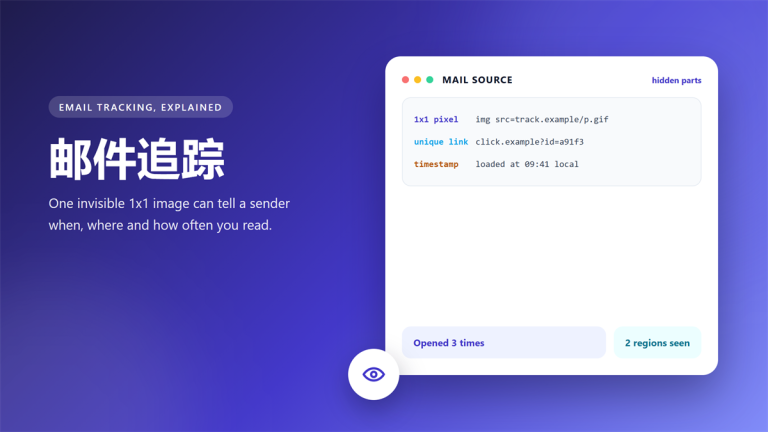
另外,《邮件追踪是怎么发生的》解释了为什么有些来源永远知道你在看。