 小影邮箱
小影邮箱邮件静音怎么用?Staying in the Loop Quietly
Key Takeaways
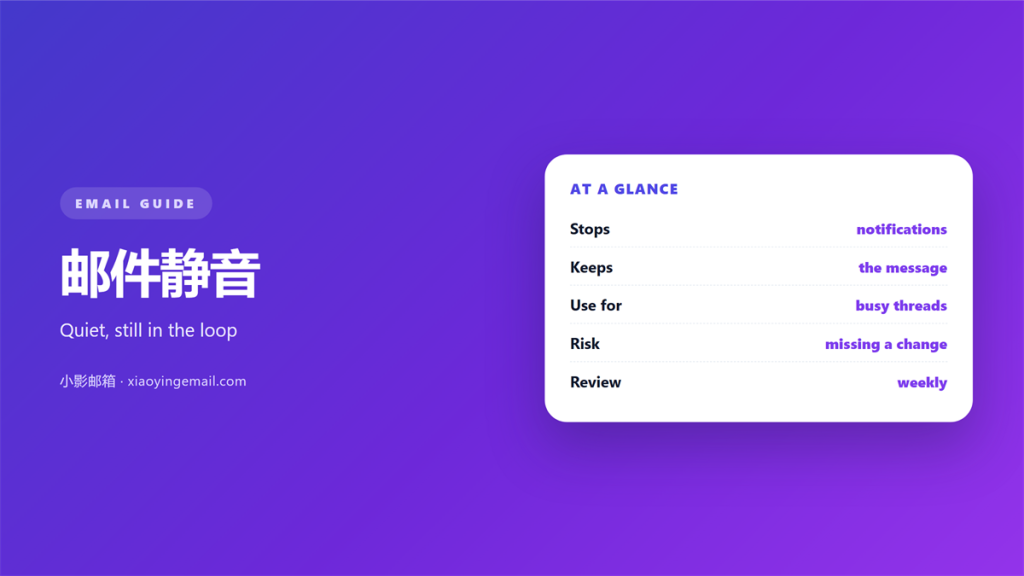
- 邮件静音 stops alerts for a thread, not the mail itself.
- A 邮件静音 is not the same as a delete.
- The replies still arrive and still sit in your account.
- Write down why you muted a thread.
- Check muted threads on a schedule.
What 邮件静音 actually does
邮件静音 is a small switch on a conversation. It tells the client to stay quiet. New replies arrive without a sound or a badge.
The messages are not moved. They are not deleted. They simply lose their alarm.
That is the whole idea. You keep the record. You drop the interruption.
The switch works per conversation, not per sender. A new subject starts a fresh thread. It arrives with full volume again.
Clients differ in the details. Some archive the thread at once. Others leave it in place and only silence it.
A muted thread still shows in search. Nothing is lost. You simply choose when to look.
Some clients also mute a sender. That is a wider tool. Use it when one address sends too much.
Read the settings before you trust the switch. Words like “ignore” and “mute” can differ. One may archive, the other may not.
Mute is not delete
Three actions are easy to confuse. Archiving removes a thread from the inbox and keeps it. Deleting removes it and moves it to the trash.
Muting changes none of that. The thread stays where it was. Only the notification stops.
So 邮件静音 is the gentlest of the three. It is also the easiest to forget.
A fourth action exists too. Snoozing hides a message until a chosen hour. It returns on its own, unlike a mute.
When 邮件静音 helps most
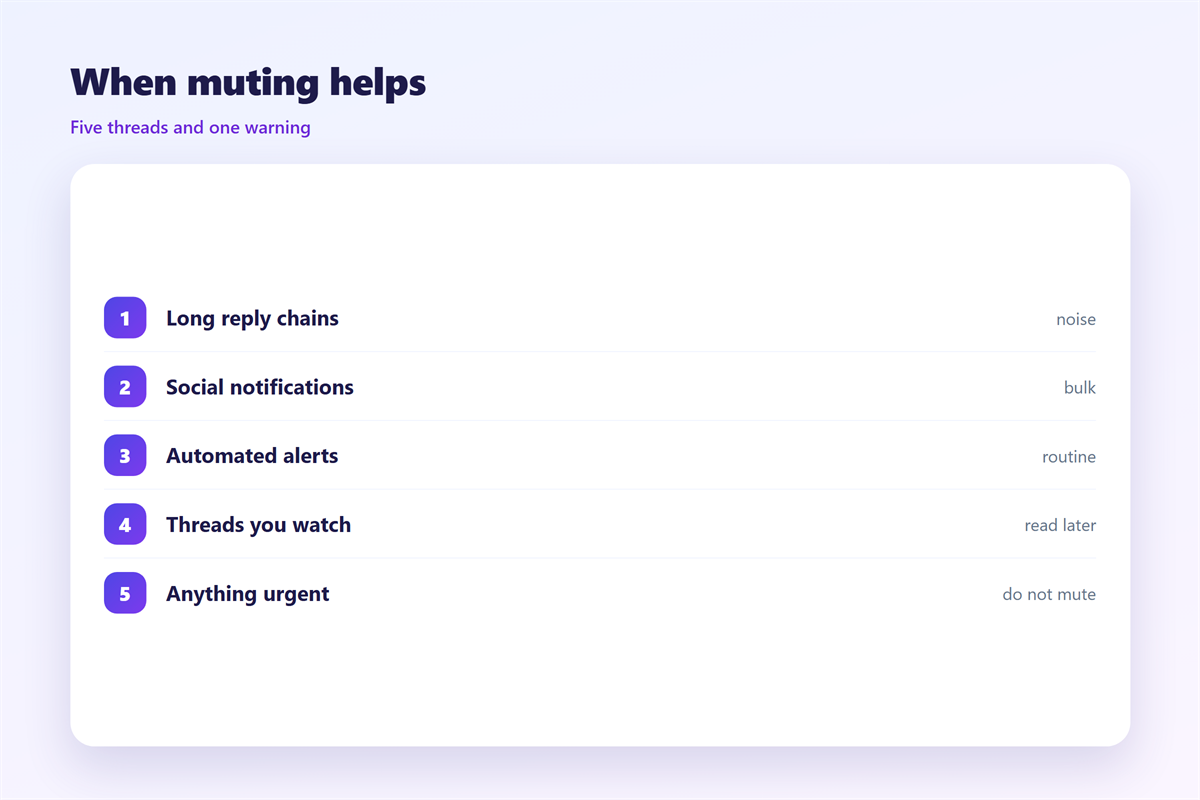
Long threads are the first case. A big group replies all day. Most of it is chatter, and none of it needs you.
Announcement storms are the second. A mailing list decides to celebrate. Forty replies arrive in an hour.
Carbon-copy noise is the third. You were added for visibility. Nobody expects a reply from you.
Status threads are the fourth. A project updates itself daily. You want the history, not the ping.
A 邮件静音 saves your attention for real work. Attention is the scarce resource here, not storage.
Before a 邮件静音, ask who else relies on the thread. If others depend on you, say so first.
Mute suits a fixed set of cases. Everyday chatter wins the most. One-off announcements do too.
It also suits a long approval chain. Ten replies may contain one decision. You only need the ending.
Quiet hours are a different tool. They silence everything for a while. A mute targets one conversation for as long as needed.
Where 邮件静音 hides a problem
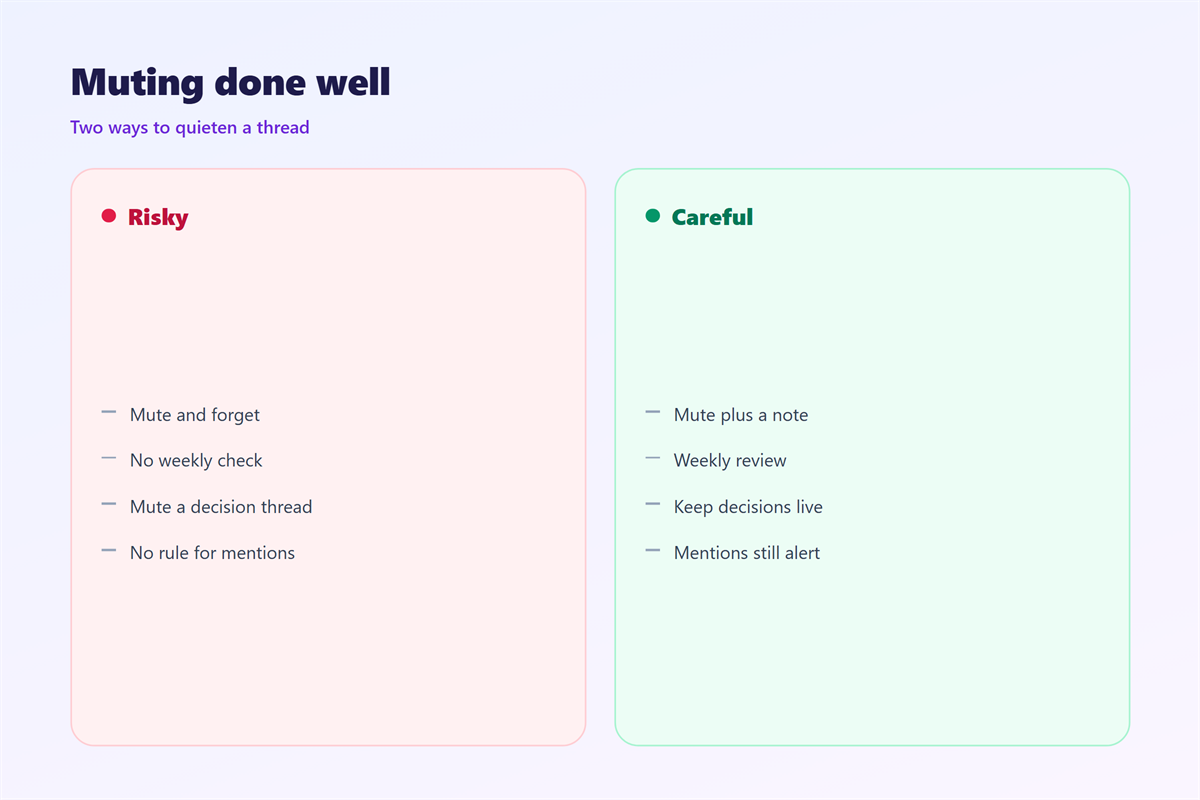
The first risk is a direct question. Someone writes your name inside a muted thread. No alert tells you.
The second risk is a false assumption. Others see your address on the list. They assume you read the last update.
The third risk is a decision made without you. A thread can end with a date and a plan. You may learn about both late.
None of these are fatal. They do need a counterweight. A quiet thread needs a scheduled look.
A 邮件静音 can hide a direct question most of all. Watch for your name in the search bar.
There is a social cost as well. A silent reader still looks like a reader. Someone may credit you with a decision you never saw.
The fix is communication, not software. A short note settles the question before it grows. Nothing about a mute is permanent. That is its strength and its weakness.
A simple 邮件静音 routine
Mute with a reason. Note why the thread went quiet. A short reason helps you revisit it.
Set a check reminder. One weekly pass over muted threads is enough. It takes a few minutes.
Review your 邮件静音 list each week. A quick scan catches a missed mention. It also catches a thread that has gone cold.
Search your own name before you trust the mute. A mention is the one thing worth a missing alert.
Unmute when you are named. A single reply brings the thread back to full volume.
Tell people when it matters. “I muted this, ping me if you need me.” That line prevents a surprise.
Pick one day for the review. Friday works well for many people. Monday works for others.
Keep the number of muted threads small. Twenty quiet threads are harder to track than two.
Drop a mute once the thread goes cold. Old mutes pile up like old files.
Then check the setting on each device. Mute may not sync everywhere. A phone can still ring in your pocket.
Keep a short note beside each mute. The note says what you are waiting for. Then the review has a purpose.
Our notes on 邮件会话 explain how threads break. The wider settings live under 邮件通知. Quieter hours are covered in 邮件免打扰. The look of alerts is described in 邮件提醒.
Keep the routine light. A mute is a tool, not a policy. Use it where it clearly helps.
FAQ
Does 邮件静音 delete the thread?
No. It only stops the notifications. The messages stay in place. You can read them at any time.
Can I unmute a thread?
Yes, and it is instant. The next reply rings again. Some clients unmute the thread when you reply.
Do others know I muted them?
Usually not. A 邮件静音 is a local setting. It changes nothing for the other people on the thread.
Is 邮件静音 the same as blocking?
No. Blocking stops delivery. Muting only stops the alert. The sender never sees the difference.
References
- Google: Mute messages in Gmail
- Wikipedia: Conversation threading
- IETF RFC 5256: IMAP SORT and THREAD
评论
还没有评论,来说两句吧。
评论功能已关闭。