 小影邮箱
小影邮箱邮件收件箱怎么管?Triage It Before It Grows
Key Takeaways
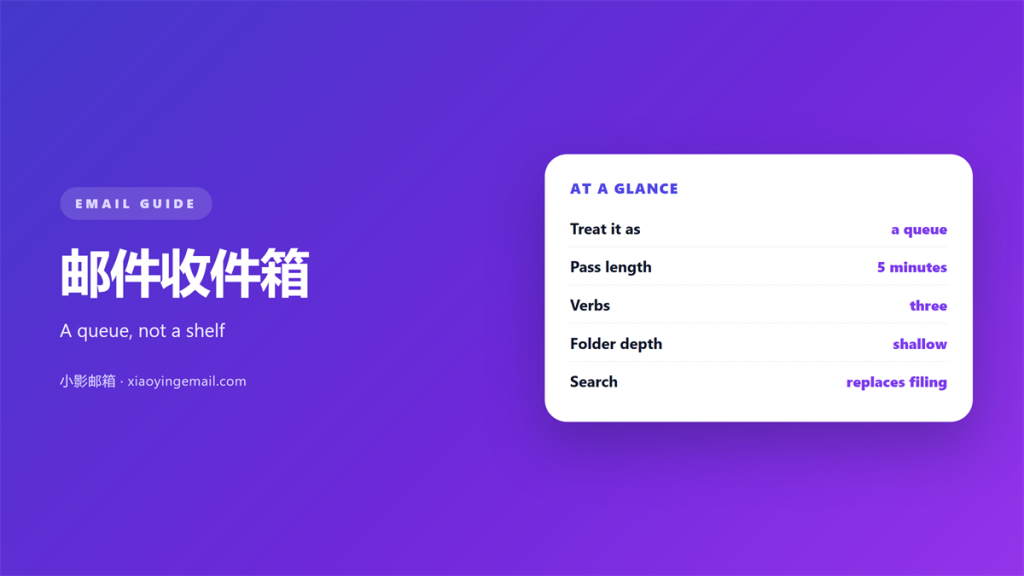
- 邮件收件箱 is a queue, not a filing cabinet.
- Most messages need one decision, not a folder.
- A shallow structure beats a deep one.
- Triage works when it is short and frequent.
- Search replaces most filing.
What 邮件收件箱 really holds
邮件收件箱 is the list of everything that arrived and nothing that was decided. That sounds obvious, but most advice treats it as storage.
Look at a real inbox and the mix is predictable. A few messages need a reply. A few need a record kept. Most need one glance and then nothing at all.
The problem is that all three kinds sit together. A bill and a newsletter look equally urgent until you read them.
So a 邮件收件箱 is not a place to organise things. It is a place to make decisions quickly.
That single change of framing explains most of the advice below. Storage grows forever. A queue only grows when you stop serving it.
Think about a paper in-tray. You pick up one item, act on it, and put it down. You do not sort the whole pile first. A 邮件收件箱 rewards the same habit.
A queue also has a natural rhythm. It empties while you work and refills while you rest.
Why 邮件收件箱 fill up so fast
Volume is only half the story. The other half is delay.
A message you cannot act on stays in the list. A message you can act on in ten seconds usually leaves. So the inbox slowly fills with the items you were least ready to answer.
There is a second cause. Notifications pull you back to the top of the list. Each visit adds a few reads and no decisions.
The result is a list that grows while feeling busy. It is the most common pattern we see.
Time zones make it worse. A question sent from another region arrives while you sleep. By the time you read it, the sender has already moved on to their evening.
Attachments add weight too. A file that needs a decision keeps the whole message alive, even when the rest is settled.
None of this is a discipline problem. A 邮件收件箱 behaves like this by default, and it needs a method rather than willpower.
Managing 邮件收件箱 in five minutes
A short, frequent pass beats a long, rare one. Five minutes a day is enough for most accounts.
Work from the top and stop at the first message that needs real thought. Open it, then either reply, defer or archive it.
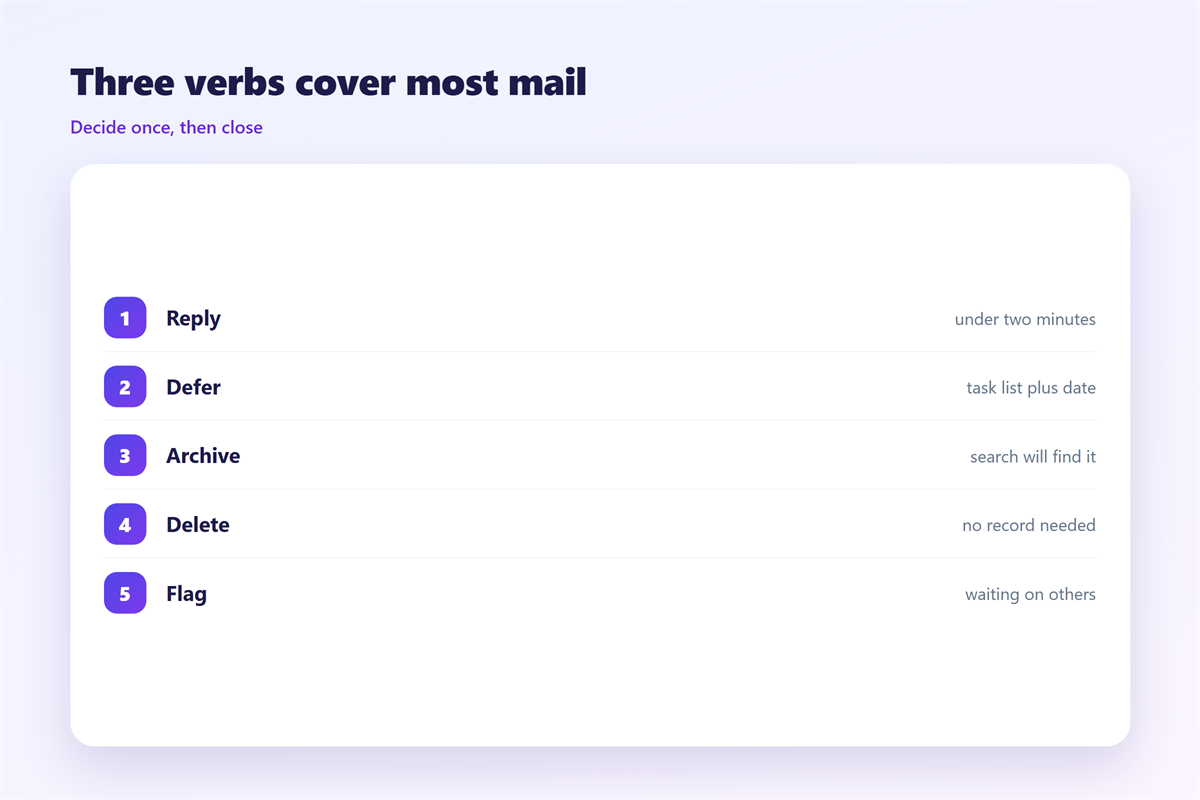
Three verbs cover almost everything:
- Reply: if the answer takes under two minutes, write it now.
- Defer: if it needs work, move it to a task list with a date.
- Archive: if it needs no action, close it and let search hold it.
Nothing needs a folder in this model. Search is fast enough that filing costs more than it saves.
A 邮件收件箱 that stays short is a sign that decisions are being made. A long one usually means the opposite.
Keep the pass short on purpose. The moment a review turns into a project, you will skip it tomorrow.
Batch the reading if you can. Two or three fixed times a day keep the 邮件收件箱 from becoming a background worry.
Where 邮件收件箱 habits break
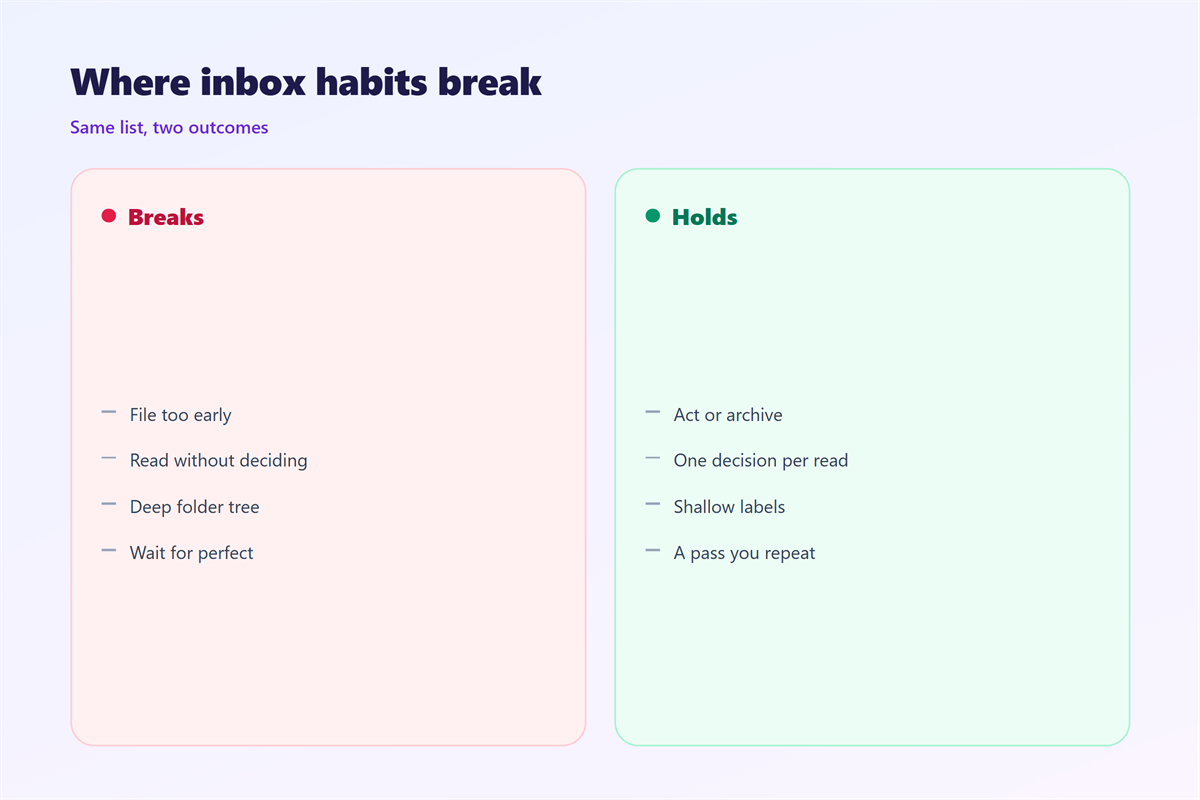
Three failure modes show up again and again.
The first is filing too early. A message moved into a folder is out of sight before it is out of mind. If you cannot find it in one search, that folder has failed you.
The second is reading without deciding. Opening the same message twice costs more than opening it once and acting on it.
The third is a structure that is too clever. Deep folder trees feel productive and quietly hide work.
There is a fourth, quieter failure. Waiting for a perfect system. A 邮件收件箱 does not need a perfect system. It needs a pass you will actually repeat.
None of this means folders are wrong. It means they should be rare, shallow and named for something you actually search for.
Our notes on 邮件文件夹 cover the durable structure. The wider routine sits in 邮箱整理. Automatic placement belongs with 邮件规则, and the smallest habit of all is described under 邮件标记.
Testing the routine
Give a new habit two weeks before you judge it.
Then check three things. Nothing important was missed. Nothing stayed in the list for more than a week. Nothing needed a folder in order to be found.
If a message was missed, the fix is usually a reminder rather than a rule.
Keep a note of what you deferred. When the same item returns three weeks in a row, it is not a task. It is a 邮件收件箱 decision you are avoiding.
A 邮件收件箱 is healthy when you can describe what is inside it. If you cannot, the list is holding decisions you have not yet made.
FAQ
Do 邮件收件箱 need folders?
Most do not. One or two folders for records are useful. Anything beyond that competes with search.
How often should I clear it?
Once a day is enough for most people. Twice a day suits anyone who receives time-sensitive mail.
Can the count reach zero?
Yes, and it is less useful than it sounds. A working list usually holds a few items waiting on someone else. Chasing zero can push you to close things too early.
What if I miss something?
Search by sender. Almost every missed message is found by a name rather than by a folder.
References
- Google: Archive or delete messages in Gmail
- Microsoft: Organize email in Outlook
- IETF RFC 3501: Internet Message Access Protocol
延伸阅读
- 《邮件阅读窗格怎么用?Read Faster Without Mistakes》
- 《邮件优先收件箱怎么设?Put People First》
- 《收件箱清零怎么做?A Habit, Not a Sprint》
- 《邮件分组怎么设?Sort People, Not Noise》
- 《邮件折叠怎么用?Tidy a Long Thread》
- 《邮件收藏怎么用?Keep It for Later》
- 《邮件分诊怎么做?Sort Before You Read》
- 《邮件排序怎么设?Put Mail in Order》
- 《邮件过滤器怎么设?Rules That Sort Mail》
- 《邮件星标怎么用?Stars That Sort Themselves》
- 《邮件整理怎么做?Sorting Mail Without Stress》
评论
还没有评论,来说两句吧。
评论功能已关闭。