 小影邮箱
小影邮箱邮件防钓鱼怎么做?Spotting a Fake Sender
Key Takeaways
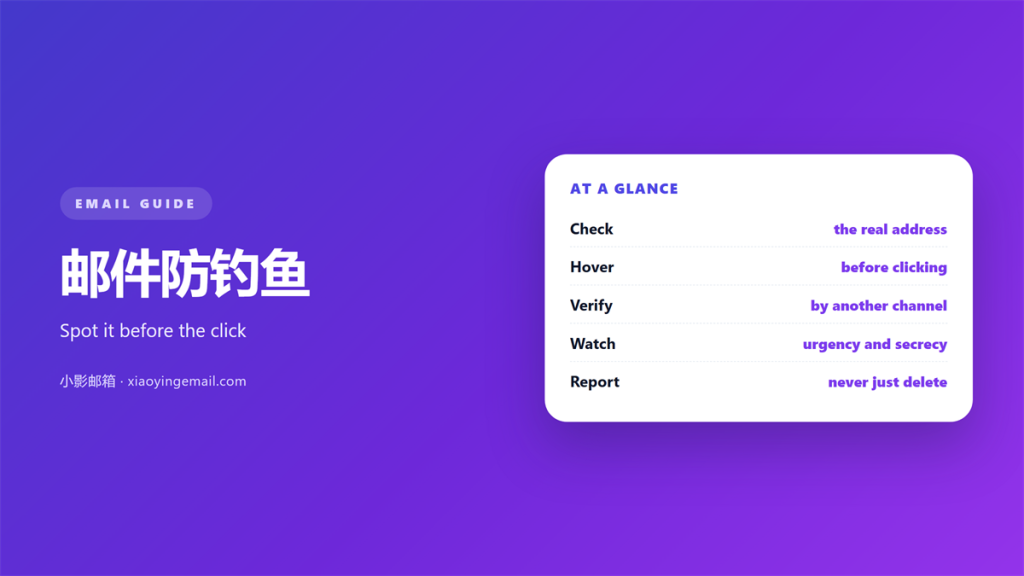
- 邮件防钓鱼 starts with slowing down before you click.
- Check the real sender address, not the display name.
- Hover over links to see where they truly point.
- Urgency is the most common pressure tactic.
- Report suspected mail instead of replying to it.
What 邮件防钓鱼 protects against
邮件防钓鱼 is the habit of checking a message before you trust it. Most attacks rely on one careless click.
The goal is not perfect detection. It is catching the common attempts early.
Attackers want a password, a payment or a file. The message is only the delivery method.
A forged sender is the core trick. The display name looks familiar while the address is not.
邮件防钓鱼 also covers links and attachments. Both can carry the real payload.
Anyone can be a target. Finance teams and assistants see the most attempts.
Attacks rise around holidays and news events. Attackers follow the calendar.
New staff are common targets. They are still learning who sends what.
The technique is old and still works. That is why it deserves a routine, not fear.
A calm habit beats panic. Most phishing mail has small flaws you can spot.
邮件防钓鱼 is a skill you build. Each check makes the next one faster.
Reading the sender address in 邮件防钓鱼
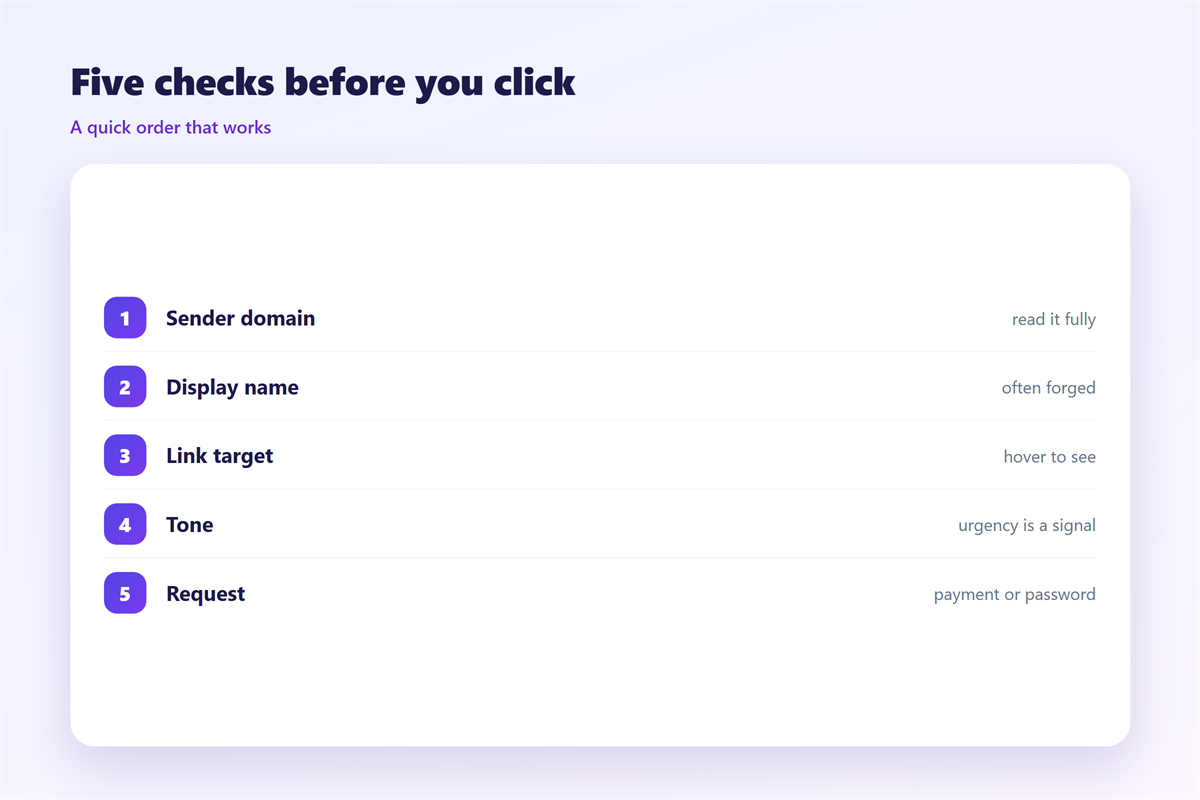
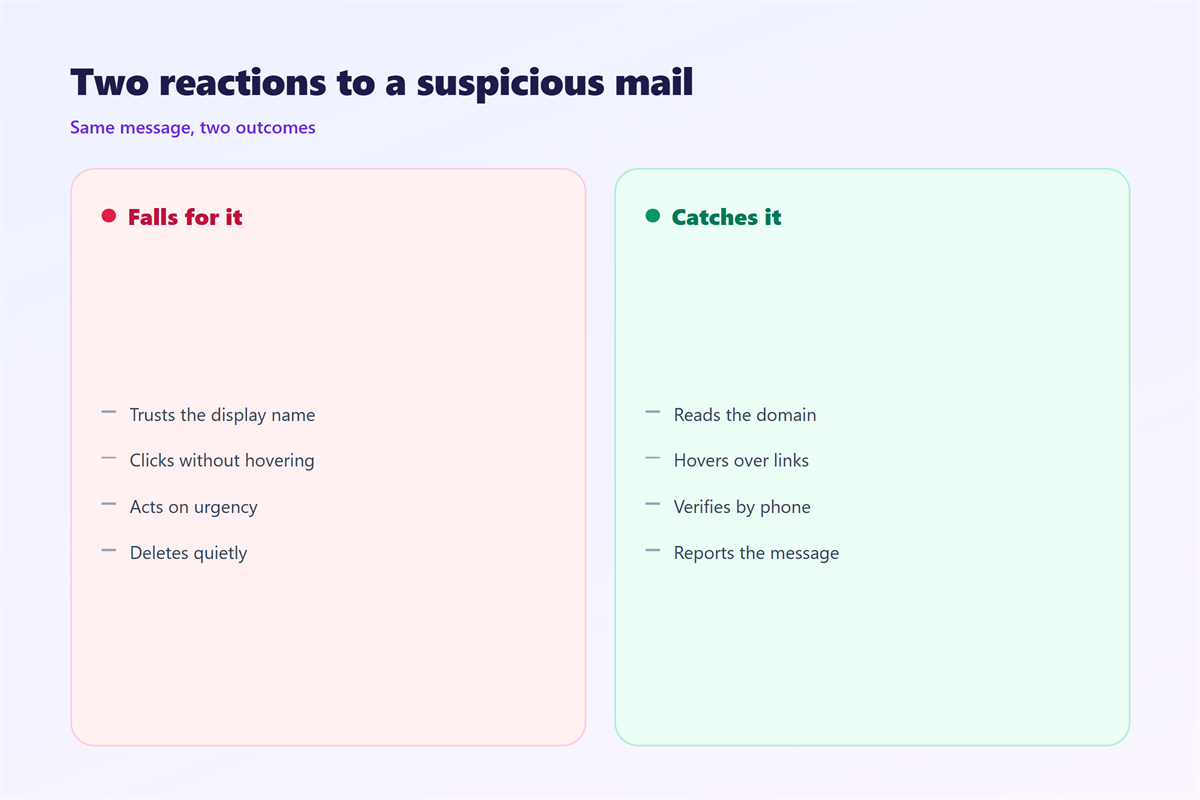
The display name is easy to fake. The address behind it is much harder to fake.
Open the full header and read the address. Look at everything after the @ sign.
A lookalike domain uses small changes. Extra letters and swapped characters are common.
Check for a misspelling in the company name. “rn” instead of “m” is a classic trick.
邮件防钓鱼 means trusting the domain, not the logo. Images are copied in seconds.
A reply-to address that differs is a warning. Mail should return to the same place.
Broken headers and spoofed routes show breaks in the chain. Missing authentication is a clue.
When in doubt, contact the person another way. A phone call settles it fast.
Never trust an address just because it looks close. A 邮件防钓鱼 check costs seconds.
Links and attachments in 邮件防钓鱼
Links are where most attacks land. Read them before you click.
Hover over a link on a desktop. The true address appears in a corner of the window.
On a phone, press and hold instead. A menu shows the destination before you open it.
Look at the domain just before the first slash. That is the site you will actually visit.
A link that hides its target is a red flag. Shorteners hide the destination on purpose.
Attachments deserve the same care. A 邮件防钓鱼 habit treats every file as unknown.
Dangerous types include executables and macros. A document that asks you to enable macros is suspect.
Unexpected invoices are a common lure. Check with the sender before you open the file.
When a file looks wrong, report it. Do not forward it to a colleague to inspect.
Check the padlock on a site before you type. It is a small but useful signal.
A file that asks for your password is a trap. Real documents rarely need it.
Everyday 邮件防钓鱼 habits
Good habits catch attacks before they spread. Build them into your daily routine.
Slow down on any message that demands speed. Urgency is the most used pressure tactic.
Verify money requests through a second channel. Never approve a transfer from email alone.
Use a password manager to check the domain. It will not fill a form on a fake site.
Turn on two-factor authentication everywhere. A stolen password then means much less.
邮件防钓鱼 also means reporting, not deleting. Reports let your team block the sender.
Keep software updated. Patches close the holes that attachments try to use.
Share what you see with your team. One warning can protect the whole group.
Review your own habits each quarter. A short refresher keeps the skill sharp.
Keep a bookmark for sites you use often. Typing the address beats clicking a link.
Treat every unexpected request with mild doubt. Doubt is cheap and fast.
When you suspect a 邮件防钓鱼 attack
Act quickly but without panic. A fast response limits the damage.
Stop and do not click anything else. Closing the message is the first step.
If you already clicked, change your password. Do it from a different device you trust.
Report the message to your security team. They can block the sender for everyone.
Watch your account for strange activity. A 邮件防钓鱼 check is not a one-time event.
Warn anyone who received the same mail. A quick note protects colleagues.
Check whether money moved in error. Contact the bank within hours, not days.
Write down what happened. A short record helps the next response.
Keep the original message as evidence. Do not delete it before your team looks.
Write the report in plain words. Clear facts help the team act quickly.
A 邮件防钓鱼 mistake is common and fixable. Speed matters more than shame.
For the full header check, see our guide to 钓鱼邮件. Fake invoices and boss fraud are covered in 邮件诈骗. A forged sender is explained under 邮件冒充, and the records that block spoofing sit in 邮件认证.
FAQ
Can 邮件防钓鱼 tools replace my judgement?
No. Filters catch a lot, but some mail still gets through. Your check is the last layer.
Is a familiar display name safe?
Not on its own. Check the full address behind the name every time.
What should I do with a suspicious attachment?
Do not open it. Report the message and let your team inspect it safely.
Why do phishing mails use urgency?
Urgency stops you from checking. Any rush to act is a reason to slow down.
References
- CISA: Phishing Attacks
- IETF RFC 7208: Sender Policy Framework (SPF)
- IETF RFC 7489: Domain-based Message Authentication (DMARC)
评论
还没有评论,来说两句吧。
评论功能已关闭。