 小影邮箱
小影邮箱邮件视频怎么用?Play It in the Inbox
Key Takeaways
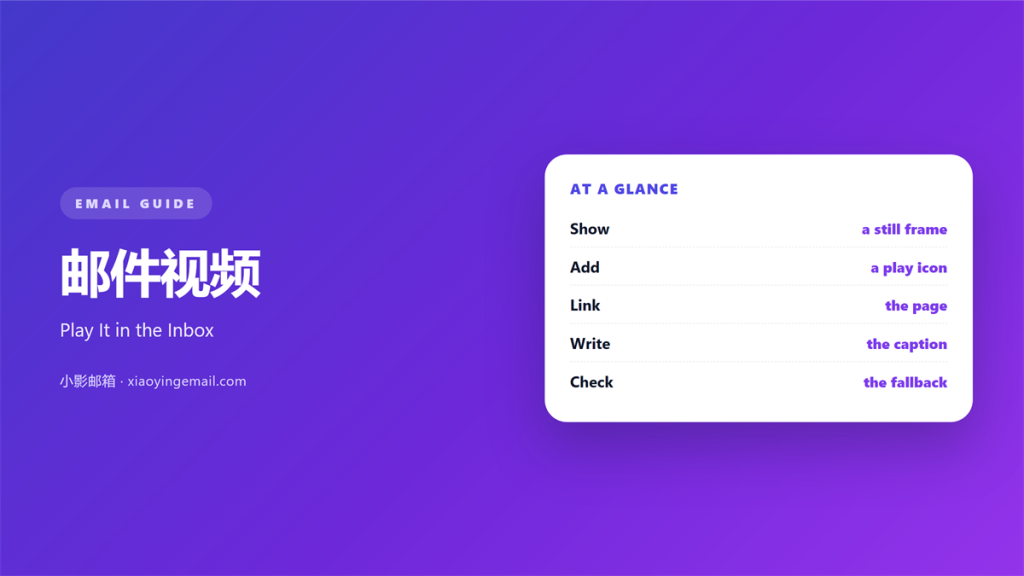
- 邮件视频 rarely plays inside the inbox itself.
- Most clients show a still frame with a play button.
- Link that frame to a page that hosts the clip.
- A clear thumbnail is the real call to action.
- Keep the file off the message and on fast storage.
What 邮件视频 means
邮件视频 is any moving clip you share through email.
Sometimes it plays right inside the message.
More often it waits behind a still image.
The reader clicks and the clip opens elsewhere.
So 邮件视频 is really a promise of motion.
That promise must be easy to keep.
A broken promise reads as a broken brand.
So treat the link as the most important part.
The frame does the heavy lifting.
It must look good even when it sits still.
Most readers never press play at all.
So the still frame is the real advert.
Design it with care.
A strong frame earns the click.
A tidy frame is half the battle.
Why 邮件视频 matters
Video explains some ideas faster than text.
A short clip can show a product in action.
It can carry a voice and a face.
That human touch builds trust quickly.
So 邮件视频 can lift a campaign when it works.
It also raises the risk of a slow load.
Both the gain and the risk are real.
The best notes plan for both.
A clip can also carry a clear call.
It can show a face behind the brand.
That trust is hard to fake.
One good clip can do the work of a page.
So the effort often pays off.
That first second decides the rest.
Motion builds trust fast
A face on screen feels closer than a logo.
Even ten seconds can change a mood.
That warmth is hard to copy in plain text.
How 邮件视频 usually loads
Email clients differ in what they allow.
Many block scripts that would play a clip.
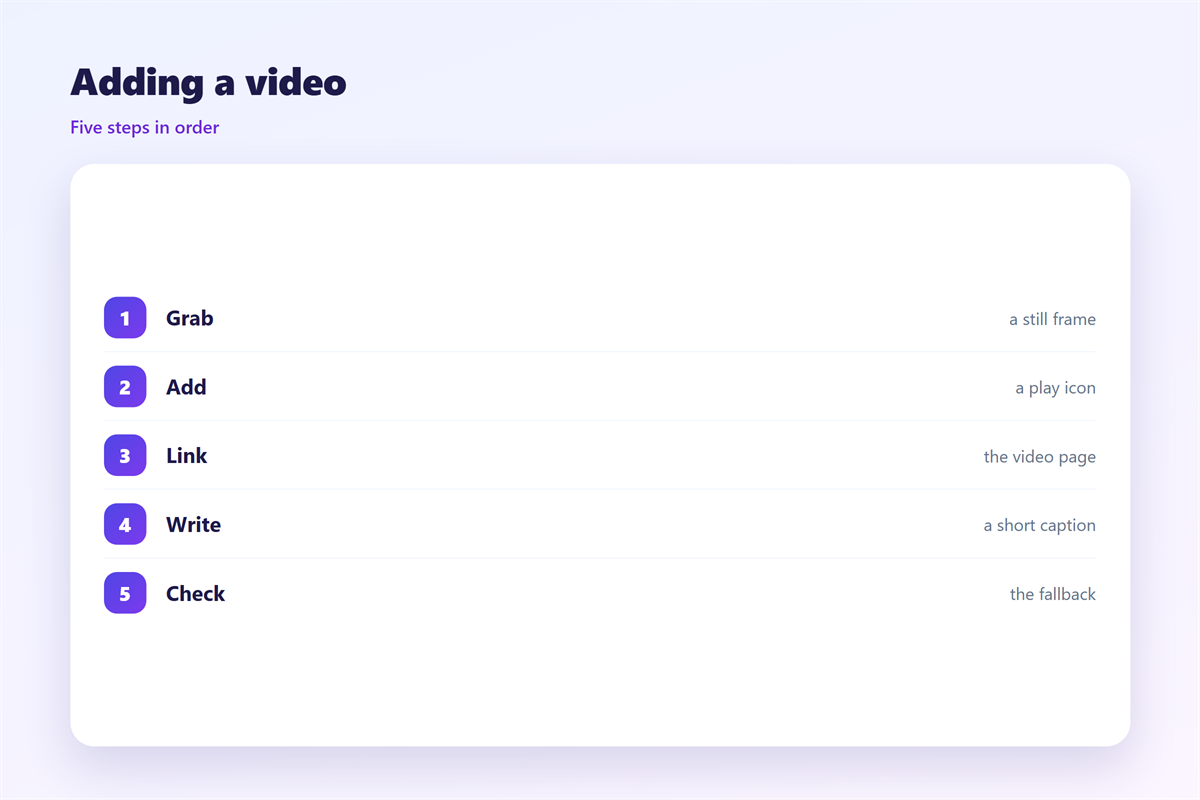
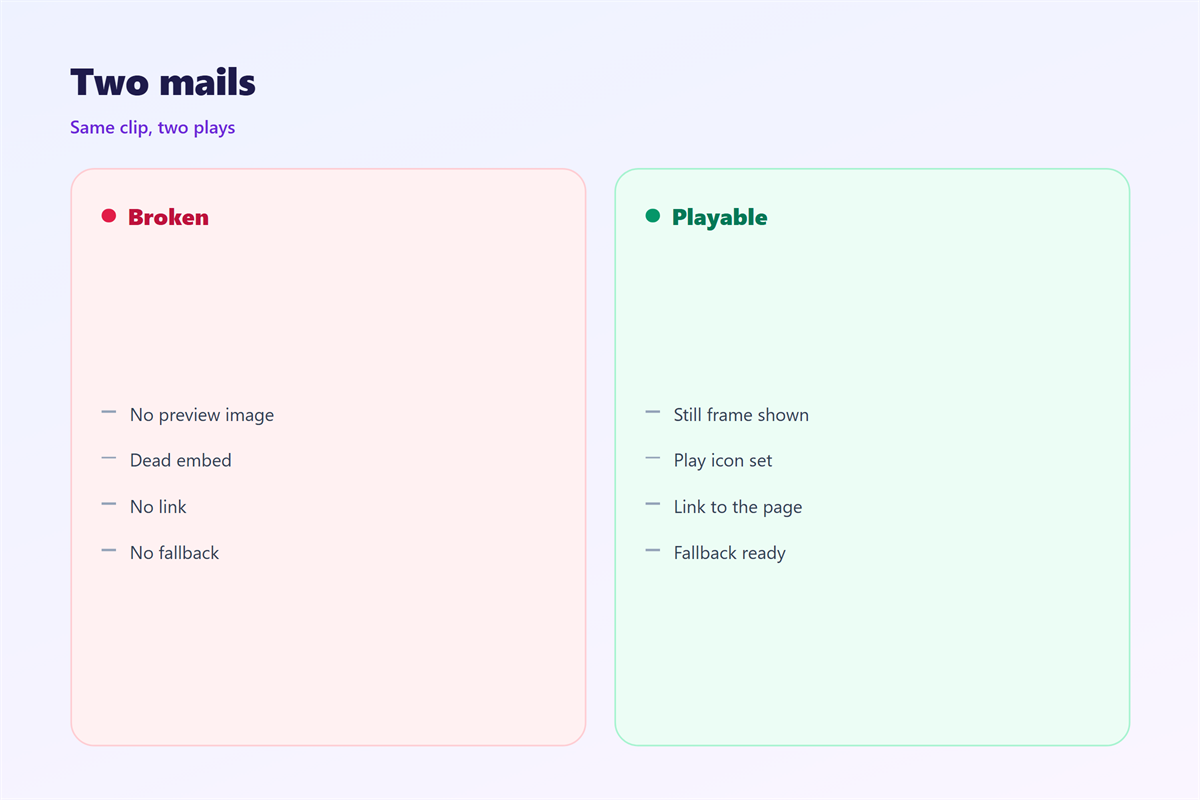
So most 邮件视频 arrives as a linked image.
The image shows one frame from the video.
A small play icon sits on top of it.
Clicking the image opens the full clip.
This simple pattern works almost everywhere.
Test the frame in a few clients.
Some show a border, and some do not.
Check the play icon on a small screen.
The link should open in one tap.
Extra steps tend to lose readers.
A quick test saves a broken send.
A slow page loses the click it earned.
The thumbnail trick
A good thumbnail shows the best frame.
Add a clear play icon in the corner.
The reader knows what a click will do.
Linking out to the player
Send the click to a page you control.
That page can play the clip at full size.
Keep the landing page close to the promise.
When 邮件视频 works best
Video shines when the message is simple.
A product demo is a natural match.
A short welcome can also use 邮件视频.
So can a recap of a big event.
In each case the clip adds, it does not repeat.
Keep the clip short and the point clear.
Short clips hold attention best.
Under a minute is a good guide.
Front-load the useful part.
Viewers often leave after the first few seconds.
Keep one idea for each clip.
A busy clip loses the thread.
One idea is enough for one clip.
When to skip 邮件视频
Some notes are better without 邮件视频.
A quick update needs no moving picture.
A plain notice should stay plain.
If a sentence does the job, use the sentence.
Save the clip for when it truly helps.
A simple note reads faster.
Motion can also raise spam doubts.
So keep the first send simple.
Let the words do their work.
Add a clip only when it earns its place.
Calm beats clutter in most notes.
Keeping 邮件视频 light
Weight is the main enemy of 邮件视频.
Never attach a large clip to the message.
Host the file apart and link to it instead.
Compress the clip and trim the opening.
Show the first good frame as the image.
Then the note stays fast and small.
Check the total weight of the send.
Host the file on a fast server.
A slow host ruins a good clip.
Trim the file before export.
Test the link on mobile data.
Small wins beat big files.
A light file respects the reader’s data.
Every gram of weight slows someone down.
Small files also load on weak signals.
Keeping 邮件视频 consistent
A steady style makes 邮件视频 feel intentional.
Reuse one thumbnail design across your sends.
How still images load is covered in 邮件图片.
A clear play link is built like a 邮件按钮.
The page behind the click is covered in 邮件落地页.
Moving big files off the inbox is explained in 邮件云附件.
Keep one short guide for the whole team.
A shared style saves time and earns more clicks.
Share one guide with the whole team.
Keep the thumbnail look steady.
Review it when the brand changes.
Then every send feels like one voice.
A steady style builds recognition.
A steady style earns a quick nod.
FAQ
Can 邮件视频 play inside the inbox?
Sometimes, but rarely. Most clients show a linked image instead.
Should I attach a video file?
No. Attachments are heavy. Host the clip and link to it.
What makes a good thumbnail?
A clear best frame and a visible play icon.
Where should the click lead?
To a page you control that matches the clip.
评论
还没有评论,来说两句吧。
评论功能已关闭。