 小影邮箱
小影邮箱邮件云附件是什么?Links Instead of Files
Key Takeaways
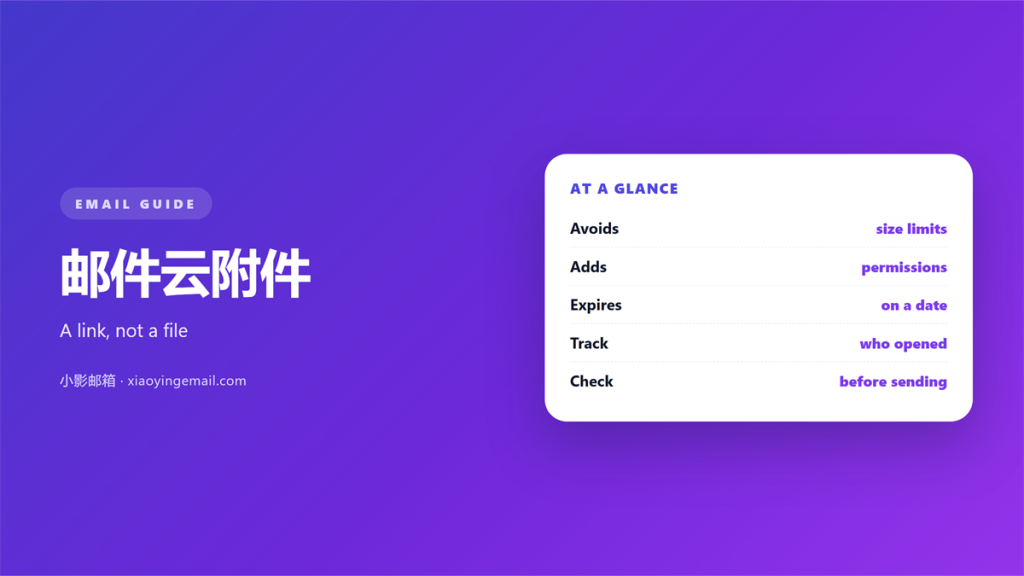
- A 邮件云附件 replaces the file with a link.
- Every 邮件云附件 dodges size limits and adds new risks.
- Permissions decide who can actually open it.
- Set the expiry longer than the reply cycle.
- Always open the link as the recipient.
What 邮件云附件 really change
A 邮件云附件 is a file kept on a server, not inside the message. The email carries a link instead. The reader clicks and downloads from there.
Most providers do this quietly. Attach a large file and the client uploads it first. Then it swaps the file for a link.
The result looks identical in the inbox. The difference shows up later. It appears when the reader tries to open it.
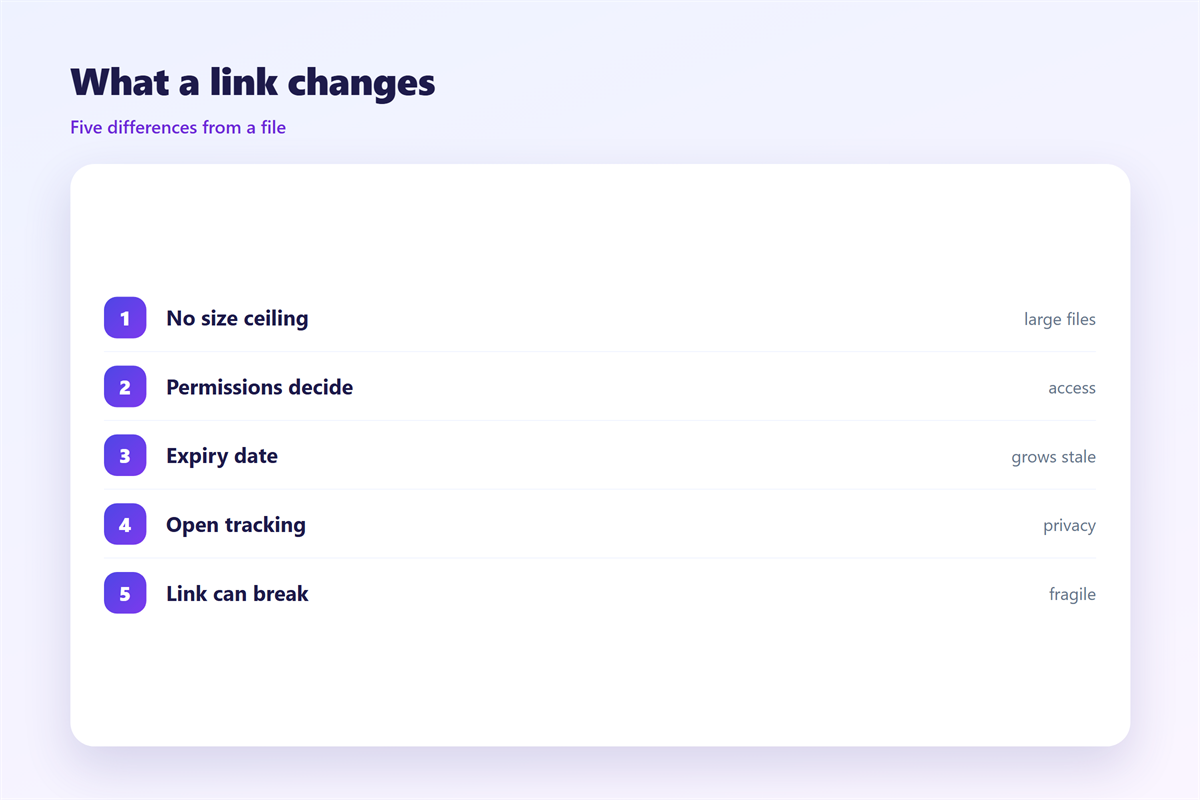
This is not a small detail. A 邮件云附件 lives in a second place. Every second place can break on its own.
The size problem goes away. The permission problem arrives in its place.
Uploads take time. A large file moves at the speed of your connection. On a slow link the send button waits. Plan for a minute or two before you close the laptop.
Offline mode changes the picture. A mail client may queue the message. The upload then starts when the network returns.
The link also changes how you track the file. You can see a download. You cannot see the moment of reading.
Why a link is not a file
An attached file travels with the message. It survives forwarding, archiving and account changes. A link lives somewhere else, and it can change.
Links depend on three things. The service must stay online. The permission must still allow the reader. The file must still exist.
Any of the three can fail after you hit send. That is the trade you accept.
Keep the original file. A copy on your own disk is the one thing nobody can revoke.
Storage quotas matter too. Most free accounts cap the space. Once the quota fills, new uploads simply stop.
A shared folder also needs a home. Decide who owns it. An owner who leaves can strand the whole team.
Where 邮件云附件 get dangerous
Permission is the first trap. A private link fails for a colleague on another domain. A public link works for anyone who finds it.
Forwarding is the second. A reader passes the message along, and the link travels too. A public setting lets the file travel with it.
Expiry is the third. A link that dies in seven days is useless for a slow reply. The reader returns later and finds nothing.
Account walls are the fourth. Some services ask the reader to sign in. That blocks people outside the same platform.
A 邮件云附件 can also hide the truth from you. You see a sent message. You do not see a failed download.
A good 邮件云附件 also leaves a record. The service can show who opened it. A plain file cannot.
Company policy often decides for you. Some employers block outside file services. Others scan every shared link.
Search is another weakness. An attachment is easy to find later. A link points outward, into a cloud you may forget.
Setting up 邮件云附件 safely
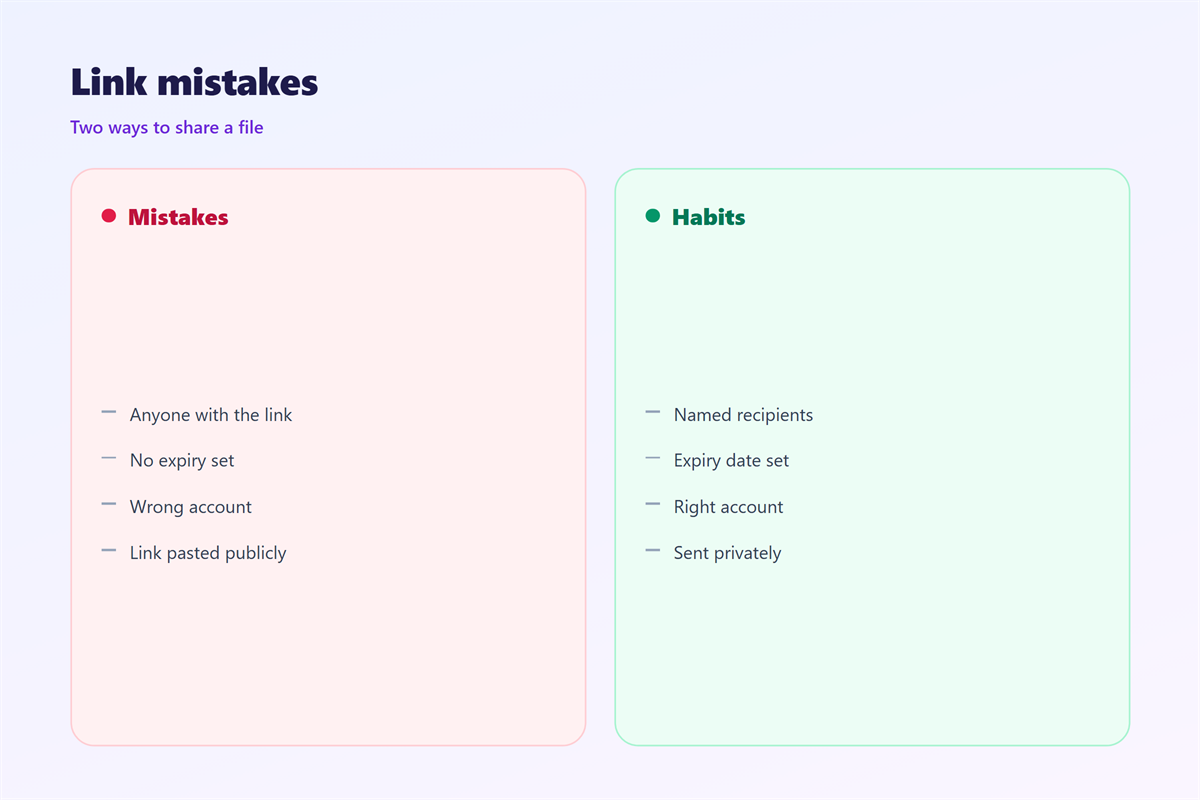
Choose the permission first. Default to the smallest group that needs the file. Widen it only when someone asks.
Set the expiry with care. Match it to the slowest reader you expect. Thirty days suits most work.
Name the file before you share it. A clear name survives a download folder. “Report final v2” beats “document1”.
Write the link text plainly. Say what the reader will get. Then say how big it is.
Add a fallback line. Offer to send the file another way. That line saves a stalled thread.
Group shares beat personal ones. A team folder outlives a single account. When someone leaves, the file stays available.
Version control is one quiet benefit. A shared folder can hold the latest draft. The email link then always points to it.
Keep the message short. The link is the point. A wall of text buries it.
Testing your 邮件云附件 links
Open the link as the recipient. Use a private window. Use an account outside your organisation.
Check three outcomes. The file opens without a login. The permission matches your intent. The download works on a phone.
A 邮件云附件 should be tested before the email leaves. A two-minute check prevents a week of silence.
A 邮件云附件 that nobody can open is not shared at all. Test the weakest reader, not the fastest.
Ask one colleague to check. A second pair of eyes catches a wrong permission. It also catches a broken name.
Retest after any change. A moved folder can break a live link. A renamed file can do the same.
Store the link beside the project. A note in the folder saves a search. Future-you will thank present-you.
Our notes on 邮件附件 cover the wider workflow. The numbers behind 邮件大小限制 explain why uploads start here. When a file is still too heavy, try 邮件压缩 first. For a copy outside the cloud, see 邮件导出.
FAQ
Do 邮件云附件 expire?
Usually you decide. Most services let you set a date. Some default to a short window, so check the setting first.
Can I revoke a 邮件云附件?
Yes, if the file lives in your account. Remove the share and the link dies. A copy already downloaded stays out of reach.
Are 邮件云附件 secure?
They are as secure as their permissions. A private share is safer than a plain attachment. A public link is not.
What if the link breaks?
Send a fresh link and say so. Keep the file in place. Do not delete it while a thread is still open.
References
- Google: Share files from Google Drive
- Microsoft: Share OneDrive files and folders
- IETF RFC 5322: Internet Message Format
评论
还没有评论,来说两句吧。
评论功能已关闭。