 小影邮箱
小影邮箱邮件密码重置怎么发?Reset in One Click
Key Takeaways
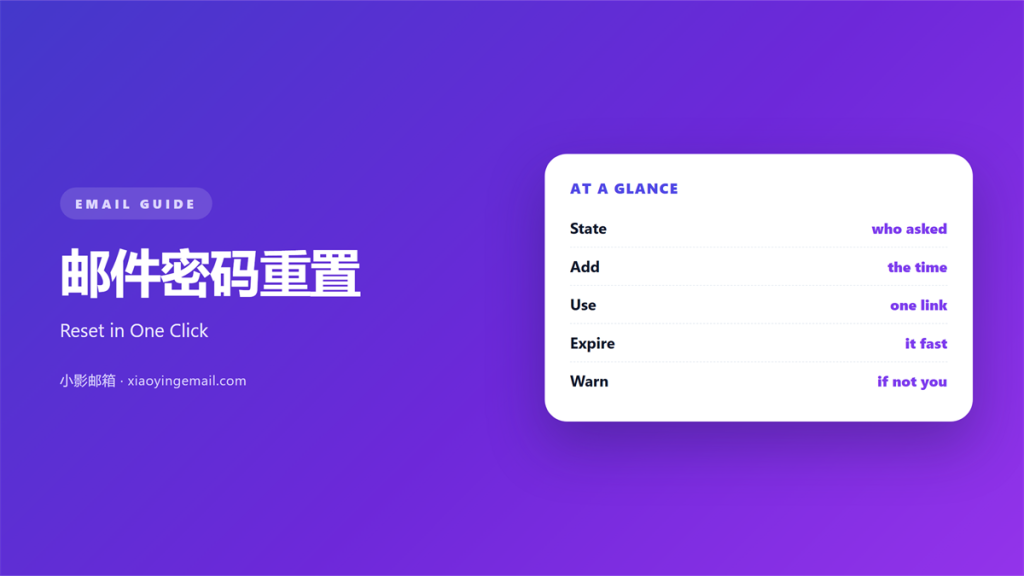
- 邮件密码重置 gives a locked user a fresh way in.
- Send one link and let it expire within minutes.
- Never reveal whether an account really exists.
- A single-use link limits the damage if it leaks.
- Tell the reader what to do if they did not ask.
What 邮件密码重置 means
邮件密码重置 is the note that arrives after someone clicks “forgot password”.
It carries one link to a page where a new password is set.
The old password stops working once the change is saved.
This note is a security tool, not a welcome message.
Its only goal is to restore access to the right person.
So every extra word adds risk, not value.
Keep it short and keep it clear.
The reader is often frustrated when they open it.
They just want back into their account.
So respect their time with a tidy layout.
Every line should move them toward the reset.
Anything else is simply in the way.
Why 邮件密码重置 matters
A locked account blocks work, mail, and money.
The faster this note arrives, the less stress it causes.
A clear 邮件密码重置 also keeps support queues short.
Every failed reset becomes a phone call or a ticket.
Worse, a careless note can teach an attacker something.
If it says “no such account exists”, it leaks real addresses.
So the wording must stay neutral in both cases.
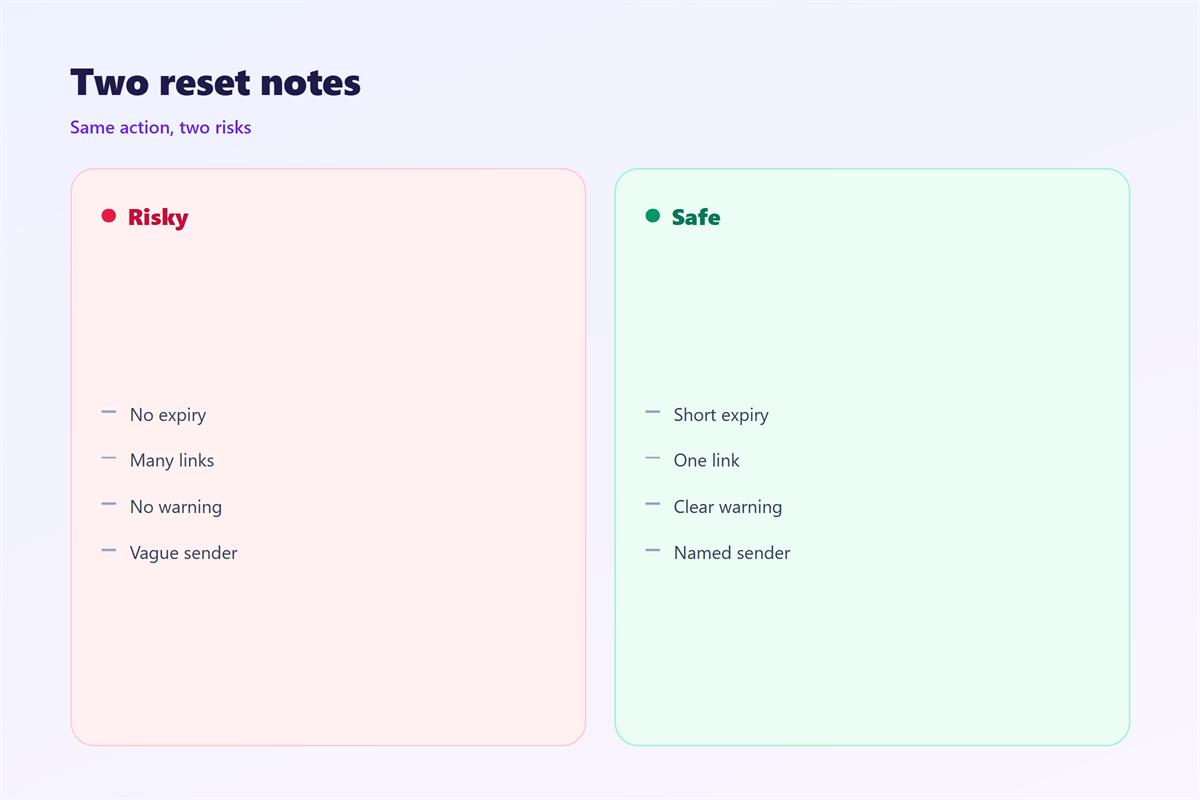
Send the same text whether the account exists or not.
That single rule protects your whole user base.
A calm, identical note builds long-term trust.
What to put in the link
Use a long, random token in the address.
Tie the token to one account and one request.
Set it to expire in fifteen to sixty minutes.
Then destroy it the moment the password changes.
Short links are easier to type but easier to guess.
When 邮件密码重置 helps
Send it the second the request is made.
Delay turns a simple task into a support case.
Also send a short note after a successful change.
That second note confirms nothing else is wrong.
It doubles as a warning if the change was unexpected.
Each request deserves its own fresh token.
Never reuse a token across two different users.
Log every request so you can spot abuse.
Keeping the link single-use
A single-use link cannot be reused by a stranger.
Mark it used as soon as the form is submitted.
Reusing a stale link invites account takeover.
When 邮件密码重置 goes wrong
A link that never arrives is the worst failure.
Check spam folders before blaming the sender.
Another fault is a link that stays valid for days.
Long windows give thieves more time to work.
Do not shorten the link with a public service either.
Third parties should not see your reset tokens.
Spotting a fake note
A fake note mimics the real one closely.
Check the sender address letter by letter.
Real reset links never ask for the old password.
And they never ask you to reply with a code.
邮件密码重置 in plain text
Some users read mail with images turned off.
So put the link in plain, readable text.
A button that fails to load leaves them stuck.
A typed link always works in every client.
Keep the surrounding words calm and factual.
Do not hide the link behind a tracking pixel.
Test the note with images fully disabled.
Then test it again in the plain-text view.
Any hidden link will break in one of them.
If the plain version works, the styled one will too.
How to use 邮件密码重置 well
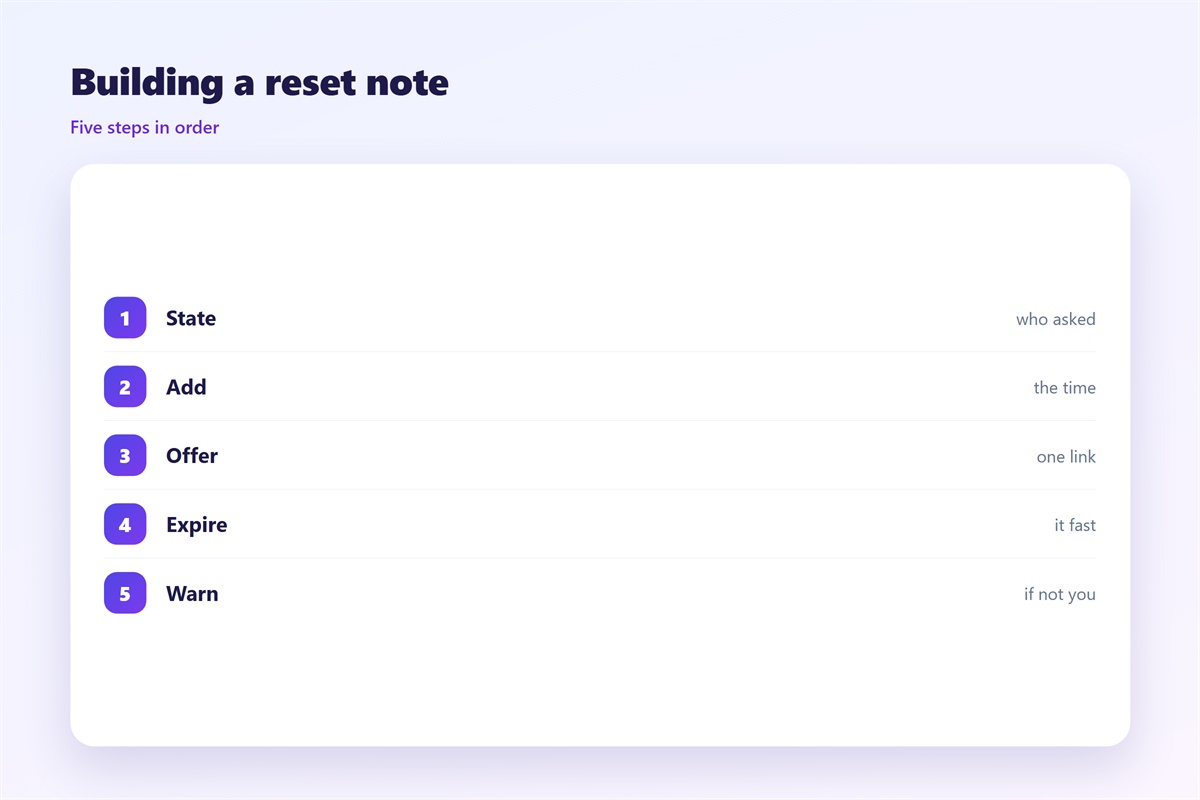
Write the subject so the purpose is obvious.
Open with one line explaining why it was sent.
Then place the link right below that line.
Add the expiry time in plain words.
Tell the reader to ignore the note if they did not ask.
Offer one support address for genuine problems.
Never ask for the old password in this mail.
Never ask the reader to confirm personal details.
Keep the tone steady and free of blame.
The reader did nothing wrong here.
Then send the 邮件密码重置 within seconds of the request.
Speed builds confidence in your system.
A slow reset feels broken and unsafe.
So watch the queue that drives these notes.
邮件密码重置 and readability
Short sentences help a stressed reader move fast.
Put the main action on its own line.
One button is better than three choices.
Keep the safety warning brief and plain.
A tidy layout feels secure and trustworthy.
Clutter makes a real note look like a scam.
Leave room around the main button.
Generous spacing reduces mis-taps.
Test the whole flow on a phone.
A thumbs-only user must finish in one go.
Keeping 邮件密码重置 consistent
Consistency makes the real note easy to recognise.
The rules behind a strong secret sit in 邮箱密码.
What to do when all else fails is covered in 邮箱找回.
The wider protection around an account appears in 邮箱安全.
Where these alerts are controlled is set in 邮件通知.
Keep the same look for every security message.
A team that agrees on 邮件密码重置 sends safer mail.
FAQ
How long should a 邮件密码重置 link stay valid?
Fifteen to sixty minutes is normal, and shorter is safer.
Should a 邮件密码重置 say if the account exists?
No. Send the same neutral text in every case.
Is a code better than a link?
Either works. A link skips one step and a code adds a check.
What if the user never asked?
Tell them to ignore the note and change the password if worried.
评论
还没有评论,来说两句吧。
评论功能已关闭。