 小影邮箱
小影邮箱邮箱安全怎么加固?Seven Settings Worth Changing
Key Takeaways
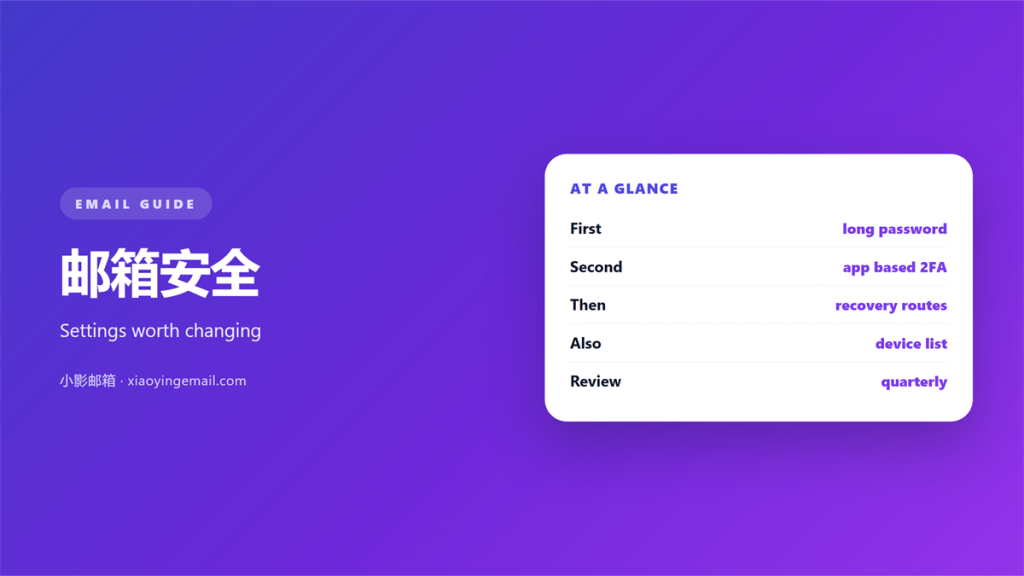
- 邮箱安全 is decided less by the password you choose than by the recovery paths you leave open.
- Two factors, a checked forwarding list and a short list of connected apps close most of the easy doors.
- Device lists and session timeouts belong to 邮箱安全, not to a separate IT department.
- Most break-ins look like ordinary logins, so alerting matters as much as blocking.
- One quiet afternoon of settings changes beats a panicked week after an incident.
What 邮箱安全 really depends on
邮箱安全 is usually described as a password problem, and that description went out of date years ago. The password is one gate. The recovery address, the phone number, the forwarding rules and the third-party apps you authorised long ago are gates too, and they are the ones nobody revisits.
A mailbox is valuable because it is the reset point for everything else. Whoever controls the inbox can reset the password of almost any other account you own, which is why 邮箱安全 deserves more care than the services it unlocks.
The useful question is not whether your password is strong. It is which doors into the account still exist, and whether you could name them without opening the settings page.
The 邮箱安全 settings almost nobody opens
Start with the recovery options. An old phone number or a forgotten secondary address is a permanent back door, and it stays open long after you stop using it. Replace both with details you still control today.
Then read the forwarding list. A rule that quietly copies every message to an outside address is a favourite trick, and it survives password changes. If you did not add it, remove it.
Finally, review the connected apps. Each one holds a token that may never expire, and your 邮箱安全 is only as strong as the weakest token on that list.
Each of these screens is short, and together they take less than ten minutes. The reason they are worth the time is simple: they change rarely and matter constantly.
邮箱安全 begins with the password
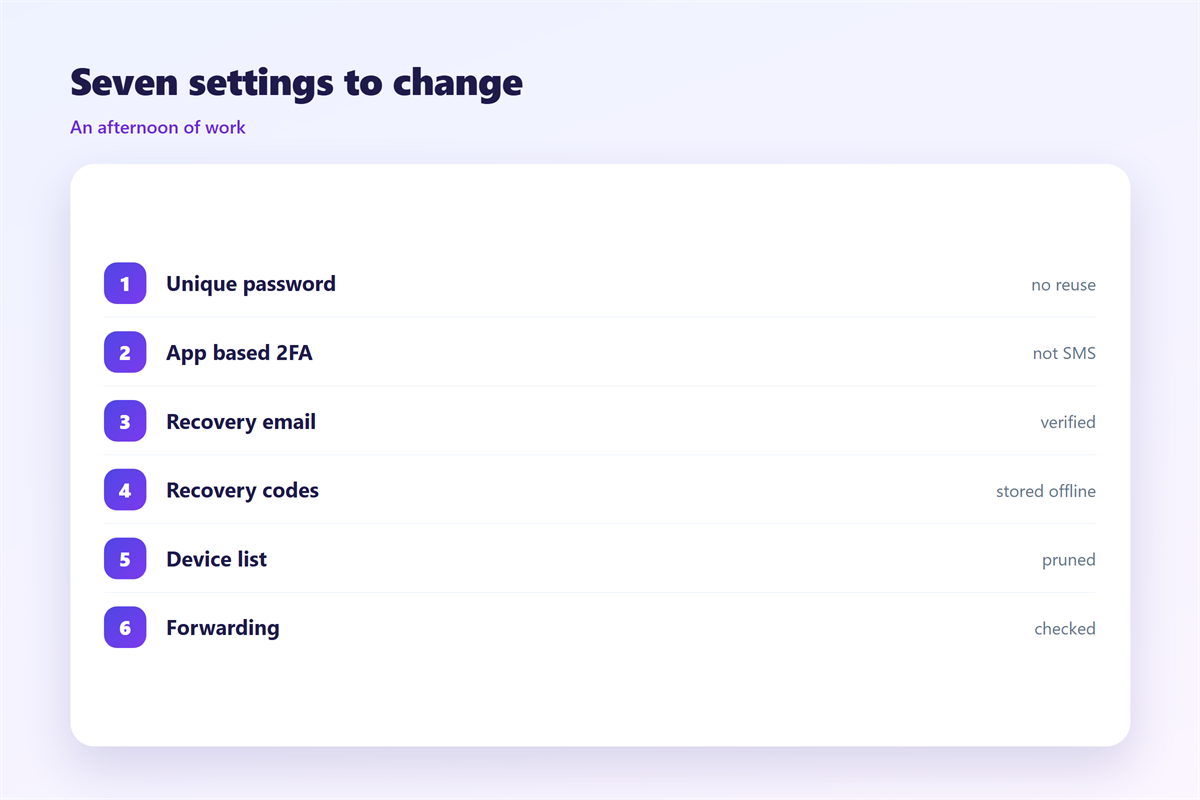
A long, unique password is still the cheapest improvement available. The rules that matter are simple: make it long, never reuse it, and stop rotating it on a schedule that only produces weaker variants. Our notes on 邮箱密码 cover the practical floor.
Length helps 邮箱安全 because offline guessing ignores how clever a password looks. A short phrase you can actually remember beats a string of symbols you cannot, provided nobody else has used it.
Second factors that fit a real day
A second factor only helps if you actually complete it. App-based codes and hardware keys are the strongest options, while SMS is better than nothing but vulnerable to number porting. The single largest gain in 邮箱安全 is simply switching it on for the two accounts that can reset all the others.
If the prompts feel constant, the fix is a longer session on your own device rather than a weaker factor. Our guide to 两步验证 covers the trade-offs.
Where the backup codes are stored matters as much as which factor you pick. A copy kept in the very mailbox you are protecting is no help at all. Treat the codes like spare keys: keep them somewhere offline and somewhere you would still reach if the phone were lost.
Watching for 邮箱安全 failures
Most break-ins are quiet. A new device in the list, an unfamiliar login location, a rule you did not write — these are the signals, and they appear in the security log long before anyone notices a problem. 邮箱登录异常 lists the ones worth alerting on.
Turn on login alerts and read them for a week or two. A little 邮箱安全 noise at the start is the price of knowing what normal looks like.
It also helps to know which changes are legitimate. A fresh sign-in from your own laptop after a browser update is not a break-in, and treating every routine event as an alarm only makes the real one harder to spot.
Encryption and what it does not cover
Transport encryption protects mail in motion between servers, and it is now the default almost everywhere. It does not protect the mailbox itself, so it is a companion to 邮箱安全 rather than a replacement for it. 邮件加密 explains where the two ideas differ.
A 邮箱安全 checklist
Work through the list once, in this order, and the account is in better shape than most. Update the recovery details, clear unknown forwards, cut unused app access, confirm two factors, then review the device list and sign out anything you do not recognise.
None of this is dramatic, and that is the point. The account improves through a handful of unglamorous settings that most people never touch.
Repeat the review after any incident, because the settings that failed are usually the ones that had never been checked in the first place.
FAQ
Is 邮箱安全 only about the password?
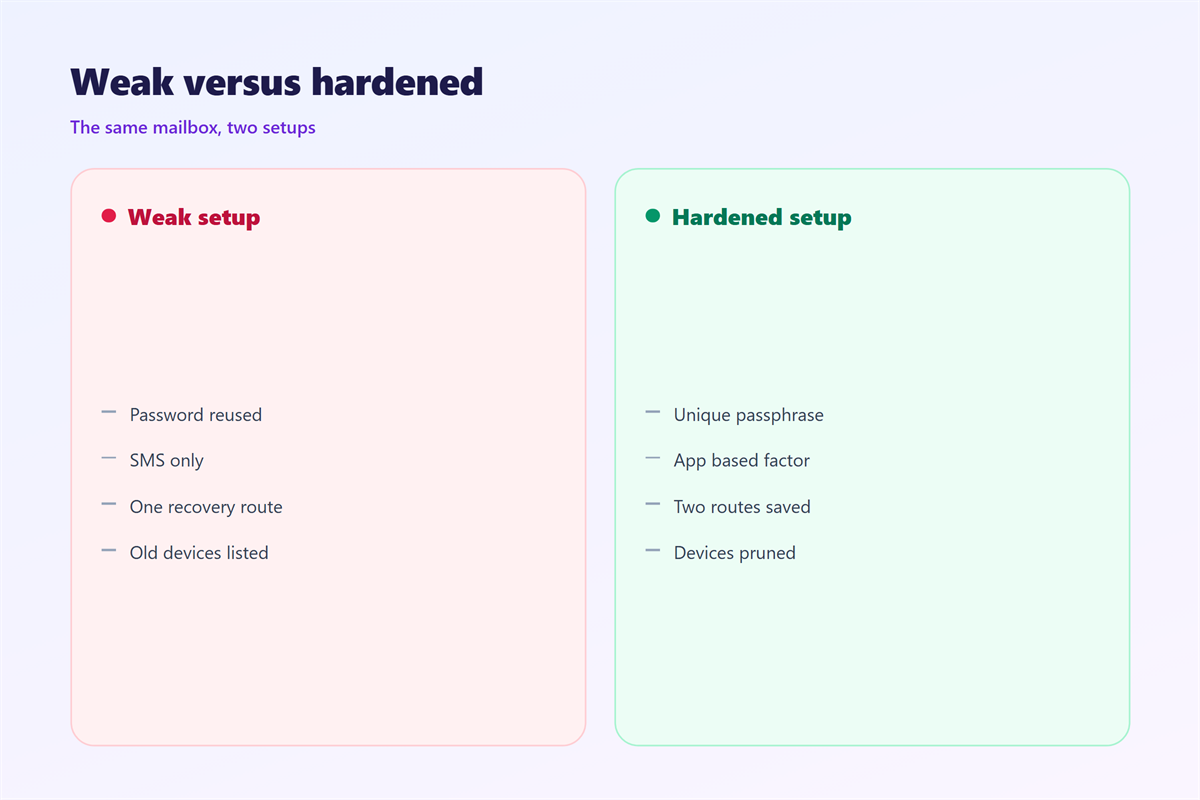
No. Recovery options, forwarding rules and app tokens are just as important, and an attacker will happily use the weakest of them instead of guessing anything.
How often should I review 邮箱安全 settings?
Twice a year is enough for most people, plus once whenever you change phones or stop using a service that had access.
Does 邮箱安全 need a separate app?
An authenticator app helps, but the browser settings matter more. No purchase fixes a recovery address that still points at an old number.
What breaks 邮箱安全 fastest?
Reused passwords. One leak at an unrelated site hands an attacker the same key to your inbox, and the login that follows looks entirely ordinary.
References
- NIST SP 800-63B: Digital Identity Guidelines
- Wikipedia: Multi-factor authentication
- IETF RFC 8314: Cleartext Considered Obsolete
延伸阅读
- 《邮件登录提醒要开吗?Alerts You Should Keep On》
- 《邮箱登录记录怎么看?Reading Your Sign In History》
- 《邮箱设备管理怎么做?Sessions You Forgot》
- 《邮箱异地登录是怎么回事?When the Location Looks Wrong》
- 《邮箱密保问题怎么设?Answers Attackers Guess》
- 《邮箱绑定手机怎么做?Recovery You Can Reach》
- 《邮箱安全退出怎么做?Ending a Session Cleanly》
- 《邮箱实名认证要做什么?What You Give Up》
- 《邮件隐私怎么保护?Privacy in the Inbox》
- 《邮件安全培训怎么做?Teach the Whole Team》
- 《邮件零信任怎么做?Trust Nothing by Default》
- 《邮件密码重置怎么发?Reset in One Click》
- 《邮箱被盗怎么办?When an Account Is Taken》
评论
还没有评论,来说两句吧。
评论功能已关闭。