 小影邮箱
小影邮箱邮件阴影怎么用?Shadows Used Softly
Key Takeaways
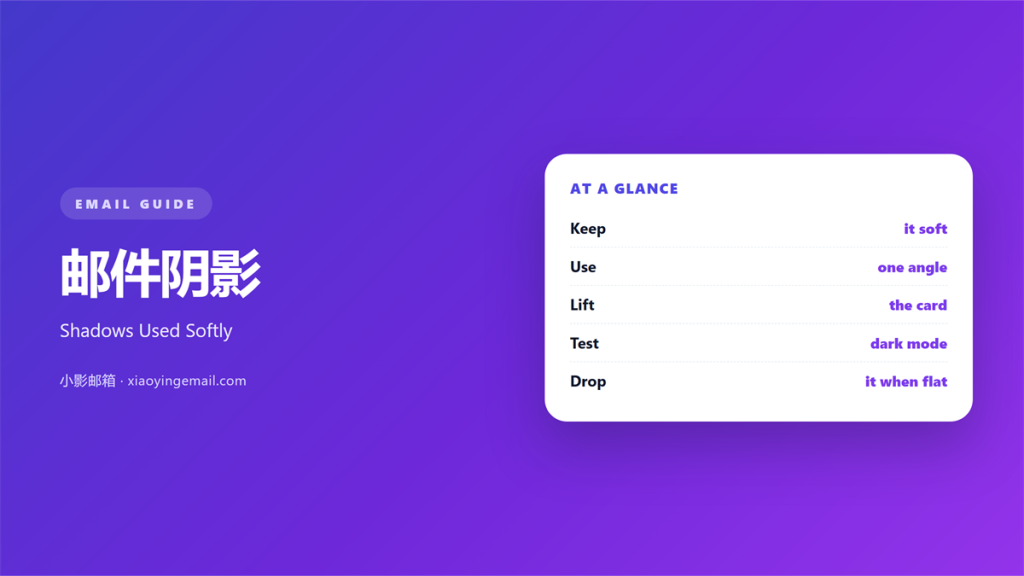
- 邮件阴影 is the soft dark edge under a block.
- It lifts a card away from the page.
- Keep the blur wide and the colour light.
- A hard shadow looks like an old drop shadow.
- Check the effect on a dark screen.
What 邮件阴影 means
邮件阴影 is a soft shaded edge around a box.
It copies the way light falls in the real world.
The shadow sits below and slightly to one side.
A wide blur makes it look natural.
A small blur makes it look like a hard line.
Most tools measure it in three parts.
The first is the offset, or the distance moved.
The second is the blur, or the softness.
The third is the colour and its opacity.
Change any one and the effect shifts.
邮件阴影 differs from a border in one key way.
A border adds a clear edge. A shadow adds depth.
So the two are not the same tool.
A shadow is quieter and softer than a line.
That makes it easier to overuse.
A shadow also softens the edge of a block.
It can round off a sharp corner.
That makes a card feel lighter.
But too much softness can blur the shape.
So keep the edge of the block firm.
Why 邮件阴影 matters
Depth tells the eye what sits on top.
A raised card reads as a separate piece.
That helps a reader pick out a key block.
邮件阴影 also adds a sense of quality.
Used well, it makes a layout feel finished.
Used badly, it makes it feel dated.
The difference is usually the blur and the tone.
So keep the shadow light and far.
A shadow can also group two blocks.
If both float, they read as one layer.
That trick works for a set of cards.
Use it once, not on the whole mail.
Soft versus hard
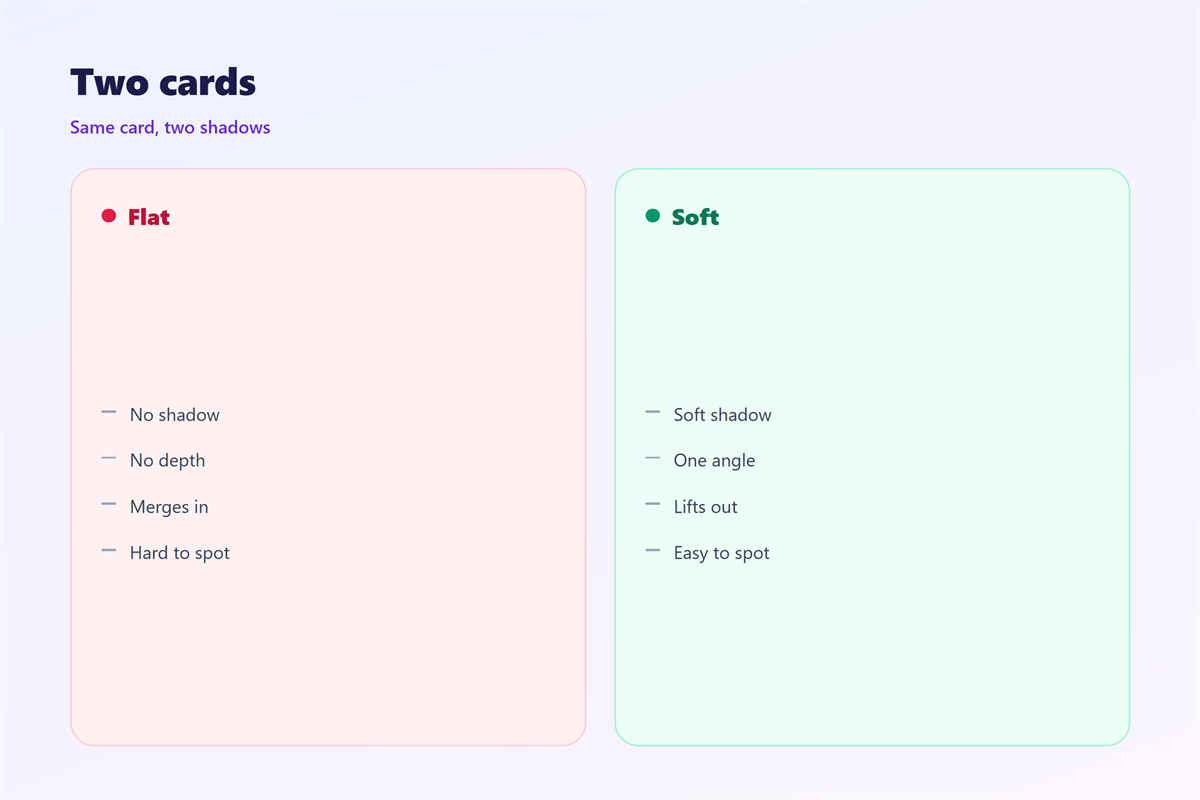
A soft shadow fades at the edges.
A hard shadow has a sharp boundary.
Most mail looks better with the soft kind.
Save the hard edge for a real button press.
When 邮件阴影 helps
邮件阴影 helps in a few clear cases.
Use it to lift a single card above the page.
Use it to mark a floating call to action.
Use it to show a stacked set of items.
Each case needs the same calm touch.
If the block already stands apart, skip it.
The light rule
Keep the opacity low.
Five to fifteen percent is usually enough.
A shadow you cannot see is doing its job.
When 邮件阴影 hurts
Too many shadows flatten the whole design.
When every block floats, nothing does.
A dark 邮件阴影 can also look dirty.
Dark grey under white text reads as a smudge.
Shadow plus a border is another trap.
The two effects fight for the same edge.
So pick one and retire the other.
Also watch the shadow colour.
A pure black shadow rarely looks real.
A hint of blue or grey looks softer.
Also avoid a shadow on plain text.
Text does not need to float.
A shadow under words makes them blurry.
Save the effect for solid blocks instead.
邮件阴影 and depth
Depth comes from more than a shadow.
Size, contrast and spacing all play a part.
A larger block already looks closer.
A shadow just confirms what the eye suspects.
So use it to support, not to lead.
One raised block
Most layouts need depth in one place only.
Choose the block that matters most.
Give that one a gentle shadow.
Leave the rest flat and calm.
A flat block can still feel close.
Colour and weight can do the same job.
So a shadow is one option, not the only one.
Pick the tool that fits the design.
How to use 邮件阴影 well
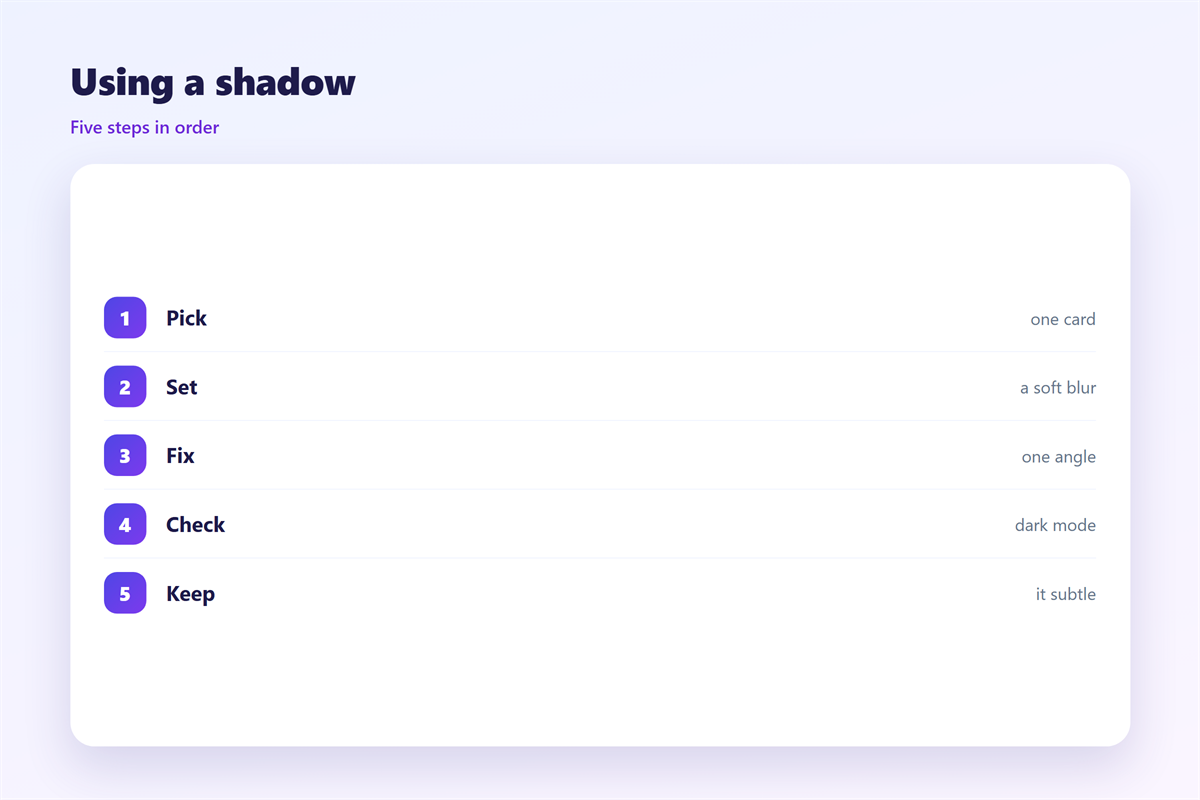
Start with a flat block.
Ask if it needs to float above the page.
If yes, add a wide blur and low opacity.
Then move the shadow down a little.
Keep the side offset small or zero.
Next, view the mail on a phone.
Small screens exaggerate a heavy shadow.
If it looks grey, lower the opacity.
Then open the dark theme version.
Many clients invert the shadow there.
If the edge disappears, adjust the tone.
Then compare the shadow with the text weight.
A heavy card needs a slightly stronger shadow.
A light card needs almost none.
Keep the two in balance.
Save the value as a reusable token.
Finally, compare the card with its neighbours.
Good 邮件阴影 is barely noticeable.
邮件阴影 on dark screens
Dark themes change how a shadow reads.
A black shadow vanishes on a dark page.
Some clients simply drop it.
Others flip it to a light glow.
So test both before a campaign.
If the card loses its edge, add spacing.
A little gap can replace the shadow.
That keeps the block separate in every theme.
Some clients also strip the blur.
Then only the offset remains.
That can leave a hard grey line.
If so, drop the shadow entirely.
A clean flat block is safer there.
Keeping 邮件阴影 consistent
Consistency turns a small touch into a style.
Pick one shadow and reuse it.
The button that floats above the page is in 邮件按钮.
The wider layout that holds it all is in 邮件排版.
The palette behind every shade sits in 邮件配色.
The wide strip that spans the top appears in 邮件横幅.
Agree on one blur and one opacity.
Then keep the same 邮件阴影 for every card.
A team that agrees on 邮件阴影 writes cleaner mail.
FAQ
Is 邮件阴影 the same as a border?
No. A border draws an edge. A shadow adds depth.
How strong should a shadow be?
Very light. If you clearly see it, it is too strong.
Can I use shadows on every block?
No. One or two raised items per mail is enough.
Do shadows render in every client?
No. Some drop them. Keep spacing as a backup.
References
- W3C WAI: Page structure basics
- Litmus: Email rendering guides
- Nielsen Norman Group: Visual hierarchy
评论
还没有评论,来说两句吧。
评论功能已关闭。