 小影邮箱
小影邮箱邮件横屏怎么看?Landscape That Works
Key Takeaways
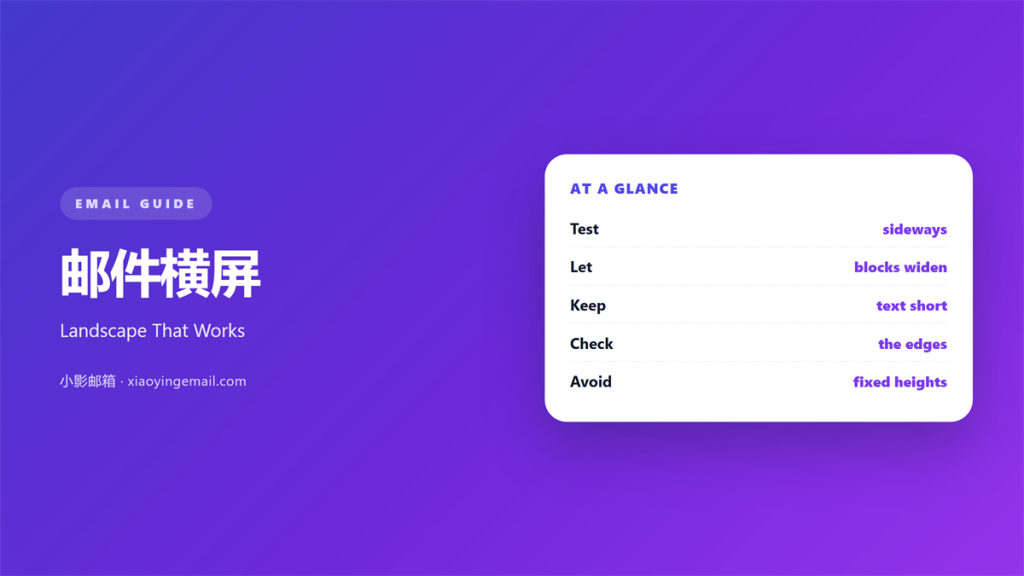
- 邮件横屏 is the view you get when a phone turns sideways.
- The screen gets wider and much shorter.
- Wide blocks gain room but lose height.
- Test every template in both directions.
- Keep the text readable without pinching.
What 邮件横屏 means
邮件横屏 is a wide, short view of a message.
The reader turns the phone and the layout changes.
Width grows to about twice the portrait width.
Height shrinks by the same amount.
That trade shapes everything you design.
A header that fits upright may crowd the view sideways.
A two-column block may finally look balanced.
The change is automatic in most mail apps.
You cannot stop a reader from turning the device.
You can only decide how the message responds.
So 邮件横屏 is a design condition, not an error.
A wide block can also hide a weak hierarchy.
Everything looks equally important at full width.
Why 邮件横屏 matters
Many readers check mail in bed or on a train.
They turn the phone to read a wide table.
They turn it again to reach the menu.
Each turn is a chance to lose them.
A note that breaks sideways feels unfinished.
That small doubt costs clicks.
A note that adapts feels cared for.
The 邮件横屏 view is often the first full view.
Portrait shows a preview. Landscape shows the shape.
Designers notice the difference at once.
Short height changes the order
Less height means less content on screen.
Your best line must sit near the top.
The button should not need a second scroll.
When 邮件横屏 helps
邮件横屏 helps when the message holds a table.
A price list needs width to stay readable.
It helps when an image carries the message.
A wide photo finally gets room to breathe.
It helps when the reader compares two options.
Side-by-side blocks beat a long stack.
It also helps with long receipts and schedules.
Rows stop wrapping into a narrow column.
A schedule with five columns becomes usable.
Numbers line up and the eye stops hunting.
A map or a chart gains the most.
Where the extra width goes
Use the width for space between blocks.
Use it for a second column of short text.
Do not stretch a single line across the screen.
Long lines are hard to track with the eye.
Keep the text column near sixty characters.
When 邮件横屏 hurts
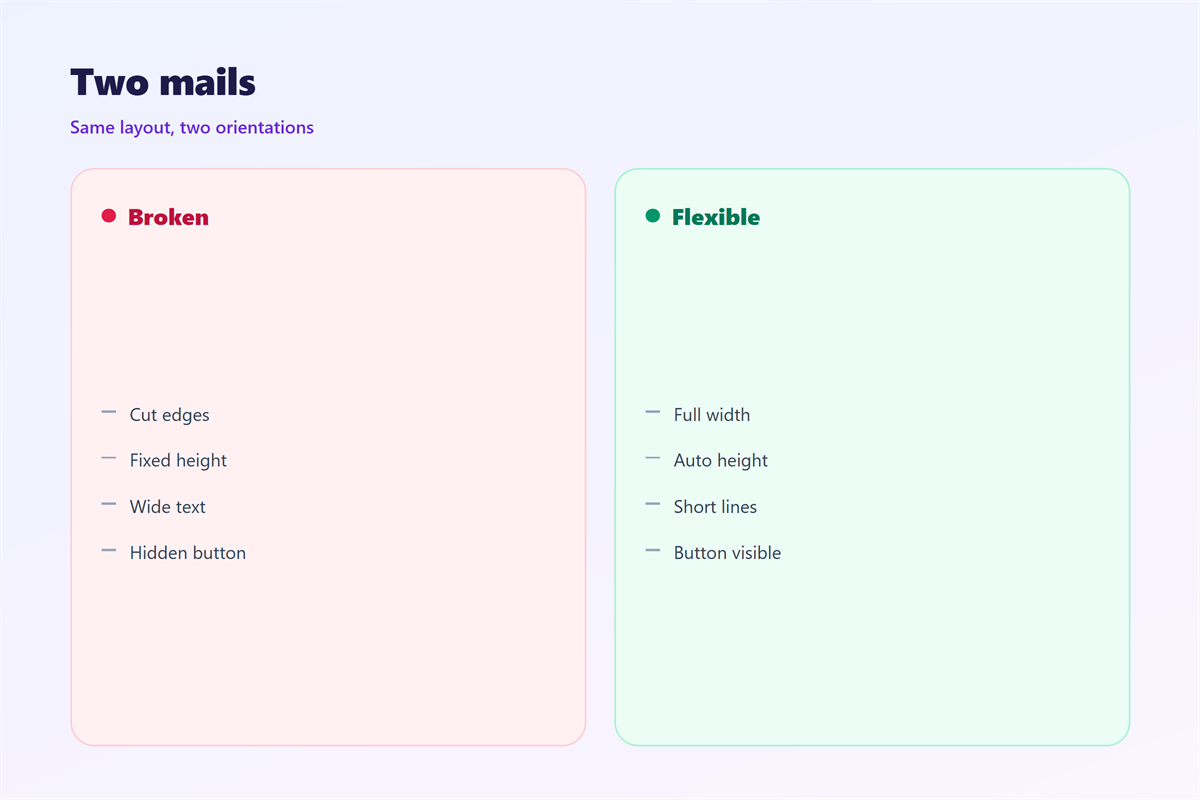
邮件横屏 hurts when the layout is fixed.
A fixed width leaves empty space or cuts content.
It hurts when images are set to full width.
The same image becomes too tall or too short.
It hurts when the header takes the whole height.
Nothing else is visible until the reader scrolls.
It also hurts when text sits in one wide line.
Readers lose their place and stop.
Finally, it hurts when nobody tested it.
A broken sideways view is easy to miss.
Most readers never report it. They just leave.
邮件横屏 and the reading pane
Desktop apps also show a wide view.
The reading pane is often wider than a phone.
That makes it a useful stand-in for testing.
Drag the pane narrow, then pull it wide.
Watch where the text breaks.
A 邮件横屏 layout should survive both shapes.
Check the pane at half and full width.
Check it again with the folder list open.
Many readers keep that list open all day.
The usable width is smaller than it looks.
If the pane looks cramped, the phone will too.
How to test 邮件横屏
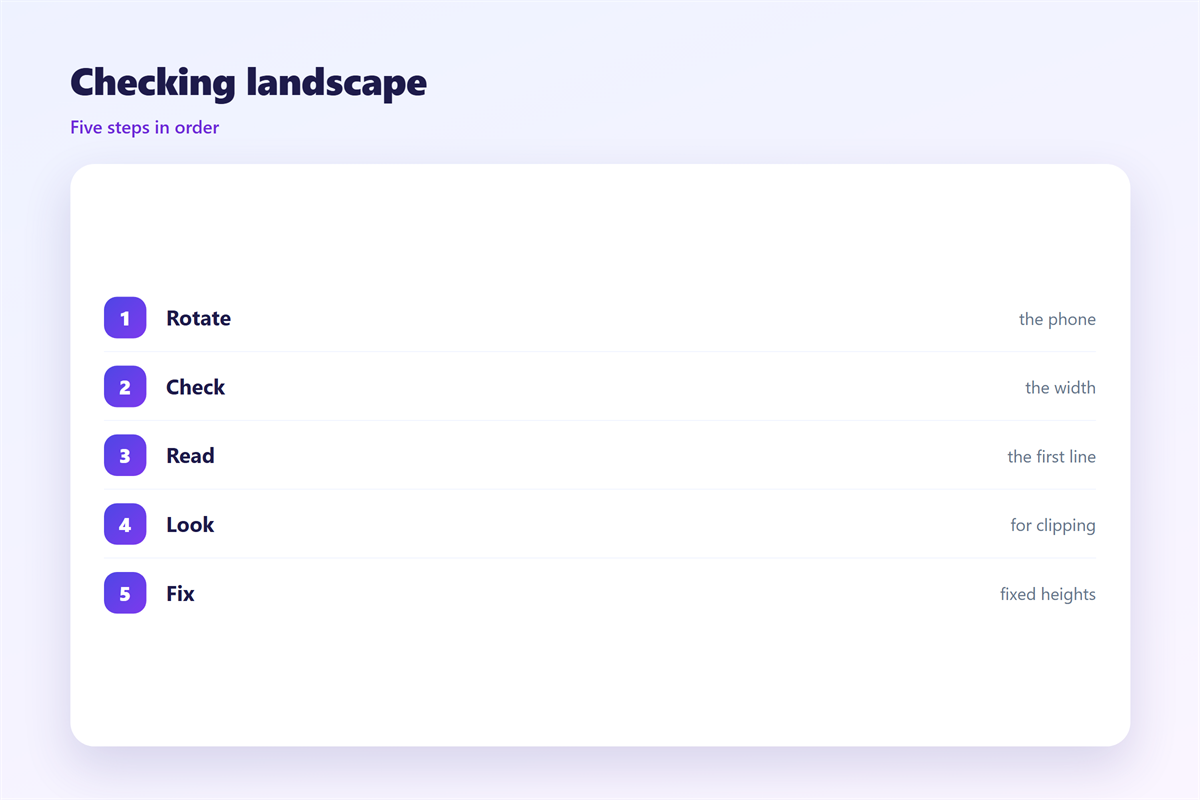
Start on a real phone, not a browser window.
Open the note and turn the device.
Take a screenshot in each direction.
Compare the order of the blocks.
Check the first screen without scrolling.
Then check the button and the footer.
Do the same on a small tablet.
Use a simple media query
One breakpoint is enough for most templates.
Stack columns below six hundred pixels.
Keep the button full width in both views.
Test again after every template change.
Keep a copy of each screenshot in one folder.
Write the result on the template card.
邮件横屏 and type size
Type behaves differently in a wide view.
A size that works in one column looks small.
The line gets longer and the eye moves more.
Keep the body near sixteen pixels.
Then set the line height near one and a half.
Headings can grow a little, but not much.
A 邮件横屏 view rewards restraint.
Bold text is easier to scan than large text.
Use weight before size when you need emphasis.
Then check the type with a large system font.
Many readers set that before they read you.
Small caps can vanish at that size.
Keep the contrast strong in both views.
Keeping 邮件横屏 readable
Every reader holds the phone differently.
Some lock the screen. Some never do.
The basics sit in 邮件移动端.
The wide desktop view is covered in 邮件阅读窗格.
Type choices are explained in 邮件字体.
Structure sits in 邮件排版.
Then write one rule for your team.
Every template must pass a turn test.
Every image must pass a narrow test.
Keep both checks on the same card.
A turn test takes two minutes.
That is cheaper than a broken campaign.
FAQ
Does every reader see 邮件横屏?
No. Many keep the screen locked upright. Build for both views and test the turn.
Should I design for landscape first?
No. Start upright, then check the wide view. Most readers meet the message upright.
Can I hide content in the wide view?
You can, but keep it simple. Hiding a key offer in one view causes confusion.
Why does my table break sideways?
It is probably fixed width. Make the cells fluid and stack them on narrow screens.
评论
还没有评论,来说两句吧。
评论功能已关闭。