 小影邮箱
小影邮箱邮件报名怎么写?One Form, One Date
Key Takeaways
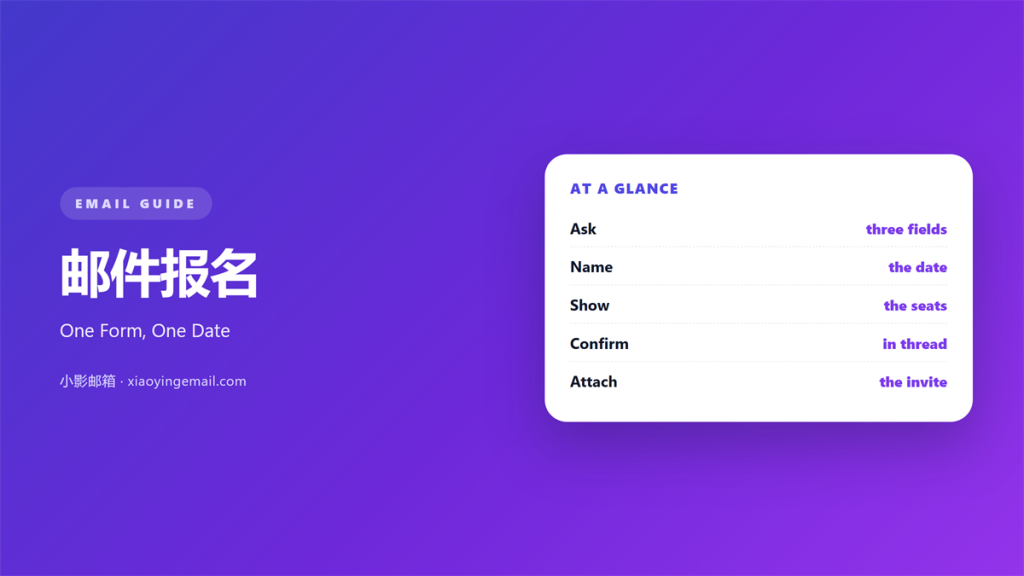
- 邮件报名 needs one form and one clear date.
- Ask only for what you will actually use.
- Name the seat count and the closing date.
- Confirm in the thread that carried the invite.
- Attach a calendar file so the date survives.
What 邮件报名 means
邮件报名 is a mail that turns interest into a seat.
It carries the details of one event.
The reader either signs up or closes the mail.
Nothing in between is likely.
So the mail holds a single date and a single form.
A second date splits the decision in two.
A good 邮件报名 starts with the event page.
The form should load inside that page.
A link to a second site loses people.
Say the date, the hour, the place, and the cost.
Then say what the reader gets from attending.
One sentence is enough for that.
The rest of the mail can stay short.
One event per mail is the rule.
If you have two dates, send two mails.
Why 邮件报名 matters
An event lives or dies on the list.
Half the seats often come from one mail.
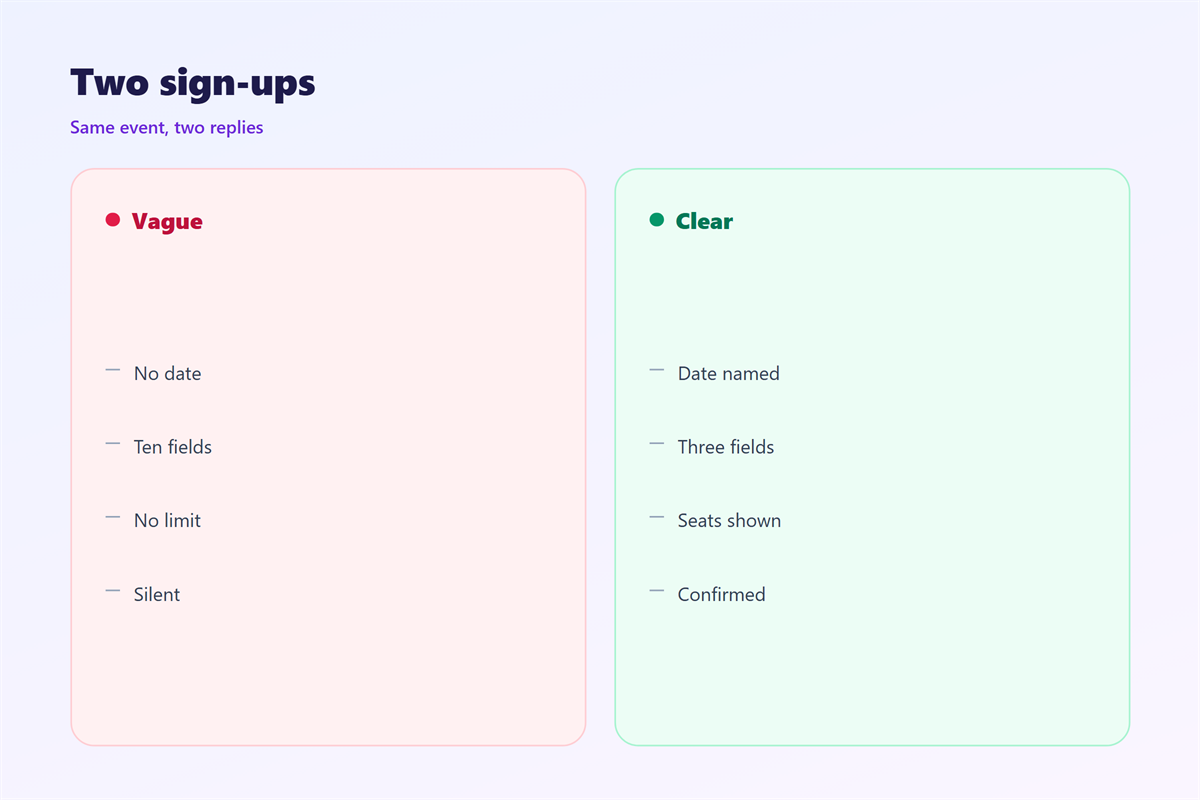
A vague invitation produces vague replies.
People do not send follow-up questions to a mail.
They simply do nothing, and you never hear about it.
A clear invitation removes that doubt.
It also cuts the support load.
Half the replies to a bad invite ask the same thing.
Each of those costs you an hour.
A good invite answers them before they are asked.
That silence is not rejection, only habit.
The no-show problem
Most no-shows are calendar failures, not intent.
People meant to come and lost the date.
A calendar file fixes more of them than a reminder.
Send it with the confirmation, not a day later.
When 邮件报名 helps
It helps when seats are limited.
A 邮件报名 with a visible count fills faster.
It helps when the date is fixed.
A single slot is easier to accept than a menu.
It helps when the audience already knows you.
Cold lists need a second touch.
It also helps for internal sessions.
Staff forget training dates more often than they admit.
It also works for a single webinar.
Workshops and small rooms
Small events need names, not headcounts.
Ask for the name you will print on the badge.
Ask for one dietary note if food is served.
Skip everything else.
When 邮件报名 hurts
邮件报名 hurts when the form asks twelve questions.
Each extra field costs you a few signups.
Phone numbers are the usual offender.
Ask for one only if you will call.
It hurts when the deadline is missing.
Readers then assume there is no rush.
It hurts when the seat count is vague.
“Limited seats” tells nobody anything.
A number does the work.
It hurts when the confirmation arrives days later.
By then the reader has made other plans.
It hurts when the price appears only at checkout.
It hurts when the form resets after an error.
邮件报名 and the calendar
A 邮件报名 ends with a calendar file.
The file holds the title, the hour, and the place.
It also holds a link back to the event page.
Name the file with the event and the date.
Then the reader can find it in a list.
Test the file on both phones and desktops.
A broken file is worse than none.
Include a time zone in the body text.
Calendar apps sometimes guess the zone wrong.
Time zones and travel
Write the hour with its zone, such as 14:00 CET.
Guests travelling need that line.
Add a join link only when the room is remote.
Keep the link inside the calendar file too.
Then nobody hunts through old mail at the last minute.
How to write 邮件报名
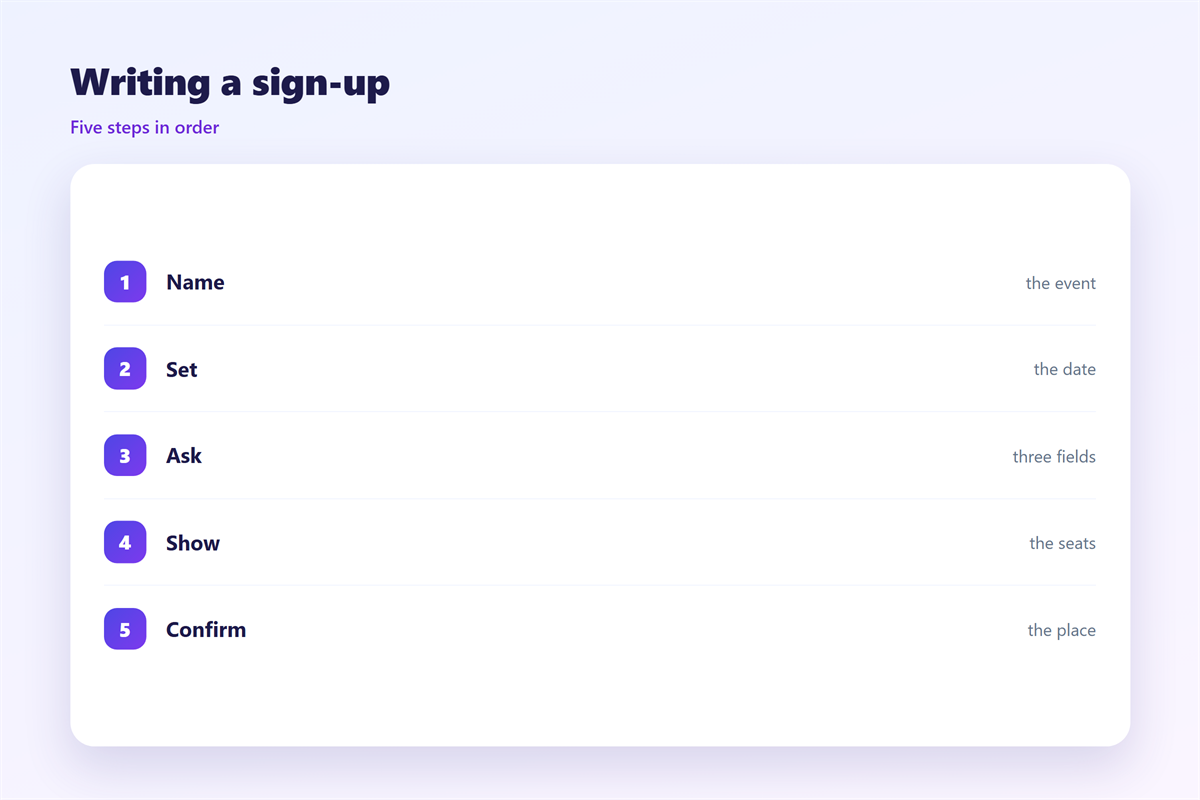
Write the 邮件报名 after the event page is live.
Put the date in the subject line.
Add the city or the word online.
Then open with the reader’s reason to come.
Follow with the four facts: when, where, what, cost.
Put the form button above those facts.
Repeat it once at the end.
Two buttons are enough for one mail.
Ask for less
Name and email cover most events.
Add a company only for business sessions.
Add a phone only if you must call.
Every field needs a stated reason.
Then test the form on a phone.
A dropdown beats a free-text field.
邮件报名 on a phone
Most signups now happen on a phone.
That screen makes long forms painful.
Keep the form to one column.
Use a keyboard type that fits each field.
Email fields should bring up the at sign.
A date picker beats a typed date.
Make the submit button full width.
Then show a thank-you line on the same page.
A redirect feels like a failure on mobile.
Check the whole flow on a slow connection.
Fat fingers miss small buttons.
Keeping 邮件报名 honest
An honest 邮件报名 does not oversell the room.
If the speaker changes, say so in the same thread.
If the event moves, send the new calendar file.
The one-slot pattern sits in 邮件预约.
The form rules sit in 邮件表单.
The file details sit in 邮件日历邀请.
The reply wording sits in 邮件确认.
Confirm in the thread that carried the invitation.
A new thread looks like a new request.
Keep the guest list private.
One reply with everyone visible leaks addresses.
FAQ
How many fields does a 邮件报名 need?
Two for most events. Name and email are enough.
Should I resend to people who did not open?
Once, with a different subject. Then stop.
Do I need a waiting list?
Yes when the room is small. It costs one field.
What about a reminder?
Send one the day before. The calendar file does the rest.
References
- Litmus: Email design and client testing.
- Nielsen Norman Group: Forms and registration research.
- Campaign Monitor: Event email resources.
评论
还没有评论,来说两句吧。
评论功能已关闭。