 小影邮箱
小影邮箱邮件字距怎么调?Space Between Letters
Key Takeaways
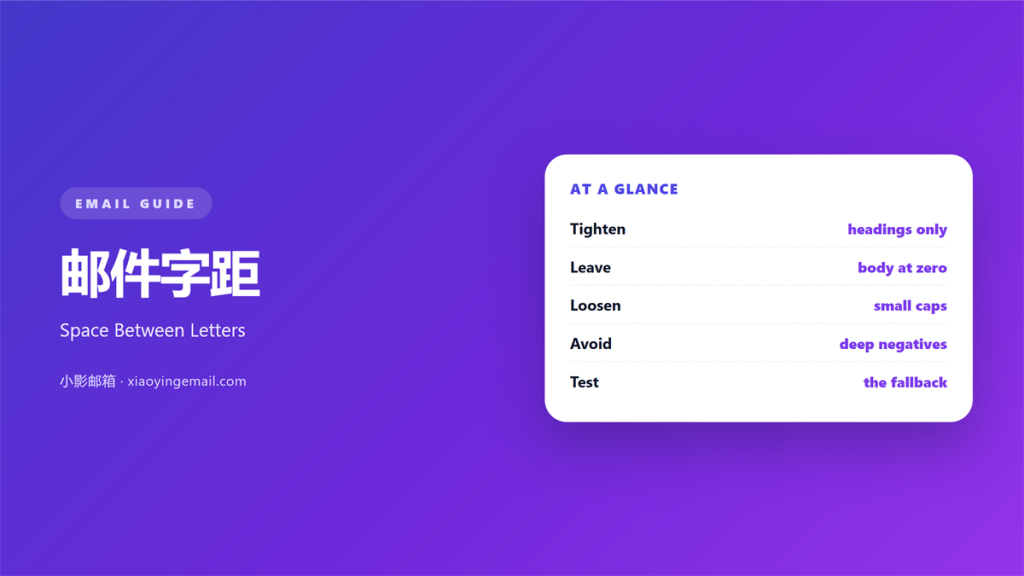
- 邮件字距 is the space between letters in a line.
- Keep body text at zero spacing.
- Tighten only large display headings.
- Loosen small capitals a little.
- Older clients may ignore the setting.
What 邮件字距 means
邮件字距 is the extra space added between letters.
It is measured in pixels or in fractions of an em.
A value of zero means the font’s own spacing.
A negative value pulls letters closer together.
A positive value pushes them apart.
The change is small but the eye notices it.
It shapes a line before the words are read.
Large type can carry a slight tightening.
Small type needs the font’s default spacing.
Body text should almost always stay at zero.
Short labels in capitals can take a little more.
The effect must survive a client that ignores it.
Why 邮件字距 matters
A heading set too wide looks loose and weak.
A 邮件字距 that is too tight looks crowded.
Both pull attention away from the words.
The right value makes a heading feel deliberate.
It also makes a section break readable at a glance.
Most of the effect is felt, not measured.
That is why it is easy to overdo.
One pixel is often the whole difference.
Set the value once per style, not per heading.
Then the whole mail keeps one voice.
Tighten big, leave small alone
Display type can lose a little space.
Body type should keep its natural rhythm.
Small capitals can gain a little space.
Those three rules cover most mails.
When 邮件字距 helps
It helps in a large headline over a photo.
A headline at thirty pixels needs a tighter setting.
It helps in a short label written in capitals.
A little space makes small capitals legible.
It helps in a wide button with short text.
The label sits better in the middle of the shape.
A 邮件字距 also helps a date or a code stand apart.
Use it where the text is short and large.
Keep it away from anything longer than one line.
One value per style
Write the value into the paragraph style.
Do not set it heading by heading.
A single value keeps the page even.
Then a new writer cannot break the rhythm.
When 邮件字距 hurts
A 邮件字距 hurts when it reaches body text.
Tight body text slows every line.
It hurts when a value below minus one pixel is used.
Letters start to touch and words lose their shape.
It hurts when capitals are spaced too far.
Wide capitals read as separate letters, not words.
It hurts when the setting changes between sections.
The reader feels the jump without knowing why.
It also hurts when a client ignores the value.
The fallback spacing may look nothing like the design.
Finally, it hurts to tighten text that carries a link.
Tight letters make a link harder to spot.
邮件字距 and font choice
Spacing only works with a font you can trust.
Every family has its own natural rhythm.
A 邮件字距 tuned for one font breaks another.
So fix the font before you tune the spacing.
System fonts behave the same on most phones.
Web fonts may swap late and shift the line.
Test the pairing with the real font in place.
Keep the fallback stack short and safe.
Then the spacing holds when the font fails.
Measure the line, not the letter
Look at a full line before you decide.
A single word hides the problem.
Read three lines at normal distance.
If the words blur together, loosen the value.
Then check the same line on a phone.
How to adjust 邮件字距
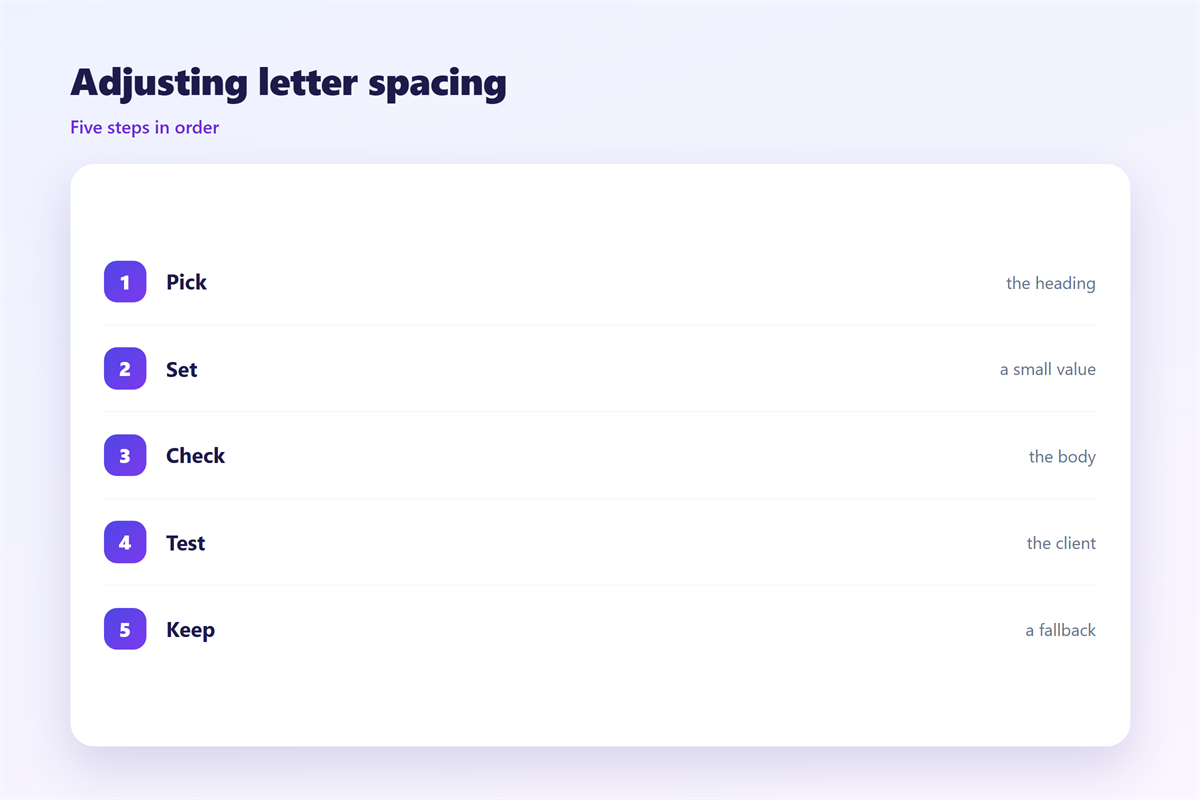
Start with the body text at zero.
Then tighten only the largest heading.
Move in small steps of a quarter pixel.
Stop when the heading looks set, not squeezed.
Add a little space to small capitals.
Keep that value under one pixel.
Write both values into the template styles.
Then check the result in two clients.
Leave a fallback
Older clients may drop the letter-spacing rule.
So choose a font that works with normal spacing.
Never let the design depend on the tighter value.
If the fallback looks loose, change the font size.
Then test with images off and fonts blocked.
The line should still read well in that state.
邮件字距 on a phone
A phone renders type at a smaller optical size.
Tight spacing that looked fine on desktop turns cramped.
So judge the value on a real handset.
A 邮件字距 that fails there is too tight.
Large headings shrink more than body text.
Keep the tightening modest for that reason.
Watch the line breaks after the change.
One word may drop to the next line.
Check that the heading still fits one line.
Then check it again in dark mode.
Finally, ask a colleague to read it aloud.
A stumble means the line is too tight.
Keeping 邮件字距 honest
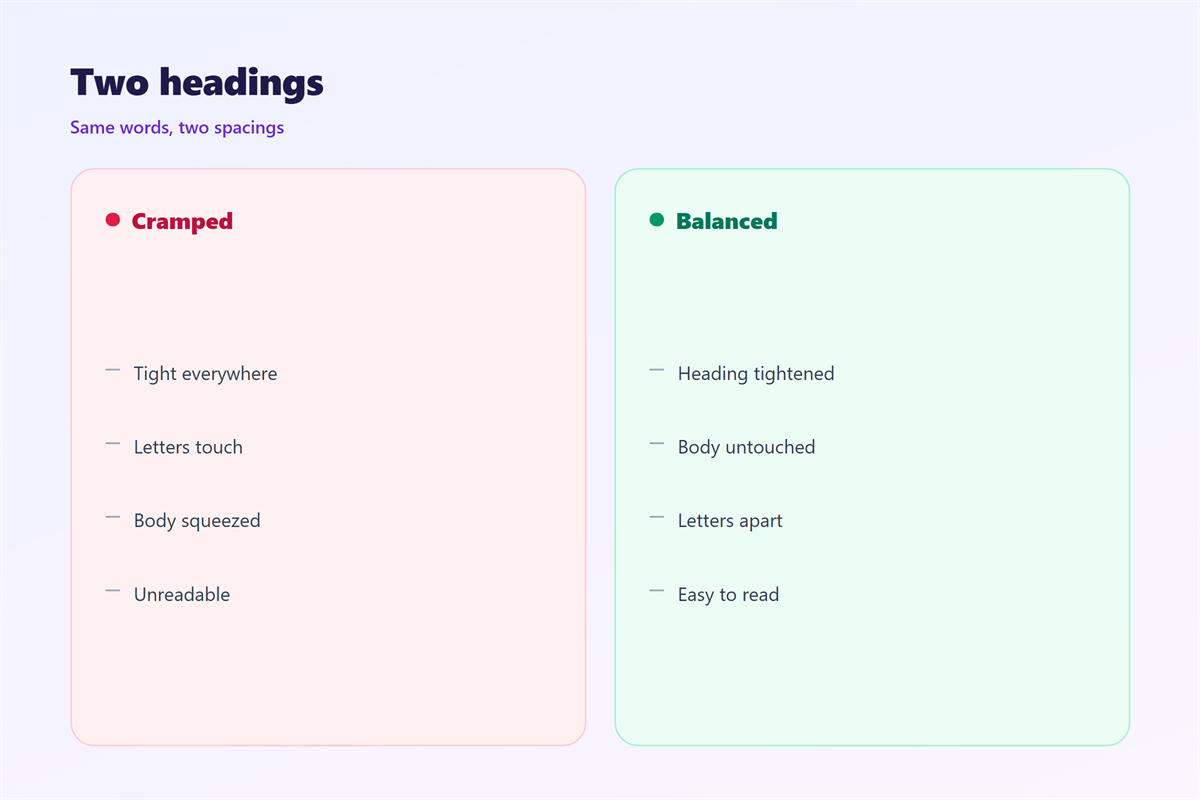
Spacing should serve the reading, not the screenshot.
If a value slows the reader, it is wrong.
The typeface choice is covered in 邮件字体.
Weight is explained in 邮件字重.
Line spacing sits in 邮件行距.
The overall test appears in 邮件可读性.
Read those four before you change a value.
Then keep one number for the whole template.
A team that writes it down stays consistent.
Finally, review the heading after every font change.
A saved value is not a promise that the type still fits.
FAQ
What 邮件字距 suits body text?
Zero. Leave the font to set its own rhythm.
How much should a big heading be tightened?
About half a pixel at thirty pixels, rarely more.
Can spacing replace a smaller font?
No. Choose the size first, then adjust the spacing.
Why does the setting disappear in some clients?
Some clients drop it. Design so the default still works.
评论
还没有评论,来说两句吧。
评论功能已关闭。