 小影邮箱
小影邮箱邮件双栏怎么排?Two Columns That Hold
Key Takeaways
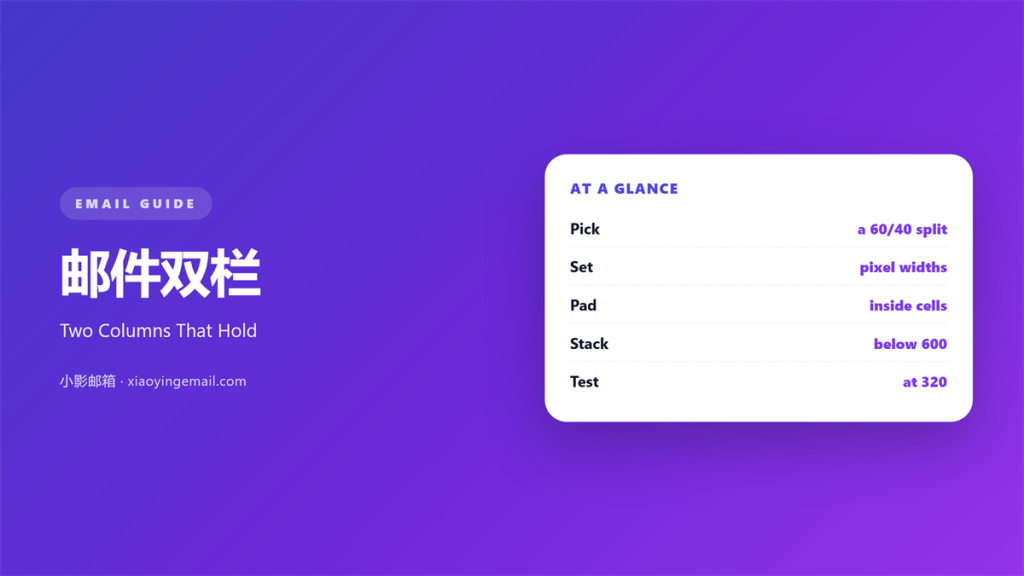
- 邮件双栏 puts two blocks side by side in one row.
- A fixed split beats a fluid one in most clients.
- Sixty-forty is the safest ratio.
- Stack the columns on a narrow screen.
- Test the pair with images off before you send.
What 邮件双栏 means
A 邮件双栏 layout places two blocks in the same horizontal row.
Each block keeps its own heading, image and link.
The pair shares one outer width.
That width is usually 600 pixels on desktop.
Inside, the split can be even or uneven.
Most senders use a 60/40 split.
The wider column carries the argument.
The narrower one carries the proof.
It is not the same as a grid of three or four.
Two columns keep the reading order simple.
A good 邮件双栏 reads left, then right.
Never make the reader jump back and forth.
Why 邮件双栏 matters
Vertical space is the scarcest thing in a mail.
Two columns halve the height of a section.
A 邮件双栏 also creates a natural comparison.
Price on the left, features on the right.
Before and after.
Question and answer.
That shape is easy to scan.
It also helps a sender repeat a block.
The same frame works for a series of products.
Consistency saves design time.
A repeated frame also trains the reader.
After two mails they know where the price sits.
Moreover, the pair reads as one unit.
One split, one rule
Pick the ratio once and keep it.
Changing it inside one mail looks accidental.
Readers notice uneven edges even when they cannot name them.
A 邮件双栏 should feel deliberate.
When 邮件双栏 helps
It helps when two items must be compared.
Two plans, two colours, two dates.
It also helps when a claim needs evidence.
Put the claim on the left and the data on the right.
A 邮件双栏 works well for a short product list.
Two items per row, three rows at most.
It helps when the mail carries a lot of text.
Breaking prose into pairs lowers the wall.
Use the pair when the two items share a shape.
Uneven shapes make the row look broken.
The 60/40 rule
Give the text column sixty percent.
Give the image column forty.
Text needs more room than a picture.
Reverse the ratio only when the image carries the message.
When 邮件双栏 hurts
It hurts when both columns shout.
Two equal headings compete for the same glance.
It hurts when both columns have the same weight.
The eye then has no entry point.
A 邮件双栏 also hurts on a narrow screen.
Squeezed columns wrap every third word.
That turns a short line into a tower.
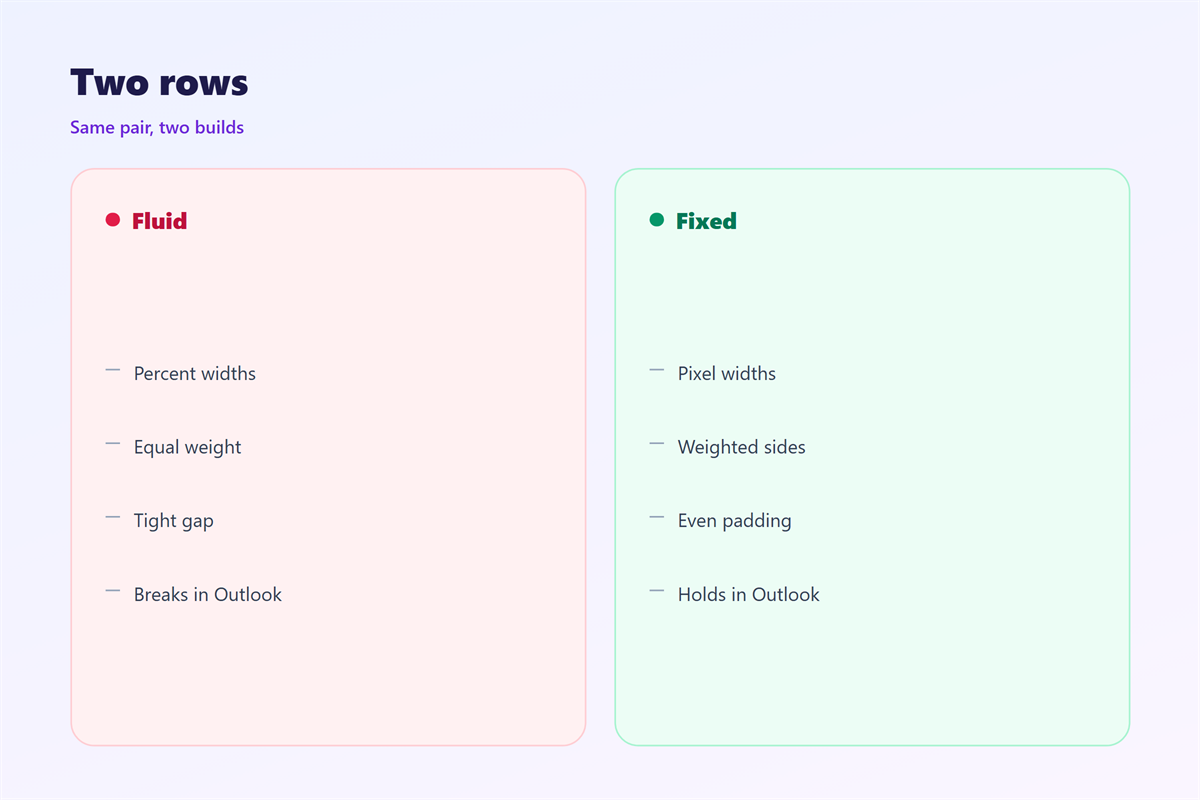
It hurts when the split is fluid rather than fixed.
Clients round percentages differently.
Finally, it hurts when the left column is a logo.
A logo does not earn half the row.
邮件双栏 and balance
Balance here means visual weight, not equal width.
A dark image on the right can outweigh light text on the left.
So the wider column is not always the heavier one.
Check the block from a step back.
If one side pulls, add space to the other.
Empty space is a design element.
It gives the eye somewhere to rest.
That rest is what makes the pair readable.
A 邮件双栏 with no breathing room looks clipped.
Alt text for both sides
Each image needs its own alt text.
Describe what the picture proves.
Do not repeat the heading word for word.
Keep every alt under twenty words.
Then check the pair with images blocked.
How to build 邮件双栏
Start with a single column of short rows.
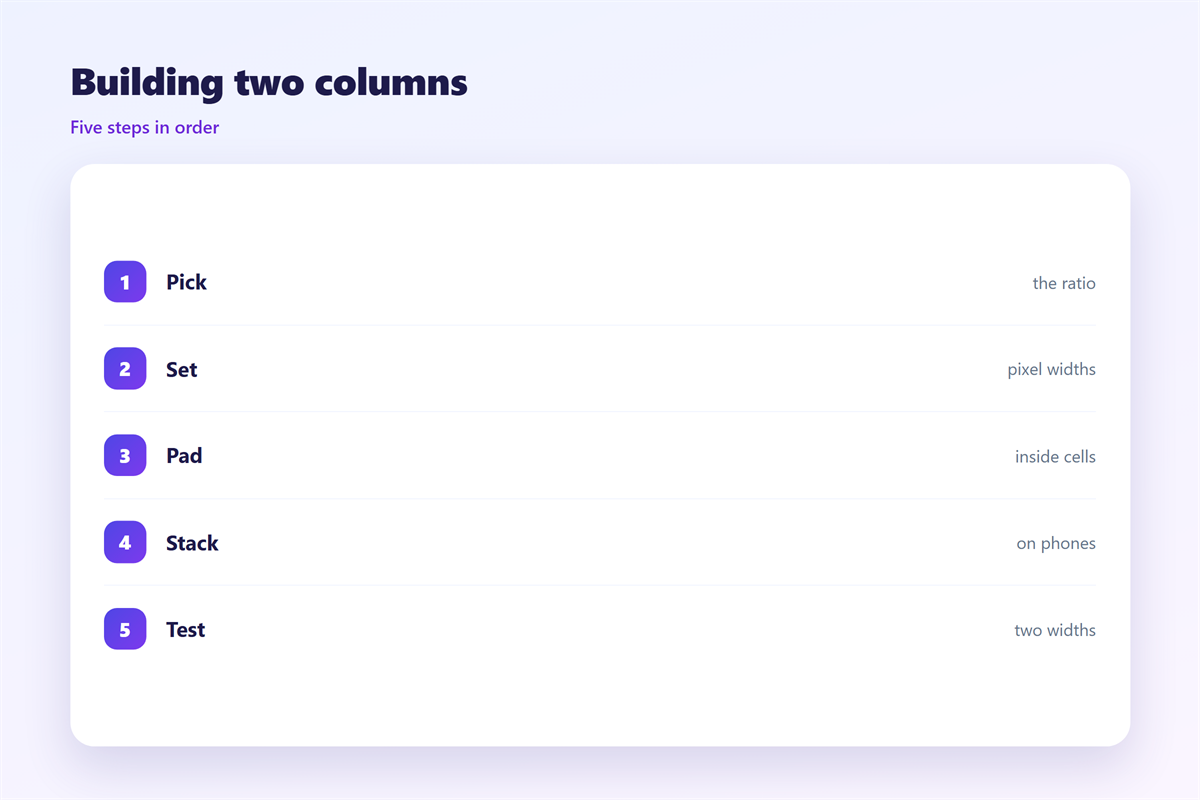
Then wrap two rows in a table with two cells.
Set the table width to 100 percent.
Set each cell width in pixels, not percentages.
A fixed width survives more clients.
Add padding inside each cell, not between them.
Then the border sits where you expect.
Keep one button per column at most.
Draw the left column first
The left column is read first.
So it carries the reason to care.
The right column carries the proof or the price.
If both columns carry a price, remove one.
Two prices in one row is a decision, not an offer.
Then stack the pair on a narrow screen.
邮件双栏 on a phone
Most readers open mail on a phone.
At 360 pixels wide, two columns become two slivers.
So the pair must stack.
Stacking needs no media query in most clients.
Use a table that collapses into one cell.
Keep the left block first in the source order.
Then the reading order stays correct.
The image should not sit above the text by accident.
A 邮件双栏 that stacks badly looks like two mistakes.
Test the stack at 320 pixels, not just 375.
Keep the gap between stacked blocks small.
A wide gap reads as a section break.
Test two widths
Check the pair at 600 and at 320 pixels.
Those two widths catch most failures.
Then check one client that strips styles.
If the pair still reads, the build is sound.
Keeping 邮件双栏 honest
A pair should not hide the cheaper option.
Put the lower price in the same size type.
It should not imply a comparison it cannot support.
The single-column rules sit in 邮件分栏.
The wider layout is covered in 邮件排版.
The grid version appears in 邮件网格.
The small-screen rules live in 邮件移动端.
Then write the ratio in your template notes.
A team that shares one ratio ships faster.
Review the pair after each campaign.
FAQ
Is 邮件双栏 safe in Outlook?
Yes, when you use a fixed-width table. Outlook ignores most modern layout rules.
Should both columns hold a button?
One is enough. Two buttons split the decision.
What ratio works best?
Sixty-forty for text and image. Fifty-fifty only for true comparisons.
Do I need media queries to stack?
No. A single-cell table stacks on its own in most clients.
评论
还没有评论,来说两句吧。
评论功能已关闭。