 小影邮箱
小影邮箱邮件压缩包怎么发?One Archive, Many Files
Key Takeaways
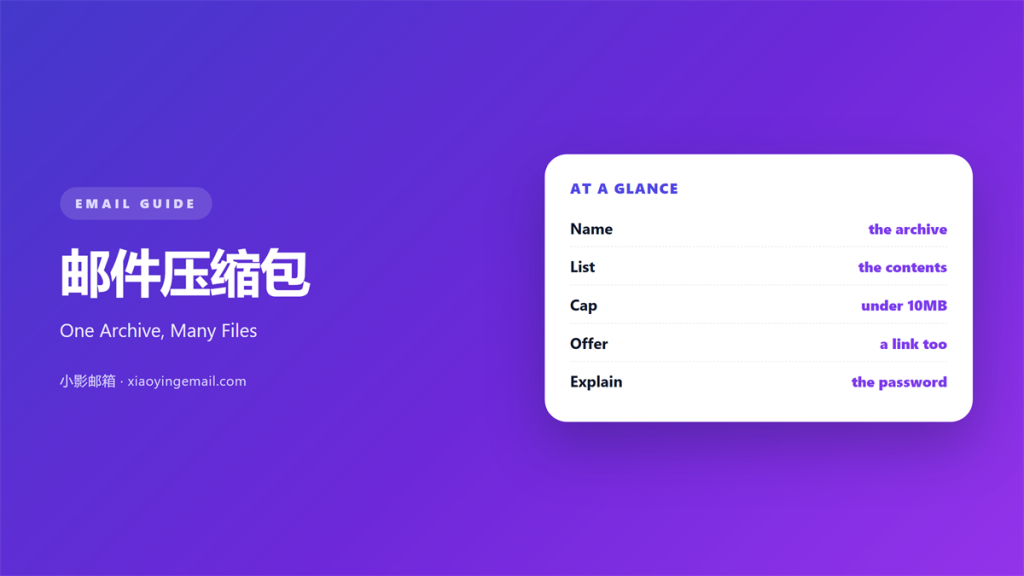
- 邮件压缩包 puts many files in one attachment.
- Name the archive with project and date.
- Keep it under ten megabytes.
- Add a short readme inside.
- Send the password by another channel.
What 邮件压缩包 means
邮件压缩包 is one file that holds many files.
It shrinks the total size in most cases.
The reader downloads one item instead of twelve.
Zip is the common format for this job. Other formats work, but zip opens everywhere.
Every system can open a zip file.
The archive keeps folder names and order.
That structure survives the trip.
A 邮件压缩包 is not a backup.
It is a delivery box for one send.
Keep the contents focused on one topic.
Files that do not share a purpose confuse.
Name the box before you fill it. A clear name is half the work.
Why 邮件压缩包 matters
Attachment limits are lower than people think.
Many servers cap a mail at 25 megabytes.
A 邮件压缩包 keeps you under that cap.
It also reduces the number of clicks.
One download beats twelve separate saves.
The archive also keeps a clean record.
A single file is easier to forward.
It is easier to store and to name. A tidy archive also looks professional.
However, a zip hides its contents from a scan.
Filters treat unknown archives with suspicion.
That suspicion is fair, and we plan for it.
The 25-megabyte wall
Most providers stop near 25 megabytes.
Some stop at ten.
Ask the recipient’s provider before a big send.
Then size the archive to the lower number.
When 邮件压缩包 helps
It helps when a project ends.
Handover files belong in one place. The next owner finds everything at once.
A 邮件压缩包 helps with a set of photos.
Twelve images arrive in one download.
It helps when a form asks for documents.
One archive holds the contract, the invoice and the ID.
It helps when a client cannot use cloud links.
Some offices block those links by policy.
Use it when the files must stay together.
Separate files get lost in a thread.
When a folder is better
A shared folder beats a zip for long projects.
Files then change without a new mail.
Use an archive for a fixed snapshot.
Use a folder for work that keeps moving.
When 邮件压缩包 hurts
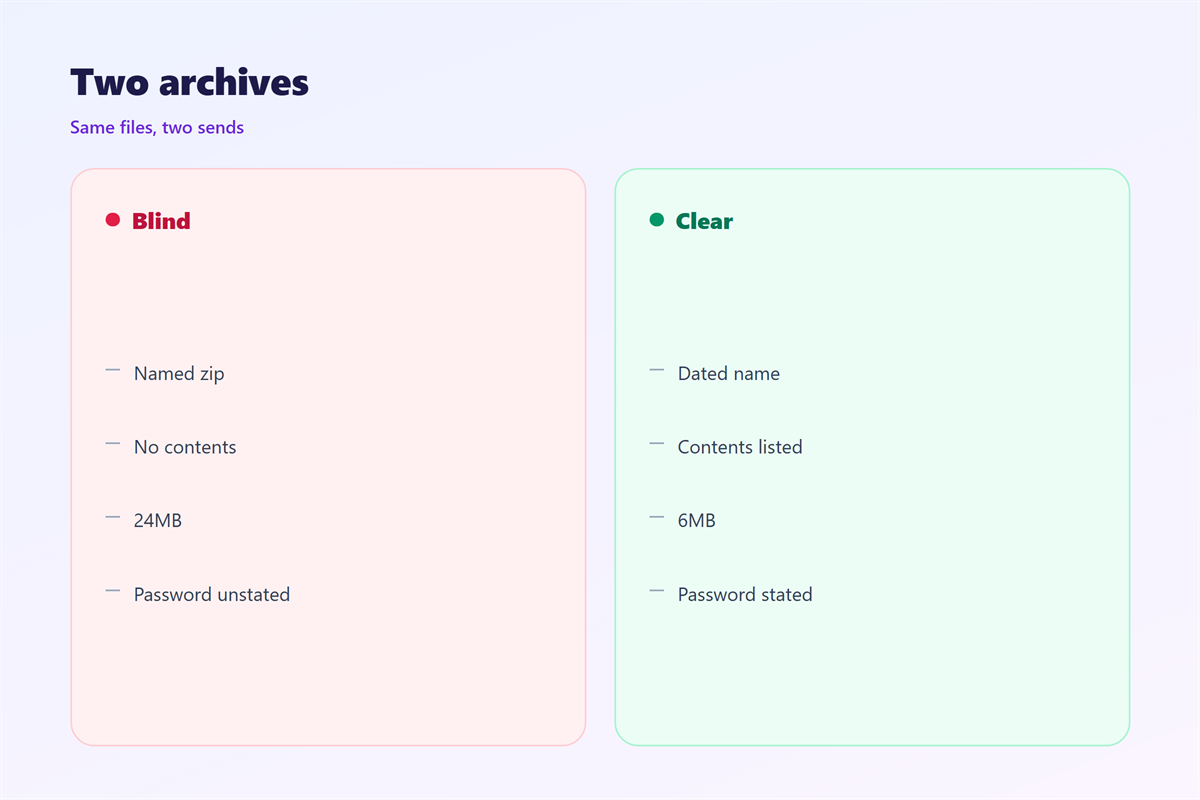
It hurts when the archive has no clear name.
A file called download.zip tells the reader nothing.
It hurts when the zip holds one small file.
The reader then wonders why it was packed.
A 邮件压缩包 hurts when the password is in the same mail.
That defeats the lock completely.
It hurts when the archive holds an executable.
Most filters delete the whole mail.
Finally, it hurts when nobody tests the download.
A broken archive is worse than no archive. It invites a round of confused replies.
邮件压缩包 and friction
Friction is the small effort between intent and action.
A 邮件压缩包 adds friction at the first click.
Every extra step loses a few readers.
Therefore, the archive must pay for that cost.
It pays when it saves ten clicks later.
It fails when it hides the one file people wanted.
Put the main document at the top level.
Keep the folder tree shallow.
Two levels is enough for most sends. Deeper trees hide the one file that matters.
A readme inside
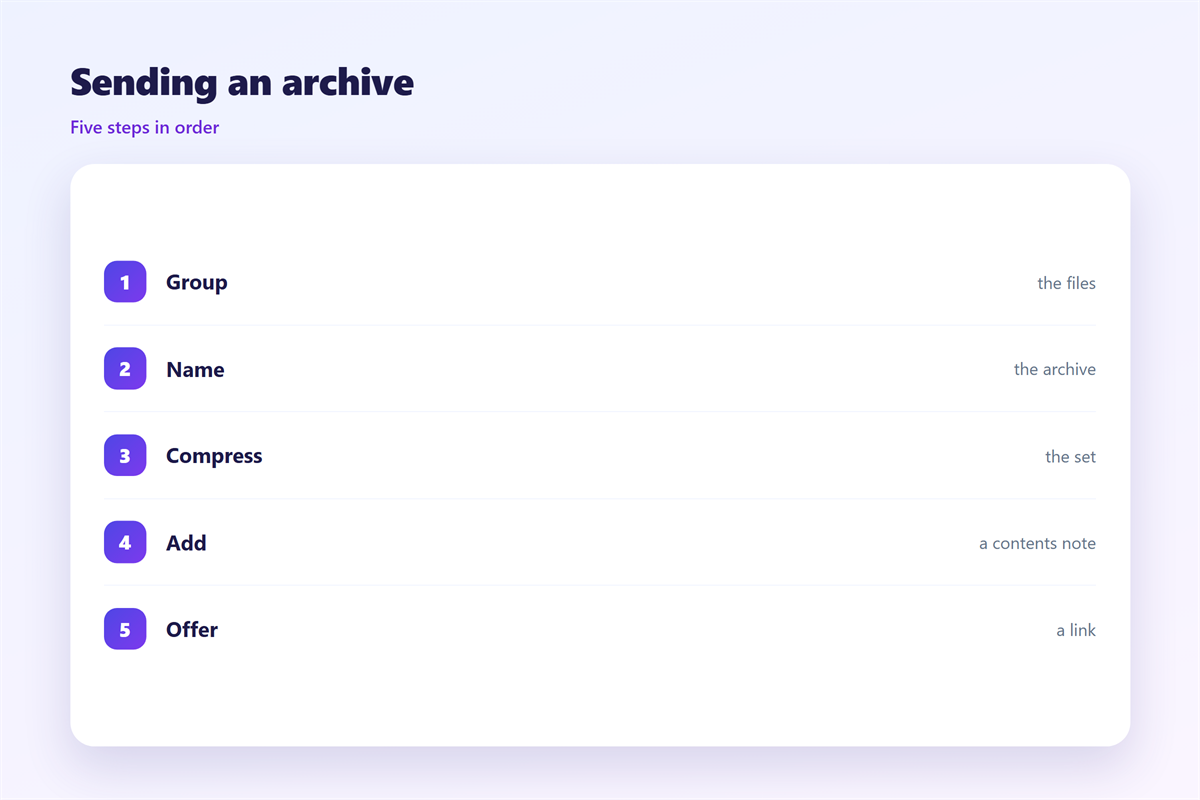
Add a plain text file at the top.
List each file and what it holds.
Name the person to contact.
Keep the note under ten lines.
Then the archive explains itself.
How to build 邮件压缩包
Start with a folder named for the project.
Add the date in year-month-day form.
Put only the final files inside.
Remove drafts and temp files first.
Then compress the folder, not the files.
A folder zips with its own name.
Check the final size before you attach.
Open the archive once to confirm it works.
Name it like a document
Use project, client and date.
Skip spaces and version words like final.
A name with three parts sorts well.
Then the reader knows what arrived.
Our team uses one naming rule for every send.
That rule ends the hunt for the latest file.
邮件压缩包 on a phone
Phones handle archives less well than laptops.
iOS opens a zip into the Files app.
Android needs a file manager for some formats.
A 邮件压缩包 may open in a preview only.
The reader then cannot find the files again.
Keep the archive small for mobile readers.
Ten megabytes downloads on most plans.
A hundred megabytes may fail on cellular.
Offer a cloud link as a backup.
Then the reader can choose the lighter path.
Our last 24MB archive stalled on two phones.
Three of nine recipients never opened it.
Test on a handset
Send the archive to one phone first.
Open it and count the files.
Then check one file opens correctly.
A quick test saves a long thread. One tap should be enough to start.
Keeping 邮件压缩包 honest
The general rules sit in 邮件附件.
The size limits are in 邮件大附件.
The link option is covered in 邮件云附件.
The lock advice lives in 邮件附件加密.
Tell the reader what is inside before they download.
Name the file count and the total size.
Never hide a charge inside the archive.
Then the download is a choice, not a surprise. Say the size in the mail body too.
FAQ
Is a 邮件压缩包 safe to send?
Usually. Remove executables and tell the reader what is inside.
What size should it stay under?
Ten megabytes is safe. Twenty-five works on most servers.
Can I password protect a zip?
Yes, but send the password by chat or phone. Never in the same mail.
What if the archive is too big?
Use a cloud link. Keep the zip as the backup copy.
评论
还没有评论,来说两句吧。
评论功能已关闭。