 小影邮箱
小影邮箱邮件双重确认怎么做?Two Yeses, One List
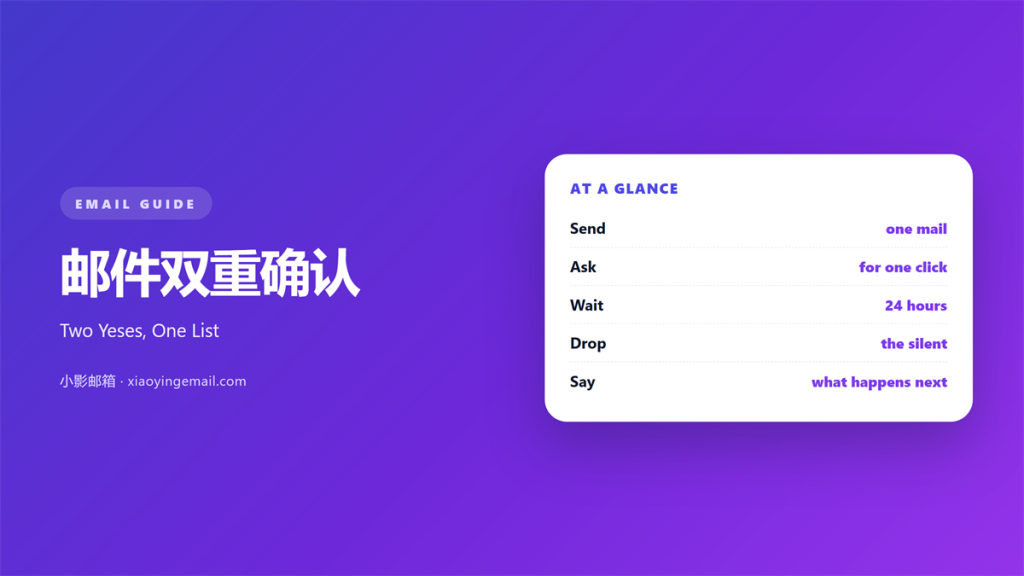
Key Takeaways
- 邮件双重确认 asks a new subscriber to agree twice.
- The click in the first mail is the second yes.
- Wait 24 hours before you send a reminder.
- Never add a name without that click.
- Keep the confirm mail plain and short.
What 邮件双重确认 means
邮件双重确认 sends a second message before a name joins the list.
The first yes happens on the signup form.
The second happens in the inbox. Nothing is stored until then.
Only after the click is the address active.
The confirmation mail holds one link.
That link carries a unique token.
The token ties the click to the address.
No token, no subscription.
The mail usually goes out within a minute. Speed keeps the promise fresh.
It also states what the person signed up for.
A short line explains how to ignore it.
Without a click, the address is never mailed again.
Why 邮件双重确认 matters
It removes typos and invented addresses.
A mistyped domain cannot confirm. The form accepted it, but no inbox exists.
So your bounce rate falls on the first send.
It also stops a prank signup.
Someone else’s address never joins without consent.
That protection matters under European rules.
Our team moved one list to double opt-in last spring.
Hard bounces fell from 6.1 percent to 0.8 percent.
The list shrank by a third, and opens rose.
A 邮件双重确认 also records the date of consent.
That date is the first thing an auditor asks for.
The hidden cost
Every extra step loses people.
Expect ten to thirty percent to drop off.
So write the form label with care. Name the content, not the discount.
A vague promise loses more than a clear one.
When 邮件双重确认 helps
It helps when the list is new.
Nobody has heard of you yet.
A clear confirmation builds the first bit of trust.
It helps when a form collects a discount. A code is a reason to type any address.
Free offers attract fake addresses.
A 邮件双重确认 filters them out.
It helps when the list will pass to a client.
The consent record travels with the data.
It helps when one form serves many languages.
The confirm mail can match the language of the form.
When the flow fits
Keep the form to one field. Every extra field costs a few percent.
Then the confirm mail does the explaining.
Two steps are enough.
A third step loses people for no gain.
When 邮件双重确认 hurts
It hurts when the confirm mail lands in spam.
The subscriber never sees it and never joins. Then they assume the signup failed.
It hurts when the link expires in an hour.
People check mail at night, not at noon.
A 邮件双重确认 hurts when the mail looks like marketing.
A big banner reads as a newsletter, not a receipt.
It hurts when the reminder arrives too soon.
Three mails in one day feels like pressure.
It hurts when the form promises nothing specific. A generic label invites a generic click.
Then the confirm mail has nothing to confirm.
邮件双重确认 and consent
Consent needs to be specific and recorded.
A checkbox alone is weak evidence. It shows intent, not a working address.
A confirmed click is stronger.
It carries a time, an address and a source.
That trio answers most questions.
Keep the record for as long as you mail.
Some markets require two years, others longer.
A 邮件双重确认 makes that record automatic.
The database writes it at the moment of the click.
What to store
Save the timestamp. It settles the date question.
Save the form URL and the campaign name.
Save the IP address where the law allows it.
Do not store more than you need.
Then delete the token after use.
How to build 邮件双重确认
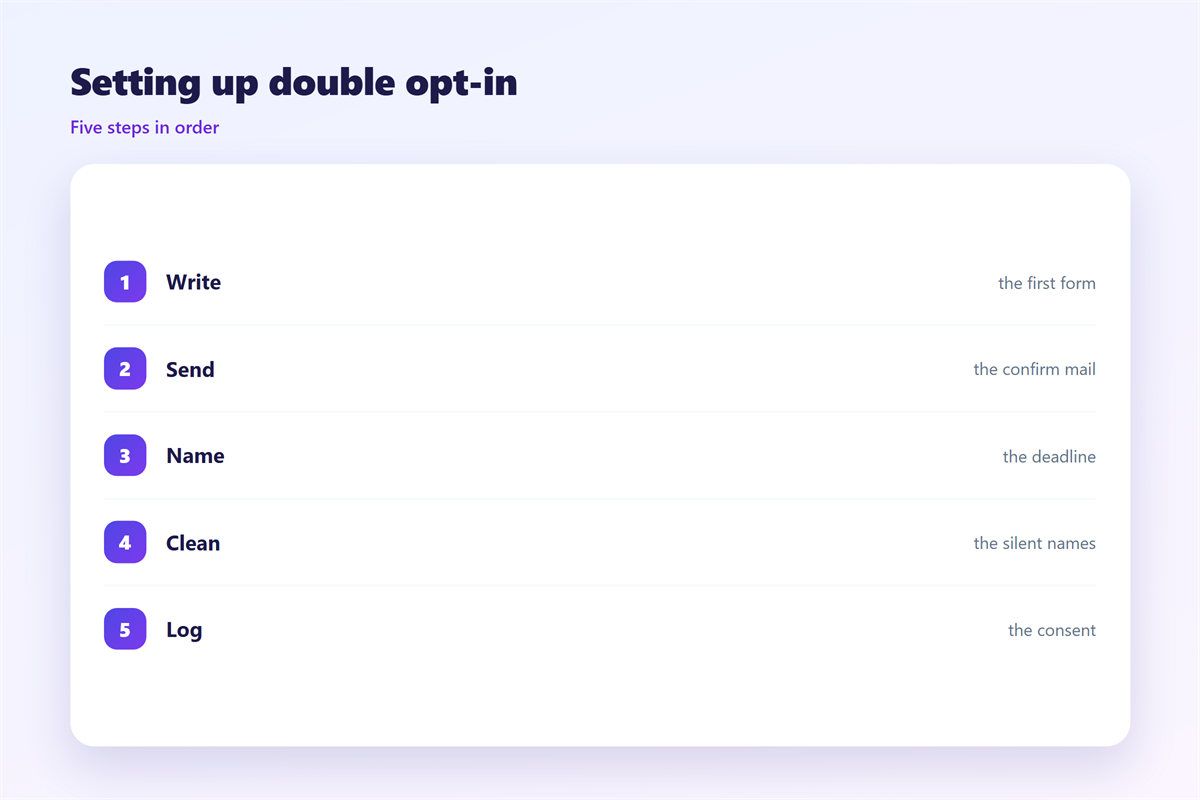
Start with a form that asks for the address only.
Write one sentence about what will arrive.
Send the confirm mail within one minute.
Put the link above the fold.
Use a token that expires in seven days.
Make the link work once.
Show a plain thank-you page after the click. It should confirm the exact address.
Add a visible unsubscribe link to every later mail.
Write the confirm mail
Subject: please confirm your subscription.
Body: one line, one button, one fallback URL.
Skip the hero image.
Skip the offer.
A 邮件双重确认 mail is a receipt.
Then test it with images off.
邮件双重确认 on a phone
The form is often filled on a phone.
So the keyboard type matters.
Set the input to email. Then the phone offers the right keys.
Turn off autocorrect and autocapitalise.
The confirmation link must open in the browser.
Check the tap target size.
Forty-four pixels is the minimum.
Keep the button full width.
The confirm page should fit one screen. One scroll is fine, two is not.
Show the address that was confirmed.
Then offer one link back to the site.
Test on a slow connection too.
After the tap
The page should say thank you.
It should name the list.
It should repeat the unsubscribe option.
Then stop asking.
Keeping 邮件双重确认 honest
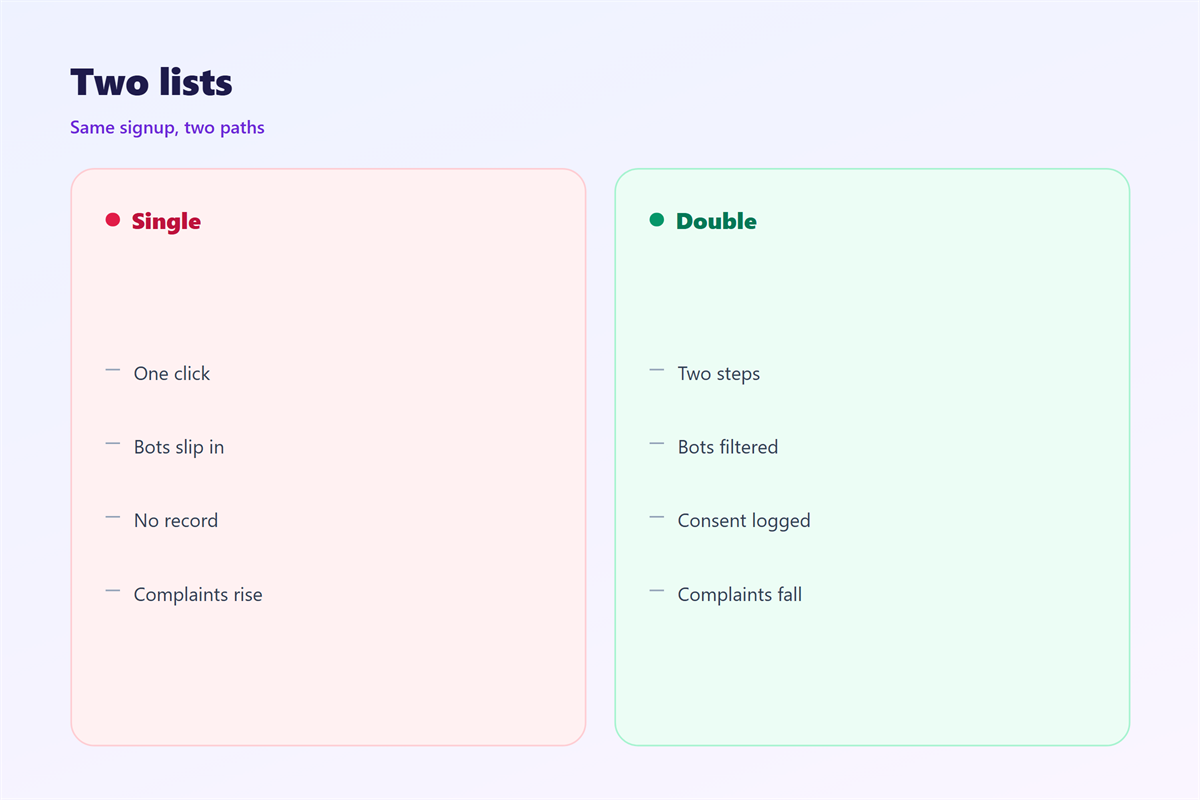
Never add an address for one campaign.
That shortcut breaks the whole record. One bad name can spoil a clean list.
If a client asks, show the drop-off numbers.
The confirm flow is drawn in 邮件订阅确认.
Leaving a list is covered in 邮件订阅.
Old names are removed in 邮件列表清洗.
The legal frame sits in 邮件合规.
Then review the flow once a year.
Check the confirm rate by source.
A weak form needs new wording, not fewer steps.
FAQ
Is 邮件双重确认 required by law?
In some markets, yes. Elsewhere it is the safest way to prove consent.
How long should the link last?
Seven days is a good default. A single day loses weekend signups.
Should I send a reminder?
One reminder after 24 hours recovers a few percent. A second one rarely helps.
Does it lower my list size?
Yes, by ten to thirty percent. The remaining names behave better.
评论
还没有评论,来说两句吧。
评论功能已关闭。