 小影邮箱
小影邮箱邮件侧栏怎么用?Notes Beside the Text
Key Takeaways
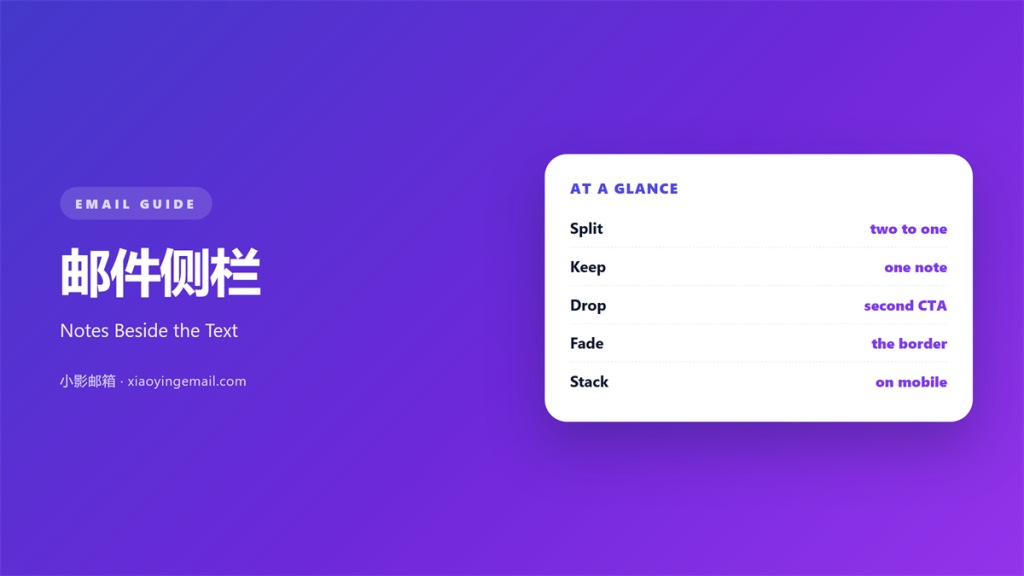
- 邮件侧栏 holds one secondary note beside the main text.
- Give the body twice the width of the sidebar.
- Put a single item in the rail, not a list of five.
- On a phone the rail must stack below the text.
- A quiet divider is enough to separate the two.
What 邮件侧栏 means
邮件侧栏 is a narrow column beside the main text.
It holds one note that supports the message.
That note is useful but not essential.
A reader can skip it and still act.
That is the test for anything in the rail.
The rail never carries the main promise.
It carries a detail: a date, a name, a short quote.
The body keeps the argument in the wide column.
The rail keeps the aside in the narrow one.
Two columns, one reading path.
The eye goes down the wide column first.
A good 邮件侧栏 rewards a second glance.
Why 邮件侧栏 matters
Some details break the flow of a paragraph.
A deadline or a reference code interrupts a sentence.
The rail moves them out of the way.
The body then reads in one clean line.
The detail still sits close by.
Nothing is lost and nothing is repeated.
The rail also gives the page a shape.
A wide column of text looks heavy.
One narrow aside lightens the block.
That short pause keeps the reader oriented.
A clear 邮件侧栏 helps a reader start.
One note only
The rail should hold a single idea.
A second note doubles the reading paths.
Keep the strongest aside and drop the rest.
Move the rest into the body or a later mail.
When 邮件侧栏 helps
A 邮件侧栏 helps when a detail would interrupt the argument.
A price, a date, or a version number fits well.
It helps when the body needs a short quote.
The quote sits beside the claim it supports.
It helps in a proposal or a briefing note.
Those mails carry facts beside a request.
A rail can hold a price that needs a second look.
It also helps when the reader may print the mail.
A rail prints as a clear margin note.
Keep it to a screen
A rail taller than the body looks unbalanced.
Keep the aside to a few short lines.
If it runs long, it is body text.
Move it into the flow and start again.
When 邮件侧栏 hurts
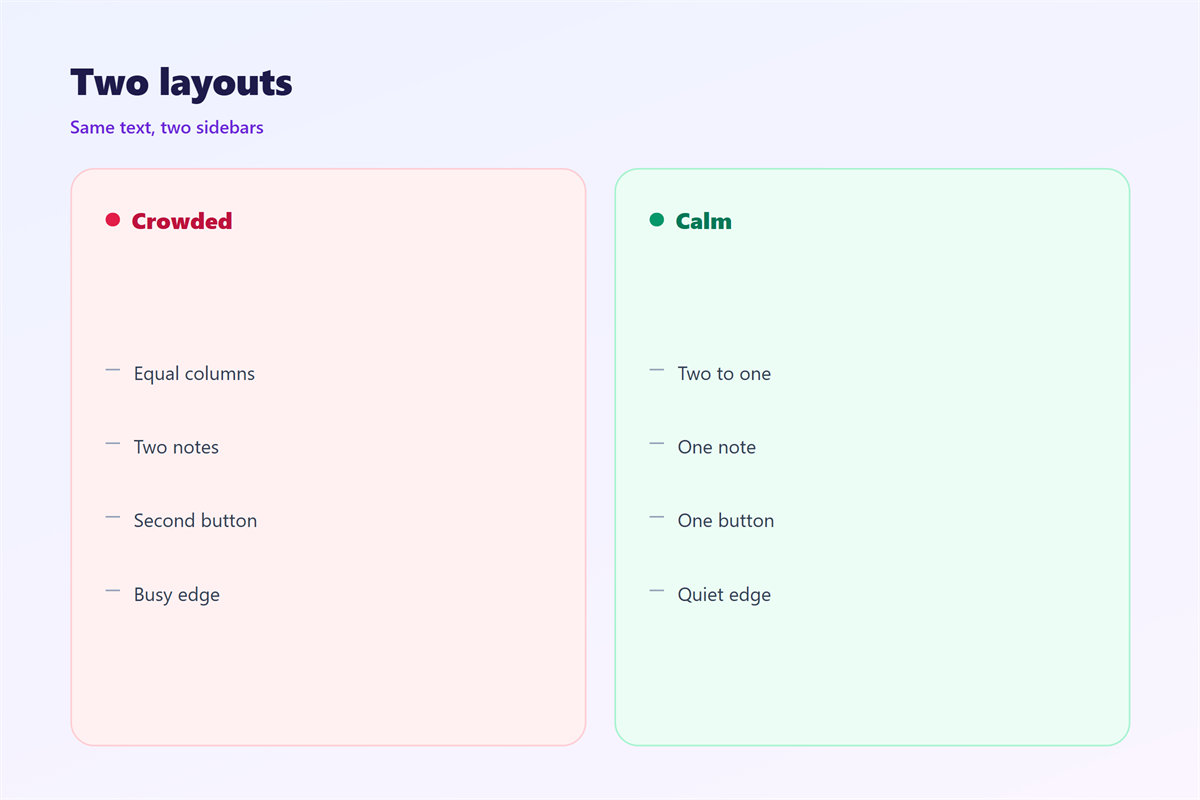
邮件侧栏 hurts when it holds a second call to action.
Two buttons split the decision.
It hurts when the rail takes half the width.
The body then breaks into short, choppy lines.
It hurts when the rail carries the only price.
A reader may miss it on a phone.
It hurts when the divider is a heavy black line.
That line cuts the page in two.
It also hurts when the rail scrolls on its own.
Nested scrolling confuses a thumb.
邮件侧栏 and 邮件分栏
A rail is a column, so the two ideas overlap.
邮件分栏 splits the body into equal parts.
A rail splits it into unequal parts.
That difference decides which one to use.
Equal columns suit a comparison of two options.
Unequal columns suit one point and one aside.
Most mails want the unequal version.
A comparison of plans wants the equal one.
Pick the shape before you write the copy.
The two to one rule
Give the body two thirds of the width.
Give the rail the remaining third.
At 600 pixels, that is 400 and 200.
Narrower than 180 pixels, the rail cramps.
Wider than a third, it competes with the body.
Keep the gap between them small.
How to build 邮件侧栏
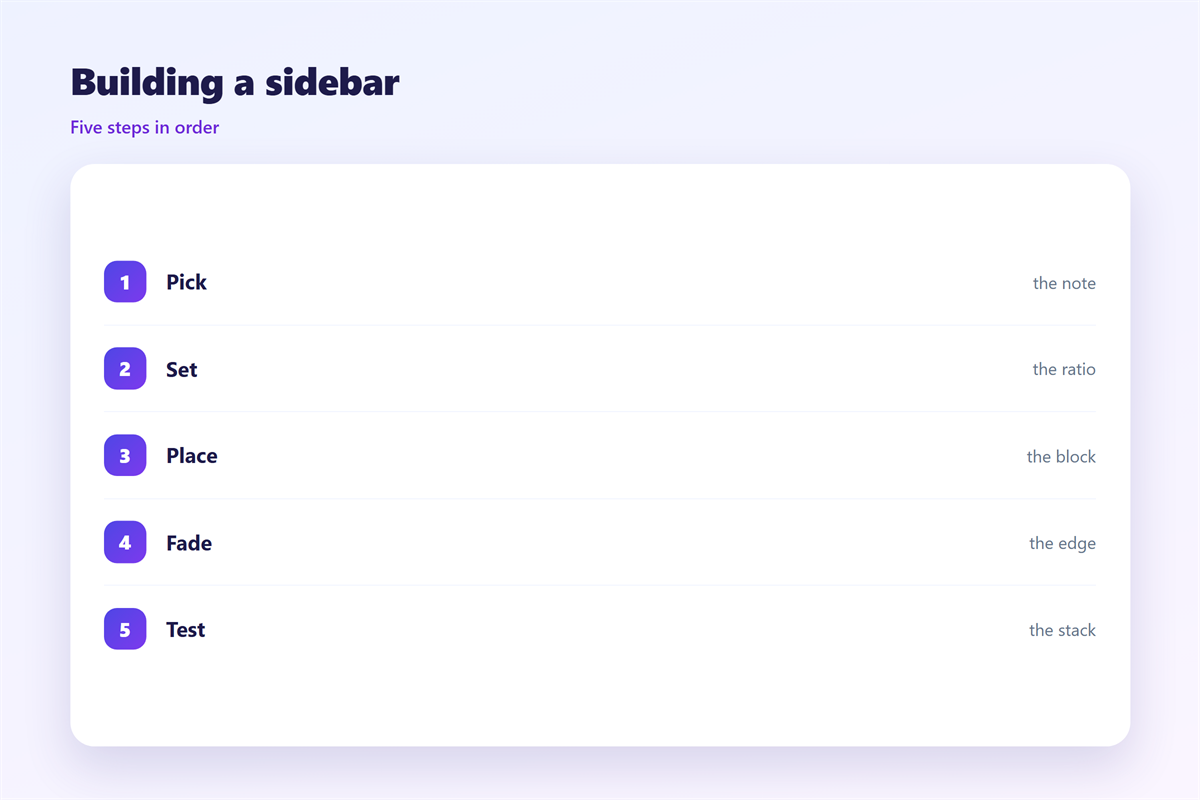
Write the body first, without a rail.
Then list the details that interrupt it.
Pick the one a reader may need twice.
That one detail goes into the rail.
Everything else stays in the body.
Fix the widths before you style anything.
Two thirds to the text, one third to the note.
Then set the type one size smaller in the rail.
A quiet divider
Use a one-pixel line in a light grey.
Or use white space and no line at all.
Never use a black rule beside body text.
Keep the rail background the same as the page.
A tinted box turns a note into an advert.
Test the pair at fifty percent zoom.
邮件侧栏 on a phone
The 邮件侧栏 cannot stay beside the text on a phone.
Two columns do not survive a narrow screen.
The rail must stack under the body.
Check the order: text first, note second.
Some builders drop the rail on mobile.
Then the note is lost to half the audience.
Keep the note in the flow instead of hiding it.
Set the stacked rail to full width.
A light divider can stay above it.
Read the stack once with a thumb, not a mouse.
Keeping 邮件侧栏 honest
A 邮件侧栏 must never hide a condition.
Terms and fees belong in the body.
The rail is for asides, not for small print.
Check the rail at the smallest width.
How columns share space sits in 邮件分栏.
How sections hold attention sits in 邮件栏目.
How space around text works sits in 邮件留白.
How the eye ranks elements sits in 邮件视觉层级.
Then read the whole mail at 320 pixels wide.
If the note is unreadable there, move it into the body.
FAQ
How wide should a 邮件侧栏 be?
One third of the body. At 600 pixels, that is 200.
Can the rail hold an image?
Yes, if the image is small. A portrait shot works better than a chart.
Should the rail repeat the main button?
No. One call to action per mail, and the body owns it.
What order do screen readers follow?
Source order. Put the rail after the body in the code.
评论
还没有评论,来说两句吧。
评论功能已关闭。