 小影邮箱
小影邮箱邮件导航怎么做?Links That Lead
Key Takeaways
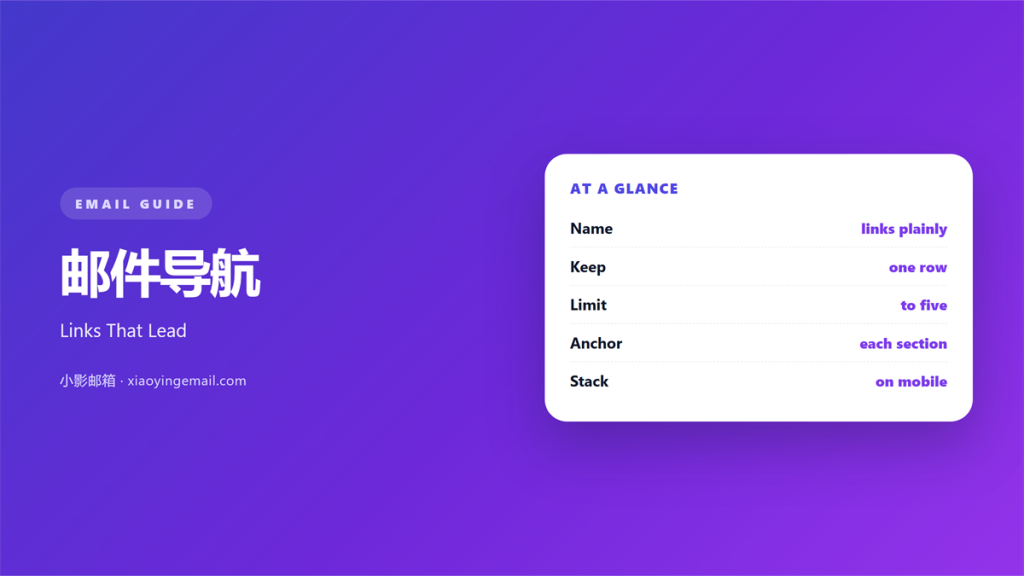
- 邮件导航 is a short row of links at the top of a long mail.
- Name each link with the words a reader already knows.
- Keep the bar to one row of four or five items.
- On a phone, let the row wrap instead of hiding it.
- A link that jumps nowhere is worse than no link.
What 邮件导航 means
邮件导航 is a small bar of links near the top of a mail.
It lists the parts of a long message in reading order.
Each item points to a section further down the page.
The reader taps one item and lands on that section.
Nothing else on the screen changes.
It is a map of this mail, not a menu of other pages.
Most mails need no bar at all.
A short note reads fine from top to bottom.
The bar earns its space after roughly three screens.
Then a reader may want to skip ahead.
The bar gives them that choice without a long scroll.
A good 邮件导航 feels like a table of contents.
Why 邮件导航 matters
Long mails lose readers in the middle.
Attention drops after the second screen.
A visible bar tells the reader what is coming.
That small promise keeps them moving down.
It also lets a busy reader jump to one part.
Some readers only want the price or the date.
The bar saves them a full scroll.
Fewer scrolls mean fewer exits.
A clear 邮件导航 shows that the mail is organised.
Visible order builds trust in the sender.
Name the destination, not the action
“Pricing” beats “Learn more” in a bar.
“Dates” beats “Click here” every time.
A reader should predict the landing spot.
Then the tap feels safe.
When 邮件导航 helps
A 邮件导航 bar helps when a mail runs past three screens.
It helps when the parts serve different readers.
A launch note may hold specs, price, and dates.
Each reader wants only one of those parts.
A bar also helps in a digest with many short items.
Readers can return to the top and pick again.
It helps when a mail mixes text and images.
It helps when a mail will be saved and reopened.
The links still work a week later.
A return link at each section
Add a small “Back to top” link at each section end.
It costs one line and saves a long scroll.
Keep the wording identical at every break.
Readers learn the pattern once.
When 邮件导航 hurts
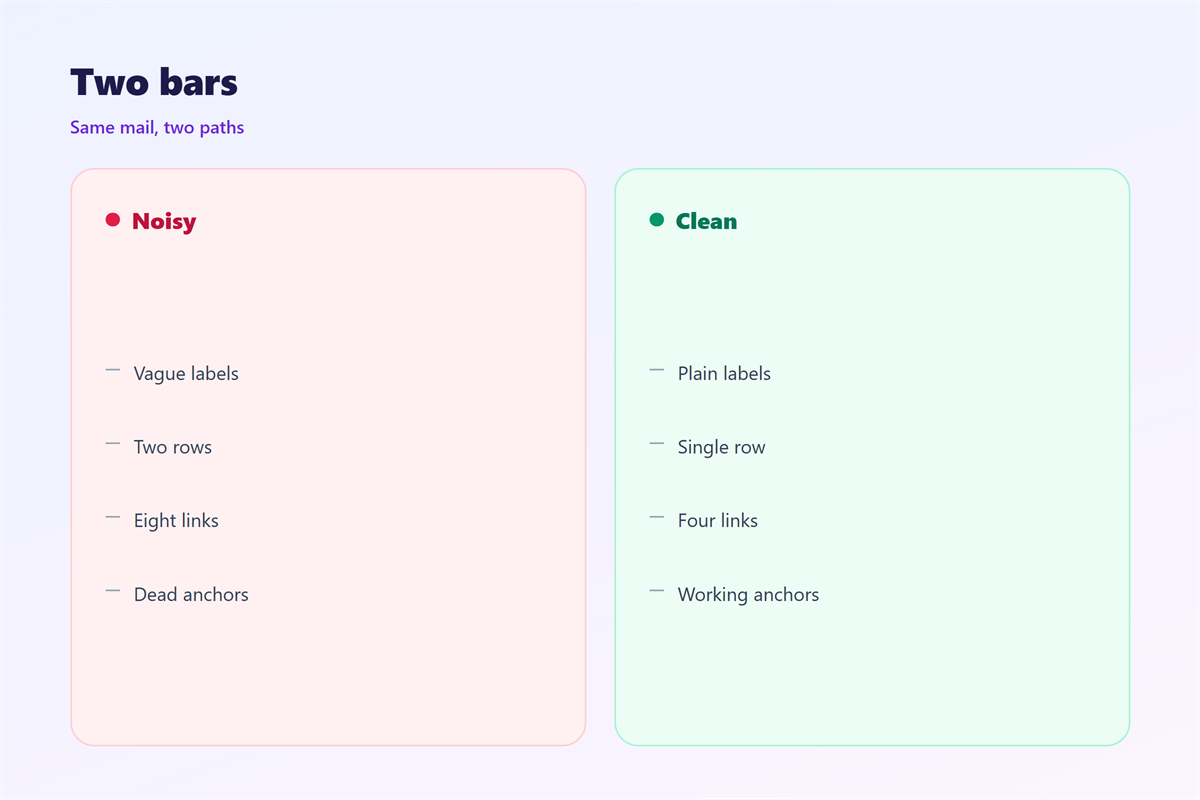
邮件导航 hurts when the bar holds nine items.
The row wraps into a block of text.
It then looks like a second headline.
It hurts when the labels are clever instead of plain.
A pun hides the destination.
It hurts when the bar pushes the greeting off screen.
The reader sees links before the promise.
A bar hurts when the links open new pages.
That breaks the promise of a jump.
It also hurts when the bar repeats in every section.
It costs a line of space and teaches nothing.
邮件导航 and 邮件页眉
The bar usually sits just under the header.
Both compete for the same first screen.
邮件页眉 carries the brand and the promise.
The 邮件导航 bar carries the route through the mail.
Two strong rows at the top fight each other.
Keep the header quiet when a bar is present.
Drop the tagline and keep the logo small.
The bar then reads as the second voice.
Order matters more than decoration here.
One accent colour
Use one accent colour for the bar links.
Keep the header in neutral tones.
Two colours at the top look like two brands.
Save the bold colour for the main button.
Test the pair on a grey background.
How to build 邮件导航
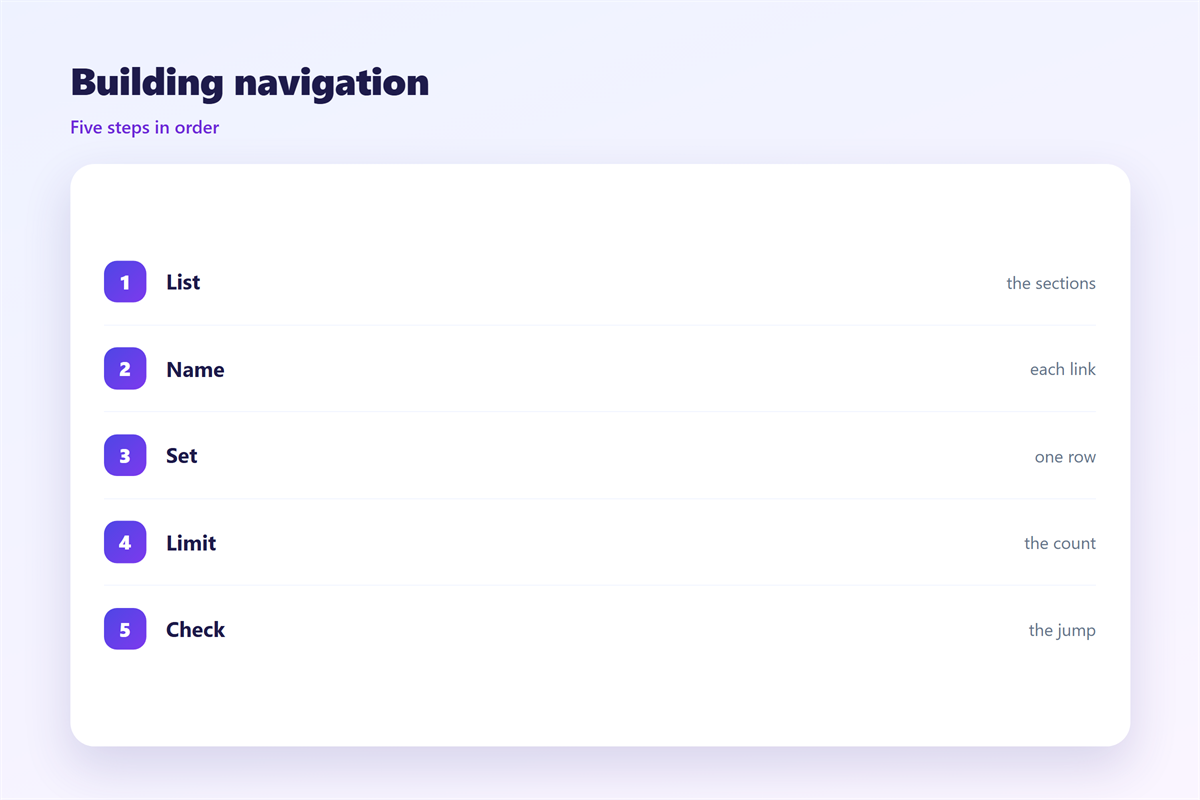
Start with the section list, not the design.
Write each section name as a plain noun.
Cut any section a reader would skip.
Four items is a good target.
Six is the practical ceiling.
Then decide the order of the sections.
Put the most wanted part first.
A price or a date often wins.
Make the jump land
Give every section a short anchor name.
Keep the anchor text identical to the bar label.
Test each jump in three mail clients.
Some clients strip a link to an anchor.
In that case, keep the sections short.
Then the scroll itself is not painful.
邮件导航 on a phone
The 邮件导航 bar is the first thing to break on a phone.
Four items may not fit in one row.
Let the row wrap to two short lines.
Do not hide it behind a menu button.
A dropdown needs scripts that many clients block.
A visible row of short words always works.
Keep each label under twelve characters.
Then three or four items fit without strain.
Test the tap size with a thumb.
Space the items so a miss is rare.
Keeping 邮件导航 honest
A 邮件导航 link must land where it promises.
Test every jump on a real device.
The long-form map sits in 邮件目录.
The wording of link text is covered in 邮件锚文本.
The click itself is covered in 邮件链接.
The top strip is covered in 邮件页眉.
Keep one bar style across every long mail.
Readers then learn your route once.
Send yourself the mail before the real batch goes out.
FAQ
How many items fit in a 邮件导航 bar?
Four works everywhere. Six is the upper limit on desktop.
Should the bar sit above or below the header?
Below. The header says who you are, the bar says where to go.
Do anchor links work in every client?
Most do. Some webmail clients strip them, so test first.
Can I reuse the same bar in every mail?
Only when the sections match. A stale label misleads.
References
- Litmus: Email rendering and design guides.
- Nielsen Norman Group: Navigation and menu research.
- Campaign Monitor: Email design resources.
评论
还没有评论,来说两句吧。
评论功能已关闭。