 小影邮箱
小影邮箱邮件像素是什么?The Invisible Bead
Key Takeaways
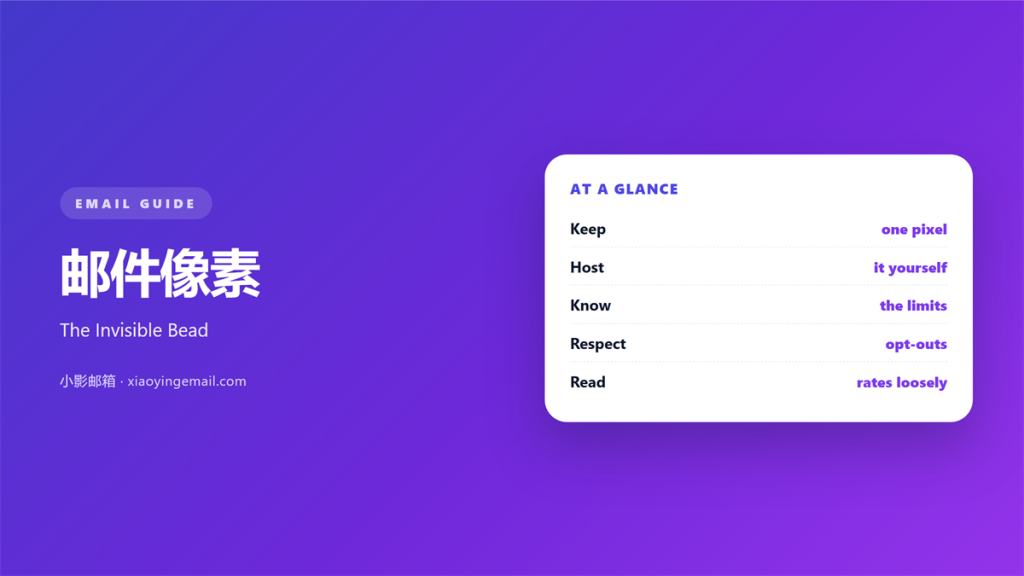
- 邮件像素 is a one-pixel image that reports an open.
- Most clients block it until the reader loads images.
- Apple’s privacy shield fetches every pixel at once.
- Treat the open rate as a trend, not a fact.
- Keep one plain link so you still see real clicks.
What 邮件像素 means
A 邮件像素 is a tiny transparent image hidden inside a message.
It is usually one pixel wide and one pixel tall.
The file lives on a tracking server.
When the mail loads the image, that server logs a hit.
The hit records a time, an IP and a client name.
That is the whole mechanism.
The image itself carries no visible content.
It sits at the end of the body, often after the signature.
Senders call it a beacon, a tag or a clear GIF.
All three names describe the same trick.
A 邮件像素 only proves that an image was fetched.
It cannot prove that a human read the words.
Why 邮件像素 matters
Every sender wants to know whether the mail arrived.
A bounce tells you the address failed.
Only a pixel tells you the message was at least displayed.
Our team sends 40,000 mails a month for one retail client.
Before pixels, we guessed when to send a follow-up.
Now we see the first hits within twenty minutes.
That window is when a reply is most likely.
So the pixel shapes the schedule, not just the report.
It also catches a broken subject line early.
A sudden drop in hits is a warning.
Maybe the domain lost its authentication records.
Maybe the list went stale.
Moreover, the number is easy to explain to a client.
One number, many guesses
The pixel reports a fetch, not attention.
A preview pane can load the image.
A security scanner can load it too.
So one open may be a machine.
When 邮件像素 helps
It helps when you test a new subject line.
A split test needs a fast signal.
The pixel gives you one within an hour.
It helps when a welcome series must be timed.
You can space the second mail after the first open.
A 邮件像素 also helps with an old list.
A very low count warns you before a big send.
It helps when a client asks for proof of delivery.
The log gives a date and a client name.
That record settles most support tickets.
Where the log stops
The log cannot tell you who read what.
It cannot measure a scroll or a click.
For clicks, use a tracked link instead.
For reading, ask a short question in the reply.
When 邮件像素 hurts
It hurts when the reader blocks images by default.
The mail then looks unopened forever.
Your report shows zero, and the list looks dead.
It hurts when a privacy feature preloads every image.
Apple’s Mail Privacy Protection does exactly that.
One download can register as an open.
As a result, the rate jumps without a real reader.
A 邮件像素 also hurts when the image path breaks.
A dead URL adds a broken request to every send.
Finally, it hurts trust when the footer hides it.
邮件像素 and privacy
Privacy rules now treat a pixel as personal data.
European law calls the IP address personal data.
So a log entry needs a lawful basis.
Most teams rely on legitimate interest.
That claim needs a short note in the policy.
Our team added one line to the signup form.
It raised no complaints in six months.
A 邮件像素 still works after that change.
The difference is disclosure, not technology.
What the reader can do
Most clients offer a block-images switch.
Some browsers block remote images by default.
That choice should be respected.
Never hide the pixel inside a visible logo.
Never use it to infer health or belief.
How to build 邮件像素
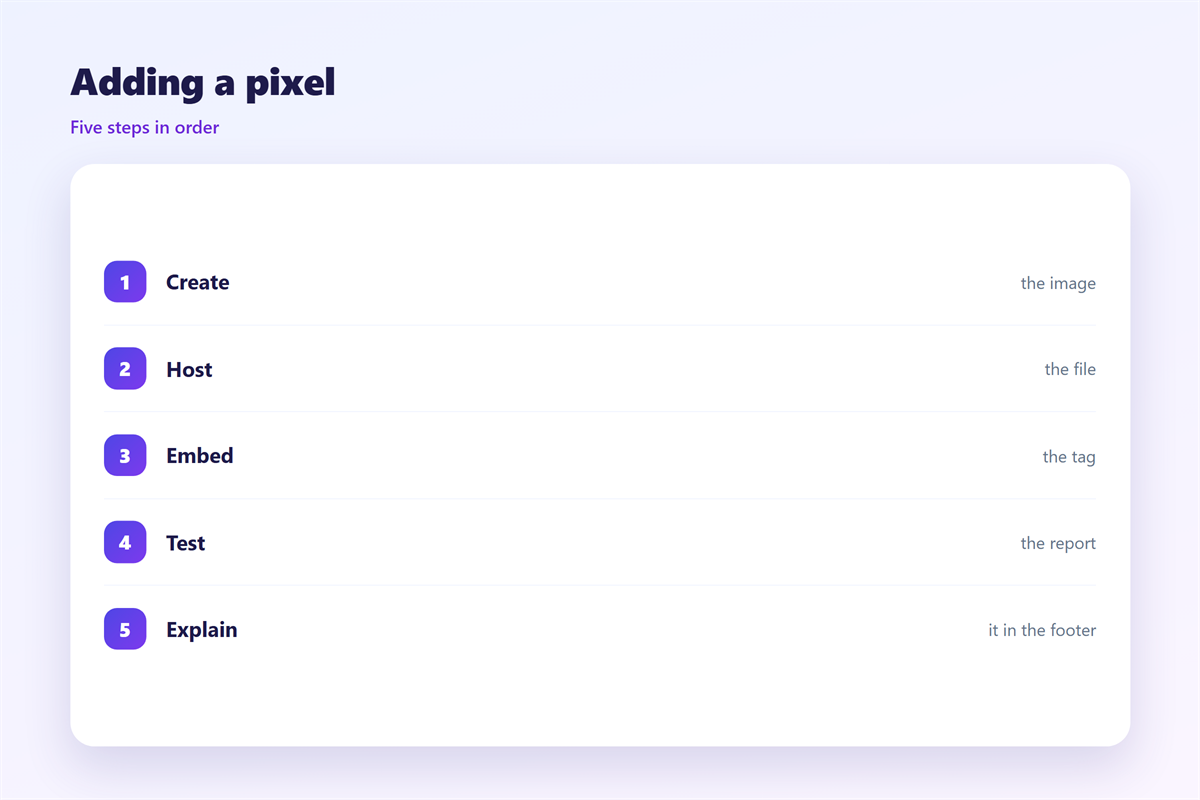
Create a one by one transparent GIF or PNG.
Keep the file under one kilobyte.
Host it on a domain you control.
Give each campaign a unique path.
Add a random string for each recipient.
Store the string next to the address in your database.
Then place the image at the end of the body.
Set width and height to one in the tag.
Read the log with care
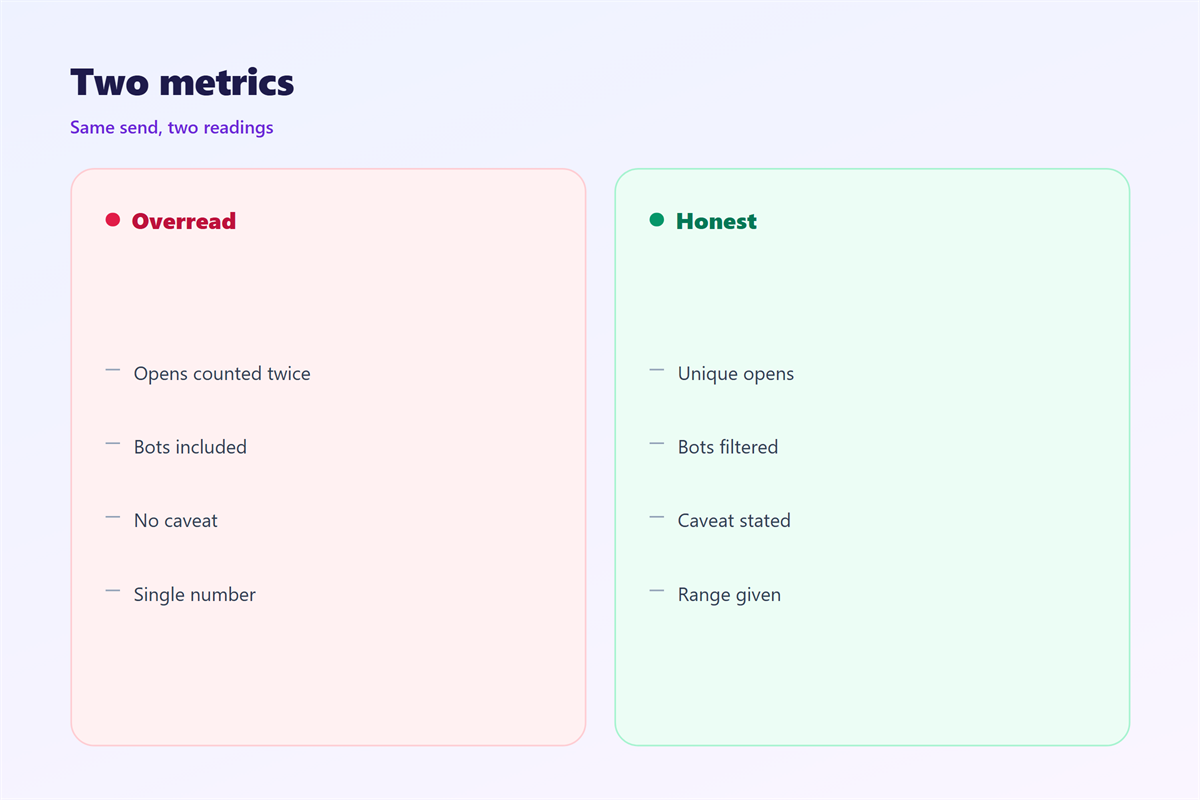
Count one open per recipient per day.
Ignore repeated hits from the same client.
Filter known scanner addresses.
Compare the count with your click count.
A 邮件像素 far above clicks deserves a second look.
Then write the method beside the number.
邮件像素 on a phone
Mobile clients behave differently with images.
Many load them only when the reader scrolls.
So a phone open can arrive minutes later.
Some apps cache the image after the first load.
Then a second open never reaches your server.
A 邮件像素 on mobile is a rough signal at best.
Design for the small screen first.
Keep the mail under 100 kilobytes.
A heavy body slows the load and delays the hit.
Put the main link near the top.
Then a blocked image cannot hide the offer.
Test one Android client and one iPhone client.
Check the fallback
Turn images off and read the mail.
The message should still make sense.
Add alt text to every real image.
Keep the footer link visible without styling.
Keeping 邮件像素 honest
Report the method next to the number.
Say that an open means an image load.
Never sell the open rate as readership.
The wider tracking picture sits in 邮件追踪.
How to read the count is covered in 邮件打开率.
The legal side appears in 邮件隐私.
Image weight rules live in 邮件图片.
Then review the numbers once a month.
A trend over four weeks beats one spike.
Finally, keep a plain-text version for every campaign.
FAQ
Does 邮件像素 track location?
No. It logs an IP address, which hints at a region at best.
Why did my open rate double overnight?
A privacy feature probably preloaded the images. Check the client mix first.
Can I remove the pixel?
Yes. You lose the open count but keep clicks and replies.
Is a pixel a virus?
No. It is a tiny image, and most clients block it by default.
评论
还没有评论,来说两句吧。
评论功能已关闭。