 小影邮箱
小影邮箱邮件分类怎么做?Sorting That Makes Sense
Key Takeaways
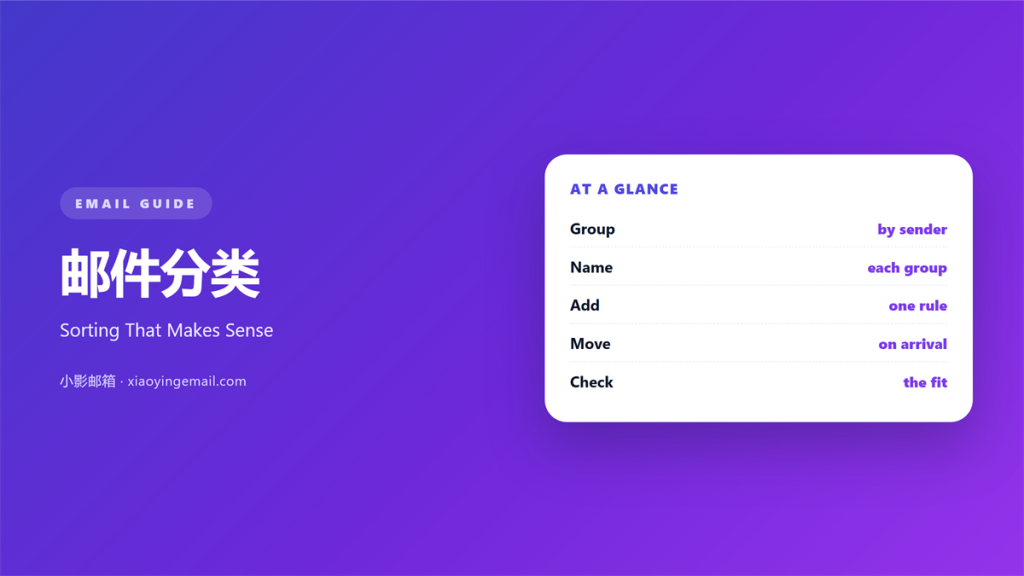
- 邮件分类 puts every message into a clear group.
- A few stable groups beat dozens of tiny ones.
- Good sorting saves time on every visit.
- Rules should run quietly in the background.
- Review your groups once a season.
What 邮件分类 means
邮件分类 is the act of grouping mail by purpose.
Each group holds messages that belong together.
A group can be a folder, a label, or a tab.
The goal is simple. You should find any note fast.
Sorting is not the same as deleting.
You keep the message and only change where it sits.
A clean sort mirrors how you actually work.
Some people sort by sender. Others sort by the action they must take.
邮件分类 also covers the rules behind the groups.
A rule watches for a word, a sender, or a subject.
Then it moves the matching mail on arrival.
So the inbox stays short without any effort.
Why 邮件分类 matters
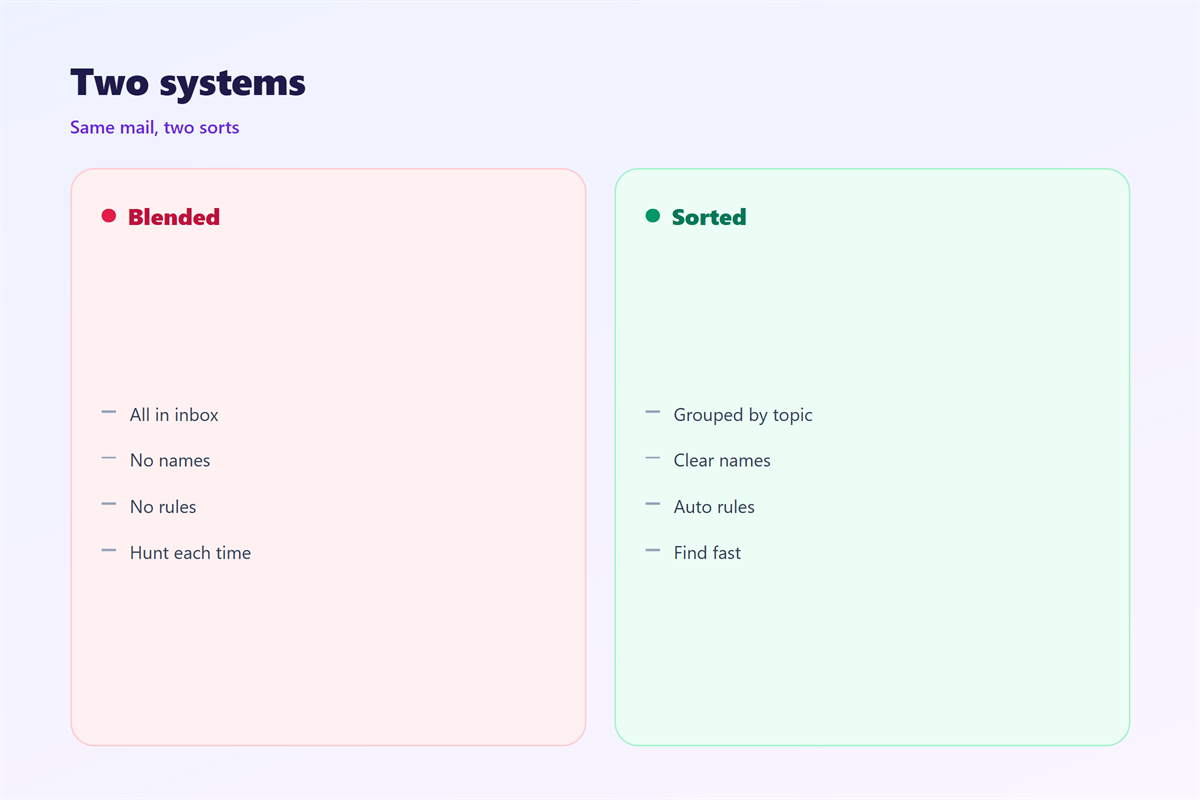
An unsorted inbox hides the mail that matters.
You scroll past bills and miss a deadline.
A steady 邮件分类 fixes that first glance.
It also cuts the time spent hunting later.
Search is good, but a group is faster.
The reason is simple. Groups remove noise.
When the noise is gone, the signal stands out.
A tidy sort also protects your focus.
You open one group and ignore the rest.
Shared groups tell everyone where things live.
So a new colleague finds the right file fast.
A weak sort does the opposite. It hides things.
Then people stop trusting the system.
Folders, labels and tabs
Folders move a message into one place.
Labels are tags that can stack on one message.
Tabs split the inbox into a few views.
When 邮件分类 helps
邮件分类 helps most when volume is high.
A few rules can clear a noisy sender at once.
It also helps when several projects run at once.
Each project gets its own group and stays separate.
Then a quick glance tells you what needs work.
Sorting also helps when you share a mailbox.
A shared group stops two people doing one job.
Another good case is a long holiday.
Rules keep sorting while you are away.
It also helps when a deadline is close.
A single group holds everything for that launch.
Three clear groups
Start with one group for real people.
Add one for automated mail.
Keep one for the work in progress.
Those three cover most of a normal inbox.
When 邮件分类 hurts
Too much 邮件分类 can create a maze.
Twenty tiny folders slow every search.
You forget which one holds the message.
So the sort becomes the very problem it solved.
Overlapping rules also cause trouble.
Two rules can fight over the same message.
It lands in a random group or in none.
Then your trust in the system drops.
Sorting can also hurt when it hides mail.
A rule may send an important note to a quiet folder.
You never see it and the reply is late.
So never let a rule delete or archive at once.
Another risk is a rigid scheme.
If the groups never change, they soon feel wrong.
So review and prune every few months.
邮件分类 and folders
Folders are the oldest way to sort mail.
They move a message out of the inbox.
But a message can sit in only one folder.
If it belongs to two projects, you must choose.
Labels solve that by stacking on one message.
A good 邮件分类 uses both ideas well.
Broad folders hold the big areas.
Labels add the fine detail on top.
So the structure stays simple but still rich.
Nesting also helps. Keep it shallow.
Two levels are almost always enough.
Deeper trees are hard to read and slow to use.
How to use 邮件分类 well
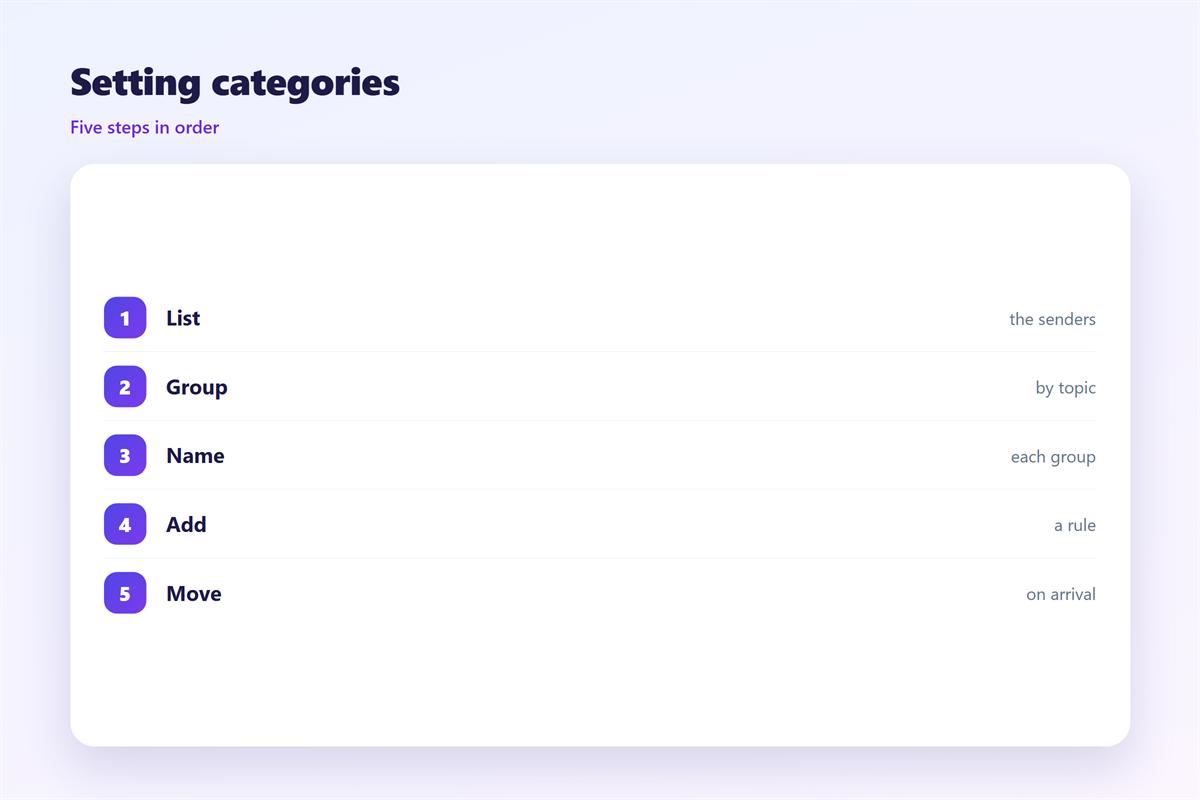
Begin by listing how you spend your day.
Group the work into a few areas.
Then create one folder for each area.
Do not add more than seven at the start.
Next, write a rule for each noisy sender.
Send newsletters and alerts to their own group.
Keep real people in the main inbox.
That single choice removes most of the clutter.
Now watch the system for a week.
Fix any rule that catches the wrong mail.
Then name each folder in plain words.
Finally, set a short weekly review.
Empty the catch-all group and re-sort it.
Good 邮件分类 feels invisible once it works.
Mobile habits
Keep the rule list short on a phone.
Complex conditions are hard to check while walking.
Prefer labels to deep folders on the go.
Then one tap files the message away.
邮件分类 on a phone
Mobile apps often hide the folder list.
A few flat groups work better on a small screen.
Tabs are handy here. They sit at the top.
One tap switches between the groups.
Labels also shine on a phone.
Then they show up in the right view.
Do check the sync. Two devices can disagree.
A rule made on one may not reach the other.
So confirm the sort on the device you use most.
Test one new rule before a busy week.
Keeping 邮件分类 consistent
Consistency turns a small habit into a standard.
Pick one scheme and hold it across the team.
The automatic side of sorting sits in 邮件自动分类.
The tag side that stacks on a message sits in 邮件分类标签.
The rules that catch a sender early appear in 邮件筛选.
The shallow tree that holds the groups appears in 邮件文件夹.
Agree on how many groups a team may keep.
Then name them the same way in every mailbox.
A team that shares one scheme works faster.
Then hand the scheme to every new colleague on day one.
FAQ
Is sorting the same as a filter?
Close, but not the same. A filter is the rule.
Sorting is the result of that rule on the mail.
How many groups should I keep?
Start with three to seven. Add more only when needed.
Will a rule delete my mail?
Not unless you tell it to. Keep deletion manual at first.
Should I sort by sender or by topic?
Topic works for projects. Sender works for newsletters.
评论
还没有评论,来说两句吧。
评论功能已关闭。