 小影邮箱
小影邮箱邮件文件夹怎么分?Fewer Folders, Better Rules
Key Takeaways
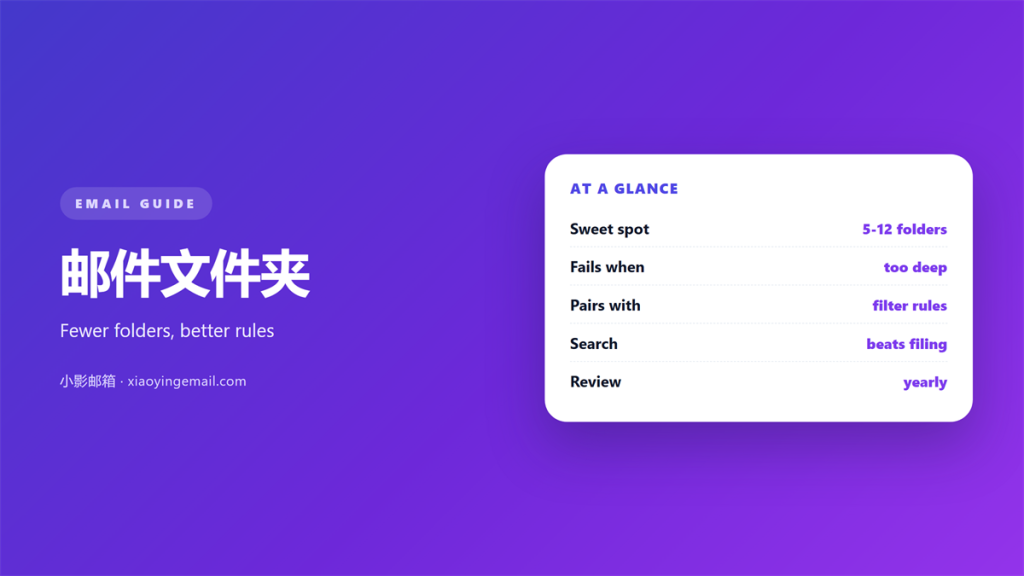
- 邮件文件夹 are for retrieving mail later, not for proving that you filed it.
- A handful of folders with good rules beats a deep tree you maintain by hand.
- Filters do the sorting, so every 邮件文件夹 should exist because a rule feeds it.
- Search beats browsing, which is why naming matters more than nesting.
- Review the structure once a year and merge anything you have stopped opening.
What 邮件文件夹 are really for
邮件文件夹 are places to put messages so you can find them again. That is the whole job. The trouble starts when the structure becomes a project of its own, and the filing takes longer than the reading.
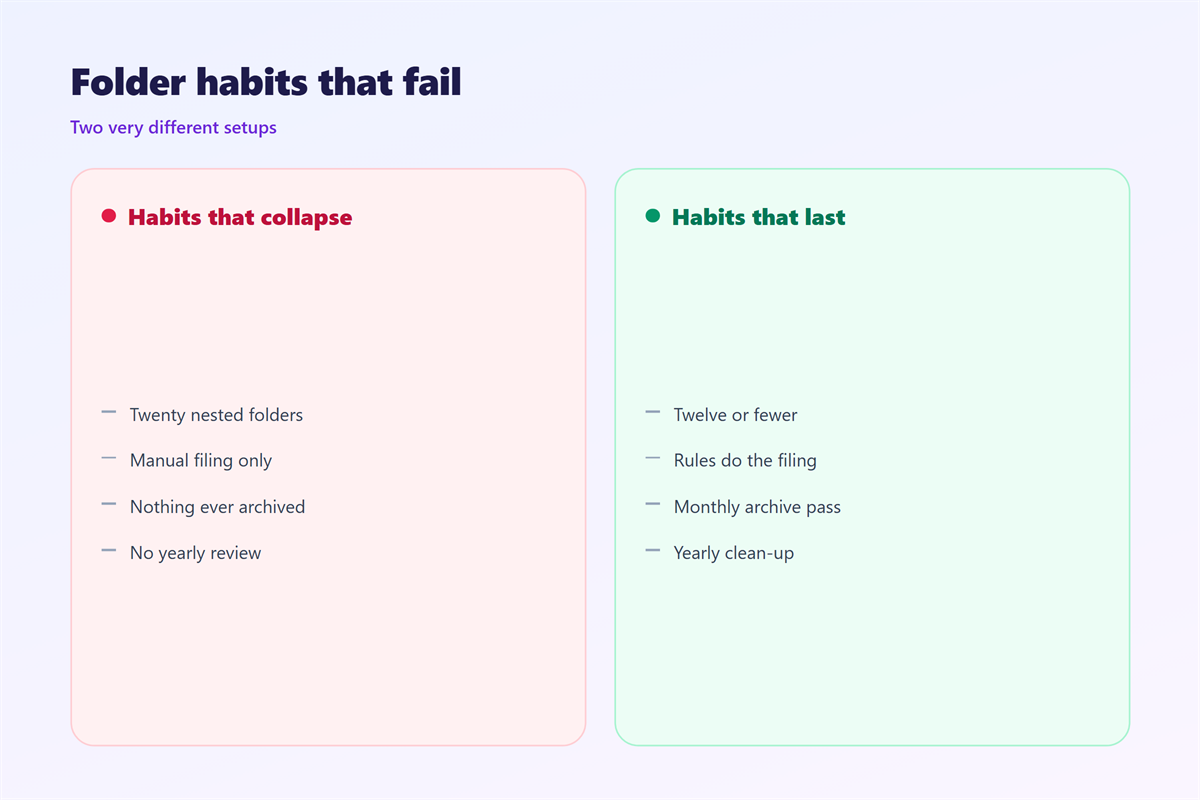
I rebuilt my 邮件文件夹 from scratch after counting how often I actually opened each one. Twelve of the twenty-two folders had not been opened in six months. Consequently, more than half of my structure was decoration, and the parts I used were buried inside it.
The lesson was simple. A folder earns its place when a rule fills it and you visit it. Otherwise it is a drawer that only collects dust. A folder that no rule fills will always drift back to zero.
How filters build 邮件文件夹 automatically
Manual filing fails because it depends on a decision you have to make every single time. Filters remove that decision, and they turn a 邮件文件夹 into a place that fills itself while you do other work. The aim is a system that sorts mail while you are not watching.
Match on sender or list
The simplest rule watches the sender address or a list header. Notably, a list header is more stable than a friendly name, because the display name changes while the address rarely does.
Match on subject patterns
Receipts, invoices and alerts often share a word in the subject. Therefore, one pattern can route a whole category of 邮件文件夹 neatly without touching the rest of your inbox.
Why a deep 邮件文件夹 tree fails
Nesting feels tidy in theory and slows you down in practice. Every extra level adds a click, and a click you avoid is a folder you stop using.
Moreover, a deep tree forces you to classify mail that could sit in two places at once. Furthermore, the moment you are unsure, the message stays in the inbox, and the inbox becomes the real structure. Additionally, search has become good enough that hierarchy matters far less than the words inside the message.
In other words, the tree is a filing cabinet in a world that no longer needs one.
Five rules for a 邮件文件夹 system that survives
Treat the structure as a tool that has to justify every branch. This is the routine I follow.
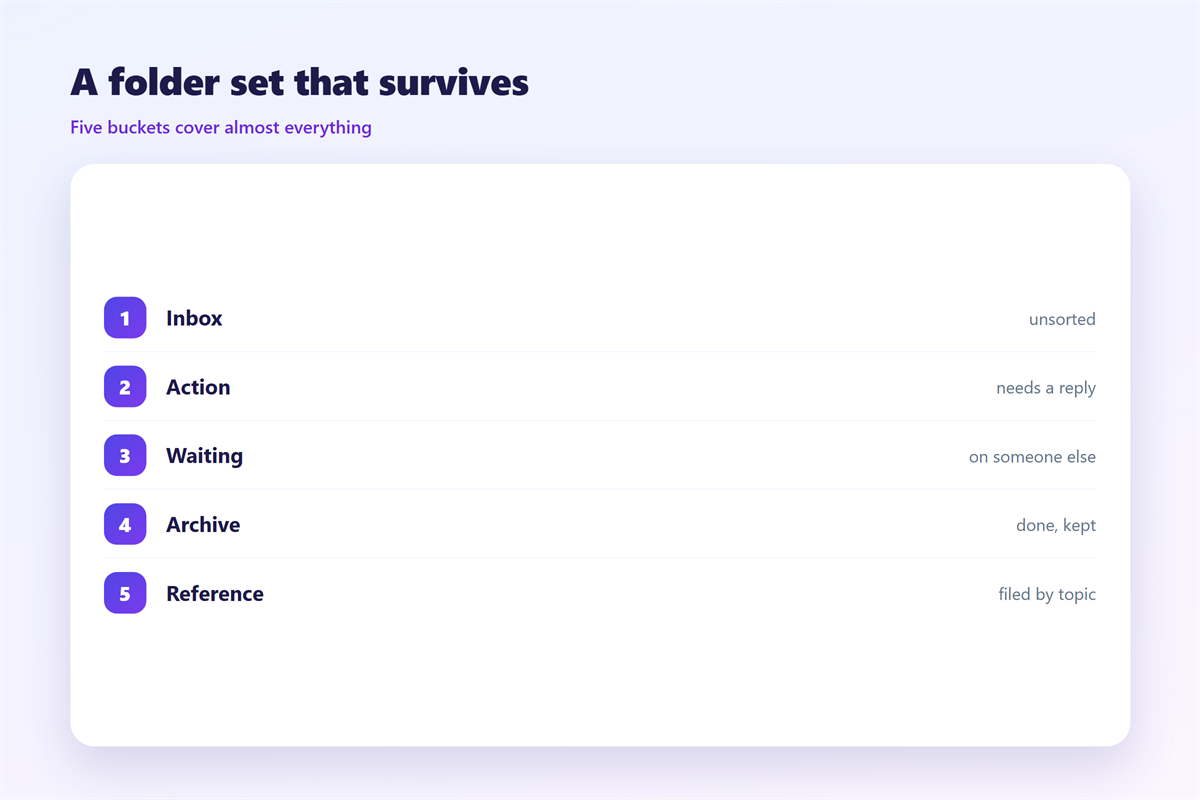
- Cap the structure at one level of nesting, or none at all.
- Create a 邮件文件夹 only when a rule will feed it.
- Name folders with the words you would search for anyway.
- Let one folder hold everything automated, and split it only when it hurts.
- Merge or delete any 邮件文件夹 you have not opened in a year.
| Approach | Effort per message | Lasts? |
|---|---|---|
| Manual filing | High | Rarely |
| Sender rule | None once set | Often |
| Subject pattern | None once set | Usually |
The table makes the trade clear. The cheap approach runs by itself, while the expensive one asks for attention at the worst possible moment.
Where 邮件文件夹 goes wrong
Three mistakes show up again and again. The first is building a folder for a category you receive twice a year, which creates maintenance with no payoff. The second is naming folders by project code, so you forget what they mean by the time you need them. Both mistakes cost time you never get back.
The third is subtler. When rules overlap, two filters can fight over the same message, and the 邮件文件夹 it lands in depends on the order of the list. As a result, the same sender arrives in different places on different days.
On balance, the fix is to keep the rule list short and to read it from top to bottom, because order is part of the logic.
How to test a 邮件文件夹 setup
The only reliable test is to retrieve something on purpose. Pick an old message, close your eyes, and ask where you would look. Then go there and see whether the answer was right.
Run a retrieval drill
Choose five messages you actually needed last month. Time how long each takes to find, and note any folder you never opened during the hunt.
Audit the rule list
Read every rule in order and check for overlaps. A duplicate rule is the usual reason a 邮件文件夹 behaves inconsistently across a month.
Once the structure holds, the neighbouring habits are worth wiring in. Our guide to 邮箱整理 walks through a full cleanup, and 邮件规则 explains how the filters behind each folder are written. If you flag instead of file, 邮件标记 covers that routine, and 邮件归档 shows where finished mail should finally go.
FAQ
How many 邮件文件夹 do I need?
Fewer than you think. Start with none and add one only when a rule fills it and you visit it.
Should I use tags instead of folders?
Tags suit some people, folders suit others. Pick the one you will actually maintain, and stick to it.
Why do messages land in the wrong folder?
Overlapping rules are the usual cause. Read the list in order and remove the duplicates.
Can I automate an archive?
Yes. A single rule can move old mail out of the inbox, which keeps the inbox itself narrow. Two well-written rules often do more than twenty tidy folders ever will.
References
- Wikipedia: Internet Message Access Protocol
- IETF RFC 5322: Internet Message Format
- Wikipedia: Email client
延伸阅读
- 《邮件标签页怎么用?Sorting Mail Before You Read It》
- 《邮件收件箱怎么管?Triage It Before It Grows》
- 《邮件自动分类怎么设?Sorting Without Rules》
- 《邮件阅读窗格怎么用?Read Faster Without Mistakes》
- 《邮件批量归档怎么做?Clear a Folder Fast》
- 《邮件批处理怎么做?Work in Batches》
- 《邮件筛选怎么做?Let the Rules Sort》
- 《邮件分类标签怎么设?Labels That Keep Order》
- 《邮件整理怎么做?Sorting Mail Without Stress》
- 《邮件分类怎么做?Sorting That Makes Sense》
- 《邮件索引怎么建?An Index You Can Trust》
评论
还没有评论,来说两句吧。
评论功能已关闭。