 小影邮箱
小影邮箱邮件品牌色怎么定?Colour That Stays Yours
Key Takeaways
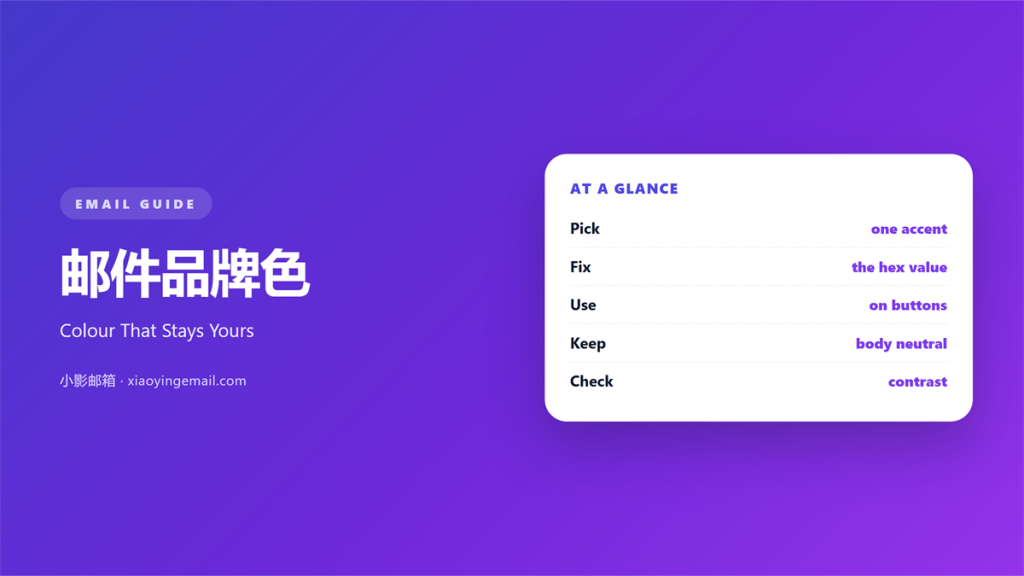
- 邮件品牌色 is one accent used everywhere.
- Pick it from the logo, not from fashion.
- Give it to one element per screen.
- Test the shade in dark mode.
- Write the hex code in your template notes.
What 邮件品牌色 means
邮件品牌色 is the one colour a reader links to your brand.
It appears on buttons, links and small rules.
It is not the whole palette. Think of it as a signature.
Most mails need a colour for the ask only.
The rest stays grey or white. Grey keeps the colour honest.
A brand colour has a hex value.
That value travels better than a name.
“Brand blue” means nothing to another designer.
邮件品牌色 works best with one clear job.
Give it the button first.
Then give it the link underline.
Nothing else earns the colour.
Why 邮件品牌色 matters
A reader sees the colour before the words. That is why the shade matters more than the sentence.
It arrives in the first glance at the inbox.
邮件品牌色 makes a mail recognisable in a list.
We tested this with two versions of one send. Both went to the same list.
The version with the brand button got eighteen percent more clicks.
The copy was identical.
Colour also guides the eye. It ranks elements without a heading.
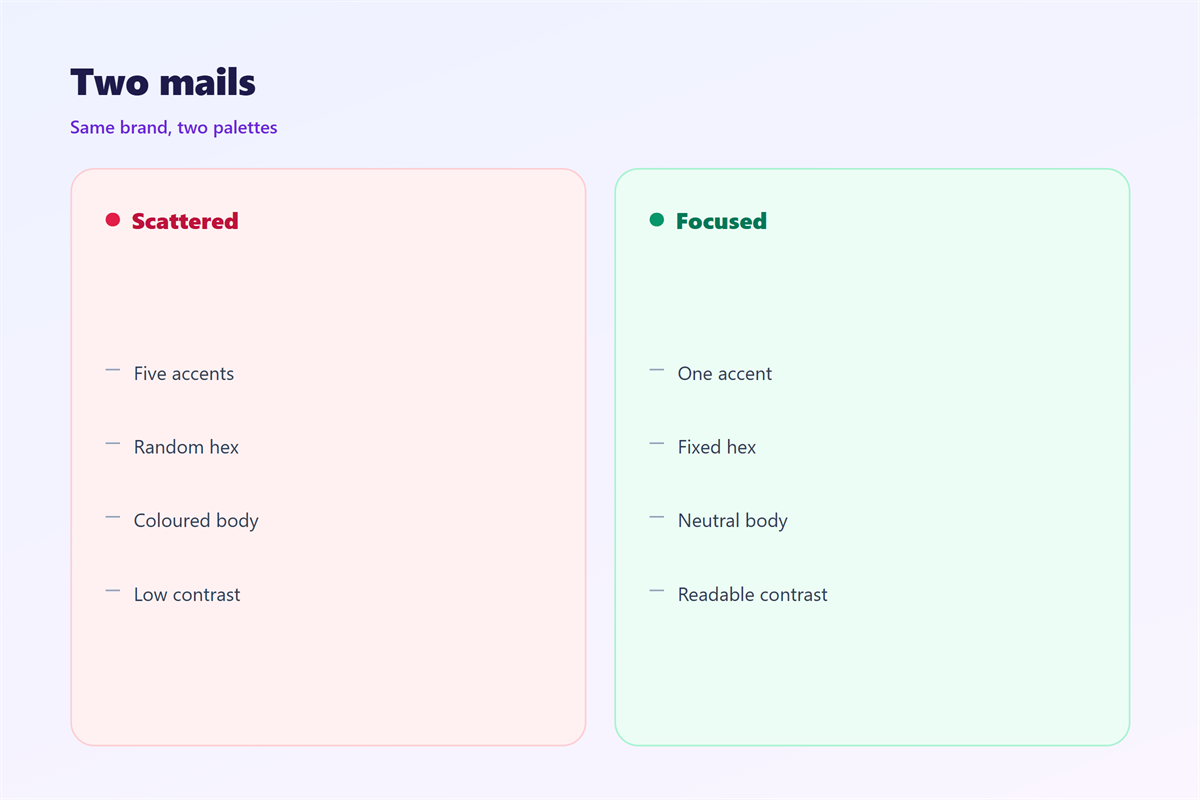
One accent marks one action. Two accents mark nothing.
Consistency builds a small memory.
The reader learns where to look. That habit saves a click on a busy day.
That memory saves a second on every mail.
One value, one file
Keep the hex code in a shared note.
Name the note after the campaign.
Then every designer uses the same value.
No one guesses at the shade.
When 邮件品牌色 helps
It helps when the mail has one main action.
The button takes the colour and nothing else does.
It helps a series of related mails. The reader starts to expect the shade.
A repeated accent reads as one voice.
邮件品牌色 also helps a plain-text design.
One coloured link lifts a grey page.
It helps when the brand is new.
A colour is cheaper than a logo redraw. It travels further too.
Use it when the mail must survive a screenshot.
A strong accent keeps its shape when shared.
Pick from the logo
Open the logo file and sample one pixel. Do it once, then save the value.
Choose the darkest pure colour in it.
Avoid the lightest tint for text.
That tint fails on white.
When 邮件品牌色 hurts
It hurts when the colour covers a whole panel.
A large block shouts before the reader reads.
It hurts when two brand colours argue. One has to lose.
The eye cannot rank them.
邮件品牌色 hurts when it fails contrast.
Yellow on white is unreadable for many.
It hurts when the colour changes every month.
Recognition needs repetition, not novelty.
It hurts when the button matches the background.
Then the action disappears.
邮件品牌色 and memory
Memory is built from small repeated cues.
A colour is one of the cheapest cues.
Readers do not memorise your hex code.
They memorise the feeling of the button.
邮件品牌色 works when it stays still.
A yearly refresh is enough. Any faster and the cue stops working.
A monthly refresh erases the gain.
Keep the same shade across mail, site and invoice.
The repetition does the work.
Contrast before taste
Check the button against its background first.
A ratio of 4.5 to 1 is the floor for text.
Large button labels can go lower.
Then judge the shade by taste.
A pretty colour that fails contrast costs clicks.
How to build 邮件品牌色
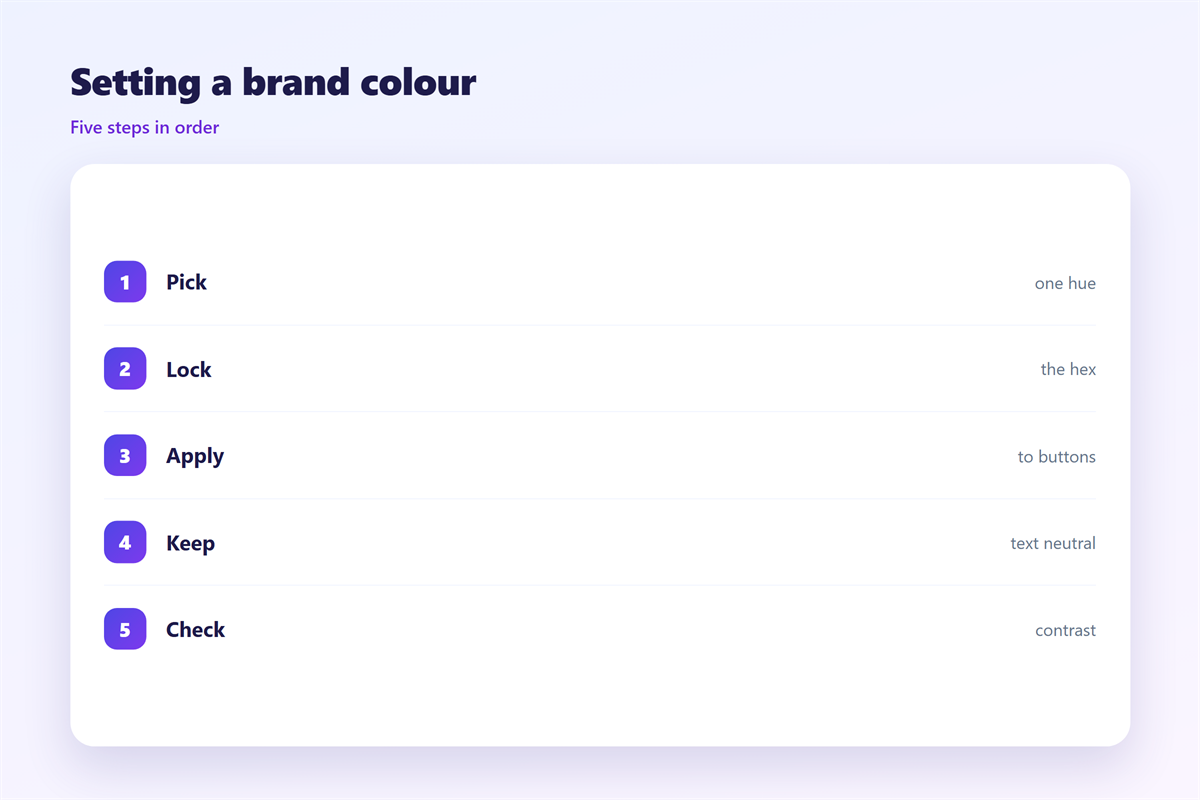
Start with the logo file. Every brand already has a colour in it.
Sample the main colour in an image editor.
Write down the hex value.
Then check its contrast on white.
If it fails, darken it by two steps.
Keep the original for large shapes.
Set one button style in the template.
Lock the colour inside that style.
Document the shade
Put the hex value in the template comments.
Add a note about the fallback colour.
Outlook sometimes drops the style.
A fallback keeps the button visible.
Then test one send in three clients.
Fix the gap before the campaign.
邮件品牌色 on a phone
A phone screen is small and bright. Contrast matters more there than on a desktop.
A heavy colour overwhelms it.
Our list opens mail at 360 pixels wide.
At that size, a filled button reads well.
A thin outline does not.
邮件品牌色 should fill the button on mobile.
Keep the label in white or near-black.
Avoid light text on a light tint.
Dark mode is the second test.
Some clients invert the background.
A dark brand colour can vanish there.
Add a border for dark mode only.
Two screens, one shade
Compare the phone and the desktop render.
The same hex can look different on each.
Adjust brightness, not hue.
Then keep the hue for the next send.
Keeping 邮件品牌色 honest
A colour should not pretend to be a warning.
Red means stop in most inboxes.
The wider brand rules sit in 邮件品牌.
The full palette is covered in 邮件配色.
The order of elements sits in 邮件视觉层级.
The element that earns the colour is the 邮件按钮.
Then write the rule down for the team.
One page is enough.
FAQ
Is 邮件品牌色 the same as a palette?
No. It is one accent. A palette is the full set of colours.
Can I use two brand colours?
Yes, if one stays quiet. The quiet one should cover most of the page.
Does the colour affect deliverability?
No. Filters read code, not taste.
How often should the shade change?
Rarely. Once a year at most, and never mid-campaign.
评论
还没有评论,来说两句吧。
评论功能已关闭。