 小影邮箱
小影邮箱邮件大附件怎么发?Files That Still Fit
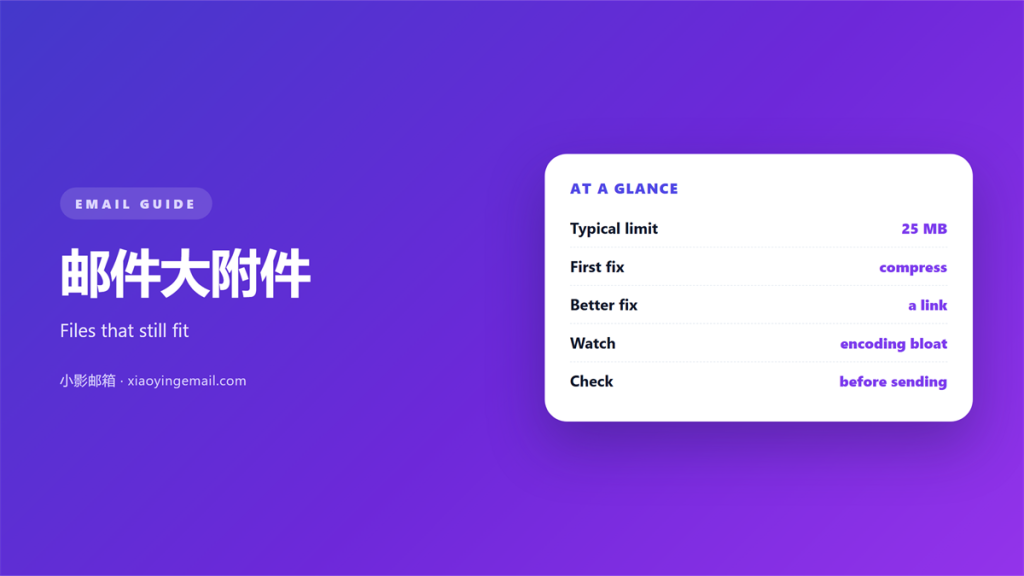
Key Takeaways
- A 邮件大附件 usually fails because the file grows in transit.
- Every server on the path has a ceiling, and the smallest one wins.
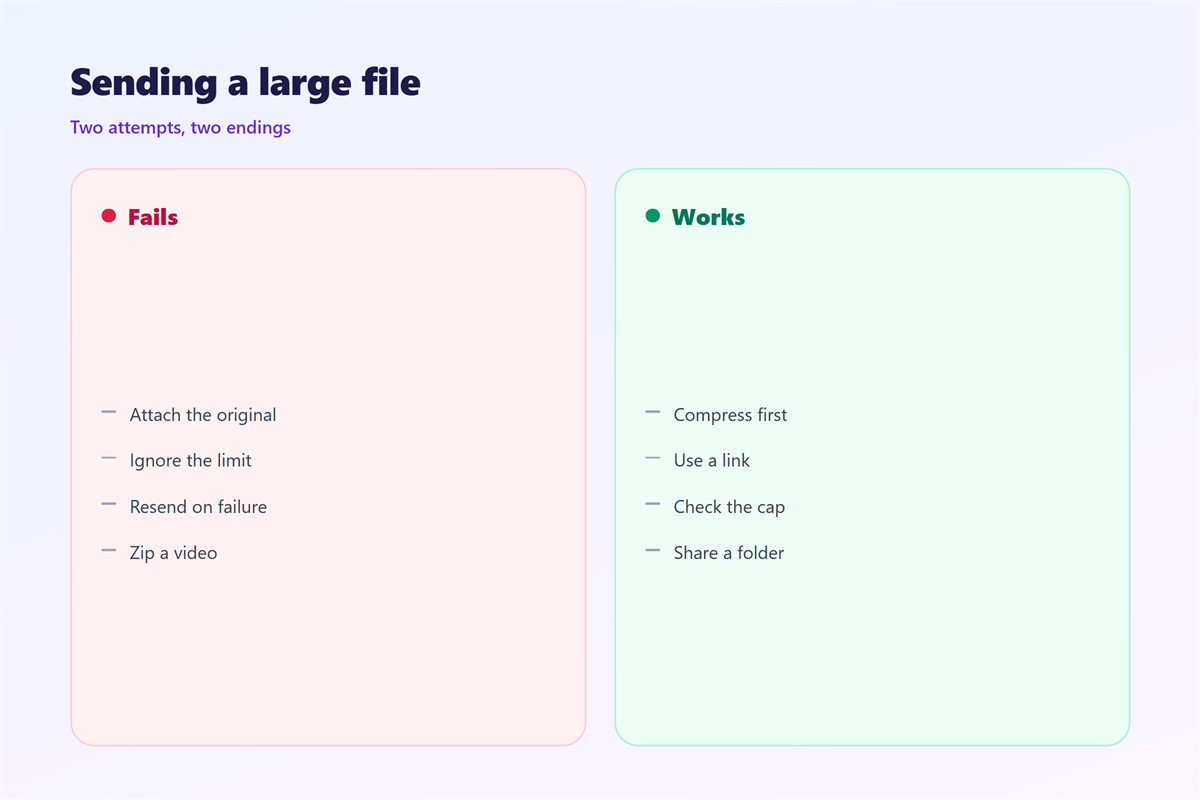
- Compression helps text but barely touches photos and video.
- A cloud link keeps a big file out of the mail flow.
- Test the size before you send, not after it bounces.
Why 邮件大附件 bounce
A 邮件大附件 fails for a boring reason. The file grows as it travels.
Base64 encoding adds about a third to the size. A 20 MB file becomes nearer 27 MB.
Every server on the path has its own ceiling. The smallest ceiling wins.
So a 邮件大附件 can leave your outbox and still bounce much later.
The bounce often arrives minutes after you close the tab.
Some mail servers reject a 邮件大附件 outright. Others accept it and return it later.
A silent version is worse. The file simply never arrives and nobody explains why.
Some providers compress nothing. They simply refuse the message and return it.
A copy stays in your sent folder, which hides the failure.
Speed matters too. A large file sits in the queue longer than a small one.
The queue itself can time out before the transfer finishes.
Knowing the whole chain is the key. Then you can choose the right route.
The fix is not one trick. It is matching the route to the file.
Most trouble comes from skipping that choice.
How mail size limits really work
A limit is usually quoted for the whole message, not the file.
Headers, the body and the encoded file all count toward it.
Providers then translate that into a number you can see.
A 25 MB limit often means about 18 MB of real file.
The receiving side may allow less than the sending side.
So the safe ceiling is the smallest value on the path.
Limits change without warning. A number that worked last year may fail today.
Mobile networks often cap uploads well below the mail limit.
Round-trip testing is the only honest check you have.
Send the file to yourself before you send it to a client.
A short test message costs one minute and saves a long thread.
Keep a note of the limit for each mailbox you use often.
A little bookkeeping saves a lot of apologies.
Shrinking a 邮件大附件 before you send
Compressing a 邮件大附件 helps most with text, spreadsheets and logs.
It helps least with photos, video and modern archives.
Those formats are already compressed. A zip saves almost nothing.
Photos from a phone are the usual offenders. They are large by default.
For images, resize instead. Cut the longest edge to what the reader needs.
Exporting a smaller copy is often faster than editing the original.
For scans, drop the resolution and switch to grayscale.
A lower quality setting is invisible on screen but obvious in size.
For video, trim the clip or export a lower bitrate.
A 邮件大附件 often shrinks by half with one of these steps.
Measure the result before you attach it again.
Never compress a file twice. The second pass wastes time.
Rename the new file clearly so the reader knows what changed.
Keep the original in case the reader wants full quality later.
Sending a 邮件大附件 through the cloud
A cloud link moves the file out of the mail flow.
The 邮件大附件 becomes a short message with a link.
Set an expiry date and a download limit when you can.
Check that the recipient can open the link without an account.
Test the link in a private window first.
Never send a link and its password in the same message.
Send the password by another channel, such as a phone call.
Delete the shared file once the other side confirms.
Keep the link short. Long links break in some clients.
Links also survive size limits that attachments never could.
Pick a provider your recipient can already access.
Some recipients block cloud links from unknown senders.
A cloud route also keeps a 邮件大附件 out of your own mailbox.
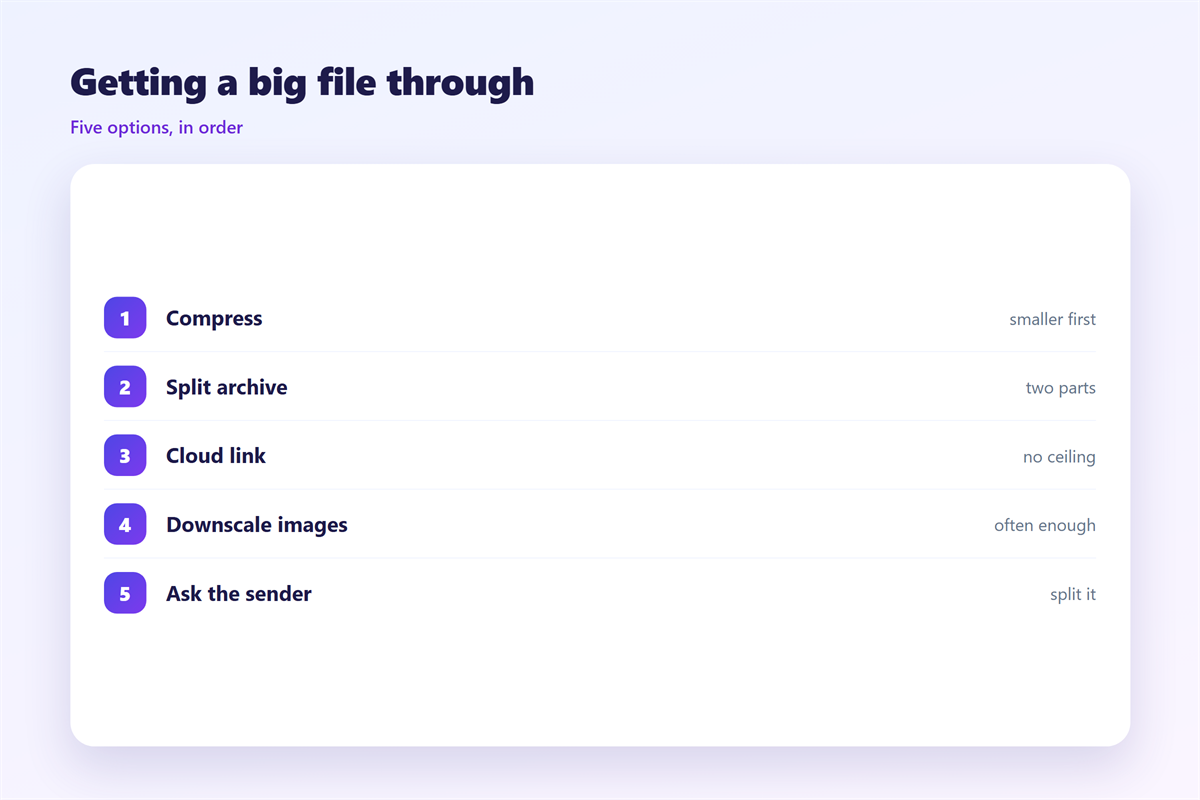
A safe order for any 邮件大附件
Start by checking the real size of the file.
Then check the limit on both ends of the journey.
If it fits, attach it and send.
If it does not, compress or resize it once.
If it still does not fit, switch to a cloud link.
Tell the recipient what to expect. A warning prevents a worried reply.
A short note above the file explains what it is and why it matters.
If the file is confidential, ask before you share the link.
Keep your own copy of the 邮件大附件 in storage.
Our notes on 邮件大小限制 explain the numbers. The saving tricks live in 邮件压缩. A shared file works better as a 邮件云附件, and the basics are in 邮件附件.
Ask the recipient to confirm the download, not just the email.
Confirm the file arrived before you delete anything.
A 邮件大附件 handled this way rarely causes a second email.
Small habits repeated beat one heroic attempt.
FAQ
What size counts as a 邮件大附件?
Anything above about 10 MB is risky. Many mailboxes accept far less than they claim.
Does zipping always reduce a file?
No. Already-compressed formats barely shrink. Resizing or trimming helps far more.
Is a cloud link slower than an attachment?
Usually not. The upload happens once, and the recipient downloads on demand.
Can I raise my own sending limit?
Rarely on your own. Only the mail provider can change the ceiling for your account.
评论
还没有评论,来说两句吧。
评论功能已关闭。