 小影邮箱
小影邮箱邮件批量删除怎么做?Clearing Years of Mail Safely
Key Takeaways
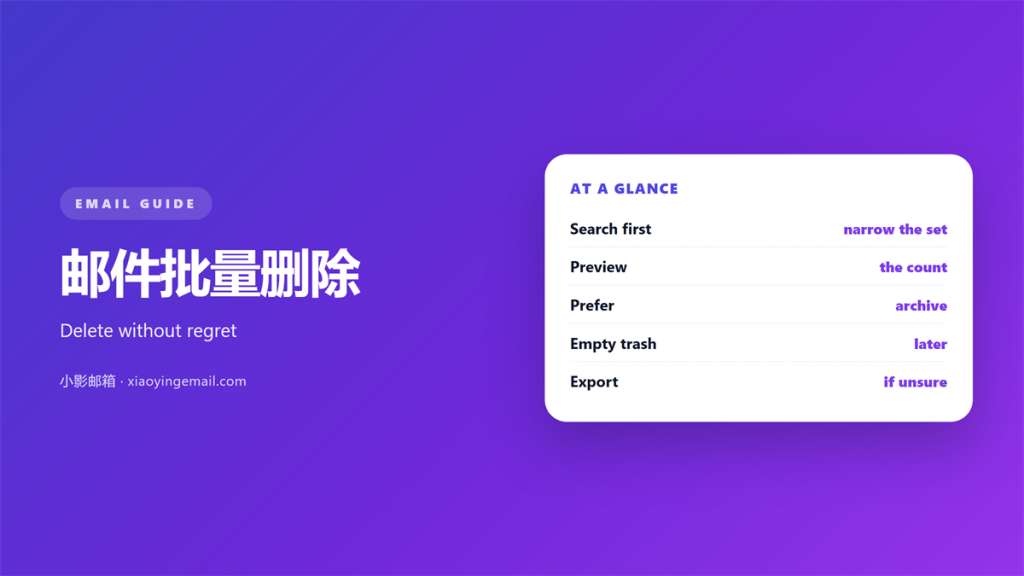
- 邮件批量删除 removes many messages in one action.
- Most 邮件批量删除 lands in the trash first, not in oblivion.
- Search before you select, not after.
- Delete in batches, so one mistake stays small.
- Empty the trash on purpose, never by accident.
What 邮件批量删除 really removes
邮件批量删除 is a selection tool. You choose a set of messages. Then one command removes the whole set.
The set can come from a search. It can come from a label or a folder. It can come from a simple “select all”.
The command is fast, and that speed hides a risk. A selection is only a query result. The query may not match what you imagine.
So the real skill is not deleting. The real skill is describing the set you mean.
Every client uses the same idea. Check a box, then apply the action. The differences sit in the selection tools.
The word “bulk” describes the action, not the intent. You can bulk-delete one sender or a thousand.
A 邮件批量删除 should never start with a click. It should start with a question. What exactly am I removing?
A good selection survives a second look. If you cannot describe it, you cannot trust it.
Where deleted mail goes
A normal 邮件批量删除 moves messages to the trash. They sit there for a set period. Thirty days is common.
Some clients also offer a permanent option. That one skips the trash entirely. There is no undo after it.
The trash itself counts toward storage in some services. Others exempt it. Check the rule for your provider.
Recovery depends on timing. Restore early and the message returns. Wait too long and the space is reused.
A permanent delete asks for confirmation. Read that dialog. It often names the folder in plain words.
Emptying the trash is the only irreversible step. Everything before it can be reversed.
Searching before any 邮件批量删除
Start with a search, not a mouse. A good query names the sender, the age and the type.
Small operators change everything. “from:news” matches a name, not a domain. “larger:5M” finds the heavy files.
Run the query and read the count. If the number surprises you, fix the query. Never select a set you cannot explain.
Sort by size and by date. These two views answer different questions. Size finds the storage hogs. Date finds the stale threads.
Combine two operators for precision. “from:alerts older_than:1y” is a narrow, useful set.
A saved search beats a fresh one. Repeat queries waste time. Save the useful ones.
Search results change as mail arrives. Re-run the query just before you delete. The count may have grown.
Doing a 邮件批量删除 in safe batches
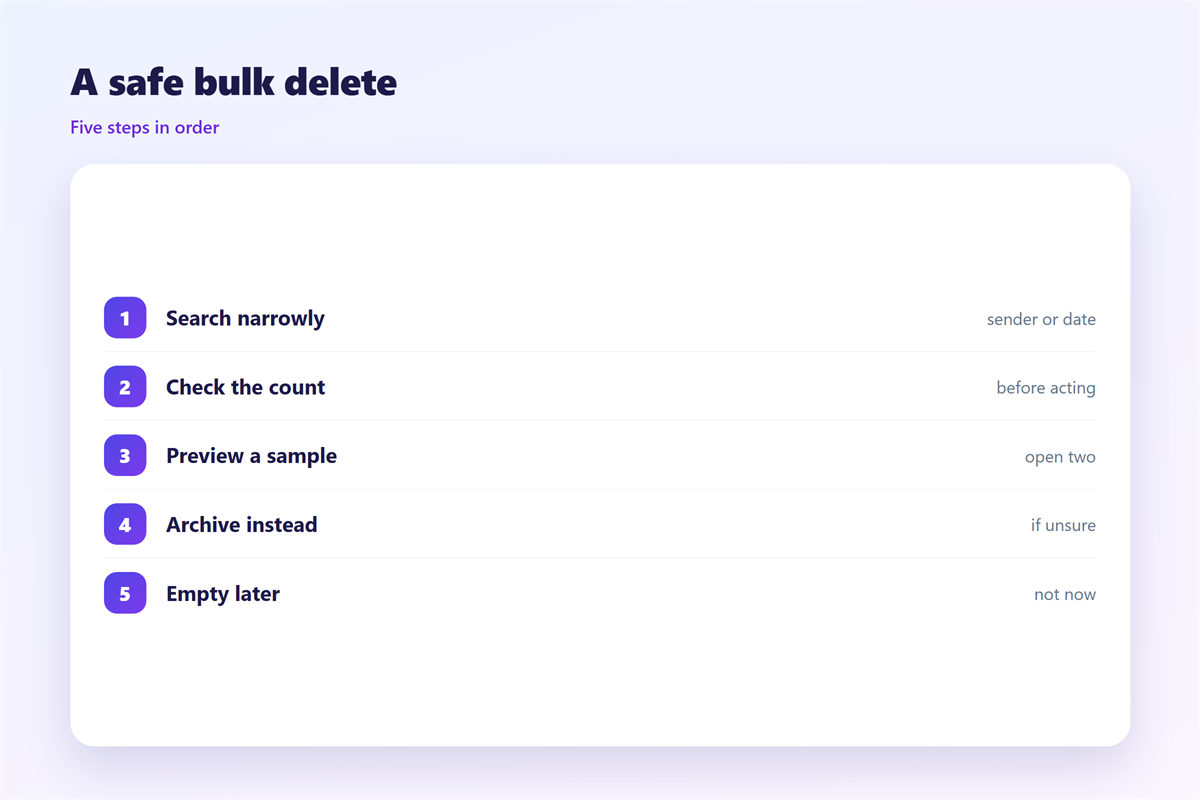
Work in batches of a few hundred. A smaller batch is easier to review. It also limits the damage of a wrong query.
Scan the first screen of results. Look for one message that should stay. If you find one, the query is too broad.
Star the keepers before you start. A star survives most selection mistakes. It is the cheapest insurance here.
Protect the threads you still use. One reply can sit inside a long chain. Deleting the chain loses the reply.
Watch shared labels. A label may serve two people. Deleting under it hurts both.
Keep a short list of protected senders. Legal, finance and family usually belong there.
Never delete while you are tired. Fatigue makes a broad query look fine. Do this work on a calm morning.
Keep the process boring. Boring steps are easy to repeat. Excitement belongs in the message, not in the deletion.
After the 邮件批量删除
Check the storage number. A drop confirms the action worked. No change may mean a sync delay.
Give yourself a day before you empty the trash. A short pause catches the mistake. The pause costs nothing.
A well-planned 邮件批量删除 leaves the inbox lighter. Storage is the visible win. The quieter win is a smaller search space. Fewer messages make every search faster.
A 邮件批量删除 is not a one-time event. Mail keeps arriving, so the work returns. Schedule it, and it stops feeling heavy.
Review the trash before you clear it. One scroll is often enough. It is the cheapest audit you will ever run.
Tell the team after a big clean-up. Colleagues may search for a message you removed. A short warning prevents confusion.
Storage limits create the deadline, not the goal. The goal is a mailbox you can search with confidence. Small habits compound. A tidy inbox on Friday saves an hour on Monday.
Our notes on 邮箱整理 cover the wider routine. What the trash keeps is explained under 邮箱回收站. If a message should leave the inbox but not your records, use 邮件归档 instead. A strong 邮件搜索 habit prevents most wrong selections.
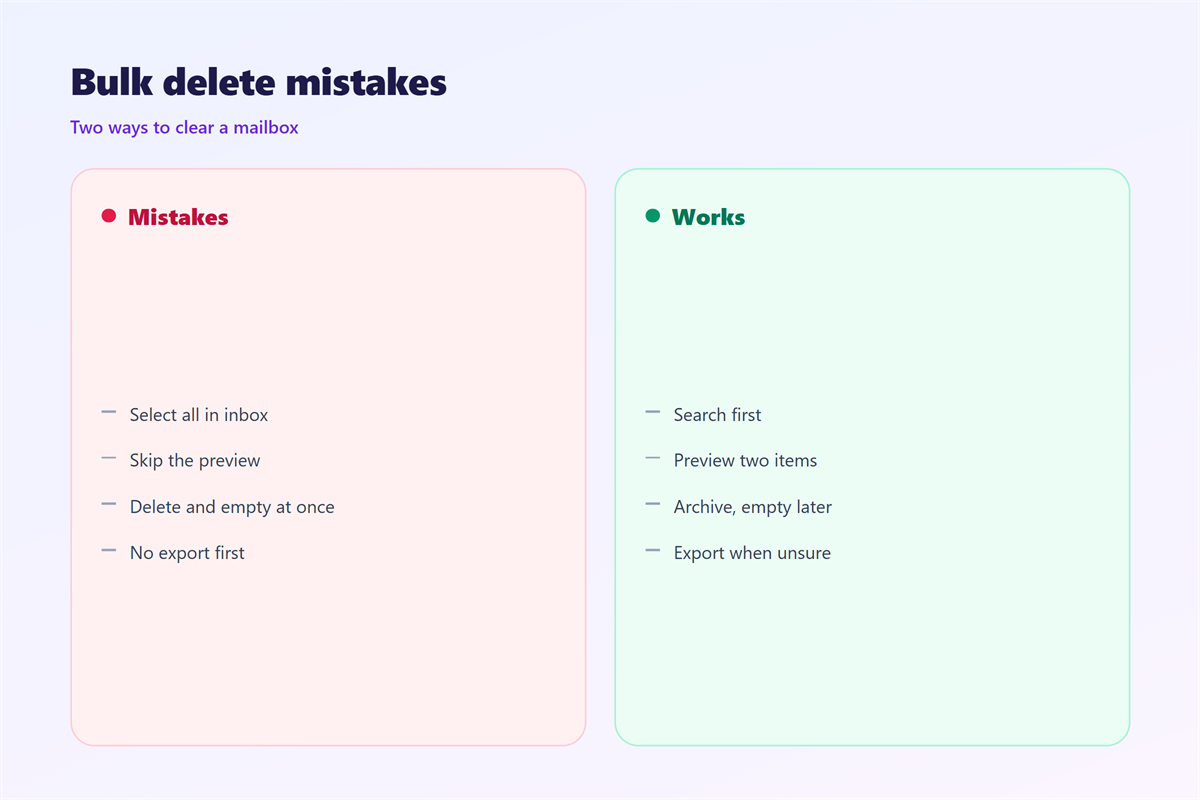
Then empty the trash on purpose. Make it a decision. A monthly sweep beats a nervous click.
FAQ
Does 邮件批量删除 delete forever?
Usually not at once. It moves messages to the trash. They stay there until the retention period ends.
Can I undo a 邮件批量删除?
Yes, while the mail is in the trash. Restore it from there. After the trash empties, recovery is unlikely.
Why did a 邮件批量删除 miss some mail?
The query was probably narrow. Spam and archive folders often sit outside the search. Check each folder separately.
Is 邮件批量删除 good for storage?
Yes, if you empty the trash. Otherwise the space stays used. The numbers only move after that final step.
评论
还没有评论,来说两句吧。
评论功能已关闭。