 小影邮箱
小影邮箱邮件润色怎么做?Say It Better
Key Takeaways
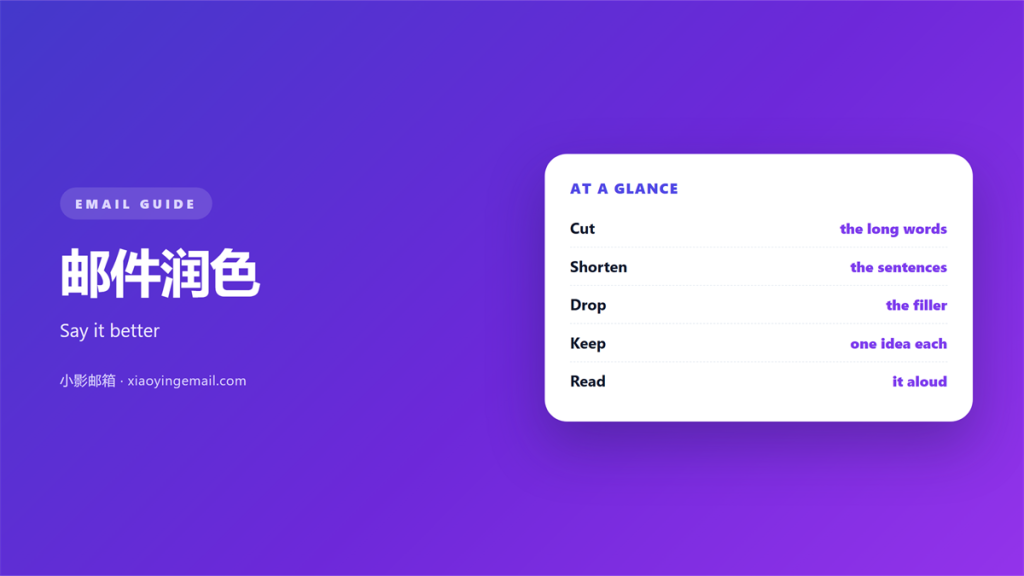
- 邮件润色 turns a rough draft into a clear message.
- Cut filler before you cut warmth.
- Read every draft aloud to catch weak lines.
- Keep one idea in each short paragraph.
- Polish the subject line and the final ask.
What 邮件润色 means
邮件润色 is the careful edit of a message before you send it.
It is not a rewrite. It is a light pass that removes friction.
You keep the meaning and improve the flow from line to line.
The goal is a note a busy reader finishes without effort.
Most drafts carry extra words. 邮件润色 finds them and takes them out.
It also checks tone. A rushed line can read as cold or curt.
A good pass leaves your voice intact but tighter than before.
Think of it as tidying a room, not rebuilding the whole house.
Small choices matter here. The order of two clauses can change the mood.
A single strong verb often beats three weak ones in the same sentence.
A rough draft is normal. Almost every first version is clumsy.
That is fine. The first pass is only a place to start.
The second pass is where the real writing begins.
Most people stop after one pass, and it shows in the final note.
Why 邮件润色 matters
Readers judge a message in the first few seconds.
A clumsy sentence slows them down. Doubt creeps in.
Clear writing signals clear thinking to the person reading it.
The opposite is also true. A messy note suggests a messy plan.
A calm 邮件润色 pass also protects your reputation over time.
The first sentence
Your opening line decides whether the rest gets read.
Move the point to the top. Let context follow behind it.
Busy people scan. They reward the writer who respects their time.
The trust effect
Small slips add up over a long week.
A typo here, a vague phrase there, and your name loses shine.
邮件润色 catches these slips before a reader ever sees them.
That steady care builds trust across many messages and many months.
Trust is slow to build and quick to lose.
One hurried send can undo a month of careful work.
So treat every message as a small test of your standards.
How to do 邮件润色
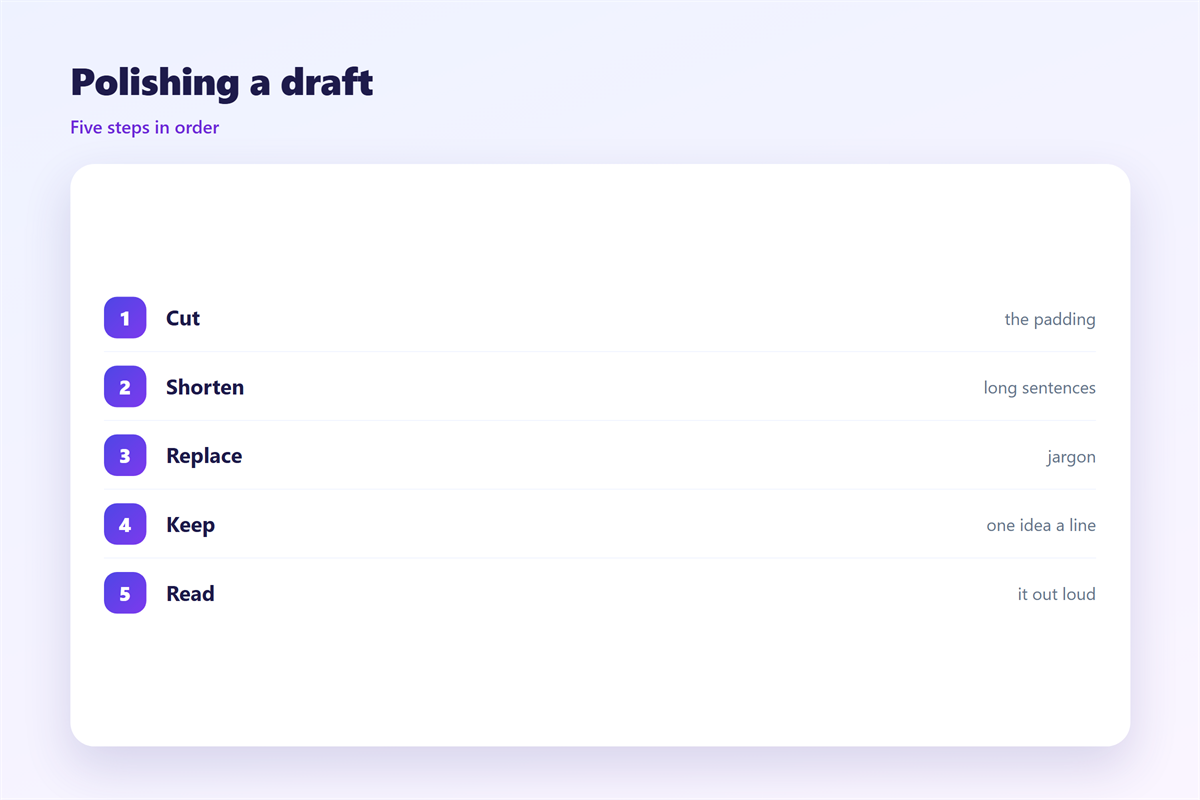
Work in short passes. Give each pass a single job.
Speeding through 邮件润色 leaves the same problems in place.
Cut the filler
Remove words that add nothing to the real meaning.
“Just”, “very” and “really” are the usual suspects.
Trim “in order to” down to a plain “to”.
Fix the rhythm
Mix short and medium sentences in the same paragraph.
Read the draft aloud. Your ear will find the bumps.
If you run out of breath, the sentence is too long.
Check the tone
Make sure the message sounds like you on a good day.
Plain words usually beat clever ones in a work email.
Warmth and brevity can live inside the same sentence.
A friendly close can still be brief and simple.
Test the tone on a colleague when you are unsure.
Ask them what they think the message is really saying.
Mistakes that weaken 邮件润色
The first mistake is over-editing a simple note.
If you sand every edge, the message loses its warmth.
The second is chasing big words. They rarely help anyone.
The third is skipping the subject line altogether.
A weak subject line buries a strong body.
The fourth is editing forever. At some point you must send.
Do one last pass for grammar, then stop.
Keep a copy of the version you liked best.
Compare it with the next draft you write.
The gap between them shows what still needs work.
Over time the gaps grow smaller and your drafts get cleaner.
Before and after 邮件润色
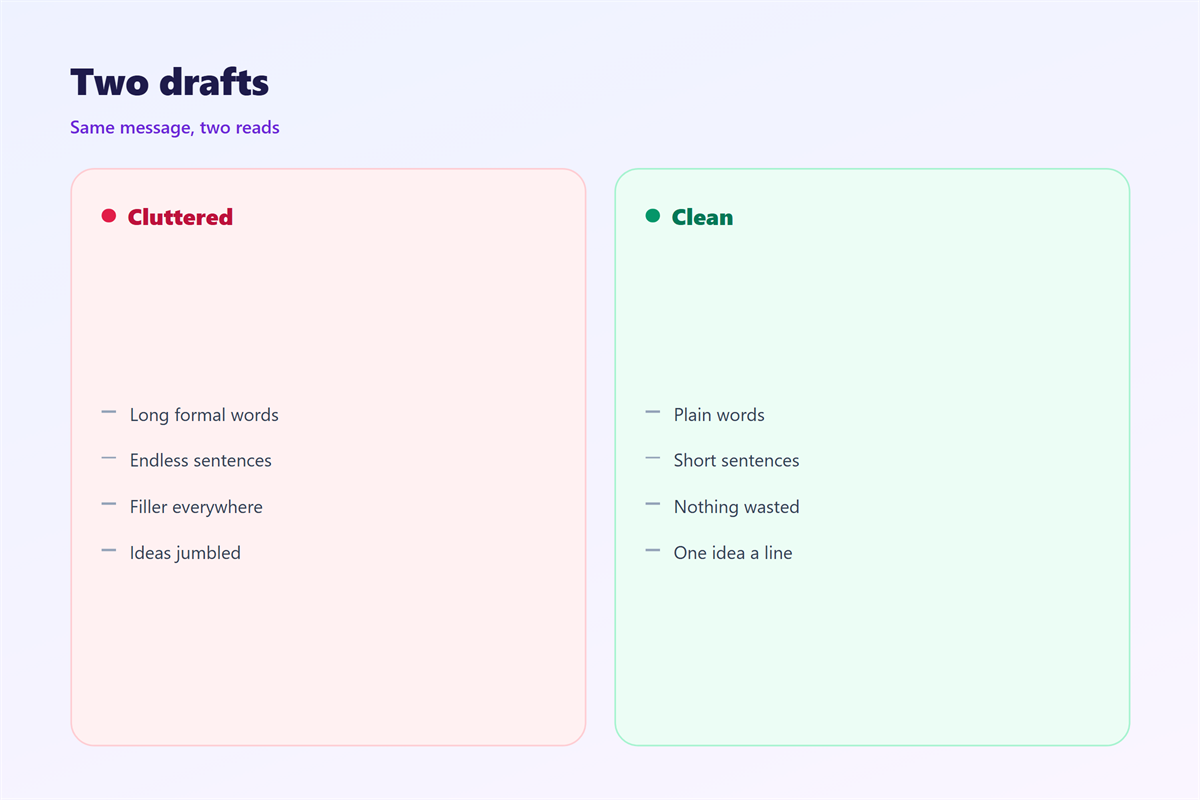
A before-and-after view makes the change easy to see.
Take one recent message. Mark the parts you skimmed.
Rewrite only those lines at first.
Then compare the two versions side by side.
Check length, clarity and tone in that order.
邮件润色 rarely needs a full rebuild.
Most gains come from three or four small cuts.
Keep the old version. It shows how far the draft has come.
Mark the cuts you made and the reason behind each one.
Those small notes make the next pass much faster.
Sending and improving 邮件润色
Tone is the hardest part to get right. Match it to the reader, as set out in 邮件语气.
A strong opening carries the rest of the note. The patterns are collected in 邮件开场白.
The final lines stay with people longest. See 邮件结尾 for a short guide.
Every edit still needs good manners. The basics sit in 邮件礼仪.
Then improve one part each time you send.
Save your best edits in a small personal file.
Over a year, that file becomes a private style guide for 邮件润色.
Share a few good lines with a teammate if they ask.
Careful wording spreads through a team that way.
FAQ
How long does 邮件润色 take?
A short message takes a few minutes to polish well.
A long one takes longer. Give it a second pass the next day.
Can I polish before I write?
No. Write first, then edit. Doing both at once slows you down.
Does 邮件润色 change my voice?
No. A good pass keeps your voice and removes the noise.
What should I check last?
Check the name, the subject line and the final ask.
A last read on a phone often catches fresh errors.
Then send it and move on with your day.
References
- IETF RFC 5322: Internet Message Format
- Harvard Business Review: Write email people read
- Litmus: Email design and copy best practices
评论
还没有评论,来说两句吧。
评论功能已关闭。