 小影邮箱
小影邮箱邮件病毒怎么防?Five Warning Signs
Key Takeaways
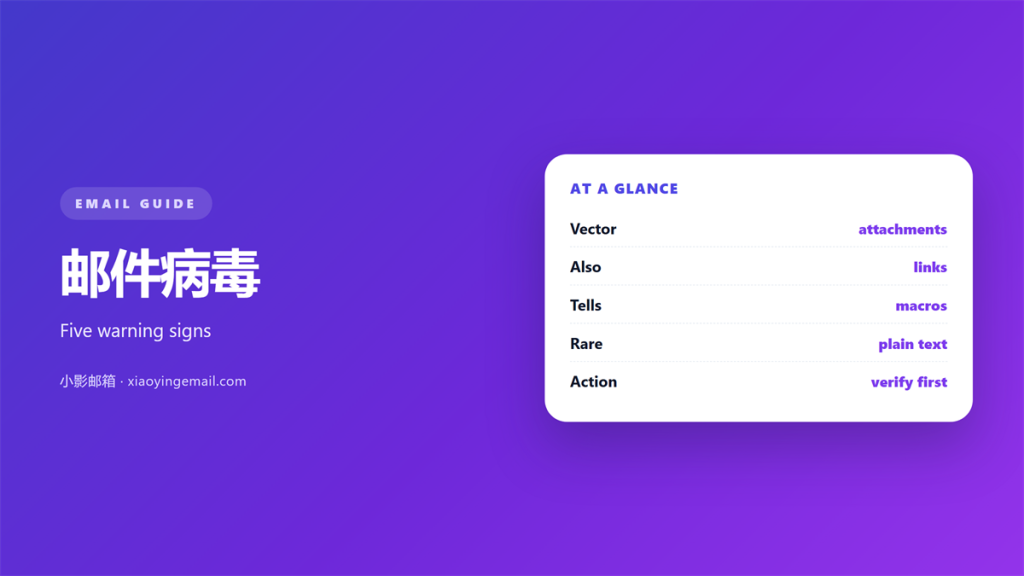
- 邮件病毒 almost never arrives as an obvious program; it hides inside ordinary looking files.
- A document that asks you to enable macros is the oldest and still the most common trick.
- An archive inside an archive is a warning sign, not a coincidence.
- 邮件病毒 often spreads through a trusted address, so familiarity proves nothing.
- The safest habit is to open the message on a device you can afford to reset.
What 邮件病毒 really is
邮件病毒 is a loose term for malware that reaches a machine through a message, and the wording misleads as often as it helps. Very little of it is a virus in the strict sense. Most of it is a document that carries a script, a link that leads to a download, or an attachment that pretends to be something it is not.
The important consequence is that you rarely have to run a program to be infected. Opening a document and clicking a single button is enough, because the script inside it is treated as part of the file rather than as code from outside.
That is why advice to avoid strange executable files is only half the story. A 邮件病毒 can hide in a spreadsheet, a scanned invoice or a compressed archive, and each of those looks harmless right up to the moment it is opened. Recognising that range is the first real step, because a 邮件病毒 that hides in a document is invisible to anyone watching only for programs.
Five warning signs of a 邮件病毒
No single sign proves that a message is malicious, but two or three together make a file worth leaving alone. The list below covers the patterns that show up again and again in real incidents.
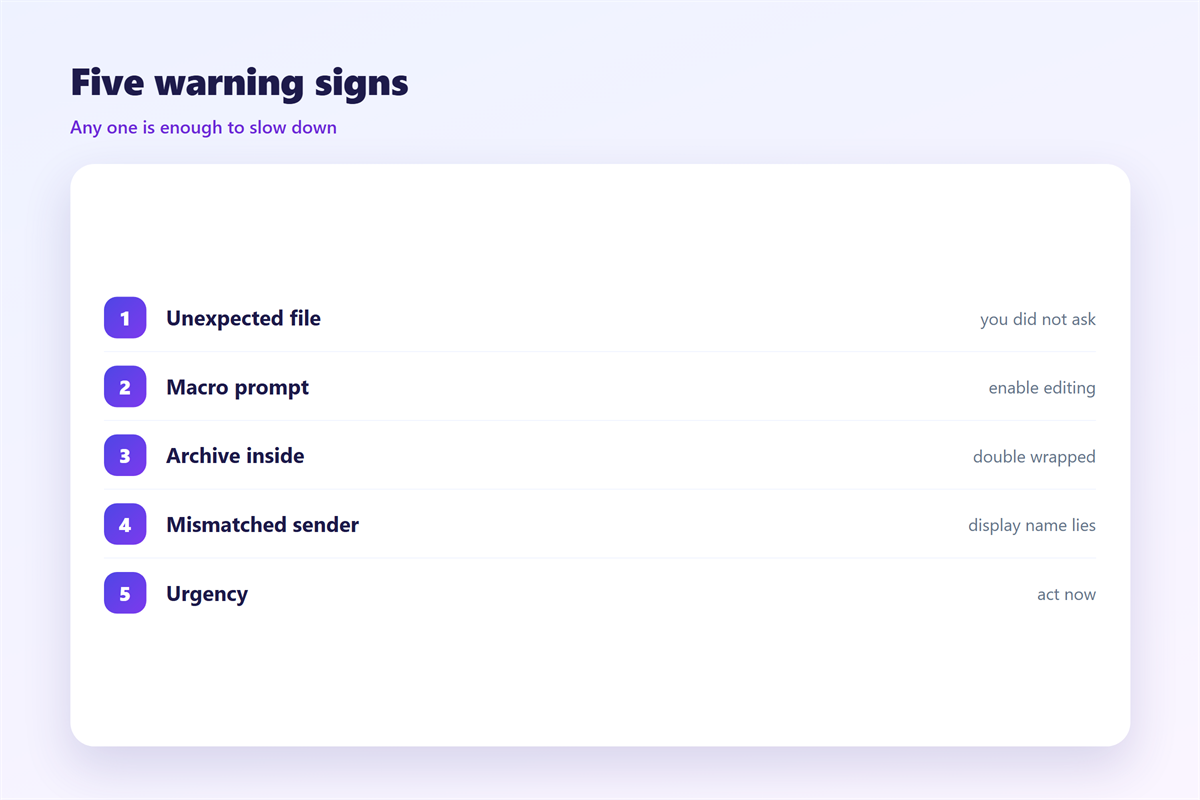
- An unexpected attachment: a file you did not request, especially an invoice or a delivery note.
- A macro prompt: any document that asks you to enable content before it will display.
- A nested archive: a zip or rar file whose only contents are more archives.
- A double extension: a name such as invoice.pdf.exe, where the real type is hidden.
- Manufactured urgency: a deadline measured in hours, with a payment or a login attached.
Each sign on its own has an innocent explanation, and that is precisely why the tricks keep working. A 邮件病毒 relies on the reader resolving the ambiguity in the sender’s favour, so the habit worth building is to pause at the second sign rather than the fifth. Two signs together are reason enough to treat the message as a 邮件病毒 until the sender confirms it by another route.
How a 邮件病毒 spreads between machines
Once a message is opened, the payload does not need to do anything clever to move on. It usually reads the address book it has just been given access to and sends itself onward, which is why an outbreak so often comes from the person you trust most. A 邮件病毒 rarely needs a flaw in the software to travel; it needs only one person who trusts the message.
Lookalike senders
A display name is free to set, so a message can appear to come from your bank while the underlying address is nothing of the sort. Hovering over the name and reading the real address is the whole check, and it takes a second.
Archive files
Compressed attachments are popular because a scanner cannot always see through them and a reader rarely inspects them closely. A 邮件病毒 delivered this way arrives as a tidy folder rather than a suspicious program.
Macro documents
Office files with macros are the workhorse of email malware. They are ordinary documents in every respect except one, and the single click that enables the content is the entire infection.
Staying clear of 邮件病毒
Prevention is mostly about removing the moment where you have to judge a file under pressure. A few fixed habits do more than any amount of vigilance applied case by case.
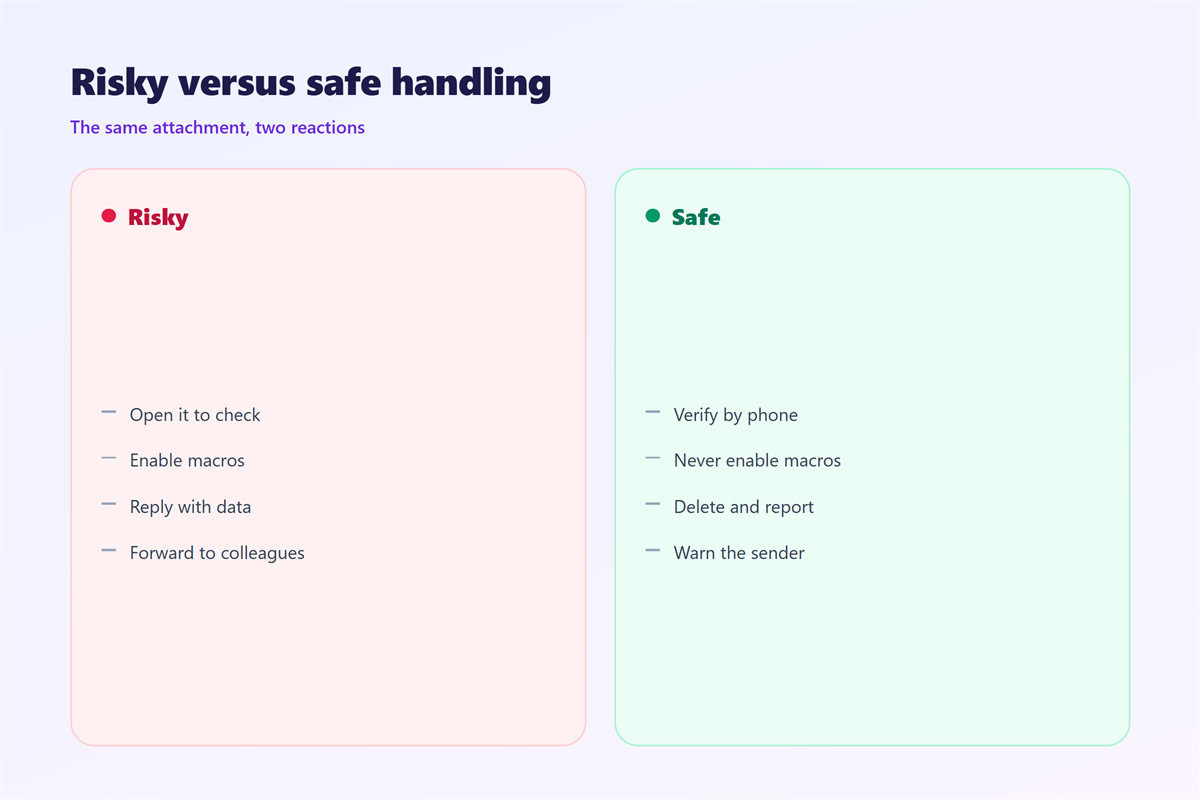
Keep macros disabled by default, open unexpected attachments only after confirming them by another channel, and treat a 邮件病毒 warning from a scanner as final rather than negotiable. If a file truly matters, the sender can put it somewhere you can reach without opening the message.
The other half of the job is recognising the messages that carry these files in the first place. The header check that exposes a forged sender is set out in 钓鱼邮件, while the handling routine for any attachment is covered in 邮件附件. When the message demands payment, the pattern matches what 邮件勒索 describes, and a message that merely borrows a colleague’s name is the subject of 邮件冒充.
Write the rule down
One line is enough: never enable content in a file you were not expecting. A rule you can recite is worth more than a long list you have to look up.
FAQ
Can a 邮件病毒 infect a phone?
It is harder than on a desktop, but not impossible. A link that leads to a malicious download is the usual route, so the same caution applies on a handset.
Does opening an email without an attachment cause harm?
Plain reading is safe in most clients. The risk begins with attachments, with remote images and with any link you choose to follow from the message.
Will antivirus always catch a 邮件病毒?
No. Protection that relies on signatures lags behind new samples, which is why behaviour and habits still carry most of the weight in practice.
What should I do if I already opened the file?
Disconnect the machine from the network, tell whoever manages it, and change the passwords that were stored there. Speed matters more than certainty at that point.
评论
还没有评论,来说两句吧。
评论功能已关闭。