 小影邮箱
小影邮箱邮件轮播图怎么做?Carousels That Move
Key Takeaways
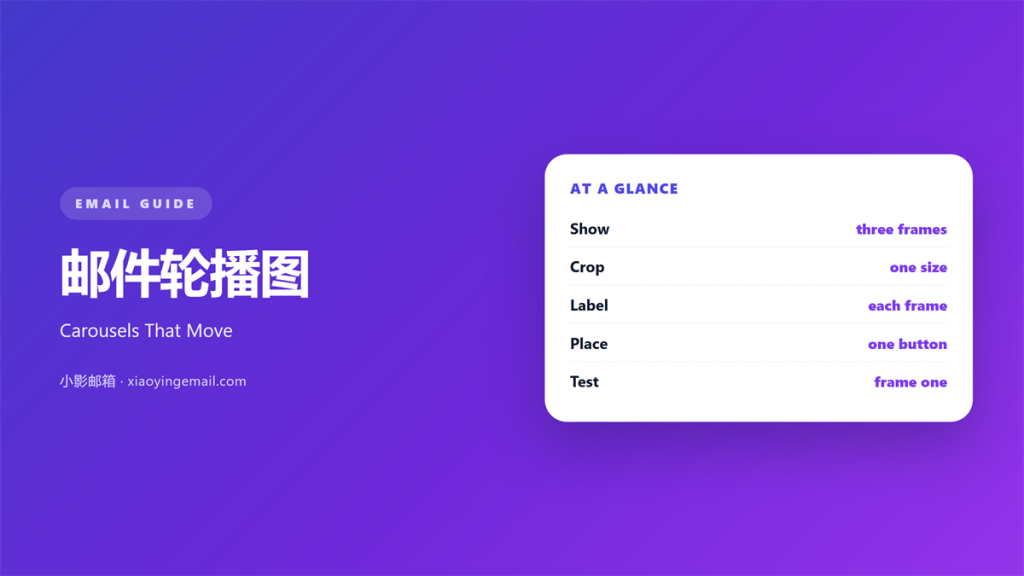
- 邮件轮播图 shows a few images inside one block.
- Three frames is usually enough.
- The first frame must work on its own.
- Each frame needs its own alt text.
- Many clients show only the first frame.
What 邮件轮播图 means
邮件轮播图 is a block that rotates between several images.
It occupies one slot in the layout.
The reader either waits for the change or taps an arrow.
Each frame carries one picture and one short label.
It is not a video and it is not a gallery page.
The whole block should fit inside a normal column.
Most carousels hold two to four frames.
Beyond four, the later frames are rarely seen.
A good 邮件轮播图 reads like a short sequence.
Frame one introduces the idea.
Frame two adds a detail.
Frame three asks for the click.
Why 邮件轮播图 matters
One image can only say one thing.
A carousel lets a sender say three things without a longer mail.
A 邮件轮播图 buys space that a single image cannot.
That saves vertical space in a crowded layout.
It also keeps the reader in one place.
Instead of scrolling, they watch one block change.
The trade-off is control.
The sender decides the order, not the reader.
That order is a small argument.
Put the strongest frame first and the offer last.
Then the sequence has a shape.
One frame at a time
Each frame should carry a single message.
A frame with three lines of text is not a frame.
It is a slide that nobody reads.
Keep the label under eight words.
When 邮件轮播图 helps
It helps when you show variations of one product.
Three colours in three frames read quickly.
It helps when you summarise a set of photos.
It also helps in a narrow column on a phone.
One block replaces a long vertical stack.
A 邮件轮播图 also suits a seasonal set of photos.
Use it when the images share a shape.
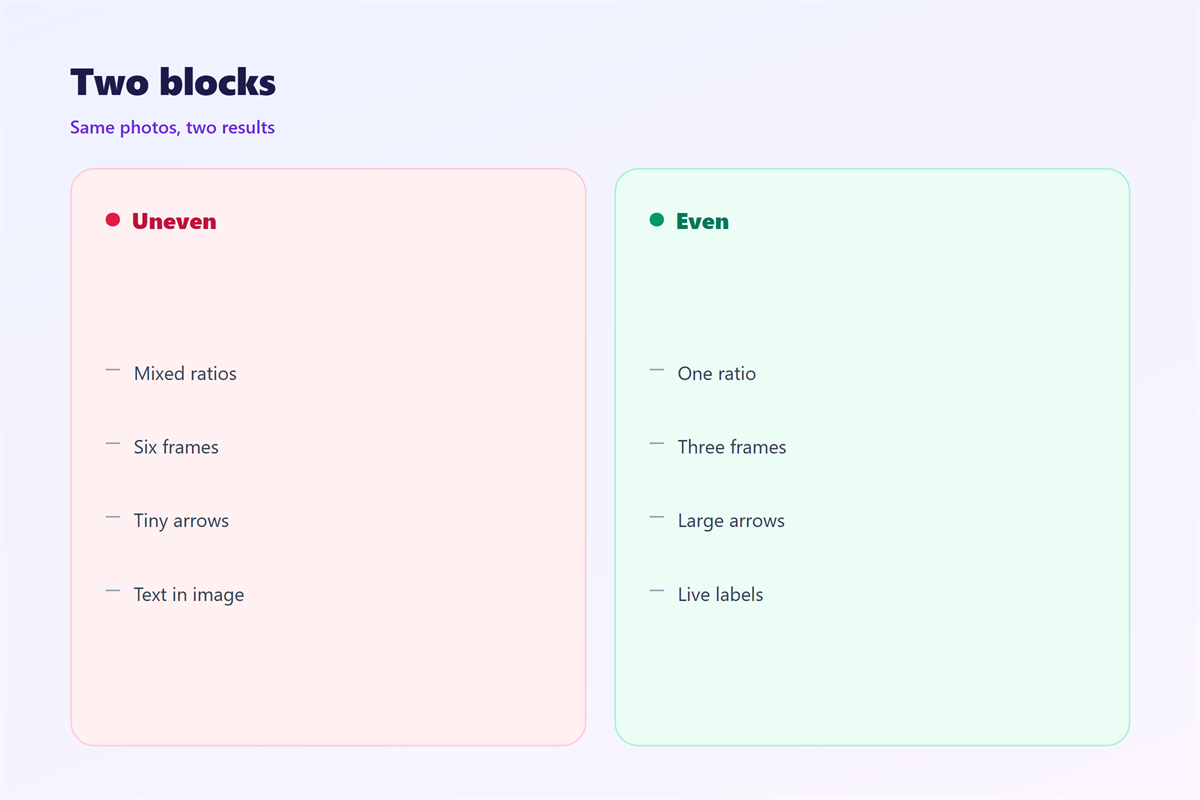
Mismatched ratios make the block jump.
Crop every frame to the same size first.
The three-frame limit
Three frames is the practical ceiling for a mail.
Four is possible but the last frame loses attention.
If you have six images, send two mails.
Each one keeps its own sequence.
When 邮件轮播图 hurts
A 邮件轮播图 hurts when the frames fight each other.
It hurts when the frames are not equal in weight.
A strong frame followed by a weak one wastes the slot.
It hurts when the text sits inside the image.
Small screens shrink that text until it disappears.
Put labels in live text below the image instead.
Carousels hurt when they move on their own.
A reader who looks away misses the middle frame.
They also hurt when the arrows are tiny.
A target under forty pixels is hard to tap.
Finally, they hurt when the first frame is a logo.
Nobody waits for a second frame after a logo.
邮件轮播图 and file weight
Every frame is a separate image.
Three frames at 200 kilobytes each is a heavy block.
That weight lands before the reader sees anything.
Compress each file until it looks the same.
Keep the total under 400 kilobytes where you can.
Crop the frames to one shared size.
Then the client does not resize three times.
Use the same background colour in every frame.
That hides small differences at the edges.
Check the block on a slow connection once.
Alt text for every frame
Each frame needs its own alt text.
Write what the frame shows in one sentence.
Do not repeat the same line three times.
A screen reader will read them in order.
How to build 邮件轮播图
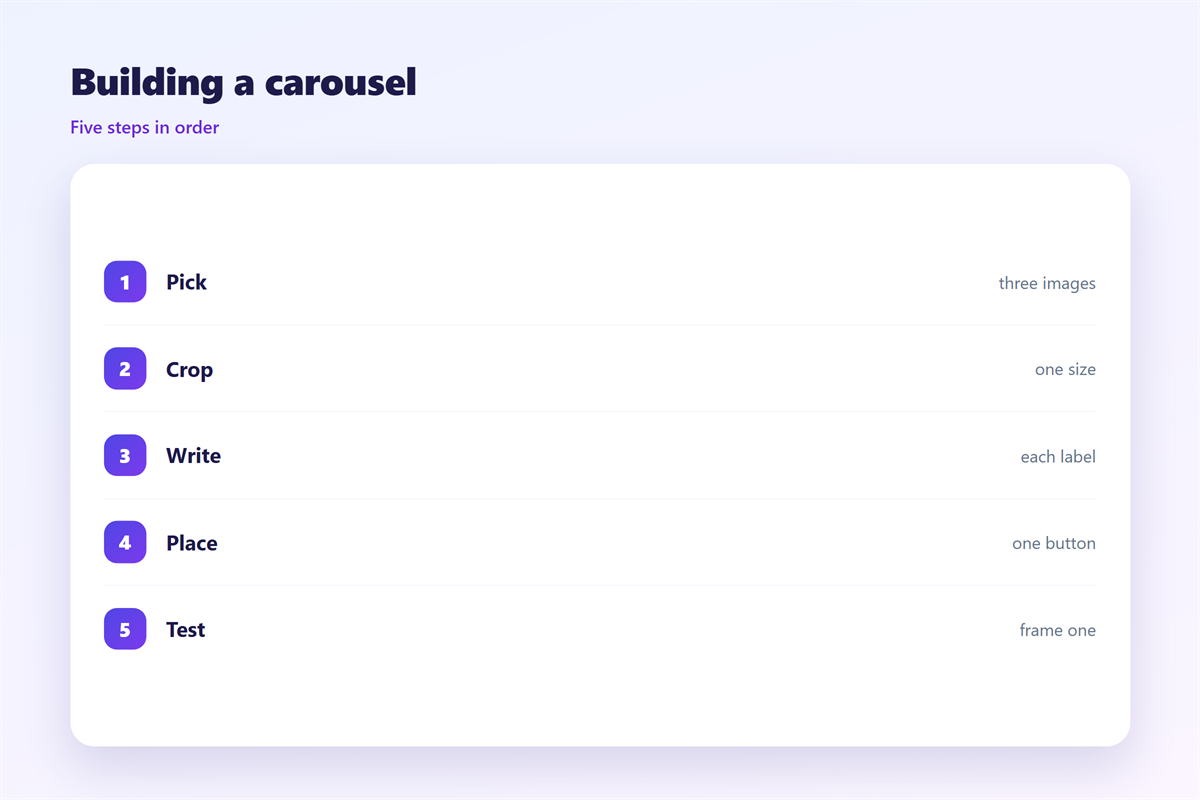
Build the 邮件轮播图 from the last frame backwards.
Start with the claim the block must support.
Then choose the three pictures that prove it.
Set one frame size for all of them.
Write the label for each frame before you design.
Keep the label in live text, not inside the image.
Put one button under the block, not three.
Then test the whole block with images blocked.
Name the frames in order: one, two, three.
Finally, keep the same block for the next campaign.
Draw the first frame first
The first frame carries the whole block.
Most readers never see the others.
So build frame one as a complete picture.
It should make sense with no arrows at all.
Then add frames two and three as extra detail.
If frame one fails, the block fails.
邮件轮播图 on a phone
Most carousels are seen on a narrow screen.
That shrinks every frame and every label.
Design the block at the phone width first.
Use fewer frames, not smaller images.
Two frames beat four on a small screen.
Place the arrows inside the image, not beside it.
Keep the label on one line if possible.
Then test the block on your own phone.
If the label wraps twice, shorten the label.
The block usually sits near the top of the mail.
That gives it a good chance of being seen.
Test with images off
Some readers block images by default.
The alt text is then the whole block.
So write alts that read like a short story.
Then the block still works without pictures.
Keeping 邮件轮播图 honest
A carousel should not hide the price.
Put the number in frame one, not frame three.
It should not suggest a deadline that does not exist.
Moving frames do not make an offer urgent.
The motion rules sit in 邮件动图.
The still-image basics live in 邮件图片.
The wide-strip version appears in 邮件横幅.
The surrounding layout is covered in 邮件排版.
Then keep one rule for how often the block rotates.
A team that agrees on limits sends better carousels.
Write those limits where everyone can see them.
Then review the block after each send.
FAQ
How many frames should a 邮件轮播图 hold?
Two or three. Four is the maximum worth testing.
Do carousels work in every client?
No. Many clients show only the first frame, so design for that.
Should the frames auto-advance?
Rarely. A reader who looks away misses the message.
What if the first frame is boring?
Replace it. No amount of arrows will fix a weak opening.
评论
还没有评论,来说两句吧。
评论功能已关闭。