 小影邮箱
小影邮箱邮件验证码怎么发?Codes That Stay Safe
Key Takeaways
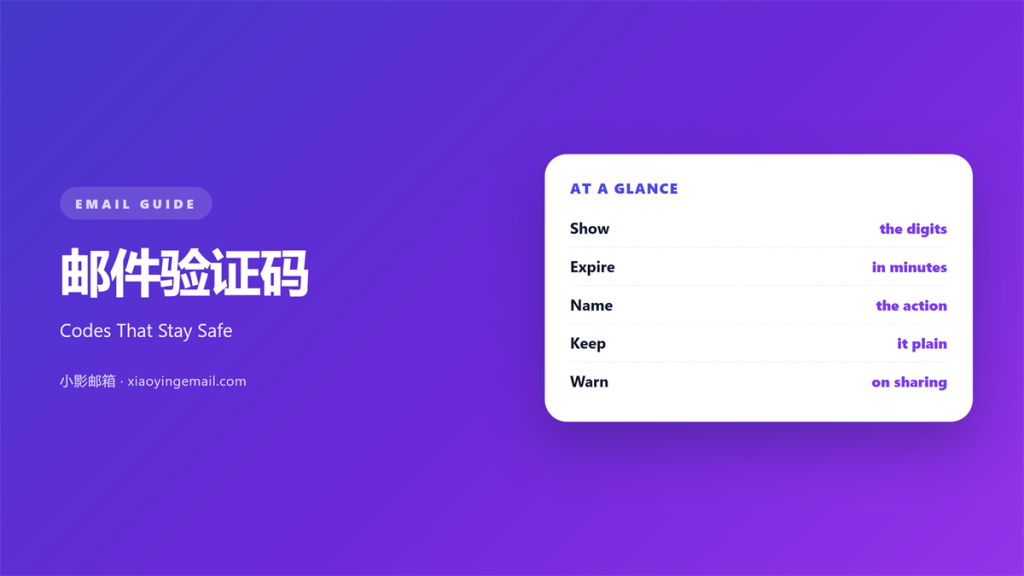
- 邮件验证码 proves the reader owns the mailbox.
- Keep the code short, usually four to eight digits.
- Let it expire in a few minutes, never hours.
- One code should unlock exactly one action.
- Warn the reader never to share the digits.
What 邮件验证码 means
邮件验证码 is a short set of digits sent to confirm an action.
The reader types it back to prove the mailbox is theirs.
It acts as a second lock on an account or a sign-up.
The code usually lives for just a few minutes.
After that it stops working for everyone.
This note is tiny, often only two lines long.
But it guards the door to a whole account.
So both the wording and the timing matter.
Get either wrong and users get locked out.
A locked user rarely tries the same site twice.
So the small note carries a large job.
Treat it with the same care as a long letter.
Why 邮件验证码 matters
A code blocks strangers who only know an address.
Knowing an email is not the same as owning it.
The code closes that gap in one quick step.
A reliable 邮件验证码 also keeps sign-ups honest.
Fake accounts struggle when a real inbox is required.
So the code protects you and your users at once.
It also cuts spam and fraud on your platform.
A weak code system invites both.
One code, one purpose
Tie each code to a single action.
A login code should not also confirm a payment.
Separate codes stop one leak from causing two problems.
Store the code hashed, never as plain text.
Then discard it the moment it is used.
When 邮件验证码 helps
Send a code at sign-up to confirm a real inbox.
Send one again before a sensitive change.
Changing a password or a phone number deserves a check.
Use it for logins from a new device too.
Each of these moments carries real risk.
A quick code keeps the risk contained.
It also gives the user a sense of control.
A code also works well before a large export.
It confirms the right person is at the keyboard.
Codes that expire fast
Give the reader a clear countdown in words.
Five to ten minutes is a common window.
Shorter windows are safer but can frustrate slow typers.
Offer a simple way to request a new code.
When 邮件验证码 goes wrong
A code that never arrives blocks the whole flow.
Tell the reader what to do when that happens.
A code that works twice is a security hole.
Reuse lets one intercepted message open many doors.
Do not put the code in the subject line.
Many inboxes show subjects on a lock screen.
Spotting a fake code request
A real code email never asks you to reply.
It never asks for your password either.
Check the sender address before typing anything.
When unsure, open the app directly instead.
邮件验证码 in plain text
Codes must survive in the plain-text view.
Some clients strip every image and colour.
So write the digits as ordinary characters.
Never place the code inside a picture.
A screen reader must be able to read it aloud.
Keep the digits on their own line.
Add nothing between them and the reader.
A code split across two lines confuses readers.
So keep the digits together on one line.
Test the note with images turned off.
Then test it in the plain-text view.
Any hidden code will fail in one of them.
How to use 邮件验证码 well
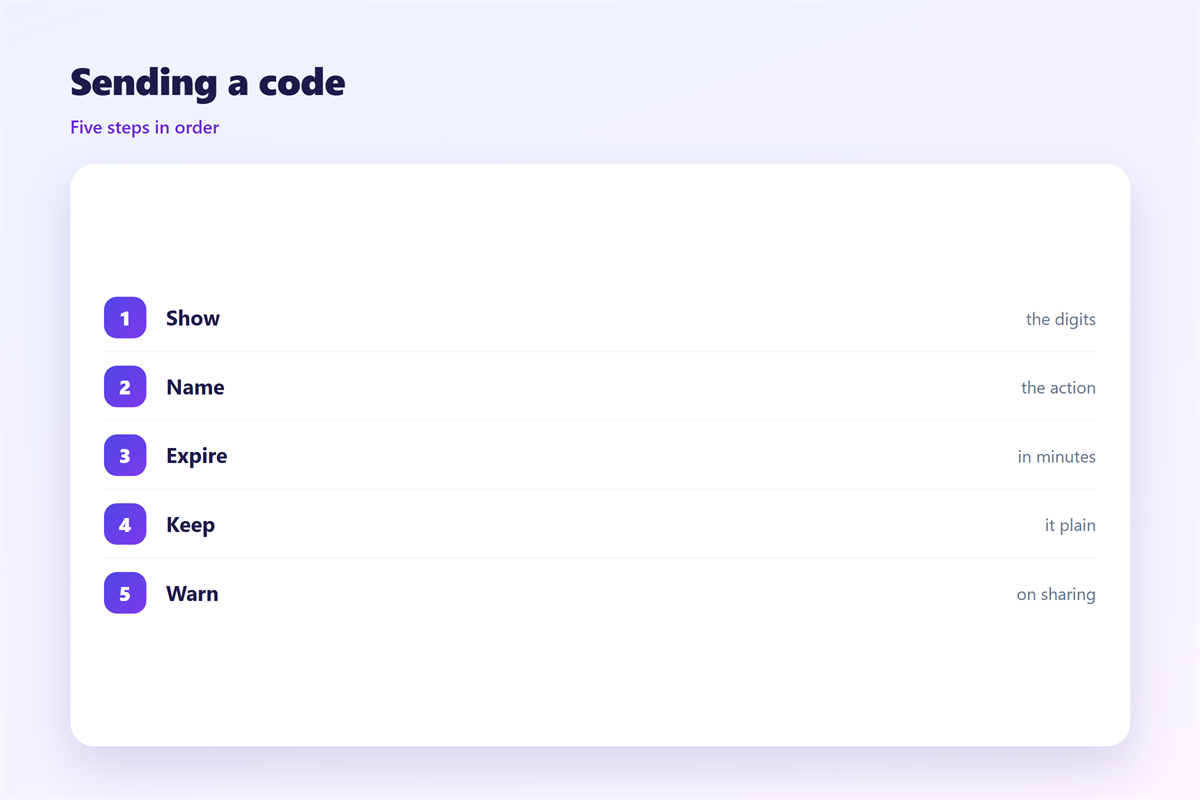
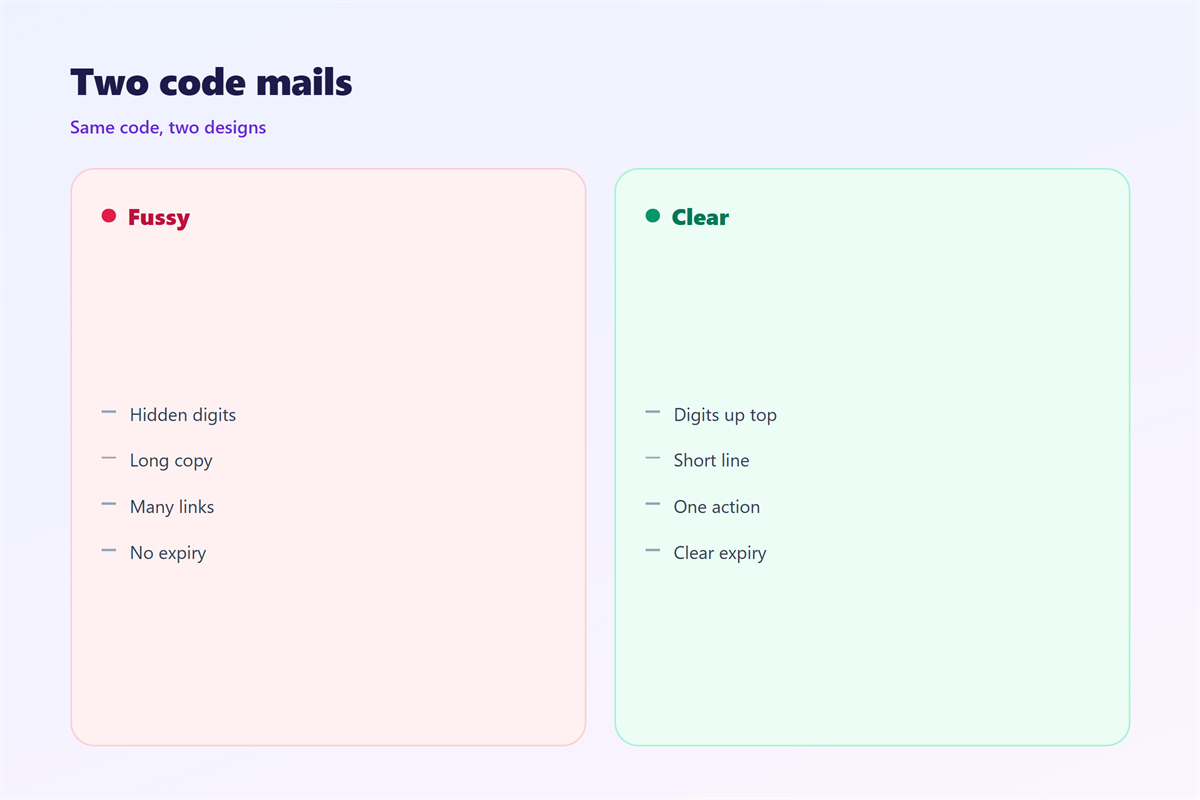
Put the code near the top of the message.
Make the digits the largest element on screen.
Say plainly what the code is for.
Add the expiry time in the same breath.
Then warn the reader not to share it.
Include one line about ignoring unexpected requests.
Keep the whole note under fifty words.
Long notes bury the one thing that matters.
Test delivery speed across several providers.
A slow 邮件验证码 feels like a broken site.
Monitor how often codes fail to arrive.
Then fix the weakest mail route first.
Then confirm the expiry still has time left.
A dead code on arrival wastes the whole trip.
Speed and safety must both pass the test.
邮件验证码 and readability
Short lines keep the focus on the digits.
Space the code away from the body text.
A reader skims, copies, and leaves.
Make that path as short as possible.
Use a plain, familiar font throughout.
Fancy styling can blur a zero and an O.
Test the note on the smallest screen you own.
A clean layout prevents copy mistakes.
A clear note also reduces support calls.
Calm readers type more accurately too.
Keeping 邮件验证码 consistent
Consistency makes the real code easy to trust.
The generic process of receiving one appears in 接收验证码.
The wider checks around an inbox sit in 邮箱验证.
Whether the note arrives at all is covered in 邮件到达率.
What to do when it is late appears in 邮件延迟.
Keep the same format for every code you send.
A team that agrees on 邮件验证码 sends cleaner mail.
FAQ
How many digits should a 邮件验证码 have?
Four to eight digits is common. Longer codes are harder to type.
How long should a 邮件验证码 last?
Five to ten minutes balances safety with a calm user experience.
Can I reuse the same code for two steps?
No. Use a fresh code for every separate action.
Should the code go in the subject line?
No. Lock screens can expose subjects to anyone nearby.
评论
还没有评论,来说两句吧。
评论功能已关闭。