 小影邮箱
小影邮箱邮件会议纪要怎么写?Minutes That Stick
Key Takeaways
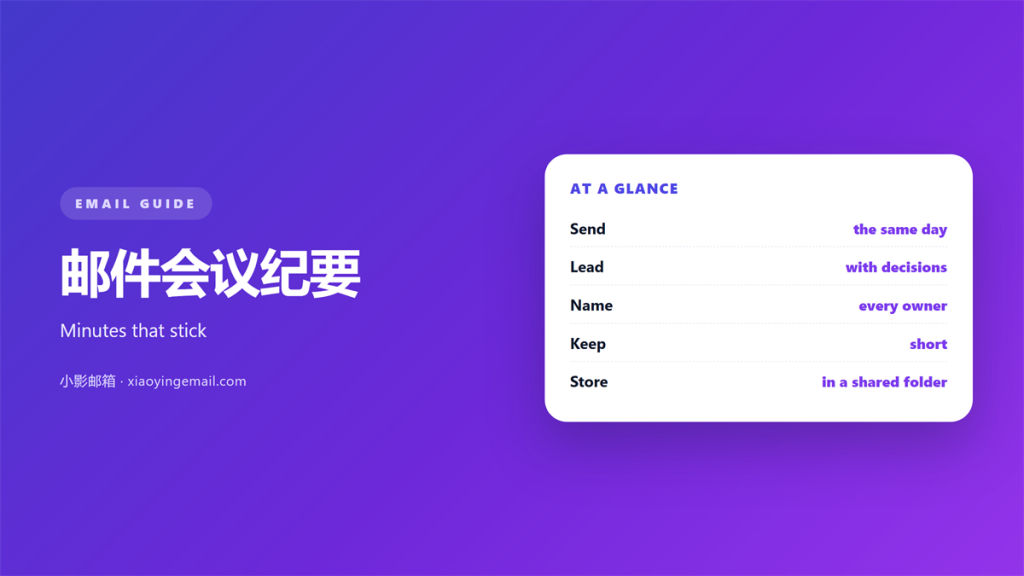
- 邮件会议纪要 turns a live discussion into a short record.
- Send it the same day, while memory is fresh.
- Write decisions first and side chat last.
- Name who owns every next step.
- Store it where the whole team can find it.
What 邮件会议纪要 means
邮件会议纪要 is the written record of a meeting, sent by email to everyone who took part.
It is not a transcript. It is a short summary of what was decided and who does what next.
The message usually goes out within a day. The faster it lands, the fewer people argue about it later.
Most teams treat this task as a chore. A good record is closer to a receipt than a report.
It proves that a decision was made. It also reminds busy people what they agreed to do.
A meeting without a written note walks out of the room with three different memories.
That gap is why arguments start a week later. Nobody invented the outcome. Each person simply remembered a different version.
A written 邮件会议纪要 closes that gap. One shared file settles the question fast.
The habit also helps people who speak little. Their point survives in the file even if they were quiet on the call.
Why 邮件会议纪要 matters
Meeting time is expensive. Good 邮件会议纪要 are what survive after everyone leaves the room.
It also protects the quiet people who rarely win a fast debate.
How 邮件会议纪要 carry decisions
People who missed the call still need the result. A short note carries it to them.
Forwarded minutes stop the same topic being debated twice in two different teams.
Owners become clear
A decision without an owner drifts. The note attaches a name to every task.
That name is the difference between a plan and a wish.
The record ages well
Months later, nobody recalls the exact wording. The email still does.
A settled archive ends arguments that would otherwise reopen years later.
How to write 邮件会议纪要
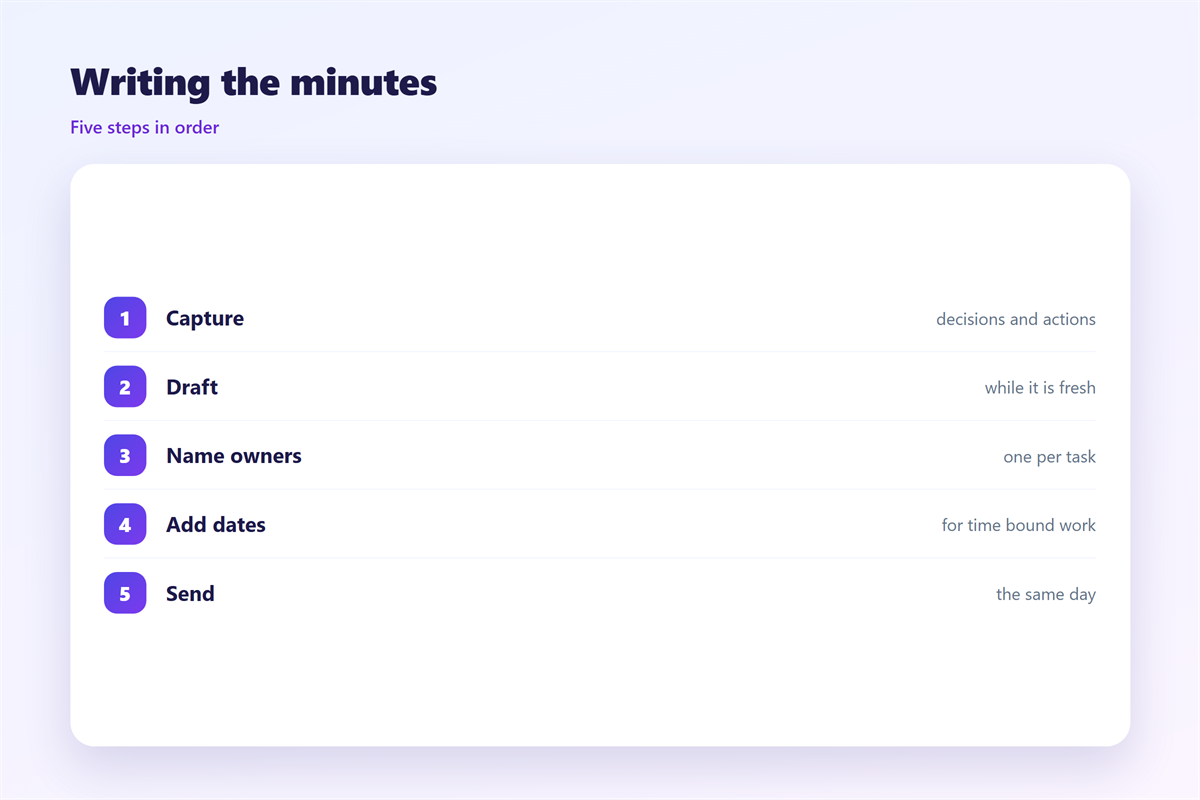
Start before the meeting, not after it. A simple template saves the last minute scramble.
Keep three lists open while you listen. Decisions, actions and open questions.
Write 邮件会议纪要 with the decision first. Put the background underneath it, not above it.
Use short lines. A reader skimming on a phone should still get the point.
Name each action and its owner. A task with no name is a task nobody does.
Add a date to anything that is time bound. Vague promises fade without one.
Leave out the side chat. What matters is what changed, not who said what.
Draft the note while the call is still fresh. Waiting until the evening costs detail.
Send 邮件会议纪要 the same day. A note that arrives on Friday about Monday is already stale.
Read it once before you send. One slow pass catches most of the confusion.
Where to keep 邮件会议纪要
邮件会议纪要 are only useful if people can find them again. The inbox is a poor archive.
Save the final copy to a shared folder. Keep the email as the announcement, not the store.
Name files with the date first. A sortable name beats a clever one.
Link the note to the project it belongs to. One click should reach the context.
Add a short index at the top of a series. It turns loose files into a history.
A shared folder also settles ownership. Everyone sees the same version at the same time.
Set a simple rule for old notes. Move anything older than a year into a dated archive.
Common mistakes
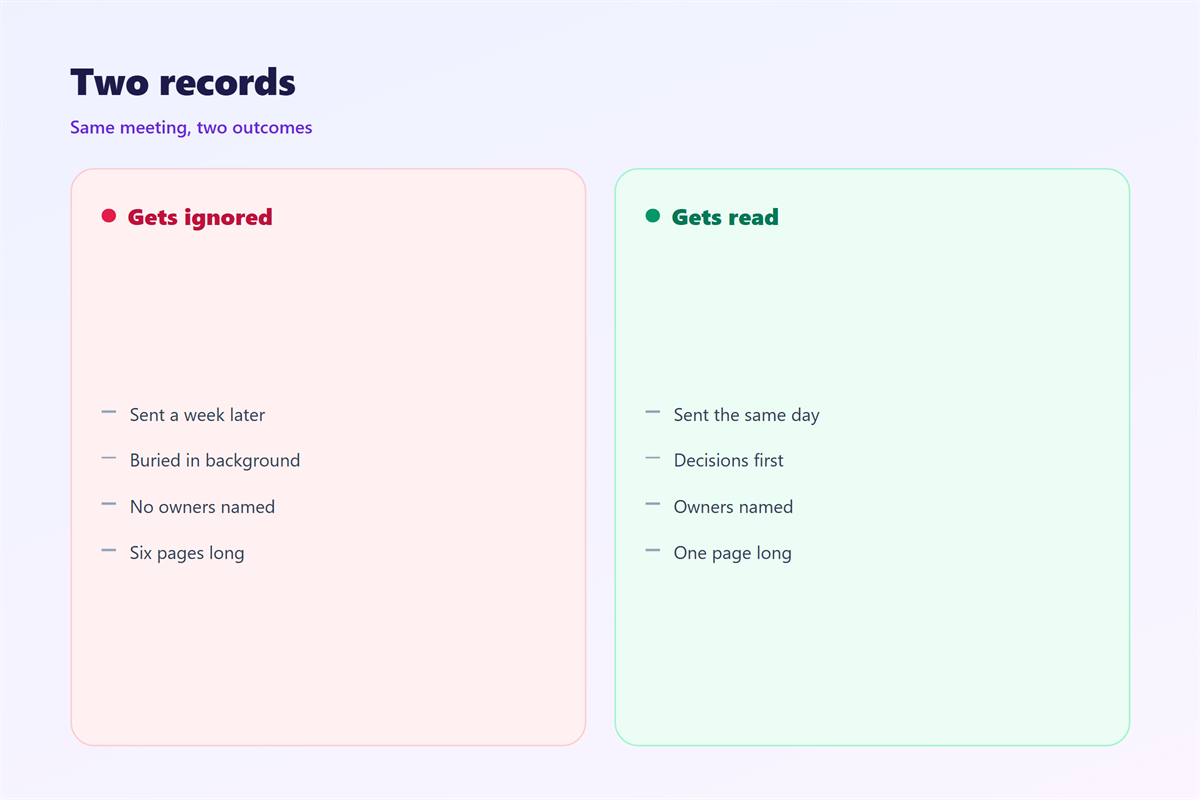
The first mistake in this task is length. A ten page summary of a one hour call goes unread.
The second is delay. Notes sent next week are half remembered.
The third is a missing owner. A list of tasks without names rarely moves.
Another 邮件会议纪要 mistake is writing for the record alone. The note is for the people, not the file.
Avoid blame in the wording. Neutral sentences survive a tense week far better.
Do not bury the decision under background. Lead with what changed.
Skip the roll call. Who attended matters far less than what was agreed.
Do not write the note alone if you can help it. A second reader catches the gaps.
Finally, keep one format across the team. Mixed styles slow every reader down.
Sending and following up
Sending 邮件会议纪要 is part of the job. A clear subject helps people file the message.
Put the meeting name and date in the subject line. The body can stay short.
Skim your draft before you send it. A typo in a name reads as carelessness.
Ask for corrections within a day. After that, silence counts as agreement.
A short follow up keeps the actions alive. Our notes on 邮件跟进 explain the timing.
Turning each action into a task works well. See 邮件待办 for a simple method.
Reuse a good format instead of inventing one. The pattern in 邮件模板 keeps it stable.
On a shared mailbox, agree who sends the note. Shared rules are covered under 邮件协作.
A steady habit beats a perfect template. Send good notes often, not flawless ones rarely.
FAQ
Who writes 邮件会议纪要?
Often a rotating role, so the load is shared across the team. On small calls the chair can send a short note instead.
How long should they be?
One screen is plenty for most meetings. A long workshop may need two, but never ten.
Should I record the whole call instead?
A recording is not a substitute. Nobody rewatches an hour to find one decision.
What if people disagree with the note?
Ask for changes within a day. After that, treat the 邮件会议纪要 as the agreed record.
References
- Atlassian: Taking effective meeting notes
- ASQ: Meeting management basics
- IETF RFC 5322: Internet Message Format
评论
还没有评论,来说两句吧。
评论功能已关闭。