 小影邮箱
小影邮箱邮件协作怎么做?Sharing a Mailbox Well
Key Takeaways
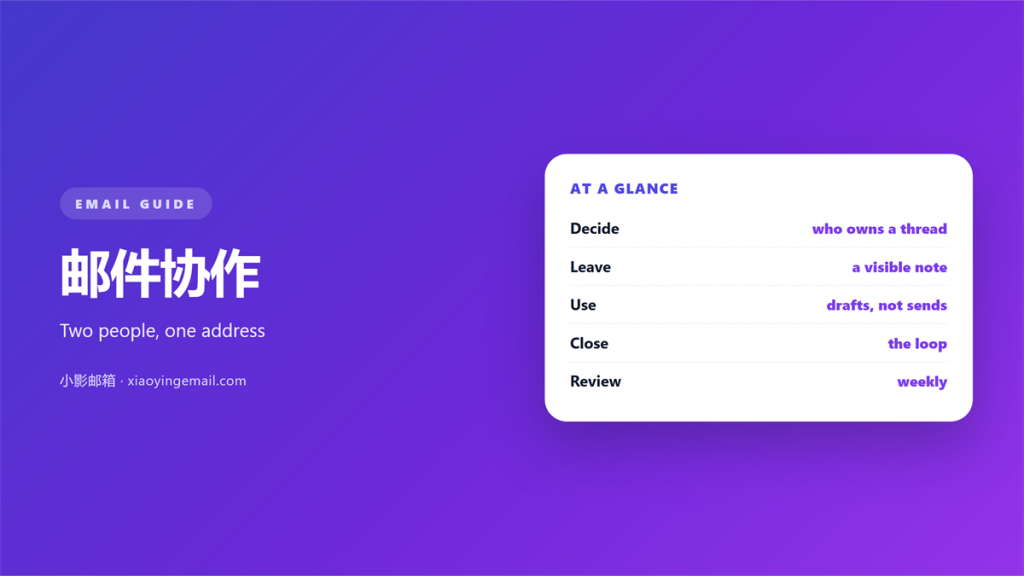
- 邮件协作 needs one owner per message.
- A shared address hides who replied.
- Written rules beat good intentions.
- Notes belong where the next reader looks.
- A short weekly review keeps it honest.
What 邮件协作 really solves
邮件协作 starts when two people answer one address. The inbox looks shared. The work is not.
Support desks, sales teams and small offices all meet this problem. One address is easy to publish. Running it well is harder.
The goal is simple. Every message should have one owner who sends the reply.
Without that owner, three failures appear fast. A message gets answered twice. Or it gets answered by nobody at all.
Both cases cost time. A double reply confuses the customer. A missing reply loses the sale.
Good 邮件协作 fixes ownership first. Software comes later.
That order matters a lot. A shared mailbox without rules is a group chat with a subject line.
The address is not the problem. The address is only a label. The silence behind it is the problem.
Simple 邮件协作 removes that silence. It gives every message a name.
A named owner also shortens the reply. Nobody has to ask who should answer.
Rules that make 邮件协作 work
Agree on four rules before the first message arrives. Write them where everyone can see them.
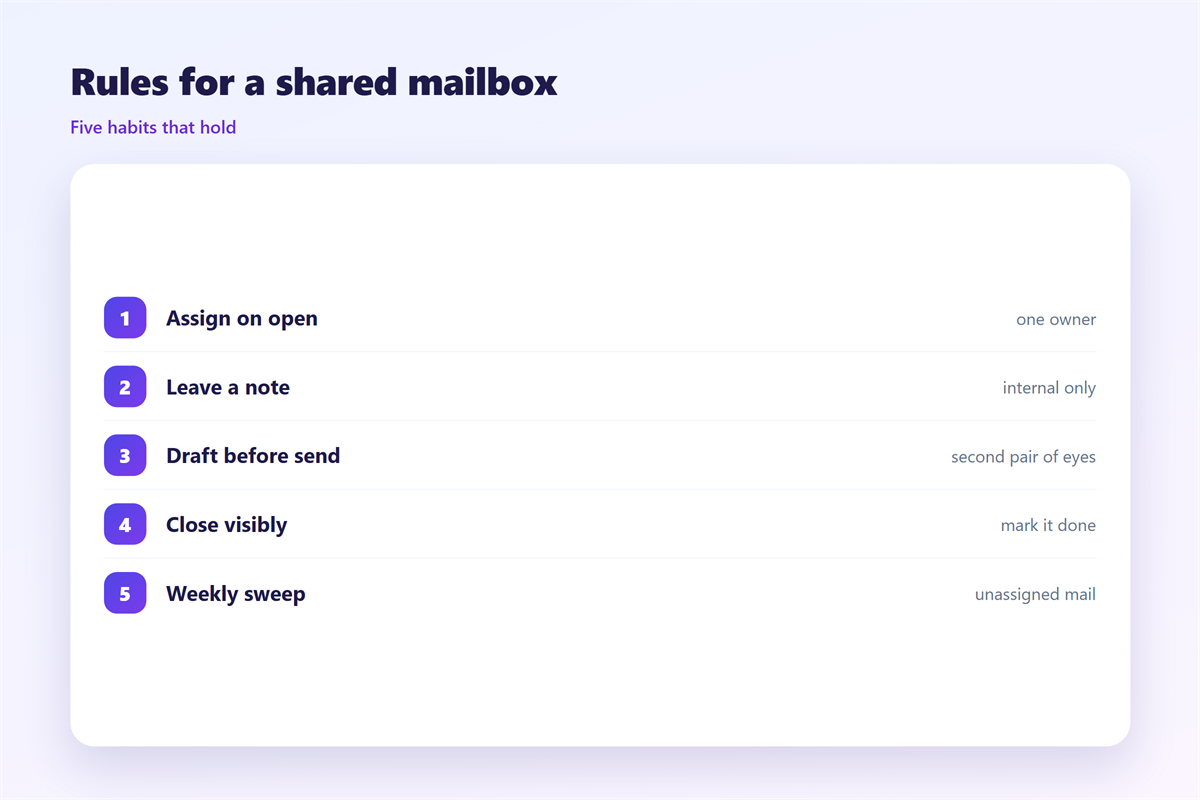
Rule one is a reply owner. Whoever claims a message says so in a short note.
Rule two is a status word. Use open, waiting and done. Add nothing else.
Rule three is a handoff note. Say who is taking over and why.
Rule four is a daily sweep. Someone clears the shared queue each morning.
These rules turn 邮件协作 from a hope into a habit. They also make training a new colleague short.
Keep the rules to one page. A long policy is read once and then ignored.
Review the rules together once a month. Delete any rule that nobody follows.
An ignored rule does real harm. It teaches the team to ignore the other rules too.
Write the rules in plain words. A rule nobody understands cannot be followed.
Short rules are easier to remember during a busy moment.
Notes, drafts and 邮件会话
A shared mailbox lives on context. Every reader needs to know what happened before.
Internal notes carry that context. They stay inside the mailbox and never reach the customer.
Good notes are short and factual. One line about the call is usually enough.
A private draft is useful when a reply is not ready. Store it in the shared folder, not your own.
Unsent messages can sit hidden by mistake. The 邮件草稿 guide explains where they live.
Long threads are the hardest part of 邮件协作. People lose the current ask inside the history.
Trim the quoted text before you reply. Keep only the line you are answering.
Our notes on 邮件会话 explain how threads break and how to repair them.
Approvals add a second layer to 邮件协作. A reply may need a manager before it leaves.
The 邮件审批 guide shows how to route those requests cleanly.
Names, groups and aliases live in the 邮箱联系人 list. A clean list saves time for the whole team.
A tidy folder tree helps everyone find the same message.
Where 邮件协作 fails
Three habits break shared mailboxes. All three look harmless at first.
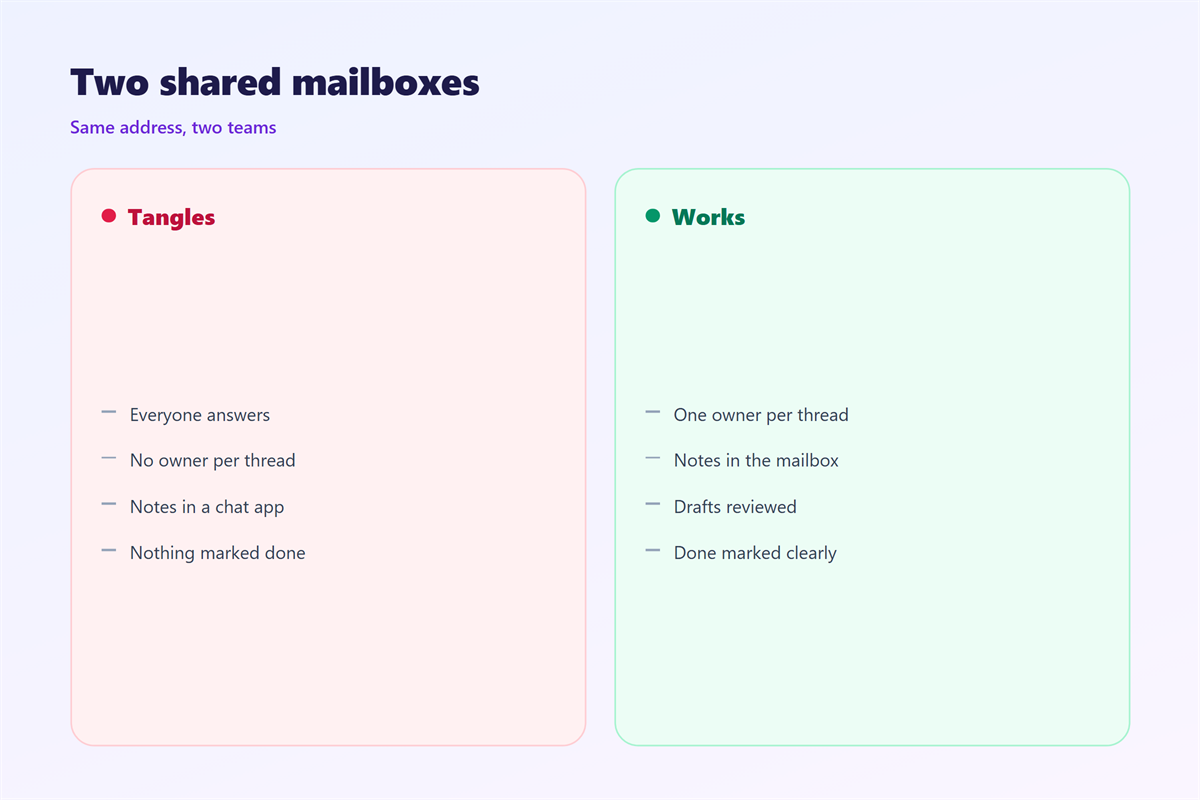
The first is silent work. Someone answers a message and tells nobody.
The second is the black hole. A message is filed into a folder and then forgotten.
The third is blame. When two people disagree, the customer sees both answers.
Each failure costs trust. The fix is the same in every case. Make the work visible.
邮件协作 depends on visibility, not on effort. Hard work that nobody sees still looks like neglect.
A visible queue also protects the quiet people. Work is credited to the person who did it.
Good 邮件协作 makes the invisible visible. That single change prevents most disputes.
Customers notice the difference quickly. Fewer mixed signals reach them.
How to start 邮件协作 this week
Start small. Pick one shared address and one week.
Name a single owner for the pilot. Give that person power to change the rules.
Write the four rules on one page. Share the page with everyone who answers the address.
Add a status word to every reply. Then check the queue once a day.
At the end of the week, count three things. Double replies, missed messages and handoffs.
If the numbers improve, keep the rules. If not, rewrite the single rule that failed.
A working 邮件协作 setup is boring on purpose. Boring means nobody is guessing.
Then expand to the next address. Repeat the same week with the new team.
Write down what worked before you forget it. A short note now saves a long debate later.
Small habits compound over a year. A shared mailbox rewards them quietly.
FAQ
How many people can share one address?
Small teams of two to eight work best. Above that, split the address by topic or region. A queue that is too wide has no owner.
Does 邮件协作 need special software?
No. A shared folder and clear rules cover most teams. Software helps once the volume grows.
What should a handoff note contain?
Three things. Who is taking over, what is still open, and the next deadline. Keep it to one or two lines.
How often should we review 邮件协作 rules?
Once a month is enough for a small team. Read the rules aloud together. Delete any rule that nobody follows.
References
- IETF RFC 5322: Internet Message Format
- Google: Delegate access to your Gmail account
- Microsoft: Open and use a shared mailbox in Outlook
评论
还没有评论,来说两句吧。
评论功能已关闭。