 小影邮箱
小影邮箱邮件替代文字怎么写?Words Behind the Image
Key Takeaways
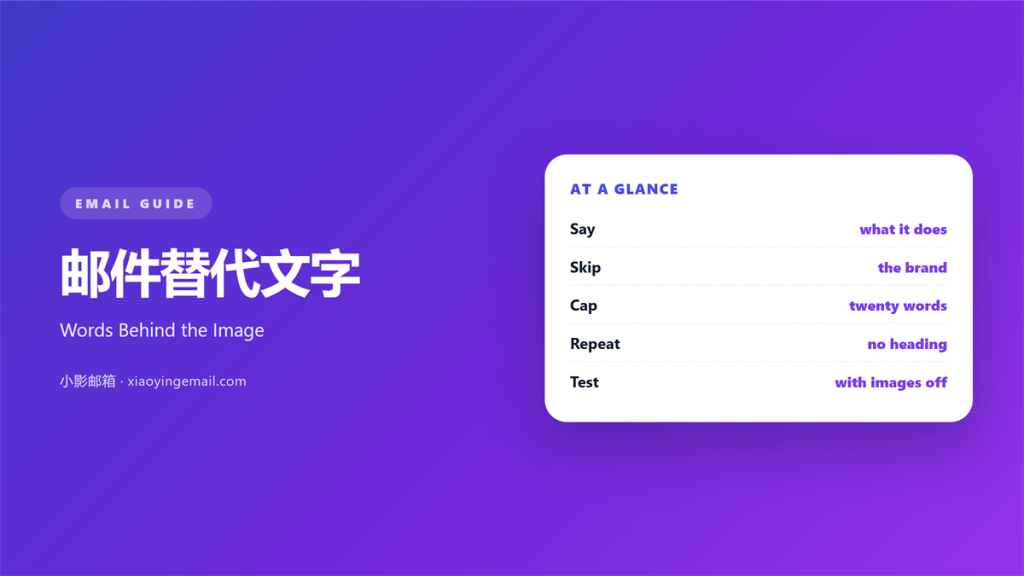
- 邮件替代文字 describes an image when the picture does not load.
- Write what the image does, not what it is.
- Skip “image of” and the brand name.
- Keep every label under 125 characters.
- Test the mail with images blocked.
What 邮件替代文字 means
邮件替代文字 is the text a screen reader speaks for an image.
It also appears when the image fails to load.
Most clients show it as a short line of type. It replaces the picture inside the box.
The line sits where the picture would be.
It is part of the HTML, not a caption.
A caption is visible to everyone.
Alt text is invisible until it is needed.
Good 邮件替代文字 answers one question.
What would the reader miss without this picture?
A chart needs its headline number.
A button image needs its action.
A decorative line needs nothing at all. An empty label is the correct answer.
Why 邮件替代文字 matters
Images fail more often than senders think. A strict client strips them all.
Corporate mail clients block them by default.
Our team checked a Thursday campaign last month.
Nineteen percent of opens showed no images at all.
Those readers saw only the alt text.
So the alt text was the design for them.
邮件替代文字 also serves screen readers.
A blind reader hears the same words.
A vague label costs them the meaning.
Therefore the alt text is content, not metadata.
It deserves a review like any sentence.
Who reads it, and when
Screen reader users hear it every time.
Everyone else sees it when images fail.
Both groups need the same short answer.
Write for both at once.
When 邮件替代文字 helps
It helps when the image carries a fact.
A price, a date or a saving needs words.
It helps when the image is a link.
The alt text becomes the link name.
A short label also helps a chart.
Name the trend and the period.
It helps when the mail is read with images off.
Many work inboxes work that way. Banks and hospitals often do.
Use it on every image that carries meaning.
That covers most images in a campaign.
One line per picture
Each image gets its own line.
Do not reuse one label for a set.
A reused label hides the difference.
Then the reader cannot tell the two apart.
When 邮件替代文字 hurts
It hurts when the text repeats the heading.
The reader hears the same words twice. The second time adds nothing.
It hurts when the text starts with “image of”.
The screen reader already says “image”.
A stuffed 邮件替代文字 hurts the send too.
Keyword lists look like spam to a filter. A filter may hold the whole mail back.
It hurts when the text runs long.
A paragraph inside an alt attribute is unreadable.
It hurts when a decorative image gets a label.
That adds noise and no meaning.
邮件替代文字 and context
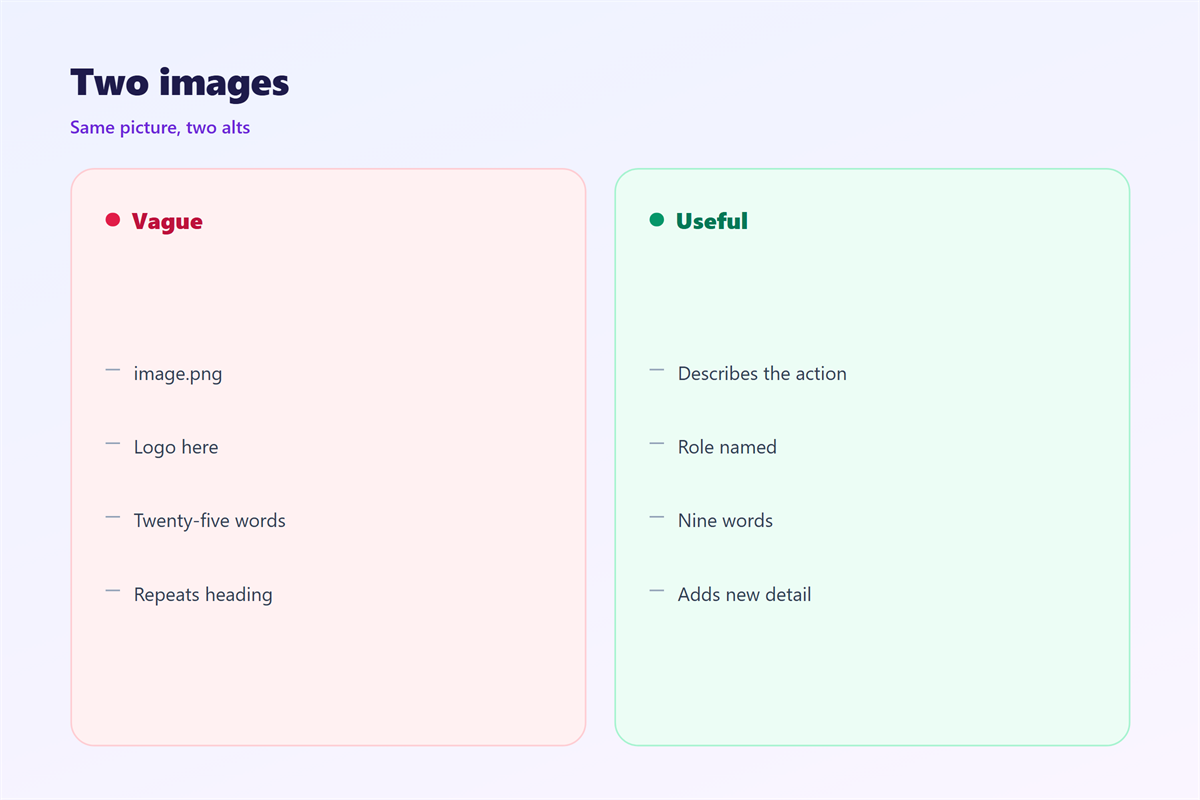
Context decides what the words should say. The same image can do two jobs.
The same photo needs different text in two mails.
In a recipe mail, name the dish.
In a delivery mail, name the parcel.
So write the alt after the layout is fixed.
Then you know what the image is doing.
Our team writes alt text last, never first.
That order keeps the words tied to the job.
A 邮件替代文字 written too early drifts.
Length and punctuation
Aim for about 125 characters.
End with a full stop only if it is a sentence.
Skip the trailing period on a label.
Keep the tone flat and factual.
Then read it aloud once.
How to build 邮件替代文字
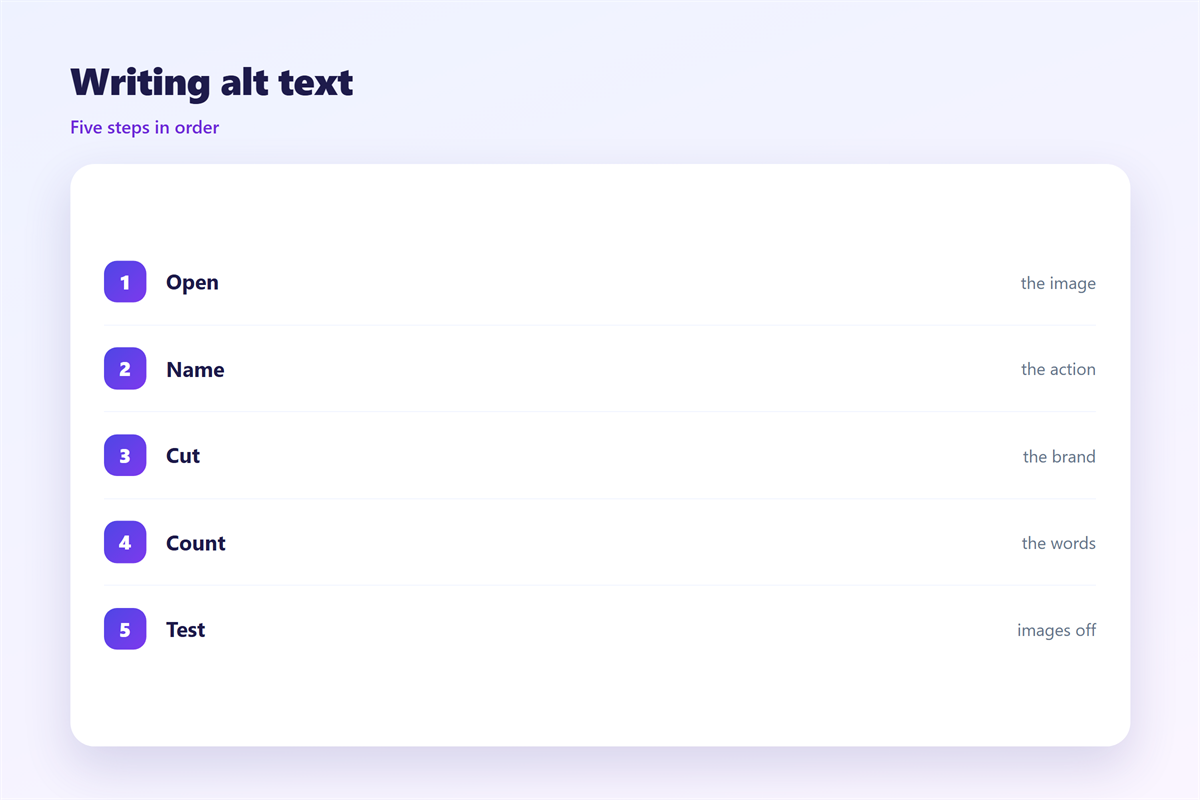
List every image in the mail.
Mark each one as content or decoration. Half of a mail is usually decoration.
Write one line for each content image.
Leave the decorative ones empty.
Check that every link image names its action.
Then turn images off in the preview.
Read the mail from top to bottom.
Fix the places where meaning disappears.
A quick pass with a colleague
Send the preview to one colleague.
Ask what each block was for.
Compare their answer with your alt text.
A mismatch means the text is vague.
Rewrite that line and check again.
Two rounds are usually enough.
邮件替代文字 on a phone
A phone screen hides images more often than desktop.
A weak signal loads text before pictures.
So 邮件替代文字 is visible on a phone first.
Keep the line short enough for one row.
A long label wraps and pushes the layout.
Test at 320 pixels with images blocked.
Then read the screen in order.
The order should still make sense.
A button image without alt text reads as blank.
That blank looks like a broken mail.
So name every button image by its action.
Then the mail survives a slow train ride. That test is the one readers actually notice.
Check the reading order
Turn on a screen reader once.
Listen to the first three blocks.
The order should match the visual order.
If it does not, fix the source order.
Keeping 邮件替代文字 honest
The image workflow sits in 邮件图片.
The wider access rules live in 邮件可访问性.
The source order is covered in 邮件阅读顺序.
The width maths appears in 邮件图片尺寸.
A 邮件替代文字 should never sell.
Describe the picture, not the offer.
Then review the labels with the design team.
Keep the review in the template notes.
FAQ
How long can 邮件替代文字 be?
About 125 characters. Shorter is better for a phone.
Should alt text repeat the button label?
Yes, when the image is the button. The name must match.
Do decorative images need alt text?
No. Leave the attribute empty and add no words.
Can alt text help search?
A little. Write it for readers first.
评论
还没有评论,来说两句吧。
评论功能已关闭。