 小影邮箱
小影邮箱邮件装饰怎么加?Decoration With Restraint
Key Takeaways
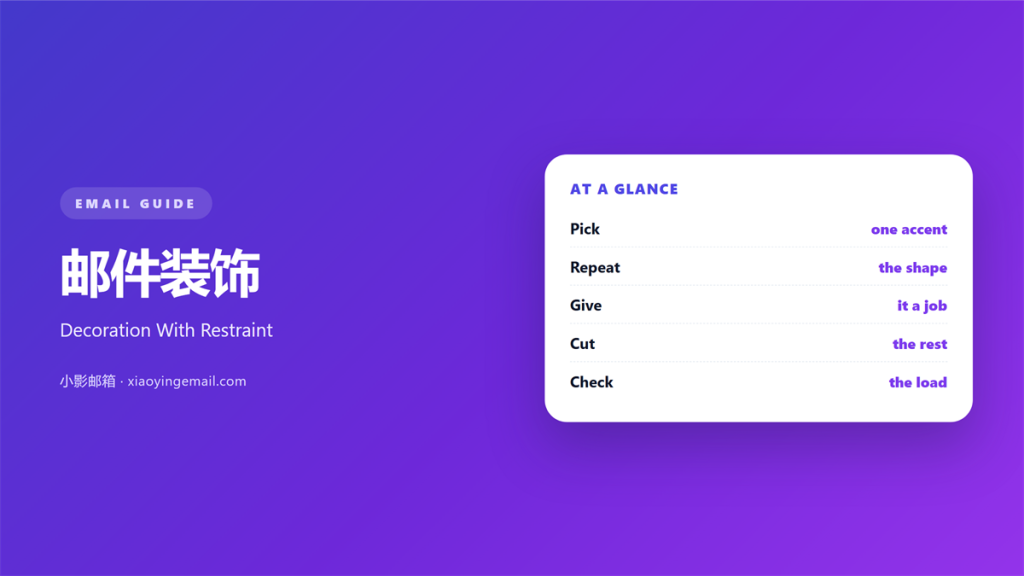
- 邮件装饰 is any visual choice that is not the message itself.
- Every mark should have a job you can name.
- Pick one accent colour and repeat it twice.
- Remove one decorative element before every send.
- Test the page with images turned off.
What 邮件装饰 means
邮件装饰 is any visual choice that is not the message itself.
It covers dividers, icons, small shapes, and colour blocks.
It does not cover the words, the button, or the grid.
Those carry meaning. Decoration supports them.
The test is simple. Remove it and see what breaks.
If nothing breaks, it was decoration.
That is fine, as long as it earns its space.
Good decoration makes the page easier to read.
It points at a section, marks a change, or sets a mood.
Bad decoration fills space and slows the eye.
It also fails when the mark repeats too often.
Three rules on one screen become a pattern of stripes.
A good 邮件装饰 is quiet enough to pass unnoticed.
Its absence is noticed, not its presence.
Why 邮件装饰 matters
A plain page can feel like a draft.
A little structure tells the reader the page is finished.
A finished page also signals care.
Readers tend to extend that care to the offer itself.
Decoration also guides the eye.
A thin rule ends one section and starts the next.
That small mark saves a paragraph of transition.
It also carries brand.
A shape repeated across mails becomes recognisable.
Readers spot the sender before they read the name.
邮件装饰 is cheap to apply and cheap to remove.
That makes it a good first experiment.
Decoration is a signal
Every mark tells the reader something.
A rule says this section ended.
A dot says this item belongs to a list.
A tint says this block is different.
Use a mark only when you mean what it says.
When 邮件装饰 helps
邮件装饰 helps when a page has two long sections.
A divider between them costs nothing and clarifies a lot.
It helps when a section needs a soft edge.
A tinted block can separate a quote from the body.
It helps when the brand has one strong colour.
A small shape in that colour ties the page together.
It also helps when a mail has no images.
A rule or an icon gives the eye a rest point.
One accent, repeated
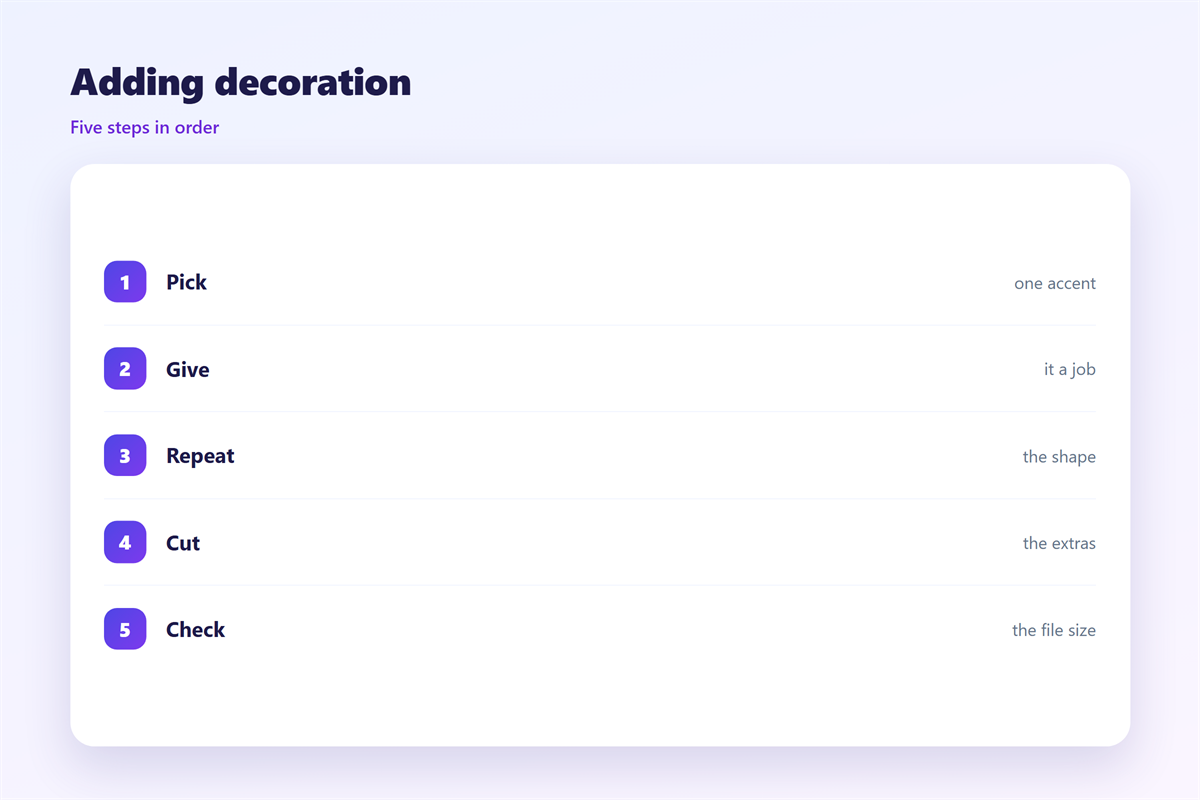
Pick one accent colour for the whole mail.
Use it on the rule, the icon, and the label.
Then stop.
A second accent weakens the first.
Repetition creates the pattern that readers remember.
When 邮件装饰 hurts
邮件装饰 hurts when it competes with the text.
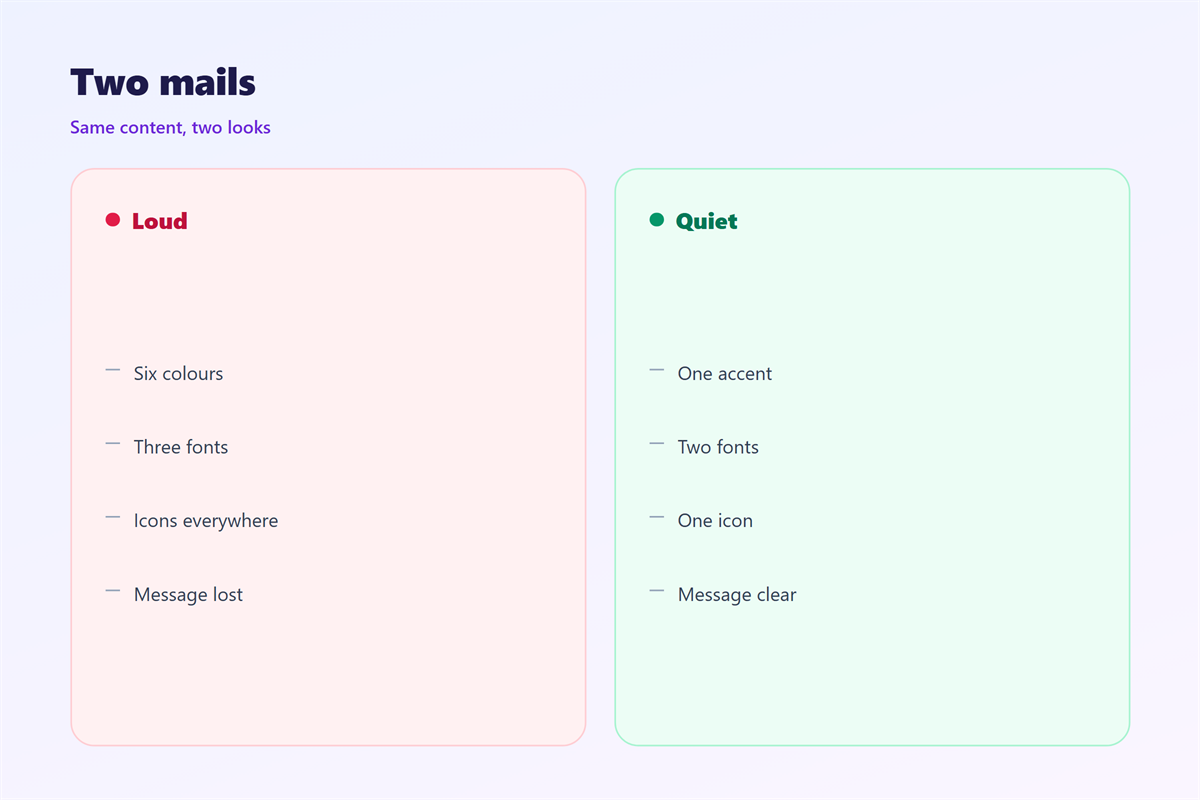
A busy border pulls the eye away from the sentence.
It hurts when every section gets its own colour.
The page looks like a chart, not a letter.
It also hurts when the decoration carries meaning.
A red dot that means urgent must always mean urgent.
Otherwise readers learn to ignore all dots.
Decoration hurts when it adds weight.
Large images and background fills slow the load.
And it hurts when it is applied by habit.
If nobody can name its job, delete it.
邮件装饰 and colour
Colour is the strongest decoration and the riskiest.
One accent plus one neutral works for most mails.
Then a single tint for backgrounds.
Three colours are enough. Four starts to drift.
Contrast before beauty
Check contrast before you check taste.
Text needs a dark tone on a light ground.
A soft grey on white looks elegant and reads badly.
Test the pair at arm’s length on a phone.
If you squint and lose the words, the pair fails.
Choose a readable pair, then decorate around it.
How to use 邮件装饰 well
Start with the page and remove what has no job.
Then add one accent and repeat it twice.
Keep dividers to one pixel or two.
Space above a rule should differ from the space below.
That difference tells the eye which side it belongs to.
Use icons only when they replace a word.
A clock icon can replace the word time.
An icon beside a full label is repeated work.
Then keep the footer simple and quiet.
It should close the mail, not start a new one.
Remove one thing
Before sending, remove one decorative element.
Then look at the page again.
Most of the time the page improves.
That habit keeps decoration honest.
It also keeps the file small.
邮件装饰 on a phone
Decorative elements grow heavier on a phone.
A wide rule becomes a thick band.
A small icon becomes a large block.
So set a maximum width for every shape.
Keep dividers inside the text column.
Then check the padding around each tinted block.
A tint that touches the edge looks like an error.
Test with images off, where shapes may vanish.
The page should still read in that state.
If it does not, the decoration was carrying too much.
Keeping 邮件装饰 consistent
A decoration system is a short list of allowed marks.
Write down one rule weight, one accent, and one icon set.
The line itself is covered in 邮件分隔线.
The palette behind it appears in 邮件配色.
The small signs are explained in 邮件图标.
The closing block sits in 邮件页脚.
Then keep the list where the team can find it.
A new designer should reach the same result.
Consistency turns decoration into recognition.
FAQ
How much 邮件装饰 is too much?
When you cannot name the job of each element. Then remove one.
Do icons count as decoration?
Only when they replace a word. Otherwise they are clutter.
Can a 邮件装饰 break rendering?
Yes. Background images and shadows fail in some clients. Test first.
What should the footer keep?
The sender name, the address, and one unsubscribe link. Nothing else.
References
- Litmus: Email design and client rendering tests
- Nielsen Norman Group: Visual design and attention
- Campaign Monitor: Email design resources
评论
还没有评论,来说两句吧。
评论功能已关闭。