 小影邮箱
小影邮箱邮件外部标记是什么?Spotting Outside Senders
Key Takeaways
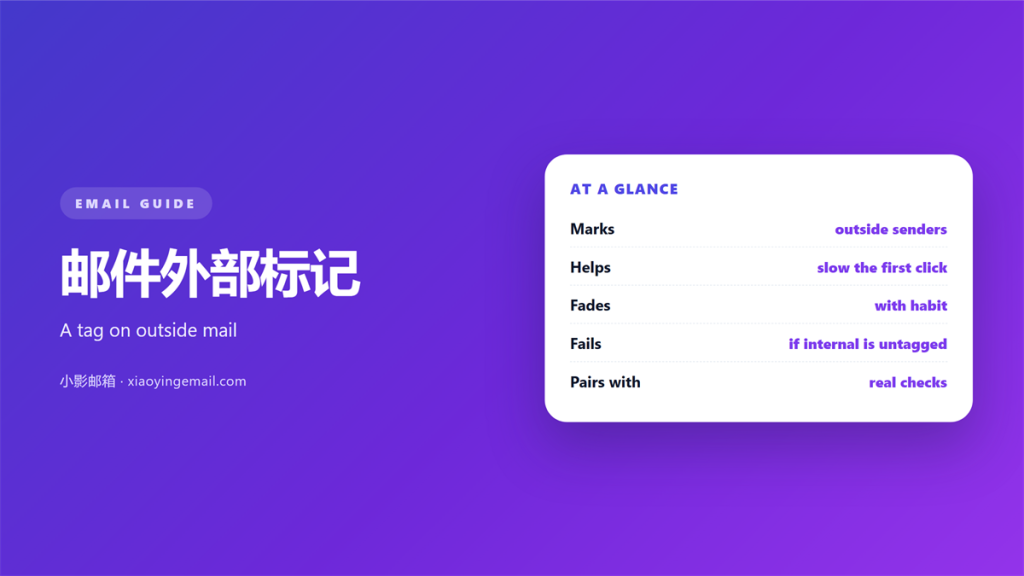
- 邮件外部标记 warns when a sender sits outside your domain.
- The banner is a hint, not a verdict.
- Internal names can still be forged.
- Teach readers what the tag means.
- Keep the wording short and calm.
What 邮件外部标记 shows
邮件外部标记 is a label your mail system adds to outside messages. It warns the reader in plain words.
The label may be a banner, a colour or a short prefix in the subject line.
The rule behind it is simple. Does the sender domain match your own?
If the domains differ, the system adds the mark. If they match, it stays quiet.
Good 邮件外部标记 names the real sender domain inside the banner.
That name is the useful part. A generic warning is easy to ignore.
邮件外部标记 answers one question only. It says whether the sender is inside or outside.
The mark appears before the reader opens anything. It sits at the top of the message body.
Wording matters more than colour for most readers. A clear sentence beats a red box.
Colour alone is a weak signal. Colour-blind readers may miss it.
How 邮件外部标记 gets applied
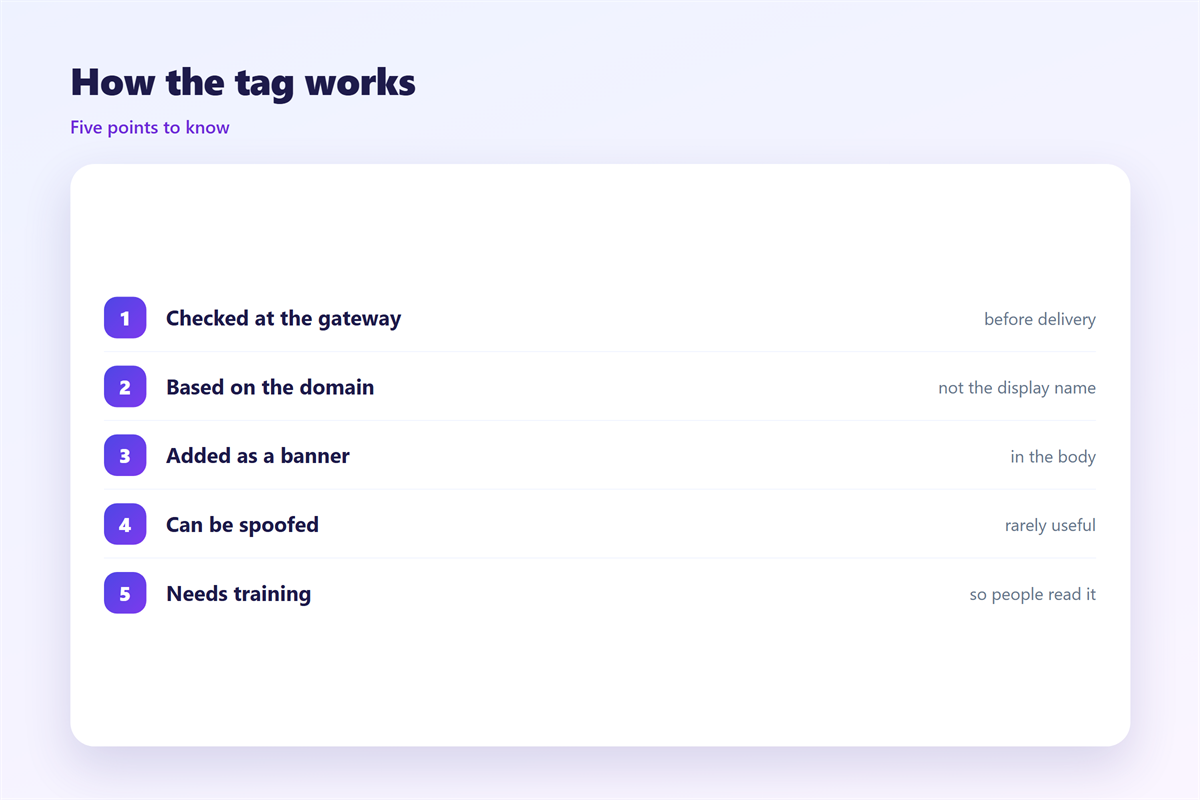
Your mail gateway checks each incoming message. It compares the sender domain with an internal list.
The gateway usually looks at the header address. Some systems also check the reply address.
Authentication results feed the decision. SPF, DKIM and DMARC all add evidence.
A failed check may add a stronger warning. A pass may reduce the wording.
Clear 邮件外部标记 depends on a correct internal list. Add every domain your company owns.
A missing domain creates false warnings. Staff then learn to ignore the banner.
Test the mark after any domain change. Send a message from outside and check the result.
A well tuned 邮件外部标记 stays quiet for internal mail. That silence is the goal.
The gateway rewrites the message as it passes. That is how the banner gets added.
Some systems also mark the display name. A look-alike name then stands out.
Log the decision for each message if the system allows it.
Reading the banner with 邮件网关
The banner is one signal among several. Read it next to the sender name and the request.
Our notes on 邮件网关 explain everything the gateway checks. Authentication sits near the top of that list.
A marked message is not always hostile. Suppliers and customers sit outside your domain too.
The mark only says the sender is external. It does not say the sender is honest.
Use 邮件外部标记 as a pause, not a stop sign. It buys a moment to check the request.
That is why the banner must sit beside other habits. Check the request before you act on it.
An urgent demand for payment deserves a second look. Read the 邮件诈骗 guide for invoice and boss fraud patterns.
Names can be forged even inside your domain. The 邮件冒充 guide shows how to spot a forged sender.
For a deeper look at headers, see our notes on 钓鱼邮件. The header often gives the game away.
A short banner beats a paragraph. Long warnings are skimmed and forgotten.
Links and attachments deserve their own check. The banner says nothing about them.
Pair the banner with a simple rule. Verify any payment request by phone.
The best banners answer one question in under ten words.
Where 邮件外部标记 falls short
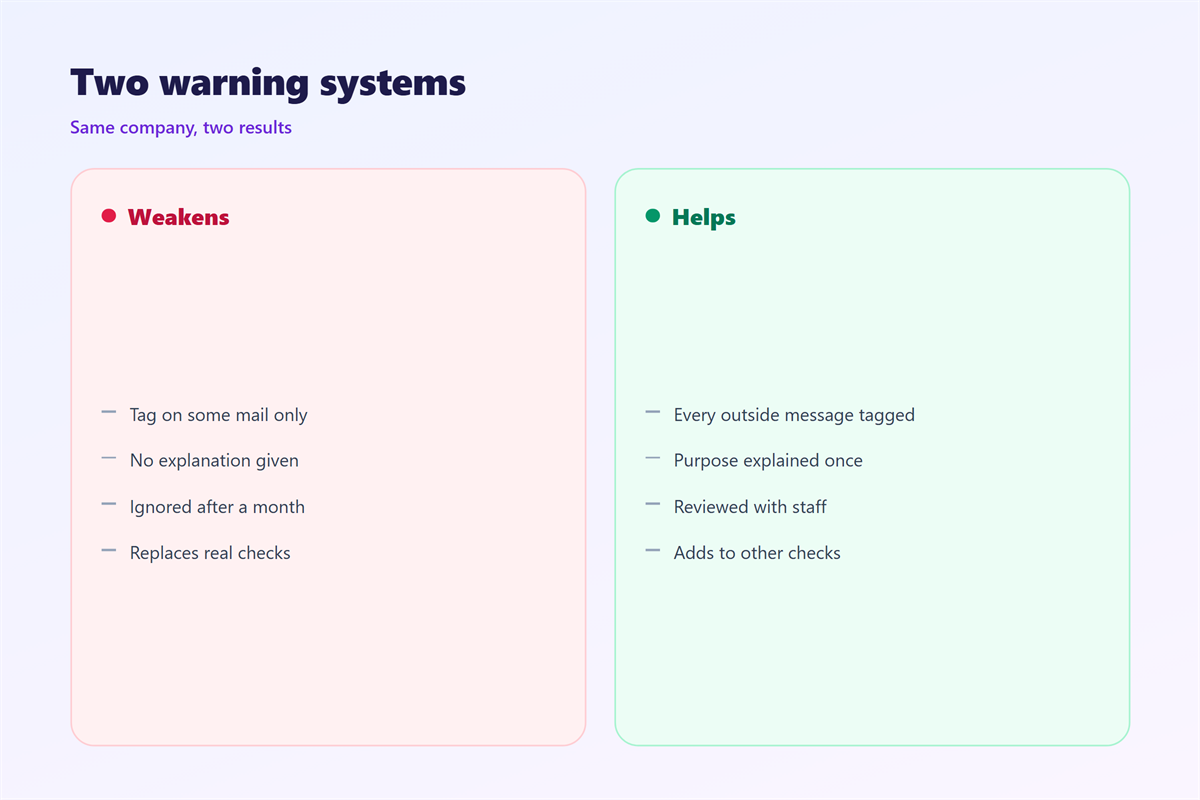
The mark helps most when it is rare. A banner on every message becomes invisible.
A forged internal name defeats it entirely. The message may never be marked at all.
Mobile clients sometimes strip the banner. The reader sees nothing unusual.
A forwarded message can also lose the mark. The original warning disappears.
Poor 邮件外部标记 also uses scary wording. Fear pushes people to act without thinking.
Calm wording works better. It invites a check instead of a panic.
When 邮件外部标记 is wrong, trust in it drops fast.
Text-only clients show the banner as plain words. The effect is weaker but real.
New employees need the lesson early. Their first week is when mistakes happen.
A banner cannot fix a careless habit. Only people can.
Getting the most from 邮件外部标记
Tell staff what the banner means at least once. A short note in training is enough.
Keep the wording to one line. Say the sender is outside and to be careful.
Add the real domain to the banner when you can. That detail is worth more than a slogan.
Review the internal domain list every quarter. Mergers and new brands change it.
Good 邮件外部标记 works with training, not instead of it. The human check is still the last line.
Measure how often the banner fires. A sudden spike may signal a spoofing attempt.
Ask staff to report false marks. Each report tunes the domain list.
A quiet banner is not proof of safety. It only means the sender looks internal.
Keep one owner for the banner wording and the domain list.
Review the results with the security team twice a year.
FAQ
Does 邮件外部标记 block anything?
No. It only adds a warning. Blocking is a separate job for the gateway.
Why did a marked message turn out to be real?
Real senders sit outside your domain too. The mark says external, not malicious. Judge the request itself.
Can staff turn the banner off?
They should not. The setting is usually locked by the administrator. Report a broken banner instead.
Is 邮件外部标记 enough on its own?
No. It is one layer. Authentication, training and a good gateway matter just as much.
评论
还没有评论,来说两句吧。
评论功能已关闭。