 小影邮箱
小影邮箱邮件快捷回复怎么做?Canned Replies That Sound Human
Key Takeaways
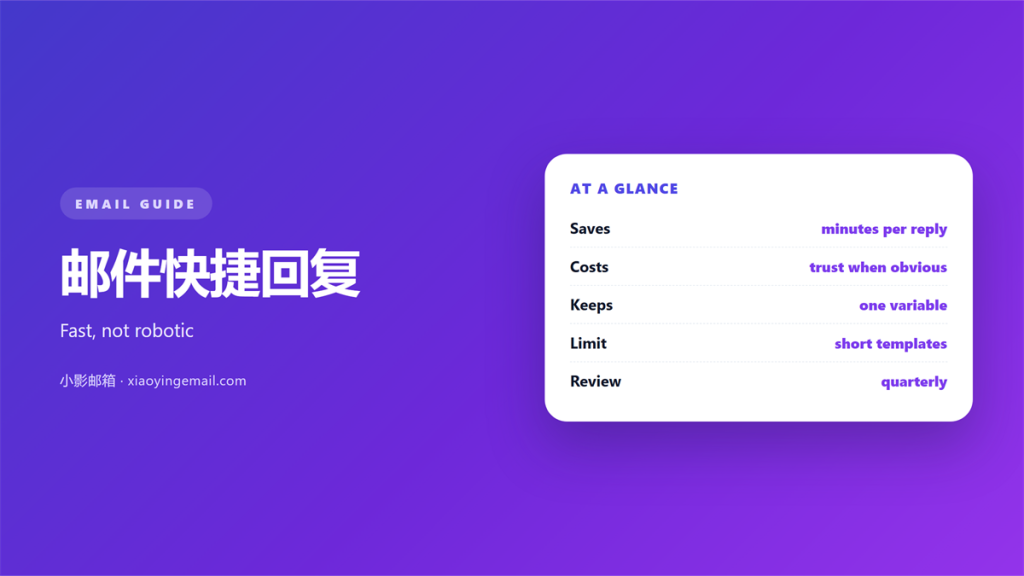
- 邮件快捷回复 save typing on repeat answers.
- They cost trust when they sound like a bot.
- A short block beats a full letter.
- One edit per send keeps it human.
- Retire any block that ages badly.
What 邮件快捷回复 are
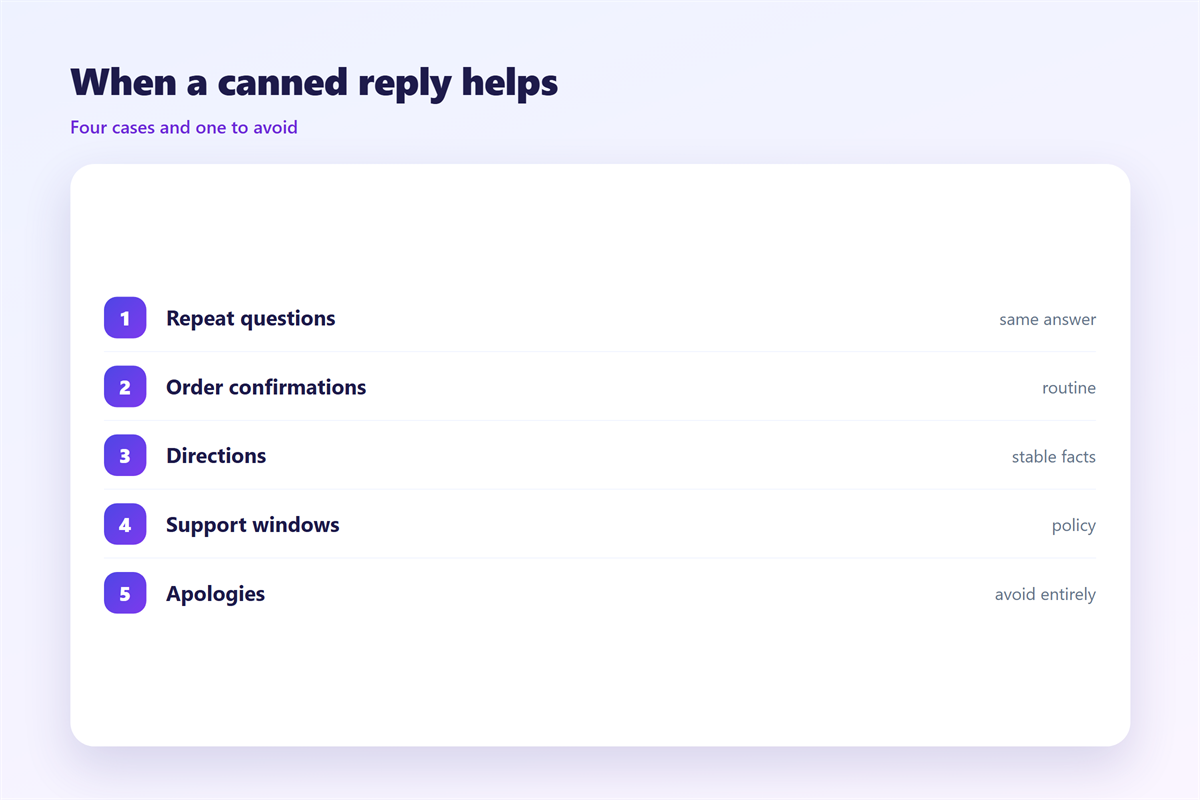
邮件快捷回复 are saved blocks of text. You store them once and reuse them often. Clients call them templates or canned replies.
Gmail hides them behind a menu. Outlook calls them quick parts. Apple Mail has no built-in version at all.
The block holds the parts that never change. You then add the parts that always change. A name, a date, a number.
That mix is the whole point. The fixed text is safe to reuse. The variable text is where the care goes.
A good 邮件快捷回复 stays short. It answers one question well. It does not try to cover every case. Every 邮件快捷回复 is a promise to answer fast.
Two limits matter here. A block cannot read the question. A block cannot hear the tone. You still supply both.
A folder full of blocks is a library. A block you cannot find is lost. Sort them by job, not by date.
Why 邮件快捷回复 sound robotic
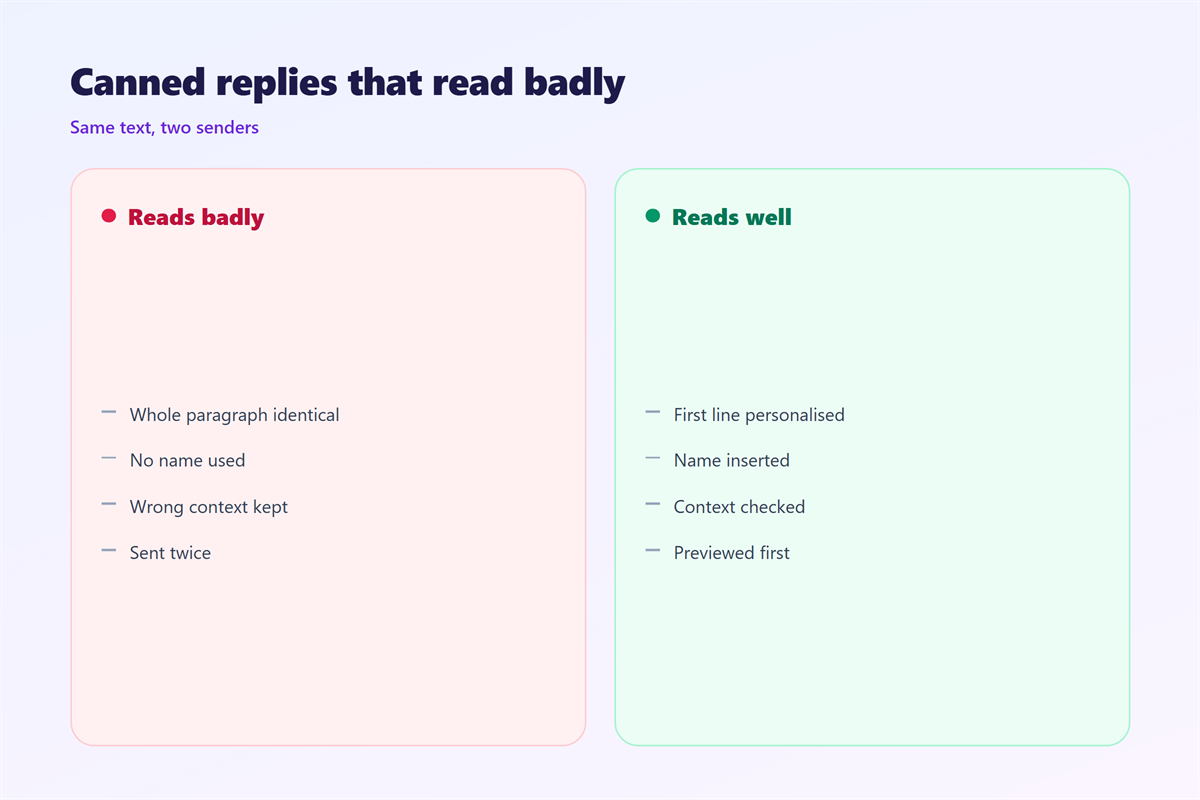
A canned reply fails on tone. The reader can feel a block of text. The greeting and the close rarely match.
邮件快捷回复 also fail on fit. A block written for one client lands on another. The details do not line up.
Length is a common mistake. A long block hides the answer. The reader hunts for the point and gives up.
Merge fields make it worse. A wrong first name is worse than no name. Check the field before you send.
The fix is not a rewrite. The fix is a smaller block. Keep only the sentences you would type again.
The problem grows with volume. One canned reply is invisible. Ten in a row feel like a machine. Vary the spacing and the words.
A block also ages. Words that were fresh last year feel stale now. Read each one as a stranger would.
How to write 邮件快捷回复
Start from a message you already sent. Cut it to the reusable core. Then name the block by its job.
Write the block in plain text first. Add formatting only when it helps. Plain text survives every client.
Leave a clear slot for the personal line. Mark it so you cannot miss it. Then fill it every time.
Keep the greeting out of the block. Type the greeting by hand. That single step keeps the tone warm.
Keep the block under four lines. A reader should finish it in one glance. Long blocks get skimmed and then ignored.
Build a small set at first. Three or four blocks cover most mail. Add a new one only when you repeat yourself.
Store 邮件快捷回复 where you can see them. A hidden menu means you forget them. A visible list means you use them.
Where 邮件快捷回复 go wrong
They go wrong when they replace thought. A block is a tool, not a reply. Read the question before you paste.
They go wrong across languages. A block tuned for one market may read as cold in another. Translate the intent, not the words.
They go wrong on sensitive mail. A canned apology sounds like a script. Write those messages by hand.
They go wrong over time. A block with a stale price keeps sending. Review the set every few months.
The biggest risk is visibility. A 邮件快捷回复 shared with a team can expose the wrong name. Test with your own address first.
Personal names are the sharpest edge. A block sent to the wrong person is hard to undo. Slow down on the send key.
Watch the reply-all button. A block sent to a whole list can leak a private line. Check the recipients twice.
Testing your 邮件快捷回复
Let a colleague read three replies. Ask if they can spot the block. If they can, shorten it.
Track which blocks you edit every time. A block you always change is too long. Cut it in half.
Track which blocks you never use. Delete them without regret. An unused block is just clutter.
A monthly check keeps the set honest. Open each block and read it aloud. Anything that sounds stiff gets cut.
Keep a note of what you changed. The pattern tells you which blocks need work. Most sets shrink over time.
A weekly pass is enough for most people. Open the list and read each block. Then mark the ones that misfit.
Pair the blocks with the right tool. The ideas in 邮件模板 are the closest match. A block you leave for later is not the same as an 自动回复. The basics of threading belong with 邮件回复, and any unsent note sits in 邮件草稿.
FAQ
What are 邮件快捷回复?
They are saved text blocks you insert into a new message. You pick one from a menu, then edit it. The point is to skip retyping the common parts.
Do canned replies look lazy?
Not by themselves. A short block with one personal line reads fine. A 邮件快捷回复 only looks lazy when it is wrong or too long.
Where are they stored?
It depends on the client. Most keep them on the server, so they follow your account. A few keep them on one device only. Check the settings before a device switch.
Can 邮件快捷回复 replace an auto reply?
No. An auto reply answers while you are away. A block answers when you are at the keyboard. They solve different problems.
评论
还没有评论,来说两句吧。
评论功能已关闭。