 小影邮箱
小影邮箱邮件授权怎么做?Who May Send What
Key Takeaways
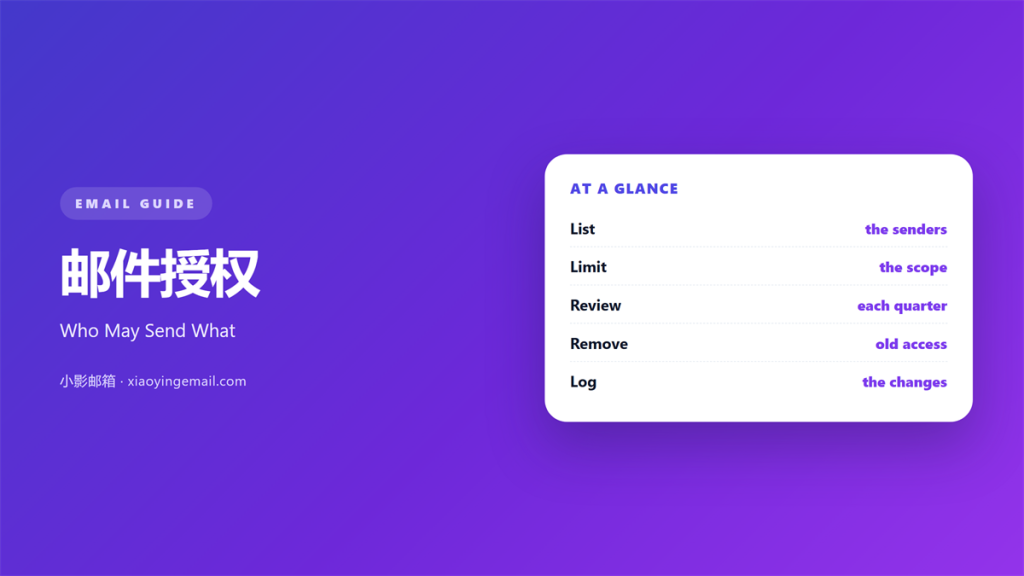
- 邮件授权 decides who may send as the brand.
- Keep the list of senders short.
- Give each role the smallest access it needs.
- Review the list every quarter.
- Remove access on the last day of a role.
What 邮件授权 means
邮件授权 is the set of rules that decides who may send mail for a company.
It covers full mailboxes, shared inboxes, and sending tools.
It also covers aliases and group addresses.
Each permission should map to a job, not a person.
People change roles, and jobs stay the same.
That one design choice keeps the model stable.
Authorization is not the same as authentication.
Login proves who you are, and authorization decides what you may do.
Most teams handle the first and neglect the second.
That gap is where mistakes and abuse live.
A rule that only exists in memory is not a rule.
Write it where the team can read it.
Why 邮件授权 matters
Every message carries the name of the organisation.
One careless send can reach a whole customer list.
The damage is public, and the apology is too.
邮件授权 keeps that risk inside a known group.
It also makes compliance work simpler.
Auditors ask who could send, and when.
A written list answers that question in minutes.
Without it, the answer becomes a long interview.
Clear rules also help the team move faster.
People stop asking for permission they already have.
邮件授权 also protects the people who send.
A clear rule is a shield when a message goes wrong.
When 邮件授权 helps
邮件授权 helps when a company grows past ten people.
At that size, informal trust stops working.
It helps when a vendor sends mail on your behalf.
A vendor domain needs a named owner and a review date.
It also helps during a rebrand.
Old aliases must stop sending under the new look.
That cleanup is impossible without a list.
It helps when a new market opens.
New senders appear before the process does.
Start with the sending domains
List every domain that can send mail.
Include the ones that only forward.
Then note who controls the records for each.
A forgotten subdomain can sit unused for years.
Attackers look for exactly that.
When 邮件授权 hurts
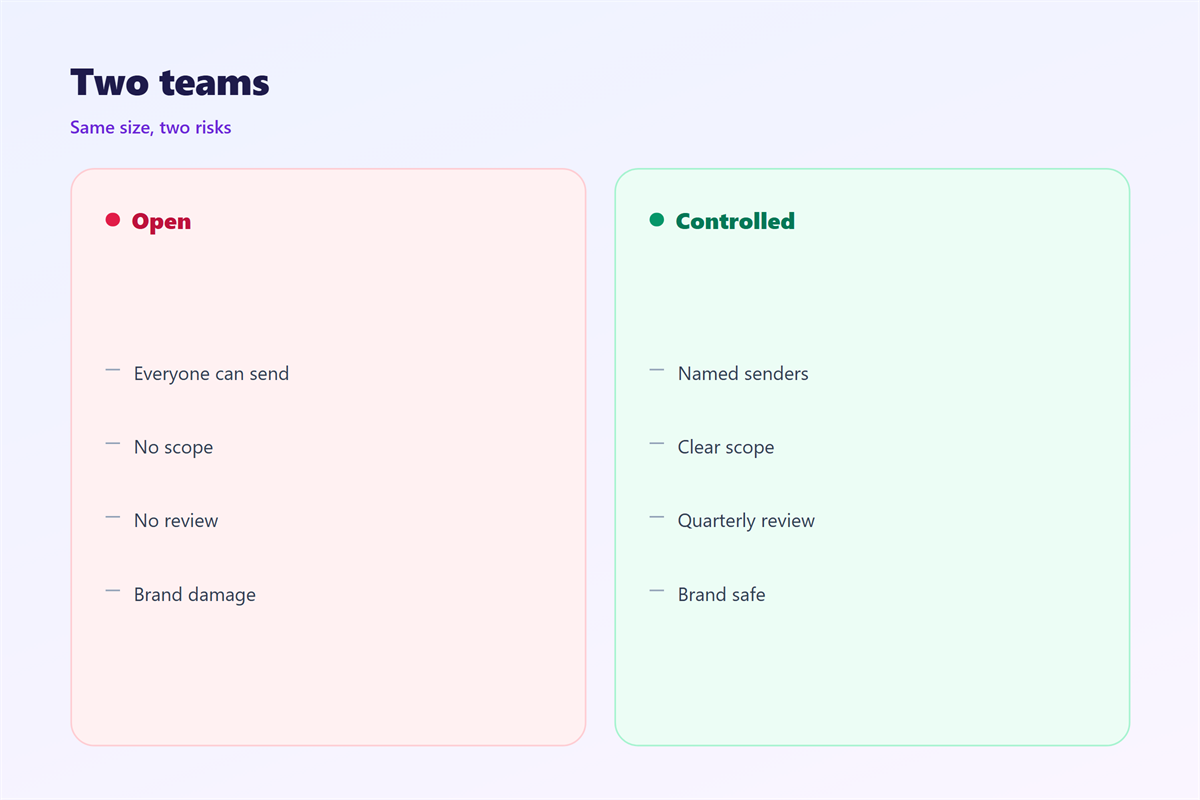
邮件授权 hurts when everyone keeps full access.
Nobody can tell who made a change.
It hurts when a shared password spreads across a team.
Then the log shows one name for five people.
It hurts again when access survives a job change.
A former intern should not read today’s mail.
The brand may speak in a voice nobody approved.
Readers notice that change before the team does.
Slow approvals hurt as well.
A campaign can miss a market window in a day.
So balance the control with a clear fast path.
None of this works without a review date.
邮件授权 and shared inboxes
A shared inbox is a small office with one door.
Everyone with the key can read everything.
That is fine for support and wrong for finance.
Set a rule per inbox, not per company.
Name one owner for each shared address.
Then list the people who may reply.
Others may read, but not send.
Most tools support that split today.
Log the split, or the next hire will undo it.
A shared inbox also needs a rule for replies.
Some threads should stay inside the team.
Write the matrix down
A table with three columns is enough.
Role, address, and level of access.
Keep the table where the team can find it.
A hidden rule is a rule that will break.
How to use 邮件授权 well
Begin with the work, not the tool.
List the tasks that need a branded send.
Then map each task to a role.
Give that role the smallest access that works.
Use named accounts, never shared logins.
Turn on two-factor login for every sender.
Then require a second pair of eyes for bulk mail.
That check catches most accidental sends.
Record who approved each campaign.
The record should live outside the mailbox.
Keep the approval short
One reviewer and one backup is enough.
A committee will slow every send down.
The reviewer checks the list, the offer, and the link.
Then the reviewer says yes or asks for one fix.
That is the whole process.
邮件授权 when a role ends
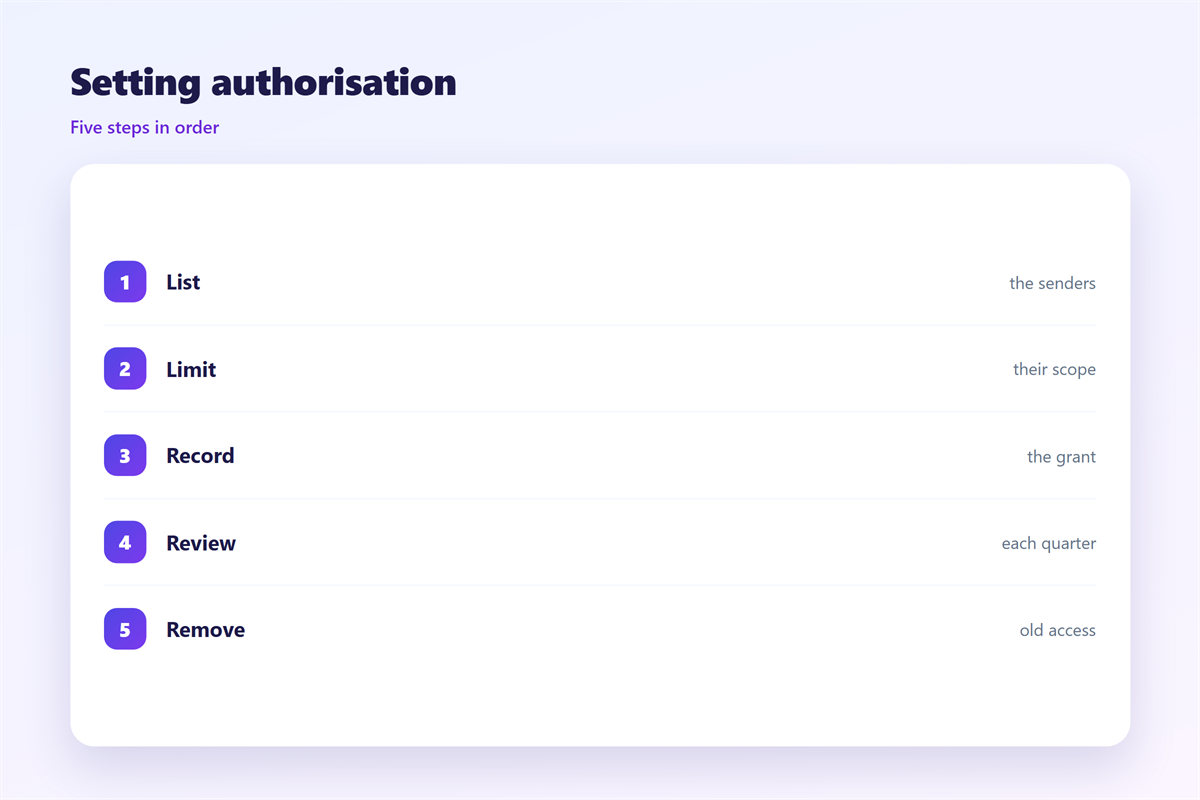
The last day of a role is the busiest day for access.
Remove the mailbox on that day, not later.
Set an auto-reply that names a new contact.
Forward only the mail that the role owned.
Then change every shared password the person knew.
Check the sending tools as well as the mailbox.
Most leaks start with a forgotten tool.
Write the date in the same record.
A closed entry is proof that the work was done.
Keeping 邮件授权 consistent
Review the list every quarter.
Ask one question for each name.
Does this person still need this access?
An empty answer means the access should go.
邮件授权 is a living list, not a document.
Delete a line when the reason for it disappears.
The approval trail is covered in 邮件审批, and the rules in 邮件合规. Setup steps sit in 邮件账户设置, and the records in 邮件审计.
Then keep one owner for the whole list.
That owner signs off each quarter.
A name beside a date makes the habit real.
FAQ
Who should approve 邮件授权 requests?
The owner of the sending domain. Add a security reviewer for bulk access.
How many senders should one brand have?
As few as the work allows. Ten named senders are easier to audit than fifty.
Can a freelancer send as the brand?
Yes, with a named account and an end date. Never with a shared login.
What should we do after a mistake?
Read the audit log. Then change the rule that allowed it.
评论
还没有评论,来说两句吧。
评论功能已关闭。