 小影邮箱
小影邮箱邮件审批怎么做?Chasing Sign-Off Without Noise
Key Takeaways
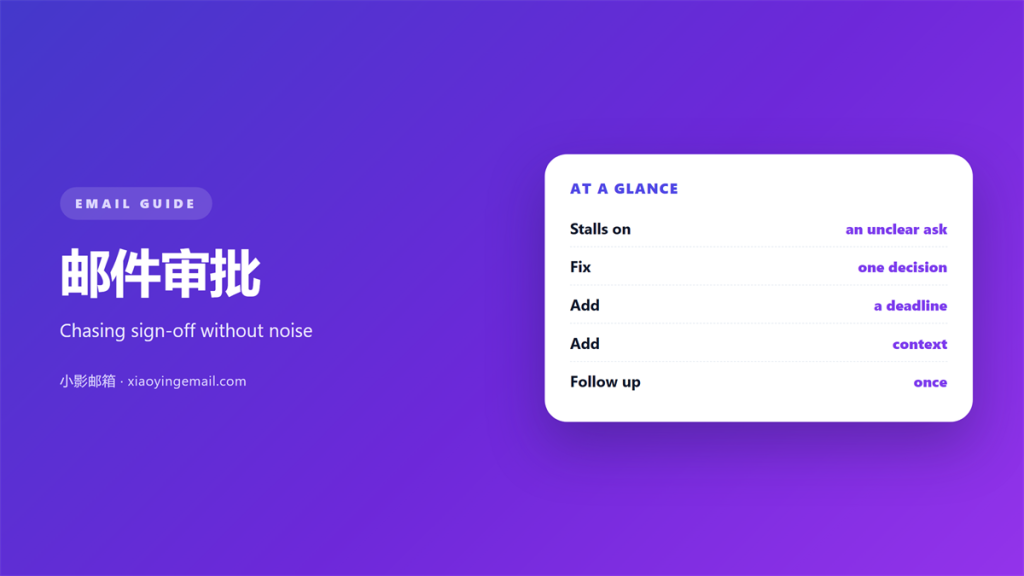
- 邮件审批 works best when one message asks for exactly one decision.
- A short deadline beats an urgent flag, because it gives the reader a slot.
- Put the ask in the first line, not at the bottom of a long thread.
- Chasing too early wastes goodwill, and chasing too late wastes the deadline.
- Write down what was approved, so the decision survives the year.
What 邮件审批 actually is
邮件审批 is a request for a decision sent by email. It looks simple, yet it carries an ask, a deadline and a consequence. I have reviewed hundreds of these threads at work, and the same pattern repeats. Therefore, the difference between a fast yes and a long silence is mostly structure.
Most stalled requests are not refused. They are simply never answered. Consequently, the 邮件审批 sits in an inbox and ages, while the person who sent it assumes the worst. A note that has waited a week is harder to answer than one that arrived that morning, simply because the context has faded from memory.
How a good approval thread runs
A strong request moves through four steps. It states the decision, gives the minimum context, sets a deadline and names the next action. Notably, each step fits in a short paragraph.
The reader should be able to answer without opening a single attachment. Moreover, the answer should be possible in one word, because approval is a binary act. In other words, the 邮件审批 should cost the reader seconds, not minutes.
The subject line does most of the work. A clear 邮件审批 subject states the decision and the deadline, so the reader can act from the list view alone. Furthermore, it makes the thread easy to find again a month later.
Who to ask and when
Send the request to the person who actually holds the decision. Copying five colleagues feels safe, but it dilutes the ask. Therefore, keep the recipient list short and put the owner in the To field.
The one-decision rule
One email, one decision. When a message asks for three approvals at once, the reader postpones all three. Consequently, split the requests and send them one at a time.
The deadline line
Give a date, not a feeling. “By Thursday at noon” tells the reader when the 邮件审批 must clear, while “soon” tells them nothing. Therefore, a concrete line makes the request easy to schedule.
Why 邮件审批 stalls
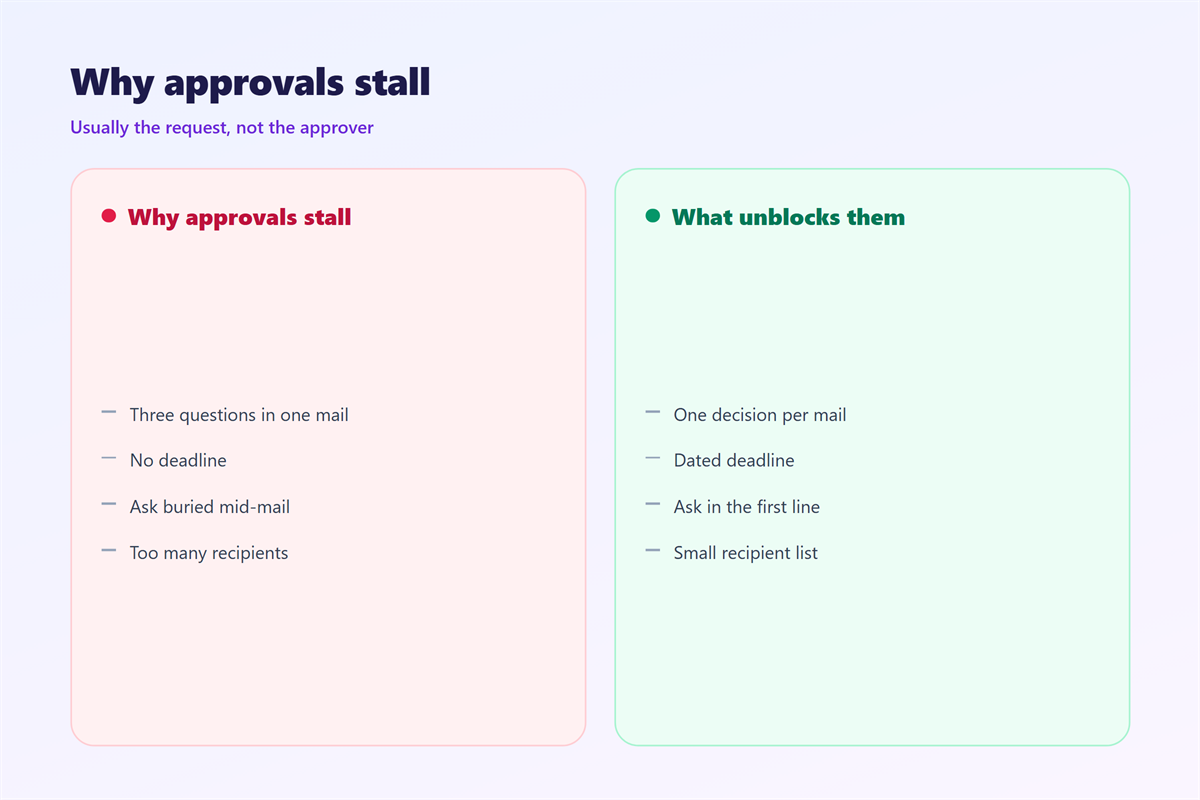
Requests stall for predictable reasons. The ask is buried under background, the deadline is vague, or the reader cannot tell what they are approving. Therefore, a vague 邮件审批 is easy to ignore.
Furthermore, a request with no deadline has no urgency. A message that says “when you get a chance” invites a reply next month. As a result, the work behind it slips without anyone deciding to delay it.
Five rules for a 邮件审批 that moves
These five rules have shortened my own approval loop from days to hours.
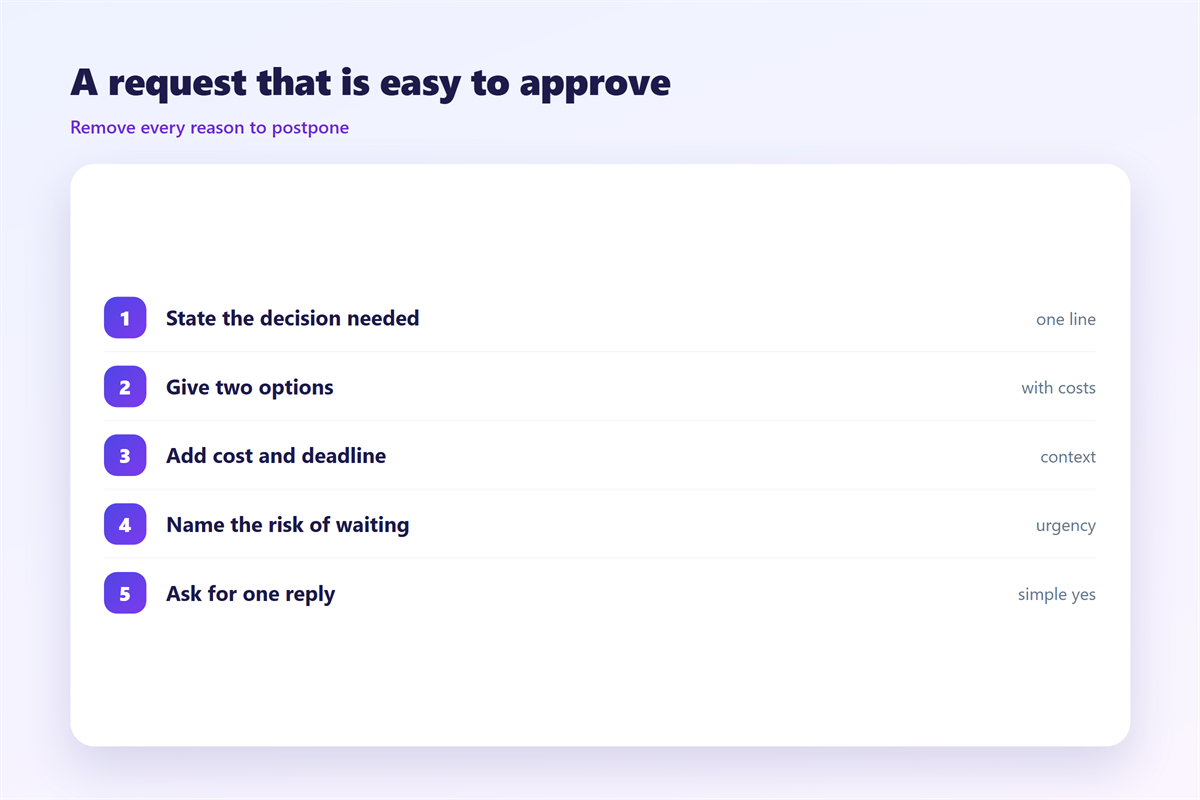
- Put the ask in the subject and repeat it in the first line.
- Attach the minimum context, not the whole history.
- Offer a clear deadline with a specific date.
- Make the reply easy: yes, no, or a question.
- Confirm the outcome in writing once it lands.
Where 邮件审批 goes wrong
Three failures recur. The first is a request buried at the end of a long thread, where the reader never reaches it. The second is a deadline that has already passed by the time the mail is read.
The third is subtler. When the sender hints at a preferred answer, the reader may feel pushed and stall even longer. Consequently, the 邮件审批 loses the neutrality that makes a fast yes possible.
On balance, plain wording wins. State the choice, give the facts, and let the decision belong to the reader.
How to chase 邮件审批 without noise
One reminder is usually enough. Wait two business days, then reply in the same thread with a single line. Therefore, the chase stays polite and easy to answer.
| Stage | Timing | What to send |
|---|---|---|
| First ask | Day zero | The decision and a deadline |
| Reminder | Day two | A one-line nudge in the thread |
| Escalation | Day five | A short note to a second owner |
| Close-out | After the reply | A written summary of the outcome |
When the decision lands, write it down. A short confirmation prevents the same 邮件审批 from returning next quarter. Our guide to 邮件确认 shows how to record what was agreed, and 邮件规则 helps route those confirmations to the right folder.
The follow-up rhythm
Space the reminders. Two days, then five, then a week is plenty. Furthermore, always reply in the original thread, so the reader sees the full context without a search.
For shared work, keep the request visible to the team. The notes on 共享邮箱 explain how to assign ownership, and 邮件归档 covers where the finished decisions should rest.
FAQ
What makes an 邮件审批 easy to approve?
A single clear ask, a real deadline and just enough context. When the reader can answer in one word, approvals move quickly.
How long should I wait before chasing an 邮件审批?
Two business days is a fair first nudge. Anything sooner reads as pressure, and anything later risks missing the deadline you set.
Can I approve a request by simply replying?
Yes, and you should. A one-word reply in the thread creates a record, which is often the whole point of the request.
Do I need a tracking tool?
Usually not. A clear subject line and a consistent thread give most teams all the tracking they need.
References
延伸阅读
- 《邮件协作怎么做?Sharing a Mailbox Well》
- 《邮件采购怎么做?From Request to Order》
- 《邮件会签怎么做?Who Agreed and When》
- 《邮件防泄漏怎么做?Stop Mail Before It Leaks》
- 《邮件报销怎么写?Filing an Expense》
- 《邮件清单怎么用?A List That Works》
- 《邮件批注怎么做?Notes in the Margin》
- 《邮件加班怎么写?Asking for Extra Hours》
- 《邮件转正怎么写?Confirming the Role》
- 《邮件调岗怎么写?Moving to a New Seat》
- 《邮件递交怎么写?Handing Work Over》
- 《邮件升级怎么做?Escalate Without Friction》
- 《邮件请示怎么写?Asking Up the Chain》
- 《邮件授权怎么做?Who May Send What》
评论
还没有评论,来说两句吧。
评论功能已关闭。